Facebook Messenger API
AI front desk for Facebook
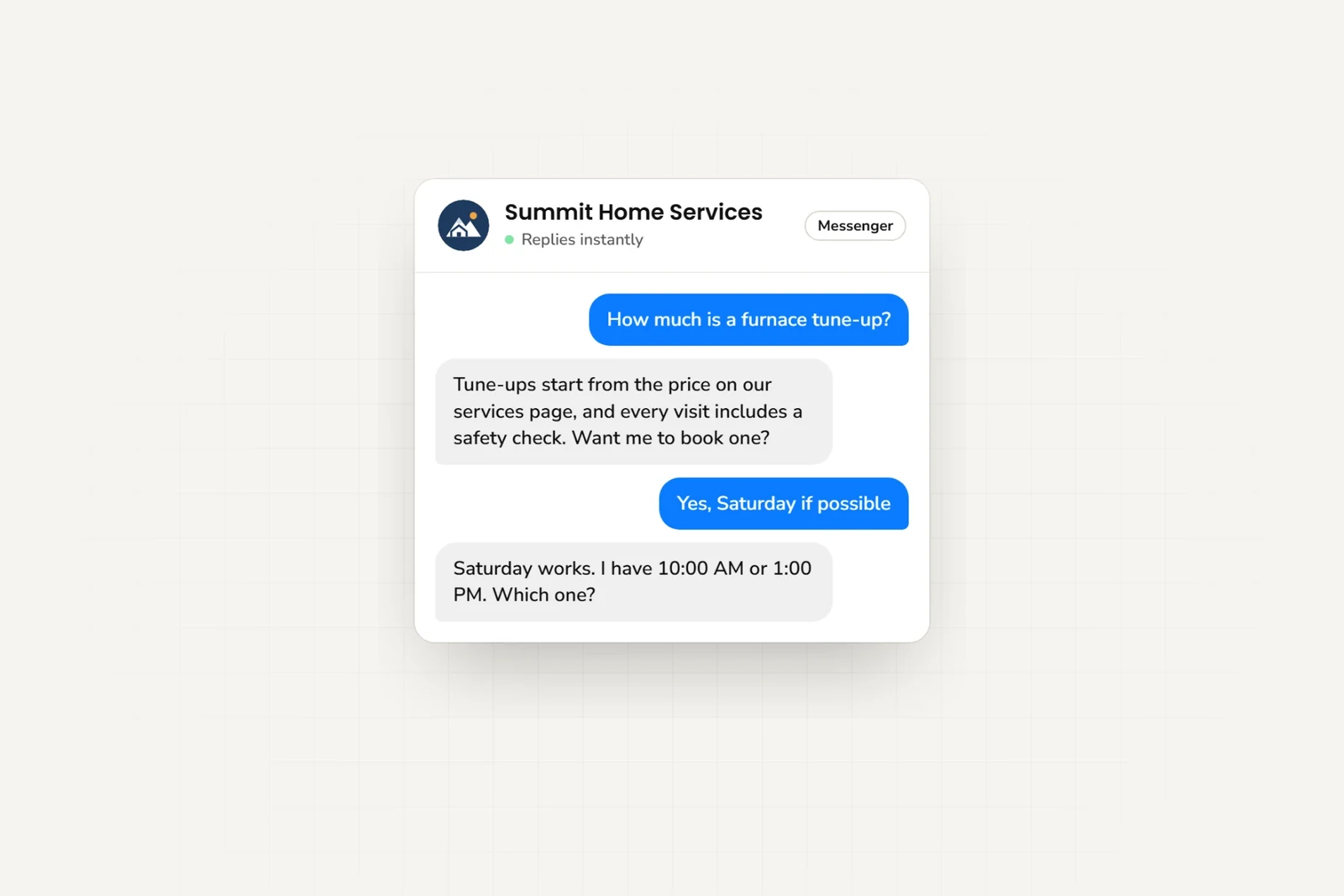
Answer questions sent to your Facebook Page. Your AI front desk uses your business information, collects customer details, and books appointments with Calendly or Cal.com.
- Meta Technology Provider
- and Business Partner — verified by Meta
- Official Messenger API
- No third-party relay in the middle
- One AI reply = one response
- No model-credit math
- From $40/mo
- See pricing — 7-day free trial
Features
Why Facebook Messenger for Business?
Help customers who message your Facebook Page about your business.
24/7 Instant Responses
Reply to customer questions in seconds, 24/7.
Ask what customers need
Ask what customers need and collect their contact details.
Multi-Language Support
Auto-detect and respond in 100+ languages for global customer support.
Page Integration
Answers messages sent to your Facebook Page.
Rich Cards & Carousels
When the AI shares your photos, documents, links, videos, or booking link, each arrives as a card — title, thumbnail, and a tappable button. Multiple cards appear as a swipeable carousel in Messenger.
Help from your team
When customers need personal assistance, the AI provides your team's contact information.
Setup
How to Connect Facebook Messenger
Get your AI agent live on Facebook in 5 simple steps
- 1
Create Your AI Agent
Sign up for Hyperleap and create your AI agent. Train it with your business knowledge, FAQs, and product information.
- 2
Connect Facebook Page
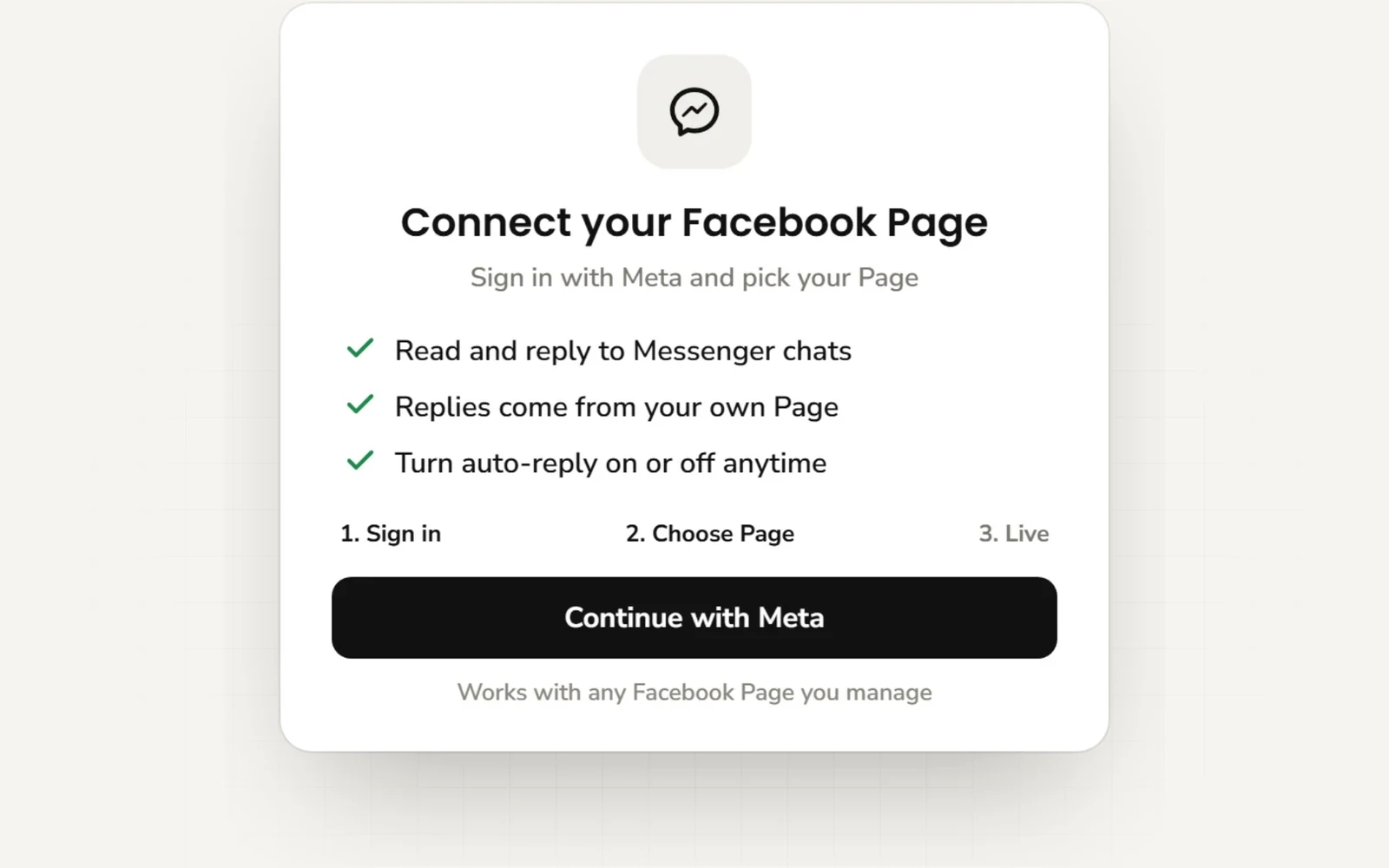
From the Channels section, click "Connect Facebook". You'll be redirected to Meta to authorize the connection.
- 3
Authorize Permissions
Grant Hyperleap the necessary permissions to read and respond to messages on your Facebook Page.
- 4
Configure Responses
Set up welcome messages, response templates, and automation rules. Customize the AI's tone and behavior for your brand.
- 5
Go Live
Test your setup with a few messages, then enable the integration. Your AI agent is now live on Facebook Messenger!
Before you start
Requirements
What you need before connecting Facebook
You'll Need:
Good to Know:
By industry
Industry Use Cases
See how different industries use Facebook Messenger AI
Real Estate
Property questions, buyer preferences, and viewing links
Retail
Product questions, shipping and returns policies
Hospitality
Room details, booking links, and check-in instructions
Healthcare
Clinic hours, appointment links, and contact details for staff
Education
Course questions, enrollment details, and application links
Finance
Service questions, application links, and contact details for staff
Frequently Asked Questions
Everything you need to know
Can I connect multiple Facebook Pages?
Yes, you can connect and manage multiple Facebook Pages from a single Hyperleap dashboard, each linked to its own chatbot.
How does the handover to human work?
When a customer needs human assistance, the AI can provide your team's contact information such as a phone number or email address so they can reach out directly.
Can it book appointments in Messenger?
Yes, with Calendly or Cal.com. The agent checks your live availability, lists the open times in its reply, and books the one the customer picks, then confirms the booked time in the chat. The customer gets the calendar invite by email. In-chat booking with Calendly needs Calendly Standard or higher; Cal.com works with cal.com-hosted event links. It creates new bookings only, so customers cancel or reschedule from their confirmation email. With any other scheduling tool, the agent shares your booking link.
Is it compliant with Facebook policies?
Yes, we use the official Messenger Platform API and adhere to all Meta policies regarding automated messaging.
What happens if the AI doesn't know the answer?
When a customer asks something outside the AI's knowledge, it can let them know and provide your team's contact information such as a phone number or email address so they can reach out directly for help.
Does this work with both personal and business Facebook Pages?
Yes, Hyperleap works with both personal and business Facebook Pages. You just need admin access to the Page you want to connect.
Still have questions?
Contact our support teamReady to Go Live on Facebook Messenger?
Let your AI front desk answer customer questions on Messenger, 24/7.