One AI front desk.
Four channels.
What it does on each channel.
 Website
Your front desk starts on your own site.
Answers visitor questions and collects contact details on service, software, and online store websites.
- Widget matched to your branding
- Rich cards for photos, documents, and videosPro and Max
- Works on desktop and mobile
- Contact form before chat
- Chat summaries emailed to your team
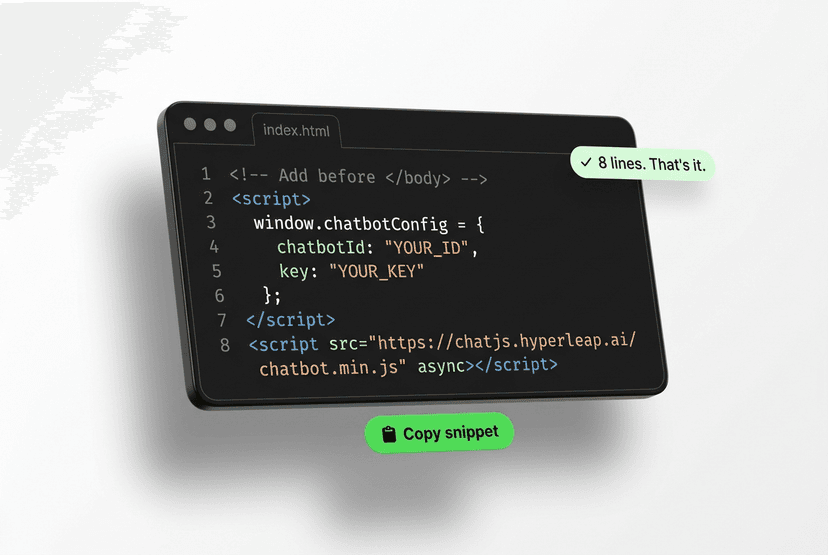
- One line of code, no developer needed
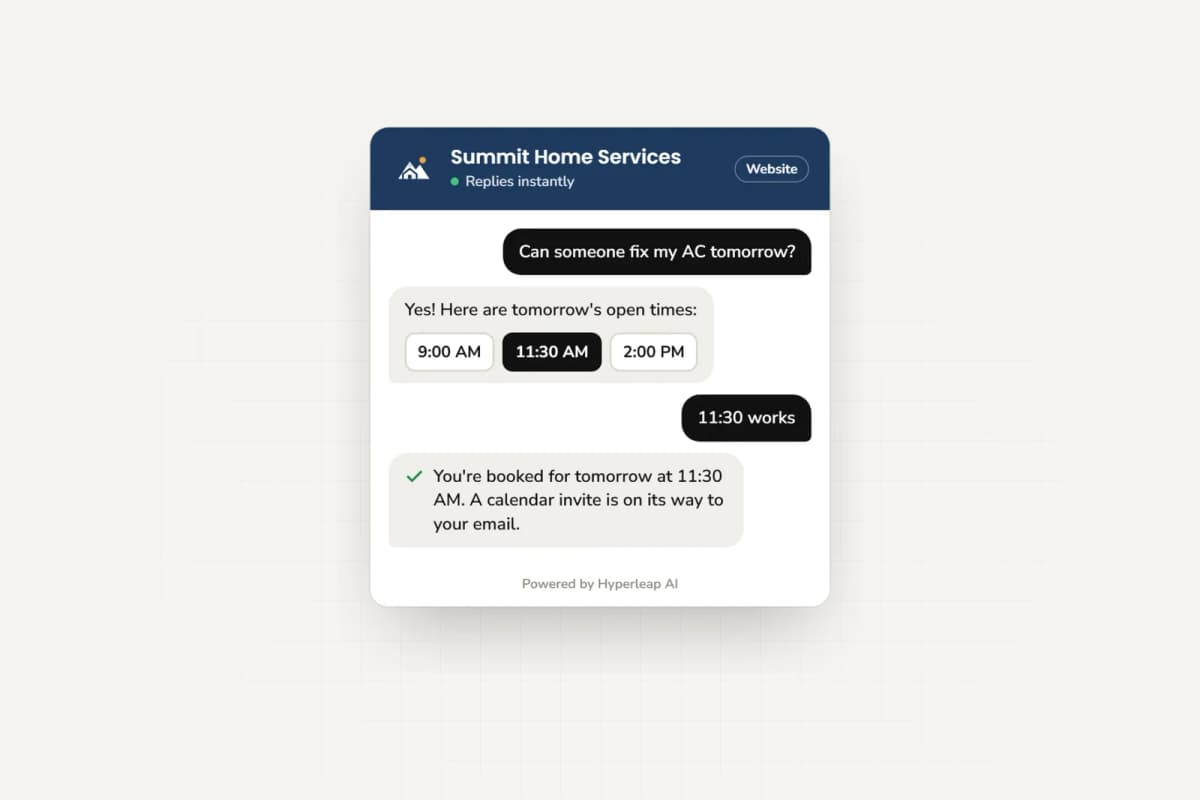
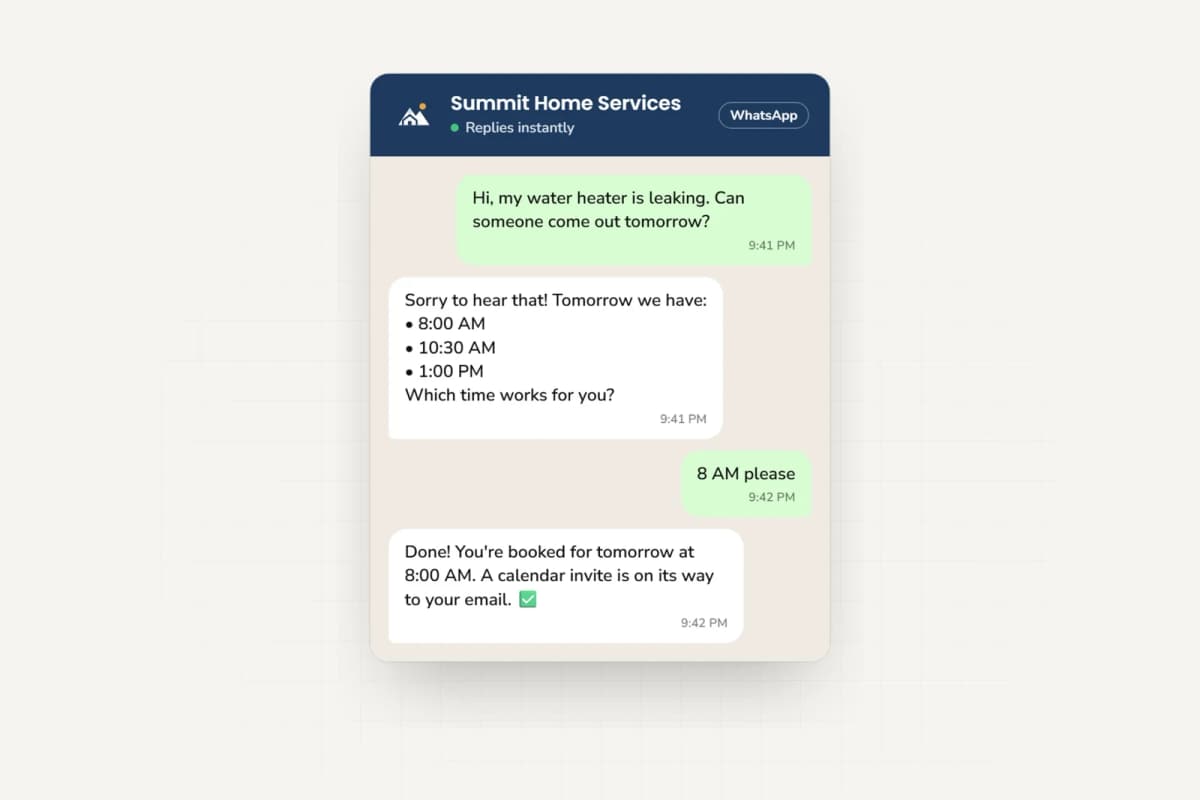
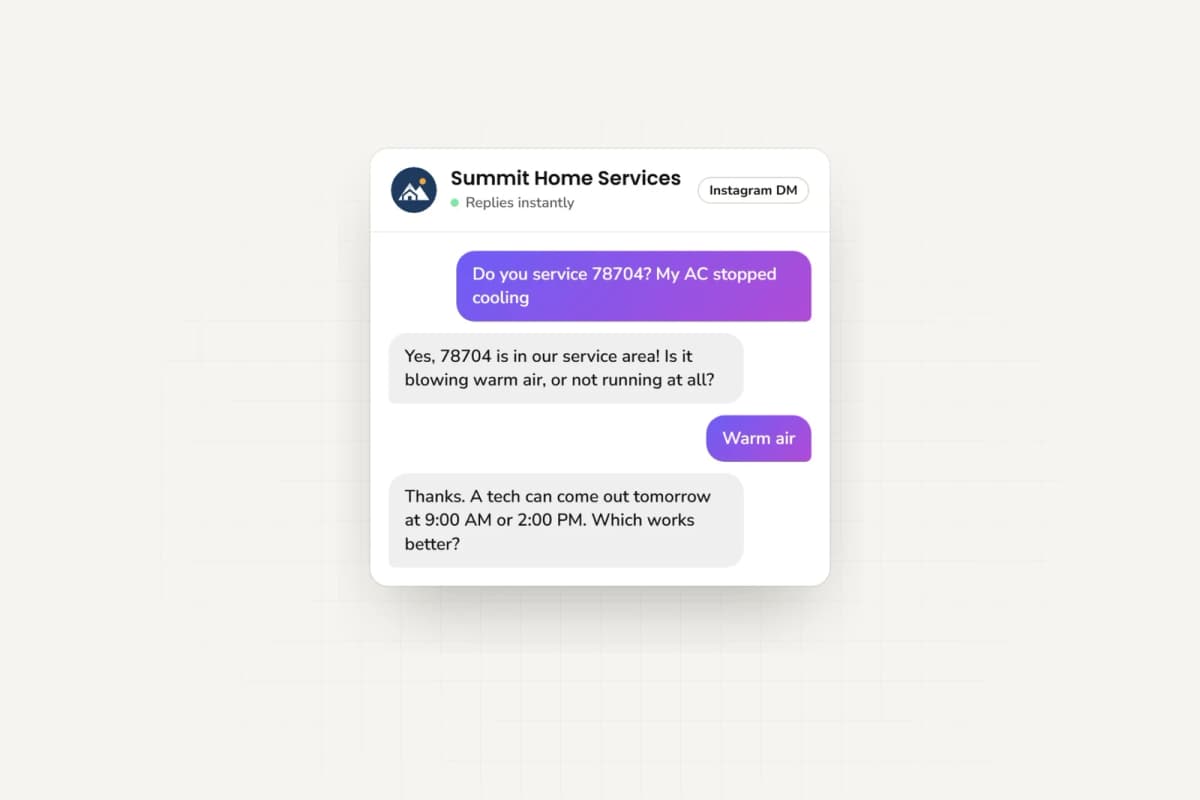
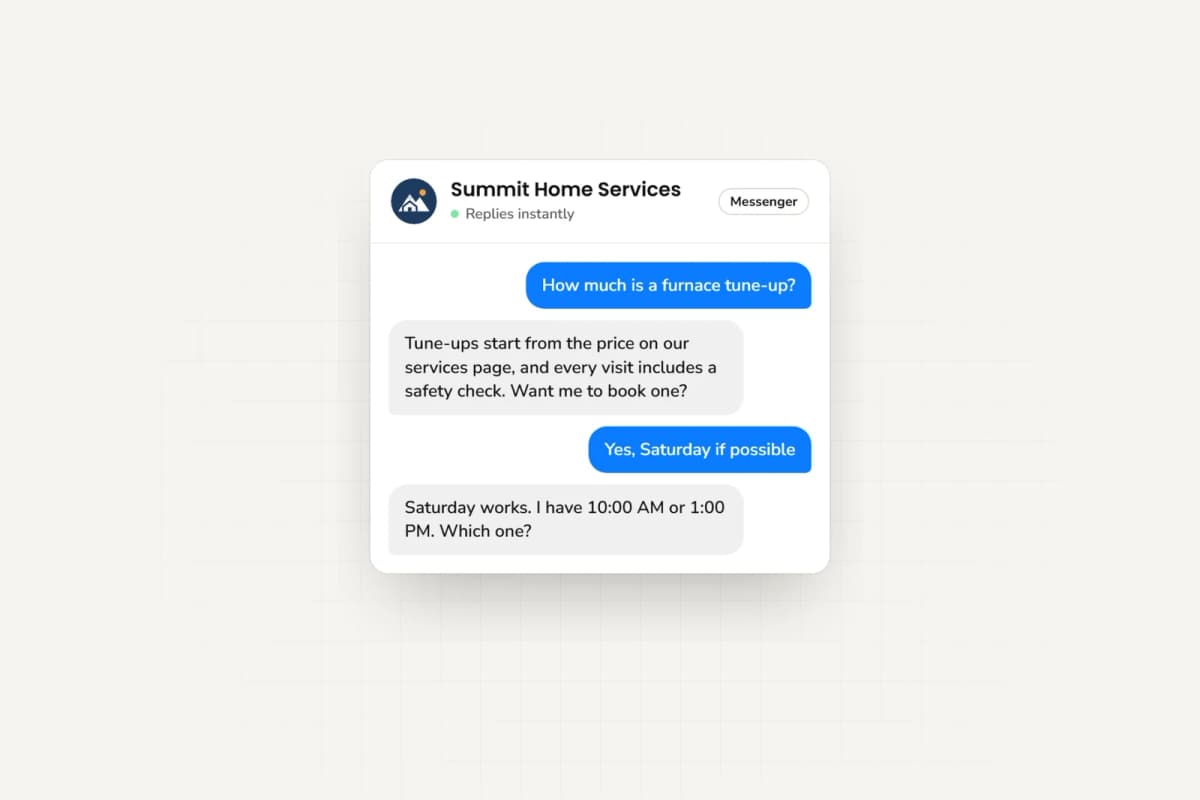
Conversational AI for customer service · Website embeds for Shopify, WordPress, Webflow and more.
Connect each channel from one place.
 01
01Website
Paste one line into your site. Done.
 02
02WhatsApp
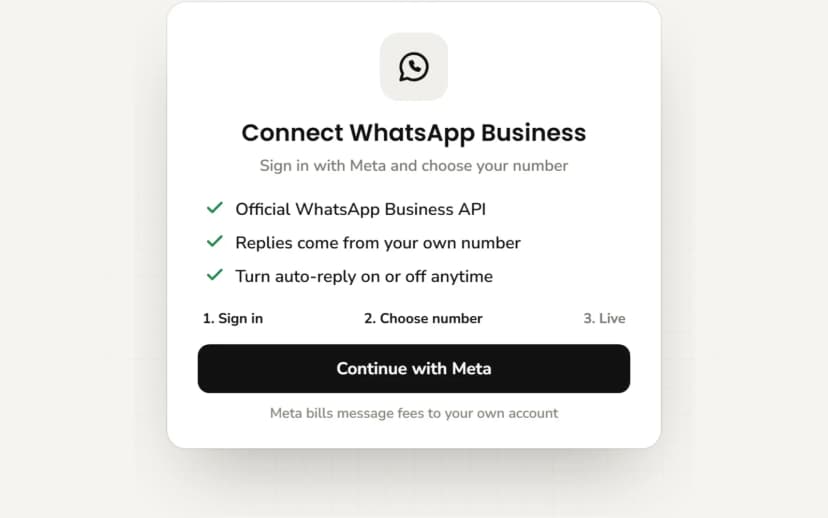
Sign in with your WhatsApp Business account and approve.
 03
03Instagram
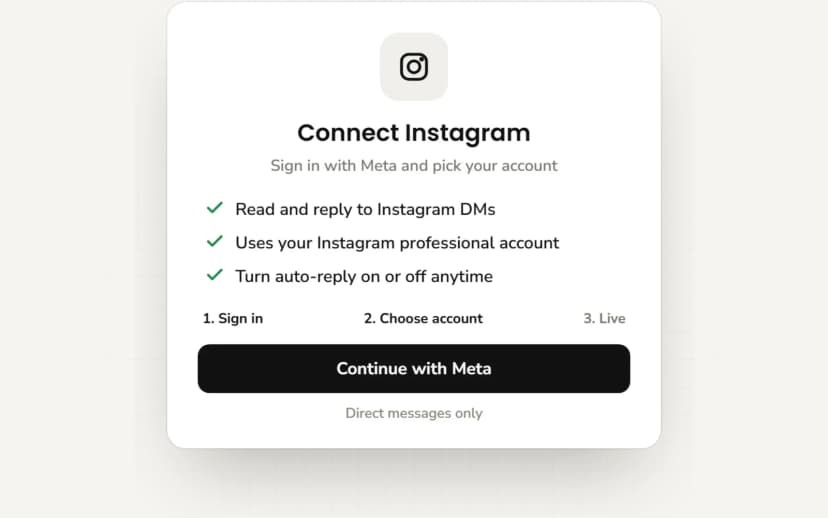
Connect your Instagram Business profile and allow DMs.
 04
04Facebook
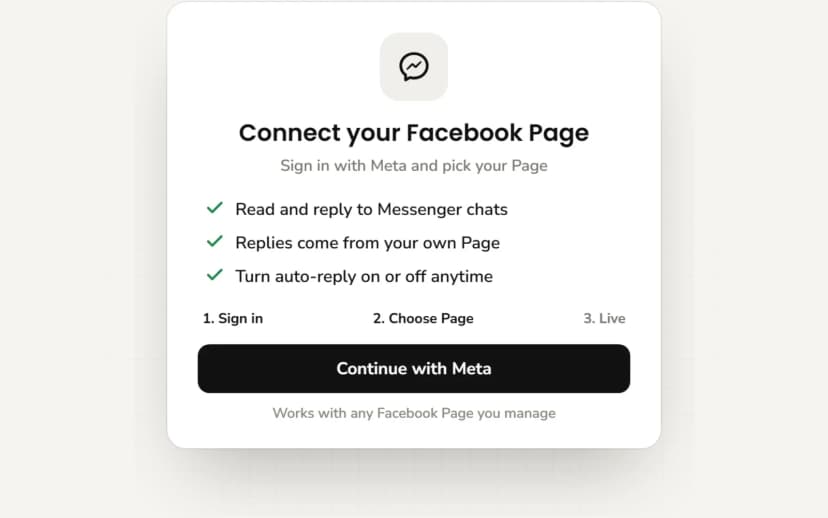
Pick your Facebook Page and turn Messenger on.
Hyperleap AI is a Meta Technology Provider and Business Partner. WhatsApp, Instagram, and Messenger run on Meta's official Business APIs.
What works where.
Replies 24/7
All four channels
Rich media (images, documents, videos)
Pro and Max
All four channels
Rich cards and carousels
Pro and Max
- Website
- Tappable previews
- One per message, up to 5
- Swipeable carousel, up to 10
- Swipeable carousel, up to 10
Books appointments (Calendly, Cal.com)
Pro and Max; Plus shares your link
- Website
- Slot picker
- In text
- In text
- In text
Contact form before chat
- Website
- Yes
- Not available
- Not available
- Not available
OTP verification
Paid add-on, Pro and Max
- Website
- Add-on
- Not available
- Not available
- Not available
Your team takes over the thread
Pro and Max
All four channels
Lead export
All four channels
100+ languages
All four channels
| Feature | Website | |||
|---|---|---|---|---|
| Replies 24/7 | Yes | Yes | Yes | Yes |
| Rich media (images, documents, videos)Pro and Max | Yes | Yes | Yes | Yes |
| Rich cards and carouselsPro and Max | Tappable previews | One per message, up to 5 | Swipeable carousel, up to 10 | Swipeable carousel, up to 10 |
| Books appointments (Calendly, Cal.com)Pro and Max; Plus shares your link | Slot picker | In text | In text | In text |
| Contact form before chat | Yes | Not available | Not available | Not available |
| OTP verificationPaid add-on, Pro and Max | Add-on | Not available | Not available | Not available |
| Your team takes over the threadPro and Max | Yes | Yes | Yes | Yes |
| Lead export | Yes | Yes | Yes | Yes |
| 100+ languages | Yes | Yes | Yes | Yes |
Booking: in-chat booking is on Pro and Max; on Plus, the agent shares your booking link. With Calendly, in-chat booking needs Calendly Standard or higher; Cal.com works with cal.com-hosted event links. The agent creates new bookings only, so customers cancel or reschedule from their confirmation email. With any other scheduler, it shares your booking link.
OTP verification is a usage-based add-on on Pro and Max (recharge from $100), not part of any plan, and works in website chat only. Not available yet: SMS, Slack, Telegram, Microsoft Teams, email, and voice.
Common questions about channels.
How do you scale a chatbot across multiple channels?
Train one agent on one knowledge base, then connect channels instead of building per-channel bots. With Hyperleap AI you create the agent once (your website, documents, and FAQs), put the website widget live with one script tag, then connect WhatsApp Business API, Instagram DM, and Facebook Messenger from the Channels section. The same agent answers everywhere, in 100+ languages, and every conversation lands in one unified inbox. Scaling means adding a channel connection, not maintaining another bot: update the knowledge base once and every channel answers with the new information.
Do I need separate knowledge bases for each channel?
No. One knowledge base powers all four channels, and the agent adapts the formatting to each one. On the Pro and Max plans, photos, documents, and videos it shares arrive as cards with one tappable button: a swipeable carousel of up to 10 cards on Instagram and Messenger, a separate image-with-caption message for each card on WhatsApp (up to 5, since WhatsApp has no carousel), and tappable card previews in the website widget. The facts, guardrails, and fallback behavior stay identical, so customers get the same answer no matter where they ask.
Which channel should a small business start with?
Start with your website. It is the channel you own, and the widget is the fastest first step: paste one line into your site and it is live. If most inquiries arrive on WhatsApp or Instagram, connect that channel in the same session. All plans include all four channels, so the order is about your customers, not your pricing tier.
Can the AI hand off to a human on every channel?
Yes, on the Pro and Max plans. On your website, WhatsApp, Instagram, and Messenger, a customer can ask for a person and your team gets an alert in the dashboard. Any teammate can take over the live conversation and hand it back to the AI, and on the social channels you can pause the AI for a single contact. On every plan, leads and chat summaries are emailed to your team. Voice and SMS are on the roadmap and are not shipped channels today.