Website Chat Widget
An AI front desk for your website
Answer visitor questions using your website and documents. Collect contact details, book appointments with Calendly or Cal.com on Pro and Max, and let your team know when someone needs help.
- 24/7
- Always-on responses
- 100+
- Languages supported
- 6
- Website platforms
- 1
- Agent across every channel
Features
Your website's front desk, automated
Visitors can ask about your prices, services, or policies while browsing your website.
24/7 Instant Answers
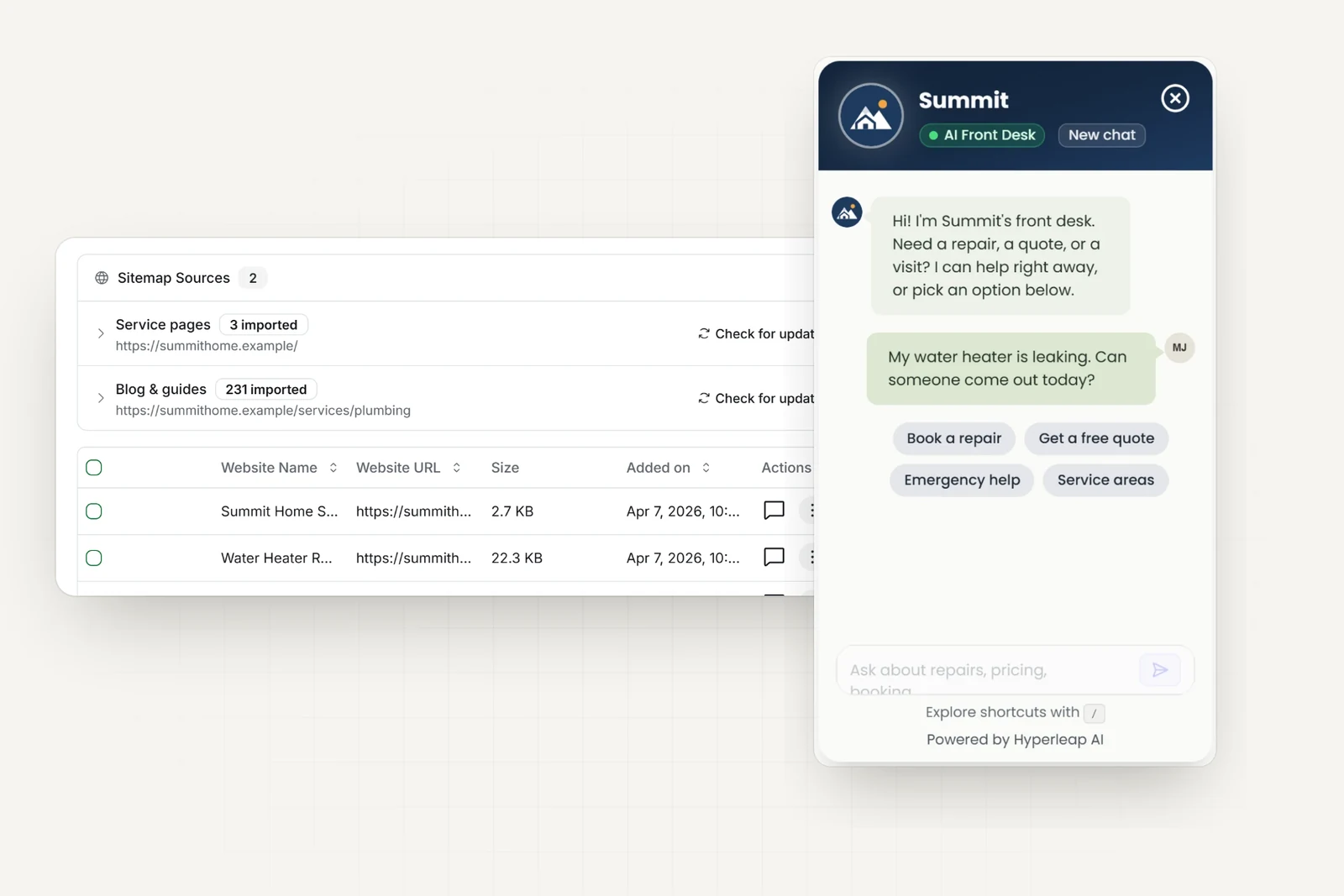
The AI answers visitor questions in seconds, day or night, grounded in your own website content and documents.
Lead Capture & Qualification
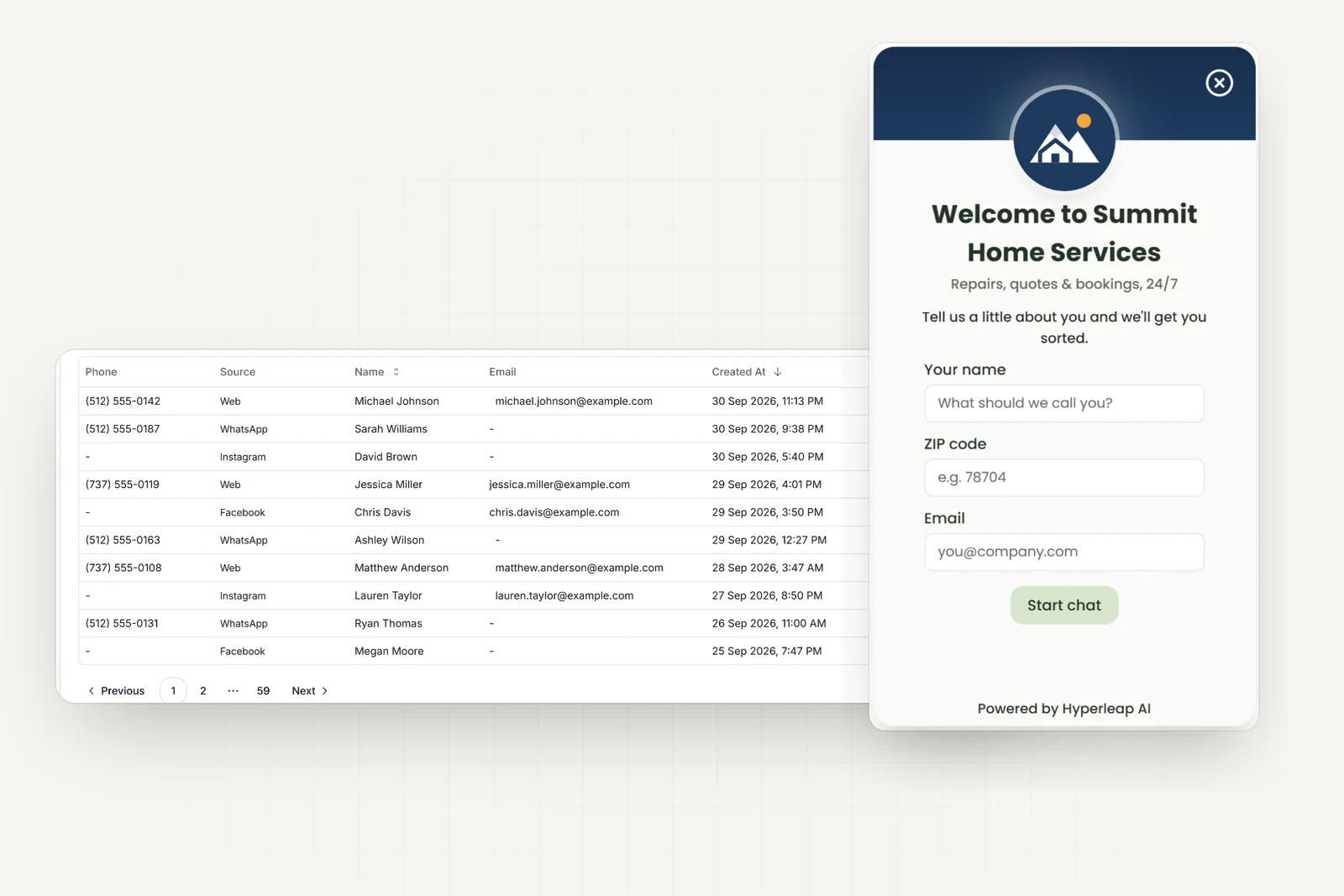
A short lead form collects contact details before the conversation, then the AI qualifies the visitor and emails your team a clean summary.
100+ Languages
The widget auto-detects and responds in the visitor's language, so you serve customers worldwide from one knowledge base.
Rich Cards
On Pro and Max, when the AI shares your photos, documents, videos, or booking link, each arrives as a tappable card in the widget — the same assets your WhatsApp and social channels send.
Match Your Brand
Customize the widget colors, greeting, avatar, and position so it feels native to your site.
Human Handoff
On Pro and Max, when a conversation needs a person, your team is alerted and can take over the live chat with the full context attached.
Platforms
Embed on any website platform
The widget is a single script. Follow the step-by-step guide for your platform — no developers required.
By industry
What it does, by industry
See how different businesses use the website widget. Find your industry AI agent.
Home & field services
Answer service-area and pricing questions, capture job requests, and book the visit after hours.
Healthcare & clinics
Answer hours, insurance, and location FAQs, capture new-patient inquiries, and route urgent matters to staff.
Real estate
Respond to listing inquiries instantly, qualify buyers and renters, and book showings 24/7.
Hospitality
Answer availability and amenity questions and capture direct booking inquiries before guests leave your site.
E-commerce
Answer product, shipping, and returns questions from your own policies and guide shoppers to the right item.
Professional services
Capture and qualify consultation requests and answer common questions about your process and fees.
Frequently Asked Questions
Everything you need to know
How do I add the chatbot to my website?
Create your AI agent in Hyperleap, customize the widget, then copy one line of embed code into your site. It works on Shopify, WordPress, Webflow, Wix, Squarespace, or any custom HTML site — no developers required.
Does the website chatbot work on every platform?
Yes. The widget is a single script that embeds on any website platform. We have step-by-step guides for Shopify, WordPress, Webflow, Wix, Squarespace, and custom HTML.
What does the AI answer from?
It answers from your own knowledge — your website content, FAQs, policies, and uploaded documents. These document-grounded responses keep answers specific to your business instead of generic.
How does the website widget capture leads?
Choose which contact details visitors share before chatting. The AI asks what they need and emails your team a summary.
Can the website chat book appointments?
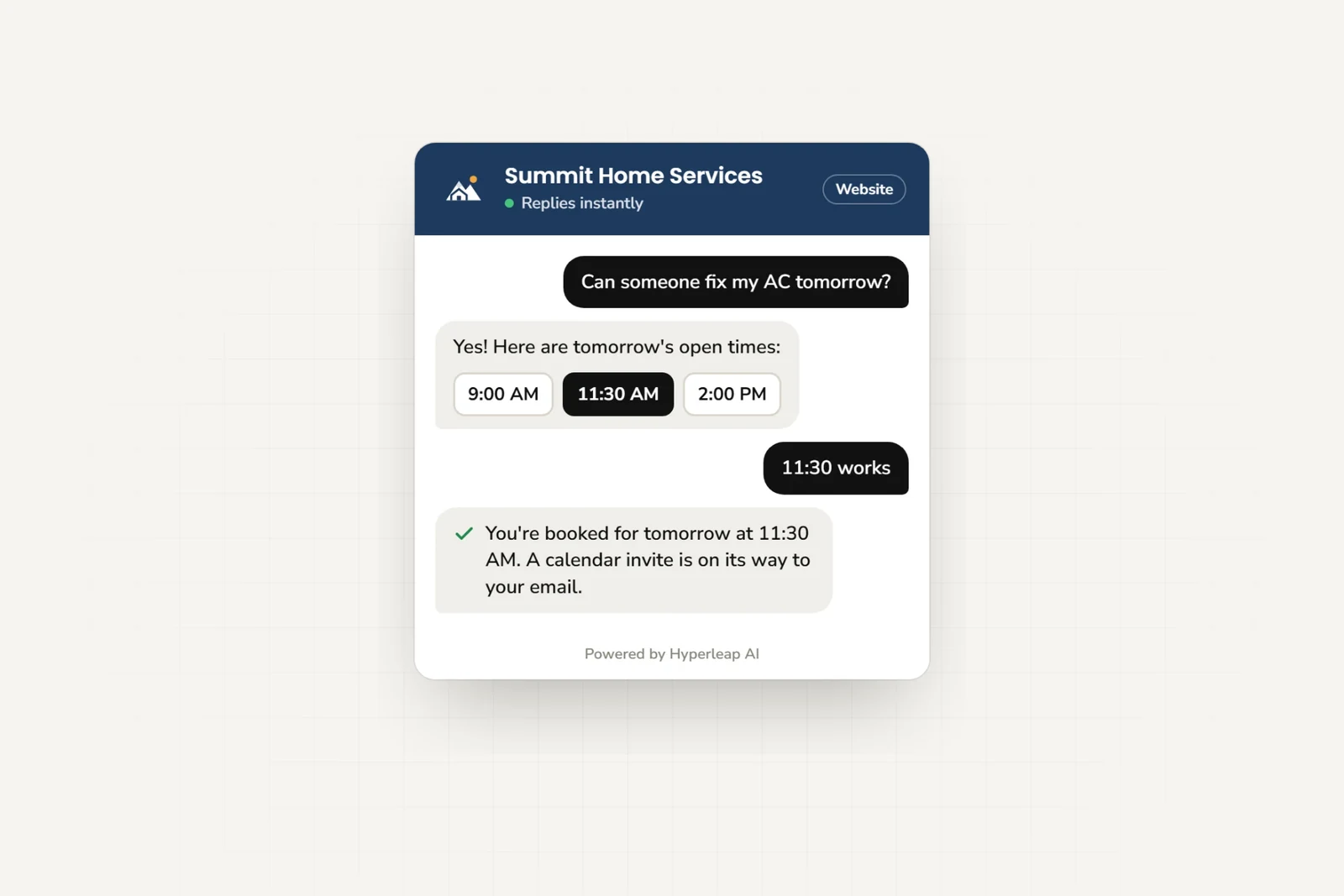
Yes, on the Pro and Max plans, with Calendly or Cal.com. The agent checks your live availability and shows a tappable slot picker in the chat; the customer picks a time and sees a confirmation card, and the calendar invite arrives by email. In-chat booking with Calendly needs Calendly Standard or higher; Cal.com works with cal.com-hosted event links. It creates new bookings only, so customers cancel or reschedule from their confirmation email. On Plus, or with any other scheduling tool, the agent shares your booking link.
Is the website chat the same agent as my other channels?
Yes. One AI agent uses the same business information on your website, WhatsApp, Instagram DM, and Facebook Messenger.
Still have questions?
Contact our support teamPut an AI agent on your website
Answer visitor questions and collect their contact details. Try it free for 7 days.