Works on any website
HTML Chatbot:
Add AI Chat to Any HTML Site
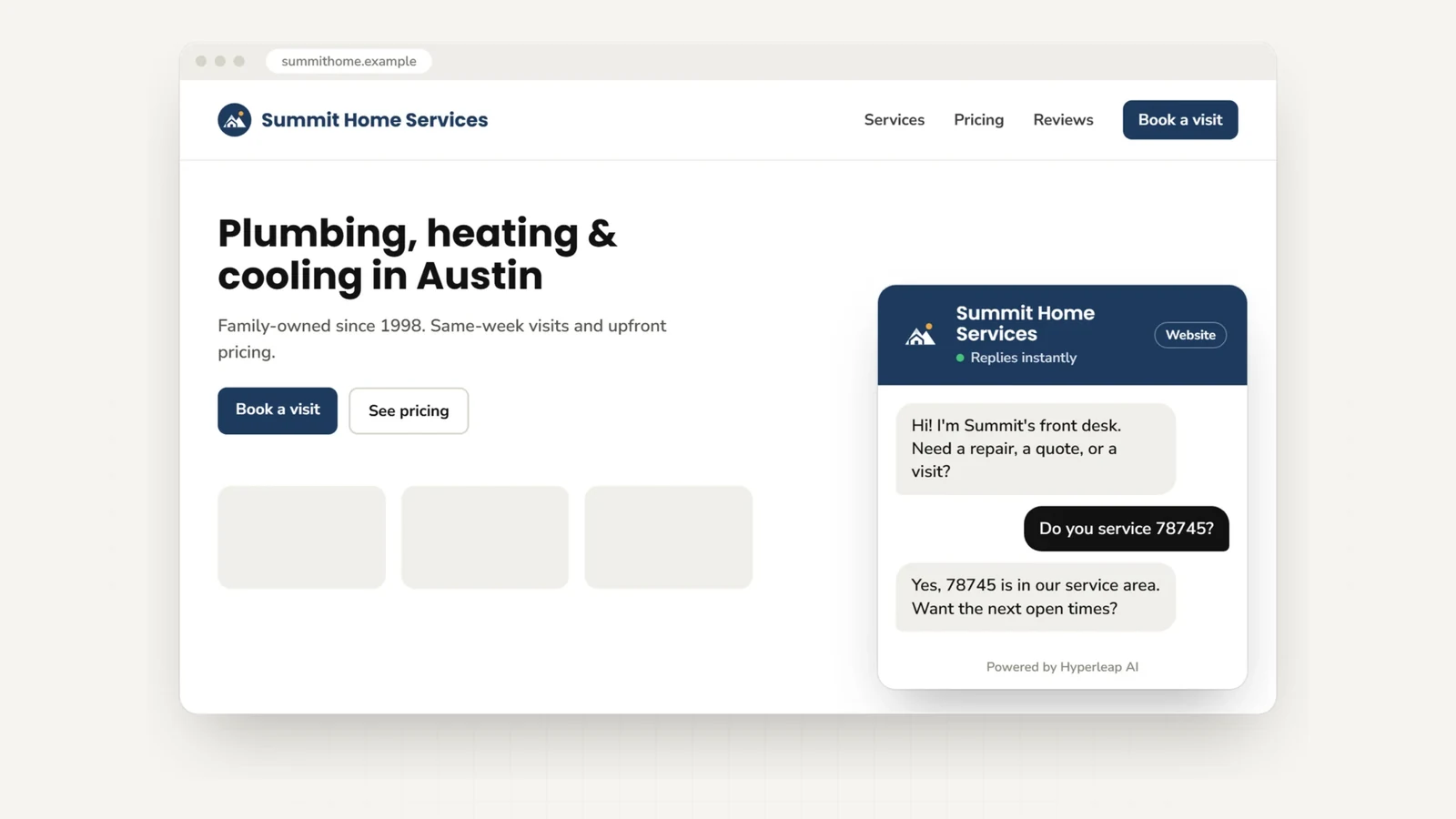
Paste one script tag and an AI front desk answers your visitors from your own content, collects their details, and emails your team a summary. No framework, plugin, or backend: it works on any static or custom-built site.
Very Easy•2 minutes•One script tag
Install
Quick Start
- 1. In Hyperleap Studio, open your chatbot and click Publish to copy your embed code.
- 2. Paste it just before the closing
</body>tag on every page. - 3. Save and reload. The chat bubble appears.
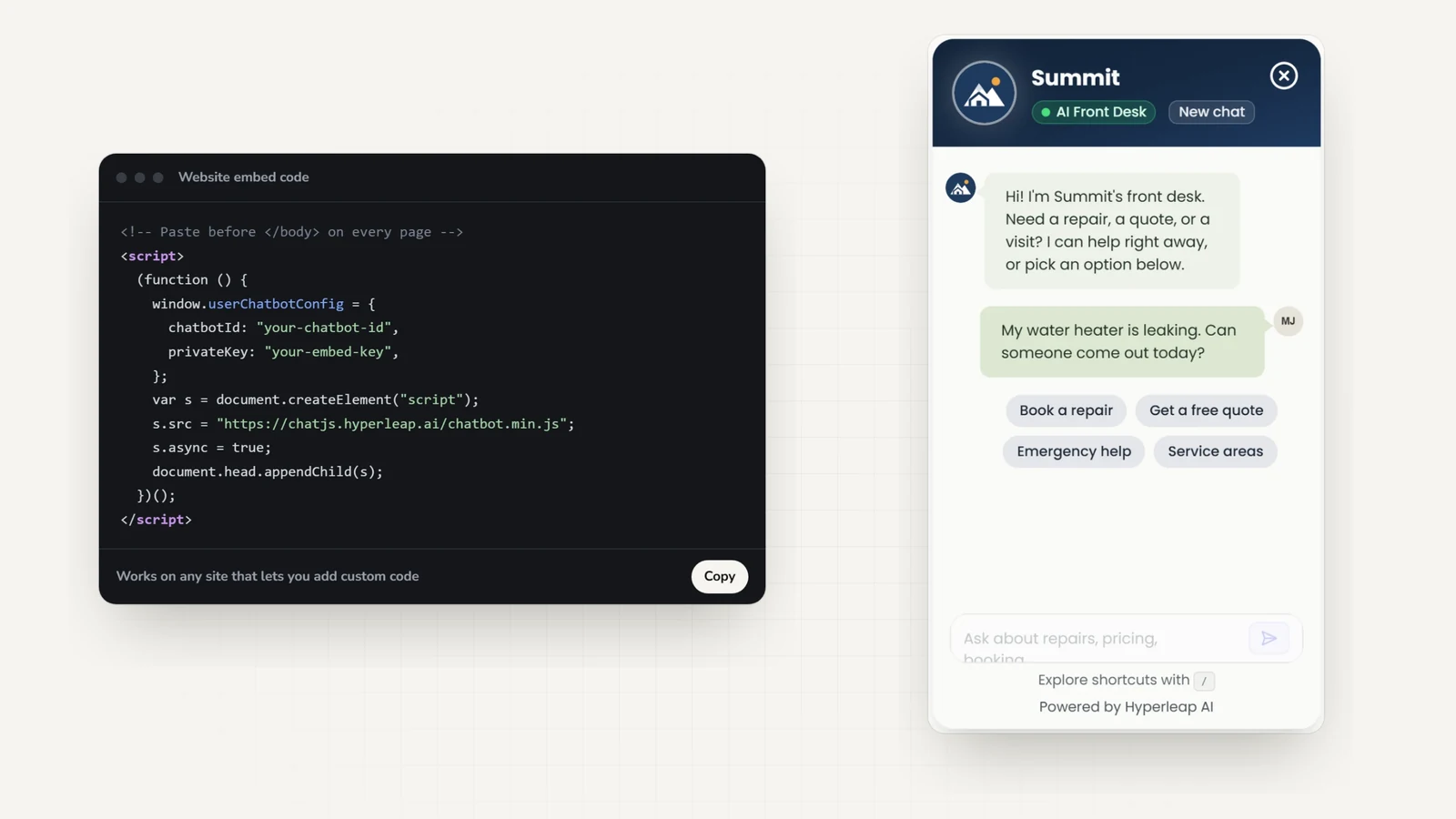
<script>
   (function () {
        // Define chatbot configuration
        window.userChatbotConfig = {
            chatbotId: "YOUR_CHATBOT_ID",
            privateKey: "YOUR_PRIVATE_KEY",
        };
        // Dynamically load chatbot plugin
        var chatbotScript = document.createElement("script");
        chatbotScript.src = "https://chatjs.hyperleap.ai/chatbot.min.js";
        chatbotScript.async = true;
        document.head.appendChild(chatbotScript);
    })();
</script>
Important: Replace YOUR_CHATBOT_ID and YOUR_PRIVATE_KEY with the values from the Website Integration dialog in Hyperleap Studio.
Example
Full HTML Example
Here's how a complete HTML page looks with the chatbot installed:
<!DOCTYPE html>
<html lang="en">
<head>
<meta charset="UTF-8">
<meta name="viewport" content="width=device-width, initial-scale=1.0">
<title>My Website</title>
</head>
<body>
<!-- Your website content here -->
<header>
<h1>Welcome to My Website</h1>
</header>
<main>
<p>This is my awesome website content.</p>
</main>
<footer>
<p>© 2026 My Company</p>
</footer>
<!-- Hyperleap Chatbot - Add just before </body> -->
<script>
(function () {
window.userChatbotConfig = {
chatbotId: "YOUR_CHATBOT_ID",
privateKey: "YOUR_PRIVATE_KEY",
};
var chatbotScript = document.createElement("script");
chatbotScript.src = "https://chatjs.hyperleap.ai/chatbot.min.js";
chatbotScript.async = true;
document.head.appendChild(chatbotScript);
})();
</script>
</body>
</html>Multi-page sites
Adding to Multiple Pages
For multi-page websites, you have several options:
Option 1: Add to Each Page
Copy the script to each HTML file where you want the chatbot.
Option 2: Use a Common Footer
If you're using server-side includes or a templating system, add the script to your common footer file.
Option 3: External JS File
Save the chatbot initialization code in a separate .js file and include it on all pages.
Under the hood
Script Features
On your site
What the HTML chatbot does
The script tag is the whole install. Everything below runs on Hyperleap, with no backend on your side.
On every plan
- Answers from your pages, PDFs, and FAQs
- A contact form before the chat, with leads and transcripts emailed to your team
- Replies in 100+ languages
- A widget matched to your branding, on desktop and mobile
On Pro and Max
- Books appointments in the chat with Calendly or Cal.com (on Plus, it shares your booking link)
- Hands the chat to a person, who can take over and hand it back to the AI
- Shares photos, documents, and videos as cards
- Calls your own API to look up an order or submit a request (Actions)
- Removes the Hyperleap badge from the widget
FAQ
HTML chatbot FAQs
What is an HTML chatbot?
An HTML chatbot is an AI chat widget you add to a plain HTML website with a single script tag — no framework, plugin, or backend required. Paste the snippet before the closing </body> tag and the widget loads on every page it is on, answering visitor questions from your own knowledge base 24/7.
How do I add a chatbot to my HTML website?
Three steps: create your AI agent in Hyperleap and point it at your website or documents, open the chatbot and click Publish to copy your embed code, and paste it into your HTML just before the closing </body> tag. Save and reload, and the chat bubble appears. It works on any static or custom-built site.
Does the chatbot slow down my website?
The widget script loads asynchronously, so it does not block your page from rendering: visitors see your content first, and the chat bubble appears once it has loaded.
Do I need a backend or database for the chatbot to work?
No. The script tag is the whole integration — conversations, AI responses, lead capture, and analytics run on Hyperleap. Your site can be a static HTML page on any host (GitHub Pages, Netlify, S3, shared hosting) and the chatbot works the same.
Can the same HTML chatbot also answer on WhatsApp or Instagram?
Yes. The same agent, trained once, can also connect to WhatsApp Business API, Instagram DM, and Facebook Messenger — channels your AI front desk covers alongside the website widget. One knowledge base answers everywhere.
Can the chatbot book appointments on my site?
On Pro and Max, yes: it offers real open times and books the appointment in the chat with Calendly or Cal.com, and the visitor gets the calendar invite by email. In-chat booking needs Calendly Standard or higher. On Plus, the chatbot shares your booking link instead.
Can I limit the widget to my own domains?
Yes. List your domains under domain whitelisting in Hyperleap Studio, and the widget only runs on those sites.
Keep reading
Related guides
How to add an AI chatbot to an HTML website
The long-form walkthrough: where the script tag goes, what to feed the chatbot, testing, styling, and the tuning you do after going live.
Website chatbot embed guide
Where the embed code goes on every major website platform.
Chat widget guide
Placement, speed, and what makes visitors actually use a chat widget.
Best AI chatbots in 2026
How the main AI chatbot platforms compare on answers, channels, and pricing.
Add a chatbot to other website platforms
The same Hyperleap AI agent embeds anywhere from one knowledge base. Building on a different platform — or running more than one site? Here are the step-by-step guides.
See all website chatbot integrations.
Ready to Add Chat to Your Website?
Create your AI agent and get your embed code in minutes.