Chat Widget Guide 2026: Embed, Speed & Conversion
Everything that actually matters about chat widgets in 2026 — embed patterns, performance budgets, accessibility, and which widget types convert.

TL;DR: A chat widget is the small bubble that opens a chat surface on your website — but in 2026 the term covers three different things (live chat, rule-based chatbot, AI chatbot widget) with very different implementations. This guide walks through the taxonomy, the eight widget types that actually exist in the wild, the embed patterns developers should care about (script tag vs iframe, CSP, performance budget), the WCAG 2.2 accessibility checklist most vendors skip, and realistic conversion benchmarks (typical industry ranges; vary by vertical and traffic quality): 1–3% widget engagement, 20–30% support deflection, sub-50KB ideal payload. No vendor list — that gets stale in a quarter. Just the parts of chat widgets that don't change.
Chat Widget Guide 2026: Embed Code, Performance, and Conversion Benchmarks
Most "chat widget" articles are thinly-disguised vendor lists. They tell you nine tools exist, paste pricing, and promise a comparison table that never quite arrives. None of that helps you decide what widget type you actually need, what an embed costs you in performance, or whether the thing converts.
This guide is the opposite. No tool ranking. No "best of" pretending to be objective. Just what a chat widget actually is in 2026, the eight widget types worth knowing, the embed patterns developers care about, and the conversion numbers you should expect — not the ones marketing pages quote.
Who this guide is for
Marketers picking a widget type and operators or developers responsible for embedding it. If you're shopping vendors, this won't rank them — but it will tell you what to ask each one.
What Is a Chat Widget?
A chat widget is the embedded UI component — usually a floating bubble in the bottom-right of a webpage — that opens a chat surface where a visitor can talk to a business. That's the surface-level definition. The interesting part is what's behind the bubble, because the term gets stretched to cover three very different products.
Chat Widget vs Live Chat Widget vs Chatbot Widget
These three terms overlap so heavily that vendor pages use them interchangeably, but they describe different things.
A live chat widget is a widget connected to human agents on the other end. A visitor opens it, types a question, and a real person replies — usually with some delay because agents handle multiple chats at once. Live chat is high-quality but expensive and constrained by hours and headcount.
A chatbot widget is a widget connected to a rule-based bot — a decision tree, button menus, scripted flows. No human, no AI reasoning. It's deterministic: if the visitor's question maps to a defined branch, the bot answers; if it doesn't, the conversation breaks or escalates. Chatbot widgets dominated 2015–2022 and still ship as "starter" tier on most platforms.
An AI chat widget (or AI chatbot widget) is a widget connected to a large language model grounded in a business-specific knowledge base. It understands phrasing, handles follow-ups, and answers questions the builder never explicitly scripted. This is what most "chat widgets" launched after 2024 actually are, even when the marketing copy still says "chatbot."
In practice, modern widgets are hybrid: AI-first for routine questions, with seamless handoff to a human agent (or to WhatsApp, email, or a ticket) when the AI hits its confidence limit or the visitor explicitly asks for one. When this guide says "chat widget," that's the model — AI-first, human-fallback, embedded as a single floating component.
Why the Widget Form Factor Won
The chat widget didn't beat the alternatives by accident. The contact-us form is asynchronous and dies on Friday afternoon. Phone numbers leak ops costs and visitors avoid them. Email creates a thread the buyer has to manage. The widget compresses all of that into one synchronous surface that's always present, doesn't navigate the visitor away, and inherits the page's context — what they were reading, the URL, the UTM tags, the cart state.
That last point is the under-appreciated one. A chat widget knows where the visitor is on the site at the moment they open it. A pricing-page question is different from a docs-page question is different from a checkout-abandonment question, and the widget sees all of that for free.
The 8 Widget Types That Actually Exist
"Chat widget" sounds like one thing. In practice there are at least eight distinct widget archetypes — defined by what job they do, not by which vendor sells them. Picking the wrong type is the most common reason widgets underperform.
| Widget type | Primary job | Where it sits | Engagement signal | Typical conversion |
|---|---|---|---|---|
| FAQ deflection | Answer repeat questions | Help, docs, pricing | "Browse FAQs" + open input | 25–40% deflection |
| Lead capture | Qualify and book | Landing pages | Greeting + 2–3 qualifying Qs | 5–12% chat-to-lead |
| Support | Resolve open tickets | Logged-in app, account pages | Ticket-aware open | 60%+ resolution if scoped |
| Booking / scheduling | Put a slot on the calendar | Service pages, demo pages | Inline calendar in chat | 8–20% chat-to-booked |
| Sales qualification | Route hot accounts to AEs | High-intent pages | ABM-aware greeting | 2–5% chat-to-meeting |
| Post-purchase | Order status, returns, upsell | Order confirmation, account | Order context auto-loaded | 15–30% deflection |
| Returning visitor | Re-engage known leads | Anywhere, behavioural trigger | Recognises visitor + history | 3–8% reactivation |
| B2B qualifier | Identify firmographic fit | Pricing, demo | Domain enrichment, gating | 1–3% chat-to-SQL |
The first mistake most teams make is buying a widget tuned for one job and pointing it at another. A support widget on a pricing page asks the wrong questions. A lead-capture widget on an account page annoys customers trying to fix their billing. The widget type should match the page intent, which is why several of the better setups in 2026 use page-level routing: the same widget loads a different system prompt and greeting depending on which page it opens on.
FAQ Deflection Widgets
The most common, most measurable type. The job is to absorb repetitive support questions before they reach a human inbox. Success looks like 20–30% of incoming questions resolved inside the widget without a ticket created. The architecture is RAG over your help-centre articles plus a clean fallback to "create a ticket."
Lead Capture Widgets
A lead capture widget greets visitors on landing pages, asks two or three qualifying questions ("What are you trying to do? How big is your team?"), and creates a CRM record before pitching the right CTA — a demo, a free trial, a docs link. The chat is the funnel; the form is just the receipt.
Support Widgets (Logged-In)
Different from FAQ widgets in one important way: they have account context. The visitor is already authenticated, the widget knows who they are, what plan they're on, and what their open tickets look like. That context lets the widget answer "where's my refund?" without asking for an order number — because it already has it.
Booking / Scheduling Widgets
Widgets that close the loop into a calendar. The conversation isn't open-ended; it ends with a confirmed slot. Common in services (med-spas, salons, home services) and B2B demo flows. The trick is rendering the calendar inside the chat surface rather than navigating the visitor away to a Calendly page where 30%+ of intent leaks out.
Sales Qualification Widgets
The B2B variant of lead capture. The widget recognises the company (via reverse-IP or email-domain), checks an account list, and routes high-fit visitors directly to an SDR while sending low-fit visitors into a self-serve trial. Done well, this is the highest-leverage widget type — done badly, it just spams every visitor with "want a demo?"
Post-Purchase Widgets
These live on order confirmation, tracking, and account pages. The job is order status, returns, refunds — and occasionally a contextual upsell. Heavy support deflection (the visitor would otherwise email or call), and they own the lowest-ROI question category there is, so they save real money.
Returning Visitor Widgets
A widget that recognises someone who has chatted before and opens with "Welcome back — last time you were looking at X, want to pick up where you left off?" The behavioural trigger is the differentiator: not "you've been on this page 30 seconds" but "you've returned in the last 14 days and viewed a high-intent page."
B2B Qualifier Widgets
Heavy on enrichment — Clearbit, ZoomInfo, or first-party domain data — and tuned to the question "is this account worth a human?" These widgets often gate themselves: only appear if firmographics match an ICP filter. Lower volume, higher value per chat.
Anatomy of a High-Converting Widget
The vendor pitch focuses on AI, integrations, and pricing. The actual conversion difference between a great widget and a mediocre one comes from six unglamorous decisions.
1. The Greeting
The default greeting on most widgets is "Hi, how can I help you today?" This is the worst possible opener. It demands the visitor formulate a question from scratch — high friction, low engagement. A good greeting does one of three things:
- Names the next action. "Looking at pricing? Tell me your team size and I'll show you the right plan."
- Acknowledges page context. "Reading the API docs — want a quickstart for your stack?"
- Surfaces the top three known questions as buttons so the visitor taps instead of typing.
Engagement rates on context-aware greetings are typically 2–3x higher than generic greetings.
2. Position and Trigger
Bottom-right is the convention for a reason — it's outside reading flow but inside primary scroll attention. The mistake is autoexpanding. A widget that pops open after 5 seconds with a slide-in tray is interrupting. A widget that animates a small pulse on its bubble after 30 seconds of dwell is inviting. The first kills NPS. The second compounds engagement without annoying anyone.
3. Branding (and Why Less Is More)
Founders ask for hero illustrations, mascot avatars, and branded colour gradients. None of it correlates with conversion. What does correlate: trust signals that feel native to the page. A small line under the input — "Replies in under 1 minute. Powered by [your brand]." — does more than a custom illustration. Visitors trust a widget that looks like it belongs to the site, not one that looks like a third-party plugin.
4. Mobile Behaviour
On mobile, a widget that opens full-screen by default is correct. The desktop popover pattern (a 380px-wide tray) does not work on a 390px viewport. The most common mobile failure is the widget covering the page's primary CTA: visitor scrolls to the "Buy" button, the widget bubble overlaps it, the click hits the bubble. Audit this on real devices, not just an emulator.
5. Accessibility
WCAG 2.2 compliance for chat widgets is usually broken. The full checklist appears in the next section, but the high-level points: keyboard-navigable, screen-reader-announced when it opens, focus-trapped while open, escape-to-close, sufficient contrast on the bubble against arbitrary page backgrounds.
6. Latency Budget
If the first AI response takes longer than 3 seconds, engagement drops sharply. Visitors don't wait. Streaming responses (token-by-token rendering, like ChatGPT) hides the latency by starting output within 500ms. If your widget vendor doesn't stream, the perceived latency is whatever the model takes to finish — typically 4–9 seconds for a complete answer. Streaming is no longer a nice-to-have; it's the difference between a widget that converts and one that gets closed.
How Chat Widgets Actually Get Embedded (The Tech-Side Part)
If you're a developer or you have one in the room, this is the section that matters. Most widget articles wave at "just paste this snippet." That snippet has implications.
Script Tag vs Iframe
Two patterns dominate.
A script-tag embed loads a JavaScript file from the vendor that injects the widget's DOM directly into your page. The widget shares the page's CSS scope (which is why widgets sometimes inherit your * { box-sizing: border-box; } and break) and runs in your origin. It's smaller and faster but more invasive.
An iframe embed loads the widget inside a sandboxed iframe — its own document, its own origin, its own CSS. Larger initial cost (the browser has to set up a new browsing context), but completely isolated from your page styles and your CSP.
Modern widgets typically use a hybrid: a tiny launcher script (the bubble itself) injected into your page, and an iframe that loads only when the visitor opens the chat. This gives you small initial cost and full isolation for the chat surface. If your vendor doesn't do this, ask why.
Plain HTML
<!-- Place before </body> -->
<script>
  (function (h, l, p) {
    var s = h.createElement('script');
    s.async = 1;
    s.src = 'https://cdn.example.com/widget.js';
    s.dataset.widgetId = p;
    h.head.appendChild(s);
  })(document, 'load', 'wgt_abc123');
</script>
That's the canonical pattern: async load, no render-blocking, single data attribute for the widget ID. It's the same one-script-tag approach used to add a chatbot to any HTML website.
WordPress
Drop the snippet into your theme's footer.php before </body>, or use a header-and-footer-scripts plugin. Don't paste it into a post body — page-builder plugins often strip script tags. If you're on a managed host that blocks raw scripts, most widget vendors ship a plugin; the plugin does the same thing under the hood.
Shopify
{% comment %} theme.liquid, before </body> {% endcomment %}
<script>
  window.WidgetConfig = {
    customerId: {{ customer.id | json }},
    cartTotal: {{ cart.total_price | money_without_currency | json }},
    page: {{ template | json }}
  };
</script>
<script async src="https://cdn.example.com/widget.js" data-widget-id="wgt_abc123"></script>
The Shopify-specific value is the context: pre-loading customer ID, cart total, and template name lets the widget greeting reference the visitor's actual cart state ("Your cart has 2 items — want help checking out?") which is one of the highest-converting greeting patterns there is.
React / Next.js
In Next.js App Router, use the Script component with strategy="lazyOnload":
// app/layout.tsx
import Script from 'next/script';

export default function RootLayout({ children }: { children: React.ReactNode }) {
  return (
    <html lang="en">
      <body>
        {children}
        <Script
          src="https://cdn.example.com/widget.js"
          strategy="lazyOnload"
          data-widget-id="wgt_abc123"
        />
      </body>
    </html>
  );
}
lazyOnload defers the script until after the window load event, which is correct for chat widgets — they're not part of LCP and shouldn't compete for main-thread time during initial render.
CSP and CORS
If you run a Content Security Policy (you should), your widget vendor's domains need entries in script-src, connect-src (for the websocket / streaming endpoint), frame-src (if the widget uses an iframe), and often img-src (for agent avatars). Get this list from the vendor; if they can't give you a clean CSP-friendly list, that's a signal.
CORS comes up if your widget hits your own API for context (e.g., logged-in user state). The widget origin will be the vendor's CDN, not your domain — your API needs to whitelist that origin or expose a same-origin proxy.
Performance Budget
The most-ignored part of widget shopping. Here are the numbers worth caring about:
- Initial bundle size. Anything over 100KB gzipped is too big. Sub-50KB is excellent. Some widgets ship 250–400KB of initial JS, which on 4G mobile costs you 1–2 seconds of FCP. Run the vendor's script through your real-world test, not their marketing claim.
- Number of network requests on idle. A good widget makes 1–2 requests at idle (the script + a config). Bad widgets make 8+ — fonts, analytics, session pings, A/B-testing pixels. Each one competes with your page.
- Main-thread blocking. The widget script should not block the main thread for more than 50ms during init. Check this in Chrome DevTools' Performance tab.
- CLS contribution. The bubble is fixed-position, so it shouldn't affect CLS — but some widgets inject a wrapper that nudges the page on load. Lighthouse will flag this.
Hyperleap loads in under 40KB
This is the single product mention in the guide and it's earned. Hyperleap's widget ships in under 40KB initial payload, embeds in a single line of HTML, and supports native WhatsApp handoff — the bot surfaces your WhatsApp number so the visitor continues the conversation there. If your stack has a tight performance budget (and it should), it's worth a real benchmark.
The WCAG 2.2 Accessibility Checklist Most Vendors Skip
Chat widgets are surprisingly inaccessible. Run this checklist against any widget you're evaluating:
- Keyboard navigation. Can a visitor open the widget with Tab + Enter, type, send, and close — without a mouse? About a third of widgets fail this on the close button.
- Screen reader announcement. When the widget opens, does it announce itself as a dialog? Does it announce new agent messages as they arrive? Use
role="dialog",aria-modal="true", andaria-live="polite"on the message log. - Focus trap and restoration. While the widget is open, focus should stay inside it. When closed, focus should return to the launcher button.
- Escape to close. Standard expectation. Most widgets miss it.
- Contrast. The bubble must hit WCAG AA (4.5:1) against arbitrary page backgrounds. If the bubble is white-on-white over a hero image, it fails.
- Text resizing. The widget should remain usable at 200% browser zoom — check that the input field doesn't disappear off-screen.
- Reduced motion. Honour
prefers-reduced-motion: reducefor the bubble pulse and tray animation. - Language tag. The widget DOM should declare its language (
lang="en"etc.) so screen readers pronounce content correctly.
WCAG 2.2 compliance is not just about avoiding lawsuits — about 15% of visitors use some assistive feature (zoom, voice control, screen magnifier, screen reader). A widget they can't use is a widget they don't engage with.
The Mobile Widget Problem
Most widgets are designed on a 1440px desktop monitor and mobile is an afterthought. The result: 60%+ of traffic on the worst surface.
FCP Impact
A 200KB widget script on a 4G connection adds 600–1200ms to FCP on a low-end Android. Google's Core Web Vitals are now table stakes for SEO; a heavy widget literally costs you organic ranking. The fix: defer the widget bundle until after load, or until the visitor scrolls past the fold.
Viewport Handling
iOS Safari and Android Chrome handle the visual viewport differently when the soft keyboard opens. If the widget uses 100vh for height, the input field gets pushed off-screen on iOS when the keyboard appears. The correct approach is 100dvh (dynamic viewport height) for modern browsers with a 100vh fallback.
Safari Quirks
Safari blocks third-party cookies more aggressively than Chrome, which breaks session continuity for widgets that store visitor IDs in cross-site cookies. Modern widgets use first-party storage (localStorage on the host domain) to avoid this — confirm with your vendor.
The other Safari issue: position: fixed elements behave differently inside scrollable containers on iOS. Test the widget on a real iPhone, not Chrome's iPhone emulator.
Tap Target Size
The widget bubble must be at least 44x44px (Apple's tap-target minimum) and ideally 56x56px. Smaller bubbles look elegant on desktop and miss on mobile. Equally important: enough margin from the screen edge that thumbs don't trigger it accidentally while scrolling.
Conversion Benchmarks That Aren't Vendor Claims
Vendor pages quote conversion numbers that almost never reproduce in real deployments. Here are the ranges that actually show up across hundreds of live widgets:
- Widget engagement rate (visitors who open the widget): 1–3% of total page views on most sites. Above 3% usually means the widget is auto-popping aggressively. Below 1% means the bubble is invisible or the page has no chat-shaped intent.
- Conversation completion rate (visitors who send at least one message): 40–60% of visitors who open the widget. Below 40% means the greeting is friction-heavy.
- Support deflection rate (questions resolved without a human ticket): 20–30% for FAQ widgets on a clean knowledge base. 40%+ is achievable with mature RAG and a strong content base. Anything claimed above 70% should be audited — most vendors count "no follow-up" as deflection, which inflates the number. (This is one of several chatbot KPIs worth tracking alongside engagement and CSAT.)
- Chat-to-lead conversion (chats that produce a CRM record): 5–12% for lead-capture widgets on a paid-traffic landing page. Higher than 12% usually means the widget is creating low-quality leads that don't survive qualification.
- Chat-to-meeting (chats that book a calendar slot): 2–5% for B2B sales qualification. Higher only on bottom-of-funnel pages (pricing, demo).
- Time-to-first-response. AI: under 3 seconds (with streaming). Live chat: under 60 seconds during business hours, under 2 hours otherwise. If your widget has worse numbers than these, engagement collapses.
- CSAT after chat. AI agents typically score 4.0–4.4 / 5 once the knowledge base is mature. Live chat scores 4.4–4.7. Hybrid widgets (AI with human escalation) score the highest because the AI absorbs easy questions and humans only see the hard ones.
The benchmark to actually focus on is end-to-end resolution rate — what percent of visitors who opened the widget got the answer they needed without leaving frustrated. That number is harder to instrument but it's the only one that matters for ROI.
Common Failure Modes

A few patterns that consistently kill widget performance:
Auto-pop with no context. A tray that slides in 3 seconds after page load with "Hi! Can I help?" generates pure noise. Either don't auto-pop, or auto-pop only on high-intent pages with a contextual greeting.
No human handoff. Pure AI widgets that have no escape hatch frustrate visitors with edge-case questions. The handoff doesn't have to be live chat — it can be email, ticket, WhatsApp, or "we'll reach out within an hour." But it has to exist.
Stale knowledge base. RAG only works as well as the content it's grounded in. Knowledge bases that haven't been updated in six months produce confident-sounding wrong answers. Build a quarterly content review into your widget ops.
No conversation analytics. If you can't read the last 200 conversations, you can't improve the widget. Vendors that hide transcripts behind enterprise tiers are a red flag.
Treating chat as a form-fill. Widgets that pre-gate the conversation with "What's your email?" before letting the visitor ask their question convert about 60% worse than widgets that answer the question first and ask for the email after a useful answer.
The Short Buying Checklist
When evaluating a chat widget — vendor-agnostic — these are the questions that separate the real options from the marketing pages:
- What's the initial bundle size, gzipped? (target: under 50KB)
- Does it stream AI responses token-by-token? (yes, or skip)
- Does it support proper WCAG 2.2 keyboard, screen-reader, and focus management? (most don't — verify)
- What's the human / WhatsApp / email escalation path?
- Can it embed in one line of HTML and one line in React? (yes for any modern widget)
- What's in the CSP requirements list?
- Can you read every conversation transcript on a $50/month plan? (or only on enterprise)
- What's the page-level routing model — can the same widget behave differently on /pricing vs /docs?
- Does it know the page's UTM params and the visitor's cart state out of the box?
- Does it respect
prefers-reduced-motionand screen-reader announcements without configuration?
If a vendor can't answer six of these without escalating to sales, they probably can't deliver them.
Where Chat Widgets Are Going
The widget category looks superficially mature — every site has one — but the format is mid-evolution. A few directions visible in 2026:
Voice widgets. The same UI surface, but visitor taps a mic button and speaks. Conversational latency is now low enough (sub-1 second TTS+STT round trip) that voice is becoming a real second channel inside the widget, especially on mobile.
Multi-modal widgets. Visitor uploads a photo of the issue, the widget reasons over it. Already standard in support widgets for hardware products.
Proactive widgets. Instead of waiting for the visitor to open the bubble, the widget watches behaviour (scroll, dwell, exit-intent) and surfaces a contextual prompt only when it has high confidence the visitor needs it. Done well, this is invisible. Done badly, it's spam.
Agentic widgets. The next generation does more than answer — it acts. Books a slot, processes a return, applies a discount, opens a ticket. The widget becomes the surface, not the conversation.
The constants stay constant: small payload, accessible, fast, with a clean handoff. Whatever the next surface looks like, those are the parts that don't change.
Wrap
A chat widget in 2026 is a hybrid AI + human surface, embedded as a single floating component, that does one of eight specific jobs depending on the page it's on. The thing that determines whether it converts isn't the AI quality alone — it's the greeting, the latency, the mobile behaviour, the accessibility, and the page-level context the widget has access to.
Most vendor-comparison articles get this wrong because they sort widgets by features instead of by job-to-be-done. Pick the widget type first. Audit the embed cost. Verify the accessibility. Then worry about the AI.
The widget is the smallest, most consequential UI on your site. Build it like one.
Further Reading
Authoritative external sources used and recommended for further research on this topic:
Frequently Asked Questions
How does an AI chatbot qualify leads?
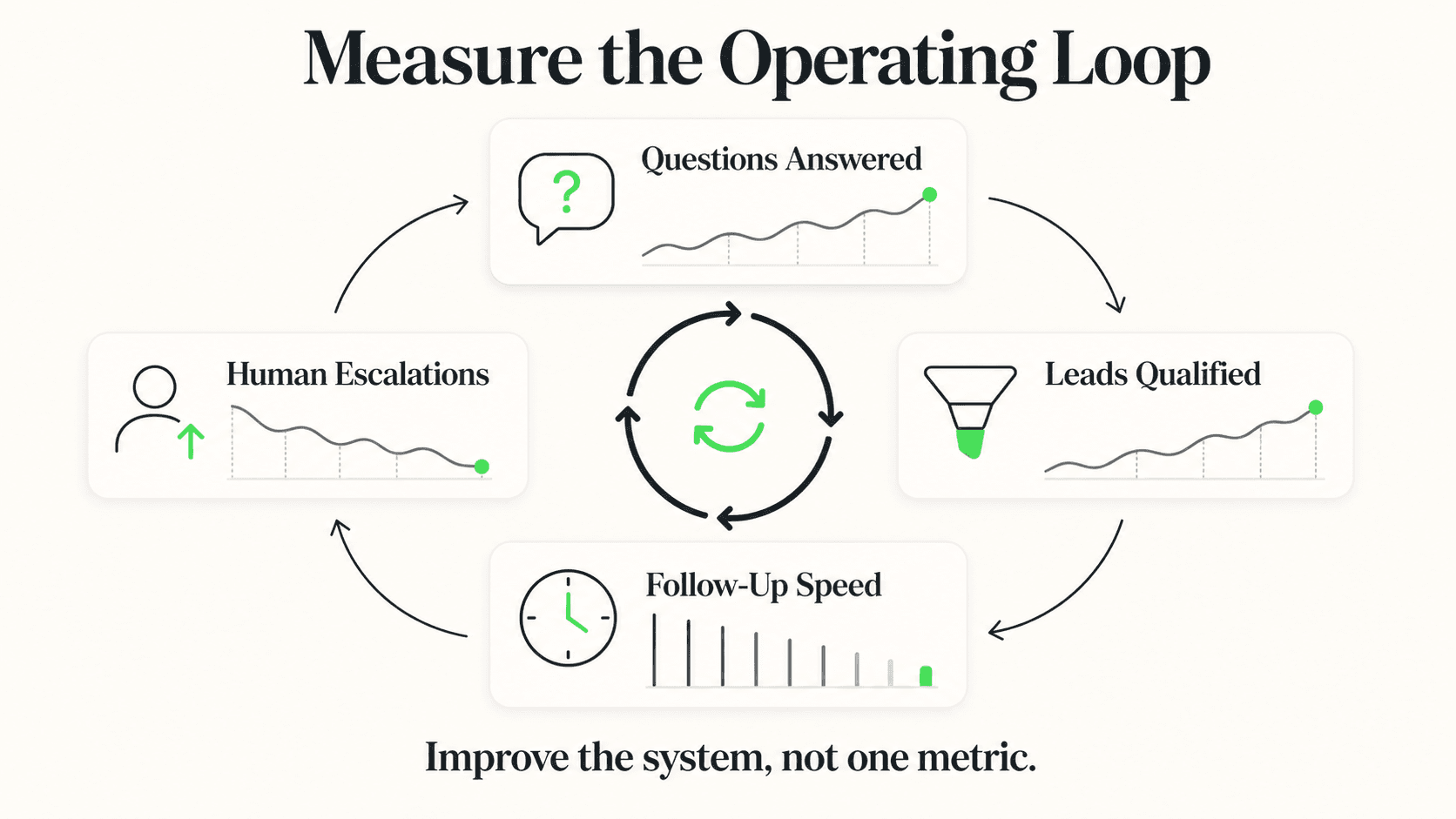
It asks the essentials in a natural conversation — intent, budget, timeline, decision authority, contact info — and assembles a structured lead summary with priority signals. Reps see qualified intent before they pick up the phone instead of after a cold call.
Should I ask for an email first or last?
Last. Asking for email upfront kills conversion. Provide value first (answer their question, share relevant info), then ask for email once the visitor is engaged. Hyperleap conversation flows are designed around this principle by default.
How long does it take to set up an AI chatbot with Hyperleap?
Most SMBs go live in 3–5 days for self-serve setup. With Managed Setup ($299 Free, available on every plan), Hyperleap builds the bot for you on your content and channels. A 7-day free trial is included on every plan.
Which channels does the chatbot run on?
Hyperleap deploys the same AI agent across four channels: your website widget, WhatsApp Business, Instagram DM, and Facebook Messenger. SMS, Slack, Telegram, MS Teams, and voice are on the roadmap and are not shipped yet.
Put this into practice
Related Articles
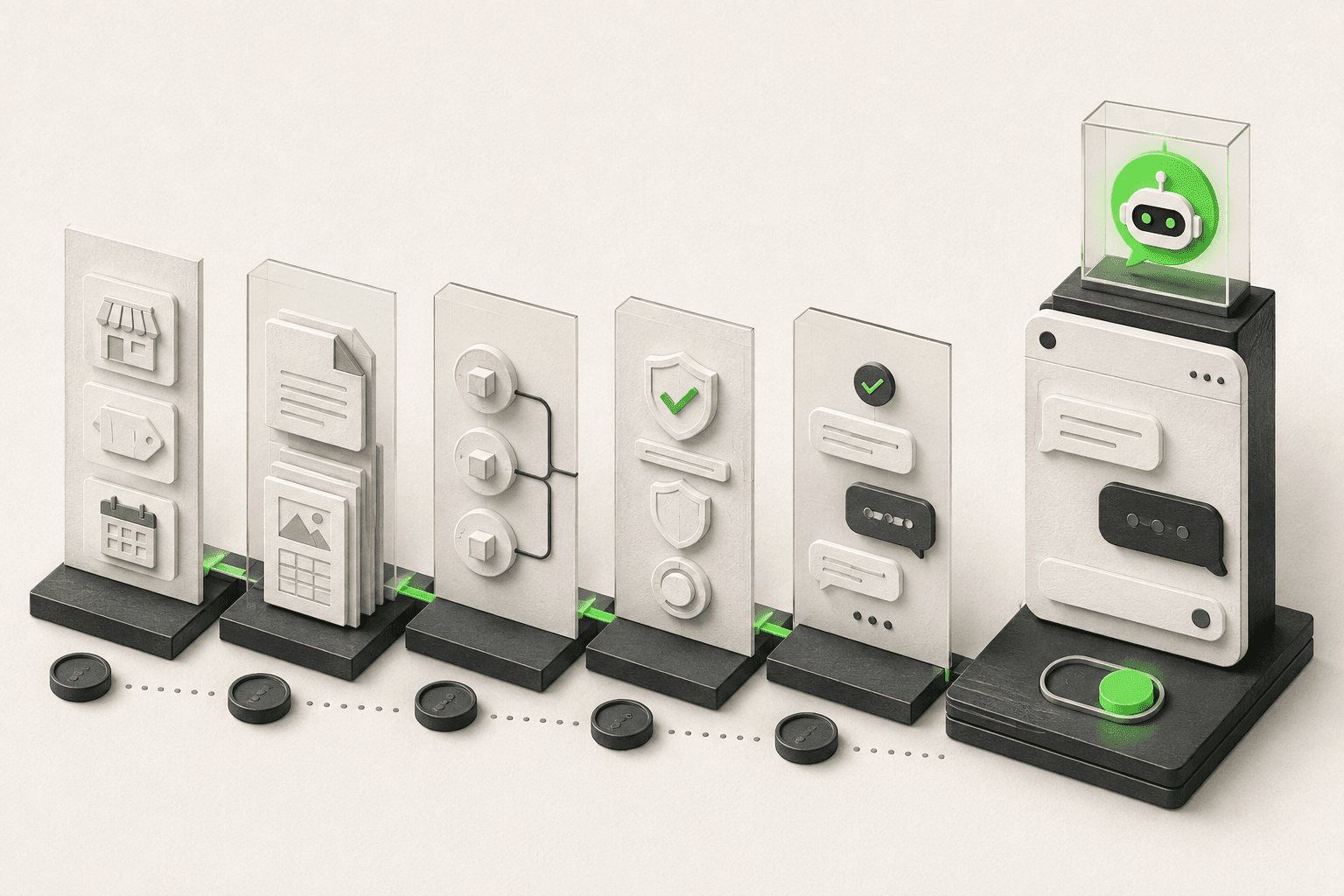
How to Build an AI Chatbot for Your Business
How to build an AI chatbot for your business: decide the jobs it should do, gather knowledge, choose channels, test, and go live in under 5 minutes.
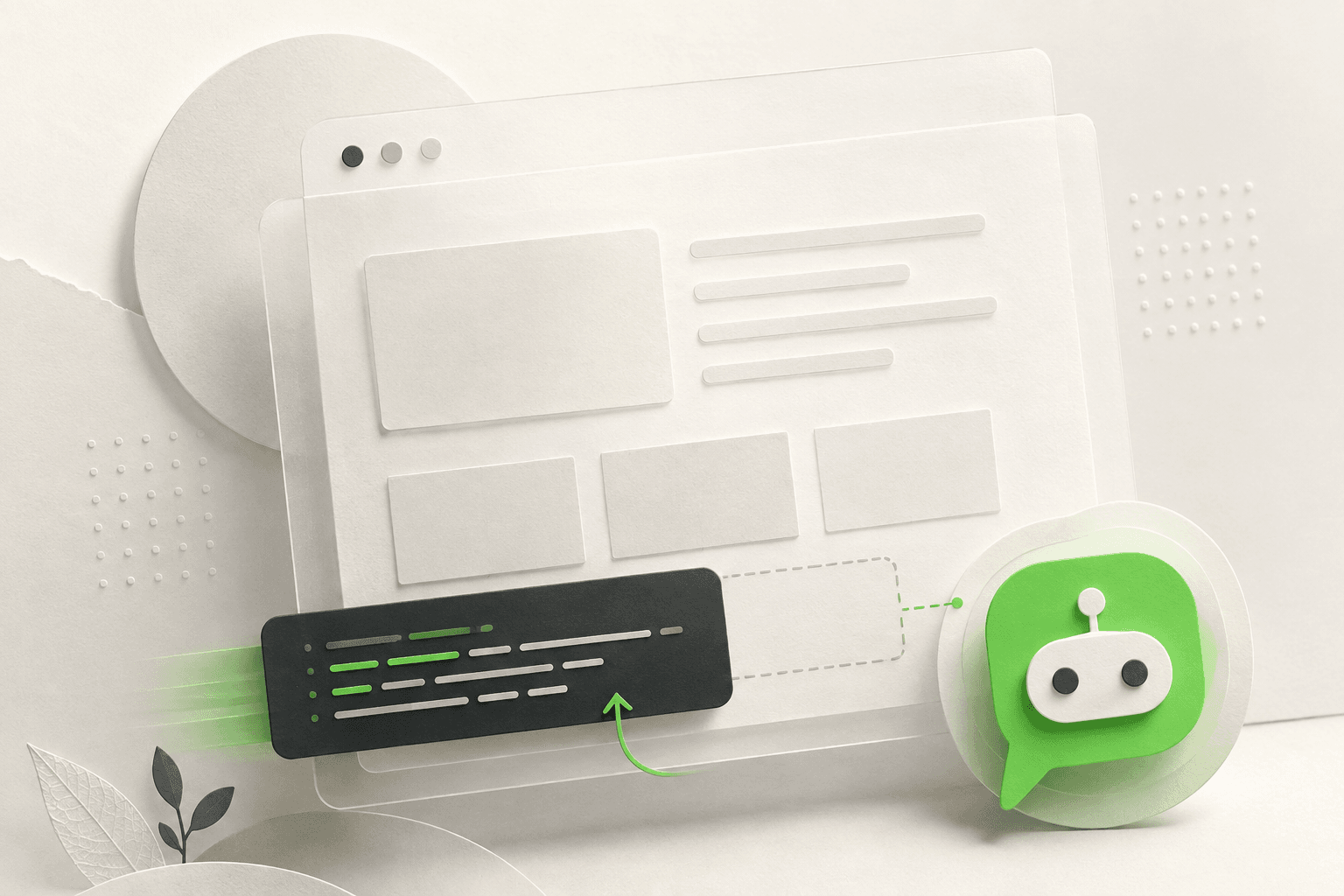
How to Add an AI Chatbot to an HTML Website
Add an AI chatbot to a plain HTML site with one script tag before </body>. Step-by-step setup, testing, styling, and knowledge base tips.

How to Add an AI Chatbot to Shopify (Step by Step)
How to add an AI chatbot to Shopify with a theme.liquid embed — setup steps, Online Store 2.0 notes, and what a Shopify chatbot can and can't access.

How to Add an AI Chatbot to Webflow (Step-by-Step)
Add an AI chatbot to Webflow with one script tag — Custom Code placement, plan requirements, the publish gotcha, and troubleshooting, explained step by step.