Chatbot Frameworks 2026: OSS, Commercial & No-Code
A working developer's guide to the chatbot frameworks that actually ship in 2026 — from LangChain and Rasa to Voiceflow and Hyperleap.

TL;DR: The chatbot framework landscape in 2026 has split into three camps: traditional NLU frameworks (Rasa, Microsoft Bot Framework, Dialogflow CX), modern LLM/agent frameworks (LangChain, LangGraph, CrewAI, OpenAI Agents SDK), and managed no-code platforms (Hyperleap, Voiceflow, Botpress Cloud, Chatbase, Landbot). The right pick is a function of three things: who is building (no-code admin, full-stack dev, or ML team), what channels you need (website only, or WhatsApp/IG/Messenger/voice), and how much control you want over the model and data. This guide breaks down ten frameworks honestly — what each is good at, what it actually costs in INR and USD, and where it falls over.
Want the no-code path without wiring a framework yourself? See our no-code chatbot builder.
Chatbot Development Frameworks in 2026: Open Source, Commercial, and No-Code Picks
Most "best chatbot tools" lists are just affiliate-rewritten vendor pages. They flatten genuinely different software — an open-source NLU framework like Rasa and a no-code page builder like Landbot — into the same bullet list, and pretend the choice is about features rather than about who is building and what they are building for.
This guide is written from the other direction. It groups frameworks by what they actually are, names the team profile each one is appropriate for, and quotes real 2026 pricing in both USD and INR for SMB readers in India and Southeast Asia. It also covers the agentic frameworks (LangGraph, CrewAI, OpenAI Agents SDK) that did not exist when most "chatbot framework" lists were written, but which are now the default substrate for any non-trivial conversational system.
What we mean by 'framework'
We are using "framework" loosely here, the way most teams use it in 2026 — to cover three distinct things: code libraries you build with (LangChain, Rasa), platforms you configure (Dialogflow, Voiceflow), and managed products you buy (Chatbase, Hyperleap). Each has different cost curves, different ceilings, and different failure modes. A serious comparison has to talk about all three.
How the Landscape Looks in 2026
Three things have changed since the last generation of "chatbot framework" articles:
1. LLMs replaced intent classification for almost everything. In 2022 you trained a Rasa or Dialogflow model on labeled utterances to classify "intent" and extract "entities." In 2026, a single GPT-5 or Claude Opus 4.7 call does this better than a fine-tuned classifier, with no training data, and gives you a generated response in the same call. Frameworks that lean on intent training (Rasa Open Source, Dialogflow ES) are no longer the default — they are a specialist choice for teams that need offline / on-prem inference, or have a regulator who will not let them ship customer data to OpenAI.
2. "Agent frameworks" ate "chatbot frameworks." LangChain, LangGraph, CrewAI, and the OpenAI Agents SDK are not marketed as chatbot frameworks, but they are what you use today if you are building a chatbot in code. The chatbot is the surface; the agent is the engine. (We unpack this shift in AI agents vs chatbots in 2026.)
3. The no-code tier got genuinely good. Hyperleap, Voiceflow, Botpress Cloud, Chatbase, and Landbot can ship a knowledge-grounded WhatsApp + website chatbot in an afternoon. For 80% of SMB use cases — restaurant FAQs, real-estate lead capture, clinic appointments, e-commerce order status — there is no reason to write framework code.
The right framework is the one that matches your team and your channel mix. Below is an honest breakdown of the ten that matter.
The Comparison Table
| Framework | Type | Best for | 2026 Pricing (entry) | Pros | Cons |
|---|---|---|---|---|---|
| LangChain / LangGraph | OSS Python/JS lib | Dev teams building custom agents | Free (LLM costs separate) | Huge ecosystem, model-agnostic, LangGraph adds graph-based control | Sprawling API, breaking changes between versions, you wire everything yourself |
| Rasa Open Source | OSS Python NLU/dialog framework | ML-team-led, on-prem, regulated industries | Free (Pro from ~$35K/yr) | Full data control, mature dialog management, on-prem deploy | Steep learning curve, ML team required, intent training feels dated next to LLMs |
| Microsoft Bot Framework + Copilot Studio | Commercial SDK + low-code | Microsoft-shop enterprises, Teams bots | Copilot Studio from $200/mo per tenant | Deep Azure / Teams / M365 integration, governance features | Verbose SDK, opinionated toward Microsoft stack |
| Botpress | OSS + managed cloud | Devs who want visual flows + code escape hatch | Free OSS; Cloud Pay-as-you-go ~$0.075/msg | Visual + code, good LLM integration, self-hostable | Cloud costs creep at scale, OSS docs lag the cloud product |
| Voiceflow | Commercial no-code | Design-led teams, IVR + chat in one tool | Pro from $50/mo (~Rs 4,200) | Best-in-class flow designer, voice + chat, version control | Pricing jumps fast on usage, less flexible for code-heavy logic |
| Dialogflow CX | Google managed | Teams already on GCP, multi-language IVR | $0.007/text req, $0.06/voice min | Strong multilingual, GCP integration, mature voice | CX learning curve, ties you to Google, intent-driven model is showing its age |
| Chatbase | Commercial no-code SaaS | Solo founders, simple website FAQ bots | Hobby $40/mo, Standard $150/mo | Fastest time-to-bot for a website, clean UI | Limited channels, thin on agent-style behaviors, message caps bite |
| Hyperleap AI | Managed no-code, global | SMBs that need WhatsApp + website without dev work | Plus from $40/mo (INR billing available) | Native WhatsApp Business API, GPT-5/Claude/Gemini choice, multi-channel | Smaller marketplace ecosystem than Voiceflow / Botpress |
| Landbot | Commercial no-code | Marketing teams, lead-gen forms-as-chat | Starter from $40/mo, WhatsApp tier $200/mo | Beautiful conversational forms, fast to ship | Logic ceiling for anything beyond capture flows |
| OpenAI Agents SDK / CrewAI | OSS agent libs | Multi-agent systems, tool-heavy workflows | Free (LLM costs separate) | Modern agent primitives, handoffs, tracing | Newer; you still need a chat surface around them |
The rest of this article unpacks each row honestly — what the framework actually is, who should pick it, and the gotchas you only learn after shipping.
Open-Source Code Frameworks
These are the libraries you reach for when you have a developer (or a team) and you want full control over the model, the data, and the deployment.
LangChain and LangGraph
LangChain is the Python/JS library most teams in 2026 use to glue an LLM, a retriever, and a set of tools into something that behaves like a chatbot. LangGraph — the same team's graph-based orchestration layer — is what you graduate to when your chatbot becomes a multi-step agent with branching, retries, and human-in-the-loop checkpoints.
from langgraph.graph import StateGraph, END
from langchain_anthropic import ChatAnthropic

llm = ChatAnthropic(model="claude-opus-4-7")

def answer(state):
    docs = retriever.invoke(state["question"])
    response = llm.invoke([
        ("system", "Answer using the docs. Cite sources."),
        ("user", f"{state['question']}\n\nDocs:\n{docs}")
    ])
    return {"answer": response.content}

graph = StateGraph(dict)
graph.add_node("answer", answer)
graph.set_entry_point("answer")
graph.add_edge("answer", END)
app = graph.compile()
Best for: A development team building a custom agent that does not fit a no-code box — bespoke tools, proprietary retrieval, custom routing.
Real cost: The framework is free. The LLM bill is not. A medium-traffic support bot (50K messages/month) on Claude Opus 4.7 will run roughly $400–800/month; on GPT-5-mini or Gemini 2.5 Flash, around $40–80/month. Token economics dwarf hosting.
Watch out for: LangChain's API has shifted meaningfully across 0.1 → 0.2 → 0.3. Pin versions. LangGraph is stabler but younger. Expect to write your own observability if you outgrow LangSmith's free tier.
Rasa Open Source
Rasa is the grown-up of the open-source chatbot world — a full Python framework for intent classification, entity extraction, and rule-or-ML dialog management. In 2026 it remains the default pick when you cannot send customer data to a third-party LLM: banking, healthcare, defense, regulated public-sector work.
Best for: ML-team-led builds where on-prem deploy and data residency are non-negotiable. Indian banks under RBI data-localization, hospitals under DPDP / HIPAA, government work under MeitY guidelines.
Pricing: Open Source is free; Rasa Pro (with CALM, the LLM-native dialog engine they shipped in 2024) is enterprise-priced — typically starts around $35,000/year and scales with conversation volume.
Watch out for: The classical Rasa stack (NLU intents + stories + rules) feels dated next to a single LLM call. CALM closes that gap but locks you into the Pro tier. Expect a real ML engineer on the team — this is not a weekend setup.
Microsoft Bot Framework
Microsoft's Bot Framework SDK (C#, JS, Python) plus Bot Framework Composer plus the newer Copilot Studio is the bundle Microsoft-shop enterprises use. If your bot needs to live inside Teams, surface in Outlook, and respect M365 governance, this stack is the path of least resistance.
Best for: Enterprise IT teams already on Azure / M365. Teams bots, employee-helpdesk copilots, anything that needs SSO via Entra ID out of the box.
Pricing: Bot Framework SDK is free; you pay for Azure compute, Azure OpenAI tokens, and (if you use it) Copilot Studio per-tenant licensing — roughly $200/month per tenant for the standard plan, with message-pack add-ons.
Watch out for: The SDK is verbose. You will write more code than in LangChain for the same outcome. Copilot Studio simplifies this but locks you tighter into Microsoft's stack and pricing.
Botpress (OSS and Cloud)
Botpress sits in an interesting middle ground — a visual flow builder with a real code escape hatch, available either as open-source self-host or as a managed cloud product. The 2026 cloud version is LLM-first and has solid WhatsApp, Messenger, and Slack channel adapters.
Best for: Developers who want a visual flow editor for the boring parts but the option to drop into TypeScript actions for the interesting parts.
Pricing: OSS is free. Cloud is pay-as-you-go (~$0.075 per AI message after a free tier) which is cheap for prototypes and aggressive at scale.
Watch out for: Cloud costs can surprise you on chatty bots. The OSS docs and cloud docs have drifted apart; if you are self-hosting, expect to read the source.
Modern Agent Frameworks
These are not "chatbot frameworks" in the traditional sense. They are agent libraries — primitives for building systems that reason, call tools, and hand off to other agents. In 2026, most code-built chatbots of any complexity are actually agent stacks under the hood.
OpenAI Agents SDK
Released in 2025 as the successor to the older Assistants API, the OpenAI Agents SDK (Python and TypeScript) gives you four primitives: agents, tools, handoffs, and tracing. It is the lowest-ceremony way to ship a tool-using chatbot if you are already in the OpenAI ecosystem.
Best for: Teams that want fast iteration on a tool-using agent and are happy on GPT-5 / GPT-5-mini.
Watch out for: Provider lock-in is real — porting to Claude or Gemini means rewriting the agent layer. Tracing is good but requires the OpenAI dashboard.
CrewAI
CrewAI models a chatbot as a "crew" of specialized agents (researcher, writer, critic, etc.) that collaborate on a task. It is overkill for a website FAQ bot, but right-sized for workflow-style chatbots — e.g. an internal RFP-response bot that drafts, fact-checks, and formats.
Best for: Multi-step internal tools where the chatbot is more "operator" than "responder."
Watch out for: Multi-agent systems are harder to debug than single-agent ones. Start single, only split into a crew when you can name what each agent uniquely owns.
Commercial No-Code Platforms
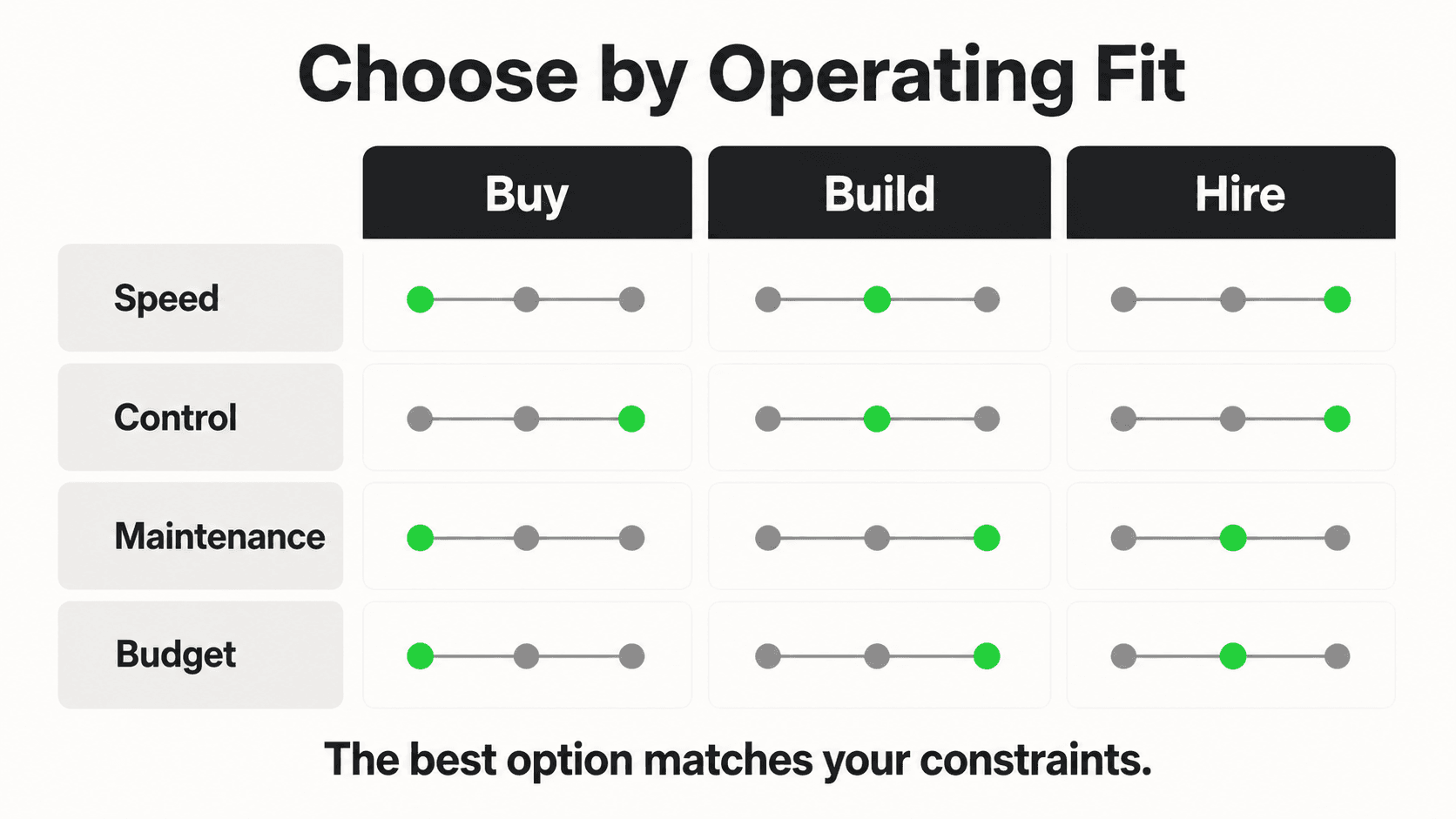
These are managed products. You configure rather than code. The good ones in 2026 are genuinely capable — for a large class of SMB use cases, writing framework code is the wrong choice.
Voiceflow
Voiceflow's flow designer remains the most polished in the category. Strong on voice (Alexa, IVR) as well as chat. Good Git-style versioning, decent LLM integration, good team collaboration.
Best for: Design-led product teams shipping conversational UX across both voice and chat.
Pricing: Pro from $50/month (~Rs 4,200), Teams from $185/month, Enterprise quoted. Token usage on top.
Watch out for: The pricing curve gets steep as conversation volume rises. Code-heavy logic is possible via custom blocks but feels like swimming upstream.
Dialogflow CX
Google's flagship conversational AI platform. CX (the modern flow-based version) replaces ES (the older intent-only version) for any new build. Strong multilingual support — over 30 languages — and tight integration with Google Cloud Contact Center AI for voice.
Best for: Teams already on GCP, especially anyone doing IVR or multilingual customer support.
Pricing: $0.007 per text request, $0.06 per voice minute (advanced agent). Volume-friendly for high-traffic bots; less so for prototypes.
Watch out for: The CX learning curve is real — pages, flows, routes, and parameters take a week to internalize. The intent-and-page model is also showing its age next to a pure-LLM design; Vertex AI Agent Builder is Google's newer answer.
Chatbase
Chatbase is the canonical "upload your docs, get a website chatbot" product. Fast time-to-value, clean UI, decent retrieval out of the box. Good fit for solo founders and small teams that need a website FAQ widget and not much else.
Best for: A single-channel website chatbot grounded in a documentation site or PDF library.
Pricing: Hobby $40/mo, Standard $150/mo, Pro $500/mo. Message caps tighten as you go down the tiers.
Watch out for: Channel coverage is thinner than Hyperleap or Botpress (limited WhatsApp / IG support depending on tier). Not where to go if you want agentic tool use.
Landbot
Landbot is conversational forms done well — a beautiful drag-and-drop builder where the bot looks and feels like a designed page. Marketing teams love it for lead-gen.
Best for: Marketing-led lead-capture flows where conversion design matters more than conversational depth.
Pricing: Starter ~$40/month, Pro ~$100/month, WhatsApp tier from $200/month.
Watch out for: Logic ceiling. Anything beyond a guided capture flow gets awkward fast.
India-Friendly Picks: Pricing, WhatsApp, and DPDP
For global SMBs evaluating chatbot frameworks, three things matter that the headline "best of" lists routinely miss:
1. SMB-priced entry tiers and regional billing options. A $50/month entry tier is reasonable for a Berlin SaaS but painful for a small clinic in many emerging markets. Frameworks with low entry pricing and regional billing flexibility (Hyperleap's $40/mo Plus, Botpress Cloud's pay-as-you-go) are meaningfully more accessible than USD-only enterprise pricing.
2. WhatsApp Business API as a first-class channel. WhatsApp is the dominant messaging channel for SMB customer conversations across Brazil, India, Indonesia, the UK, and much of the EU. A chatbot framework that treats WhatsApp as an afterthought (Chatbase, classic Bot Framework) is a poor fit. Frameworks with native WhatsApp Business API support and template-message workflows (Hyperleap, Botpress, Voiceflow's WhatsApp tier, Landbot's WhatsApp tier) are the realistic shortlist.
3. Data residency and privacy compliance. Privacy regimes differ by region — GDPR (EU/UK), CCPA (California), DPDP (India), LGPD (Brazil) — and several require meaningful consent, purpose limitation, and in some cases local processing. Open-source frameworks self-hosted in your region of choice give full control. Managed platforms vary: pick one that documents data residency clearly.
The honest shortlist for an SMB without a developer team: Hyperleap, Botpress Cloud, or Voiceflow — in that order, depending on whether WhatsApp+website (Hyperleap), code-friendly flows (Botpress), or polished UX (Voiceflow) matters most.
Choosing By Team Profile
The cleanest way to pick a framework is to be honest about who is building.
No-code admin (no developers): Hyperleap, Chatbase, Landbot, Voiceflow. You are configuring, not coding. Pick on channel coverage and pricing fit.
One full-stack developer: Botpress (visual + code), LangChain + a thin Next.js surface, or OpenAI Agents SDK if you are happy on GPT-5. Avoid Rasa — too much ML setup overhead for a team of one.
Small dev team, no ML specialist: LangChain / LangGraph with Claude Opus 4.7 or GPT-5 as the model. You get framework flexibility without owning a training pipeline.
ML team, regulated industry: Rasa Pro (or Rasa Open Source if budget is tight), self-hosted, fine-tuned classifiers if you need them. Microsoft Bot Framework if you are an Azure shop.
Enterprise IT inside a Microsoft house: Bot Framework + Copilot Studio. The integration tax everywhere else is not worth paying.
Where Hyperleap Fits
Full disclosure: Hyperleap AI is the team writing this guide. We will not pretend we are neutral, but we will be specific about where Hyperleap is the right pick and where it is not.
Hyperleap is built for the SMB that needs a knowledge-grounded chatbot on WhatsApp and the website, without hiring a developer. You upload your docs, connect a WhatsApp Business number, pick a model (GPT-5, Claude Opus 4.7, or Gemini 2.5 — the choice is yours), and the bot is live the same day. The Plus plan starts at $40/month (INR billing available), with WhatsApp Business API as a first-class channel.
Where Hyperleap is not the right pick: if you are a development team that wants to wire your own retrieval, your own tools, and your own routing, you want LangChain or the OpenAI Agents SDK, not us. If you are an ML team in a regulated industry that needs full on-prem, you want Rasa. If your bot is a single-page website FAQ widget and nothing else, Chatbase is faster to ship.
We are deliberately the no-code-plus-managed option for SMBs that need WhatsApp and website coverage without dev work. That is the lane.
A Pragmatic Decision Framework

Cutting through the long-list, here is the order most teams should evaluate frameworks in 2026:
- Start with the channel mix. Website only, or WhatsApp + website, or voice/IVR? Channel requirements eliminate half the list immediately.
- Then filter by team. No developer? You are in the no-code lane. One dev? Mid-tier code or capable no-code. ML team? Open-source with full control.
- Then filter by data constraints. Can your data leave the country? Can it touch OpenAI / Anthropic? If no to either, you are in the open-source / on-prem subset.
- Only then compare features. Most "feature comparisons" are noise once the first three filters are applied — the surviving 2–3 frameworks will all do what you need; pick on pricing and team comfort.
Most teams skip the first three filters and drown in feature matrices. Don't.
What to Build Next
If you are starting from zero, the right first move is not picking the framework — it is writing the four documents that any framework will need:
- The knowledge base the bot will answer from (FAQs, product docs, policy pages).
- The escalation rules — what does the bot refuse to answer, and how does it hand off to a human?
- The success metric — deflection rate? Lead capture rate? CSAT? Pick one before you build.
- The channel list with realistic monthly message volumes.
Once those exist, the framework choice becomes obvious — usually within two minutes of looking at the table above. Frameworks are interchangeable when the requirements are clear; they are paralyzing when they are not.
The chatbot framework world in 2026 is not short on options. It is short on teams that are honest about what they are building and who is building it. Be honest about both, and almost any of the ten frameworks above will get you to a shipped bot.
Further Reading
Authoritative external sources used and recommended for further research on this topic:
- Anthropic research and product documentation
- Google Search Central documentation
- Gartner customer service research
Frequently Asked Questions
What is an AI chatbot in business terms?

A customer-facing chat agent that answers questions, qualifies inquiries, and captures leads 24/7. Modern AI chatbots are grounded in your business content (not the open internet) and run across your website and messaging channels with the same persona and knowledge.
How is Hyperleap different from a chat widget or a live chat tool?
Live chat tools route to humans; basic widgets follow scripted flows. Hyperleap is an AI agent grounded in your content — it understands intent, retrieves from your knowledge base, qualifies leads, and escalates only when needed. Same answers across website, WhatsApp, Instagram DM, and Facebook Messenger.
How long does it take to set up an AI chatbot with Hyperleap?
Most SMBs go live in 3–5 days for self-serve setup. With Managed Setup ($299 Free, available on every plan), Hyperleap builds the bot for you on your content and channels. A 7-day free trial is included on every plan.
Which channels does the chatbot run on?
Hyperleap deploys the same AI agent across four channels: your website widget, WhatsApp Business, Instagram DM, and Facebook Messenger. SMS, Slack, Telegram, MS Teams, and voice are on the roadmap and are not shipped yet.
Related Articles
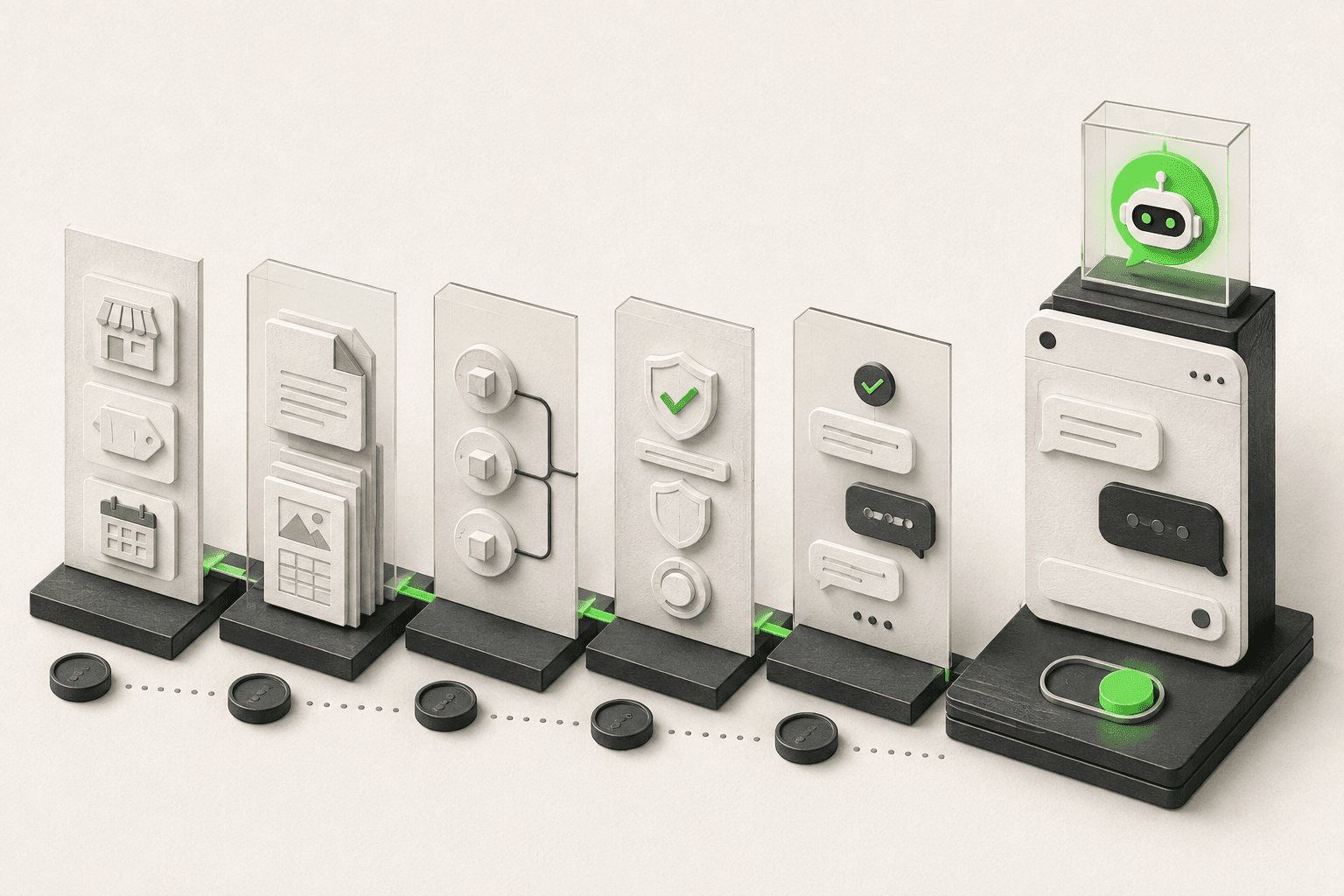
How to Build an AI Chatbot for Your Business
How to build an AI chatbot for your business: decide the jobs it should do, gather knowledge, choose channels, test, and go live in under 5 minutes.
How to Add an AI Chatbot to an HTML Website
Add an AI chatbot to a plain HTML site with one script tag before </body>. Step-by-step setup, testing, styling, and knowledge base tips.

How to Add an AI Chatbot to Shopify (Step by Step)
How to add an AI chatbot to Shopify with a theme.liquid embed — setup steps, Online Store 2.0 notes, and what a Shopify chatbot can and can't access.

How to Add an AI Chatbot to Webflow (Step-by-Step)
Add an AI chatbot to Webflow with one script tag — Custom Code placement, plan requirements, the publish gotcha, and troubleshooting, explained step by step.