Instagram Messaging API
AI front desk for Instagram
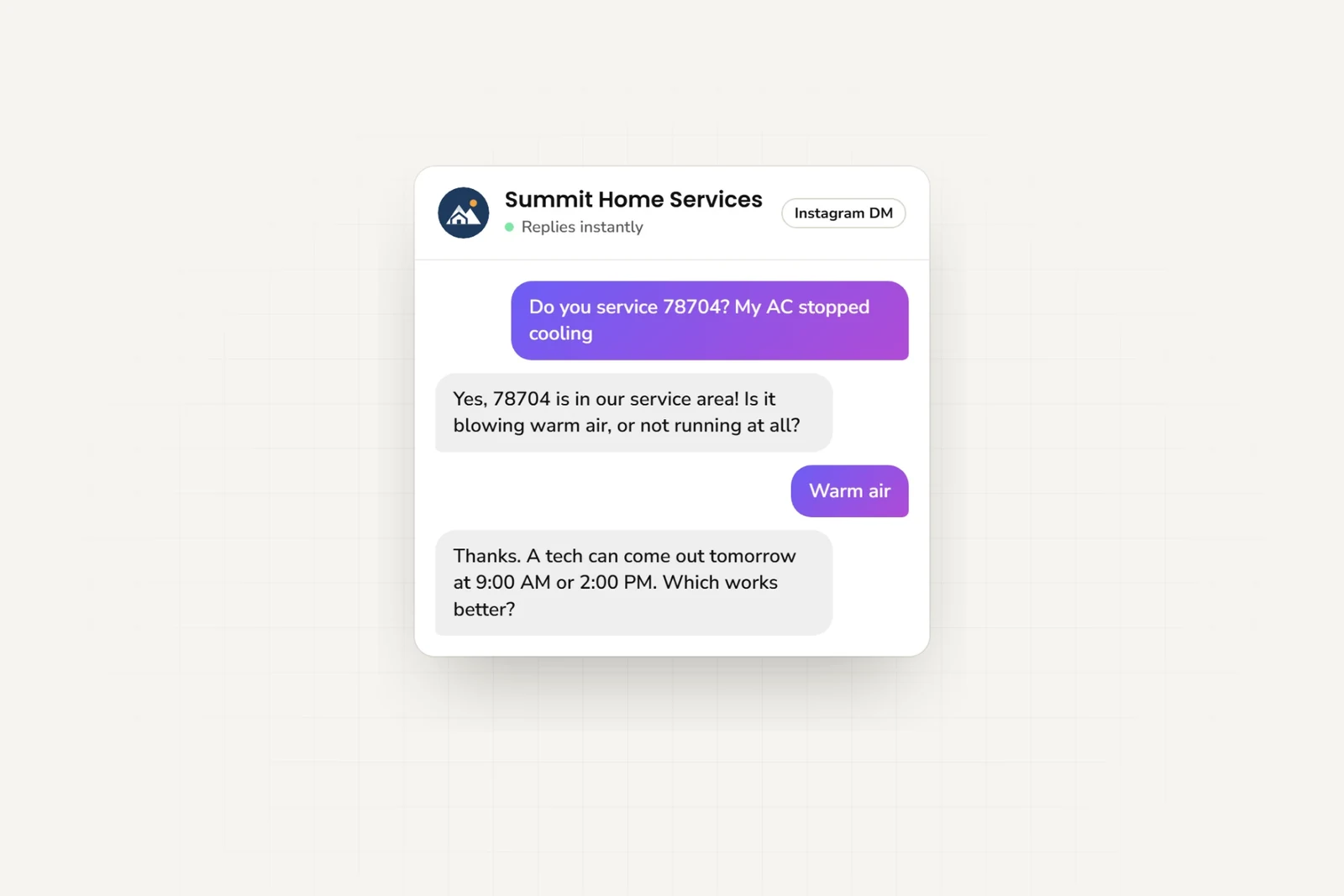
Answer questions about your products and services in Instagram DMs. Collect contact details and, on Pro and Max, book appointments in the DM, even while your team is busy.
- Meta Technology Provider
- and Business Partner — verified by Meta
- Official Instagram API
- No third-party relay in the middle
- One AI reply = one response
- No model-credit math
- From $40/mo
- See pricing — 7-day free trial
Features
Instagram Automation Features
Let customers ask questions and get help directly in Instagram DMs.
Instant DM Responses
Reply to Instagram DMs in seconds, not hours. Never leave a follower waiting.
Ask what customers need
Ask customers about their needs so your team can follow up.
Lead Capture
Ask for the contact details your team needs.
Rich Cards & Carousels
On Pro and Max, when the AI shares your photos, documents, links, videos, or booking link, each arrives as a card — title, thumbnail, and a tappable button. Multiple cards appear as a swipeable carousel right inside Instagram DM.
Help from your team
When customers need personal assistance, the AI provides your team's contact information.
Setup
How to Connect Instagram
Get your AI agent live on Instagram in 5 steps
- 1
Create Your AI Agent
Sign up for Hyperleap and create your AI agent. Train it with your brand voice, FAQs, product catalog, and common customer questions.
- 2
Switch to Business/Creator Account
Make sure your Instagram account is set to Business or Creator. Go to Settings > Account > Switch to Professional Account.
- 3
Connect to Facebook Page
Your Instagram Business account must be connected to a Facebook Page. This is required by Meta for API access.
- 4
Authorize Hyperleap
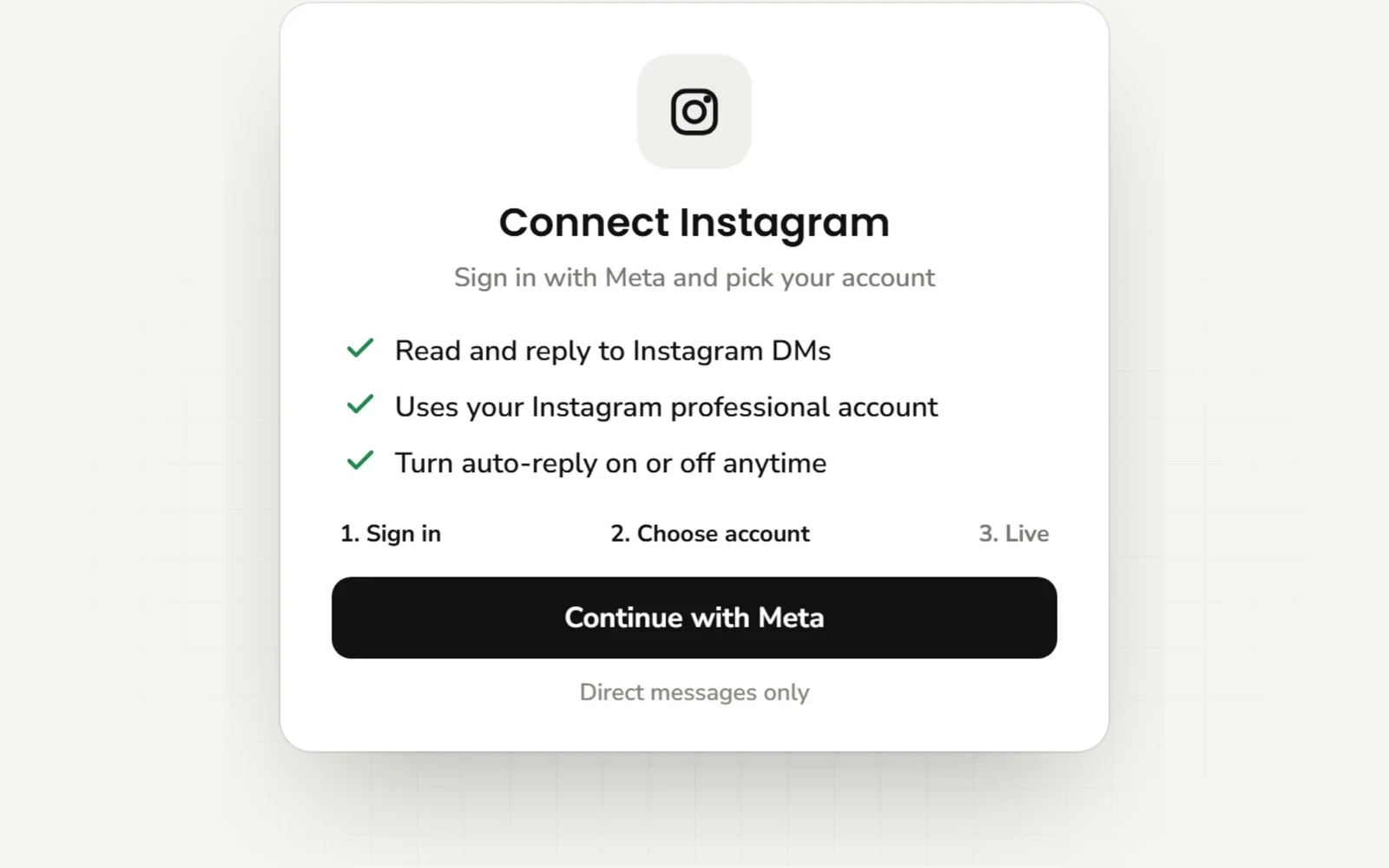
From the Channels section in Hyperleap, click "Connect Instagram". Log in with Facebook and grant messaging permissions.
- 5
Configure & Go Live
Set up your welcome message, response triggers, and automation rules. Test with a few DMs, then enable full automation.
Before you start
Requirements
What you need before connecting Instagram
You'll Need:
Good to Know:
By industry
Industry Use Cases
See how different industries use Instagram AI
Real Estate
Property questions, buyer preferences, and viewing links
E-commerce
Product questions, size guides, shipping and returns policies
Coaches & Consultants
Program questions and discovery-call booking
Restaurants
Menu questions, event details, and reservation links
Fitness & Wellness
Class schedules, membership questions, and booking links
Beauty & Salon
Service prices, example photos, and appointment links
Frequently Asked Questions
Everything you need to know
Does it use the official Instagram API?
Hyperleap AI uses the official Instagram Messaging API. Your account and messages still need to follow Meta’s rules.
Can it book appointments in Instagram DMs?
Yes, on the Pro and Max plans, with Calendly or Cal.com. The agent checks your live availability, lists the open times in its reply, and books the one the customer picks, then confirms the booked time in the chat. The customer gets the calendar invite by email. In-chat booking with Calendly needs Calendly Standard or higher; Cal.com works with cal.com-hosted event links. It creates new bookings only, so customers cancel or reschedule from their confirmation email. On Plus, or with any other scheduling tool, the agent shares your booking link.
Can I take over the conversation?
Yes, on the Pro and Max plans. From the Hyperleap leads page, you can view conversations and pause automation. Then you can reply directly from Instagram DMs.
How does the handover to human work?
When a customer needs human assistance, the AI can provide your team's contact information such as a phone number or email address so they can reach out directly.
Do I need a minimum number of followers?
Technically no, but Instagram's API works best with Professional (Business or Creator) accounts. There are no follower limits for Business accounts.
Still have questions?
Email support@hyperleap.aiReady to Automate Instagram DMs?
Answer customer questions in Instagram DMs, 24/7.