WhatsApp for Law Firms in India: Client Comms Guide
500M+ Indians use WhatsApp daily. Here's how Indian advocates and law firms can use WhatsApp Business professionally to win and retain more clients.

TL;DR: India has 535+ million WhatsApp users (Source: Meta / Statista) and over 20 lakh registered advocates (Source: Ministry of Law and Justice). Yet most law firms still use personal WhatsApp numbers for client communication — mixing family chats with case updates, missing messages during hearings, and leaving zero professional trail. This guide covers 7 best practices to use WhatsApp Business professionally, stay compliant with Bar Council of India rules, and win more clients.
WhatsApp for Law Firms in India: Client Communication Best Practices
Every missed WhatsApp message from a potential client is a brief that walks out of your chamber. In India, WhatsApp is not just a messaging app — it is the default communication layer for over 535 million people (Source: Meta / Statista). Your clients do not email you. They do not fill out contact forms. They send you a WhatsApp message at 9 PM asking if you handle property disputes in Dwarka.
Research shows that 78% of clients expect a response within one hour of their first inquiry (Source: Martindale-Avvo Legal Consumer Report, 2024). The advocate down the road who replies on WhatsApp at 9:15 PM gets the brief. The one who sees it at 10 AM the next morning does not. In a profession where client trust is everything, the speed and reliability of your communication channel determines whether you win or lose matters — often before the first hearing.
The good news? You do not need to be glued to your phone. You need a professional WhatsApp system. This guide walks Indian advocates and law firms through exactly how to set one up.
Why WhatsApp Matters for Indian Law Firms
India's legal services market is projected to grow at a 6.24% CAGR, reaching USD 3.37 billion by 2030 (Source: Mordor Intelligence). With over 20 lakh advocates registered across state bar councils (Source: Ministry of Law and Justice), competition for clients is intense — especially in metros like Delhi, Mumbai, Bangalore, Hyderabad, and Chennai where thousands of advocates practise in overlapping areas of law.
The Shift from Phone Calls to Messaging
A decade ago, clients would call their advocate's office landline. Today, that model is broken. Clients prefer WhatsApp because they can message when it is convenient (during lunch break, after office hours, between meetings), attach documents instantly (photographs of property papers, scanned court orders, screenshots of agreements), get a written record of every conversation, and avoid the awkwardness of calling someone they have never met.
For advocates, this shift is both an opportunity and a challenge. The opportunity is clear: you can serve more clients, respond faster, and build stronger relationships through a channel they already use daily. The challenge? Most advocates have not set up WhatsApp professionally.
Bar Council of India and Digital Communication
The Bar Council of India has taken a firm stance on digital conduct. In March 2025, the BCI issued directives cracking down on unethical legal advertising and social media promotion by advocates and law firms, citing Rule 36, Chapter II, Part VI of the Bar Council of India Rules (Source: BCI Press Release, 17 March 2025). This rule prohibits advocates from soliciting work through advertisements, endorsements, or promotional content.
However, there is an important distinction: communicating with existing and potential clients via WhatsApp is not advertising. Responding to inquiries, sharing case updates, and sending legal documents through WhatsApp constitutes professional communication — not solicitation. The BCI's directives target promotional banners, celebrity endorsements, and influencer-style content, not legitimate client correspondence.
BCI Compliance Note
While WhatsApp communication with clients is legitimate professional practice, avoid using WhatsApp Status, broadcast lists, or group messages to promote your legal services. The Bar Council of India's Rule 36 prohibits solicitation and advertising in any form. Keep your WhatsApp Business profile factual — list your name, practice areas, and contact details without promotional language or superlatives.
Common WhatsApp Mistakes Indian Law Firms Make
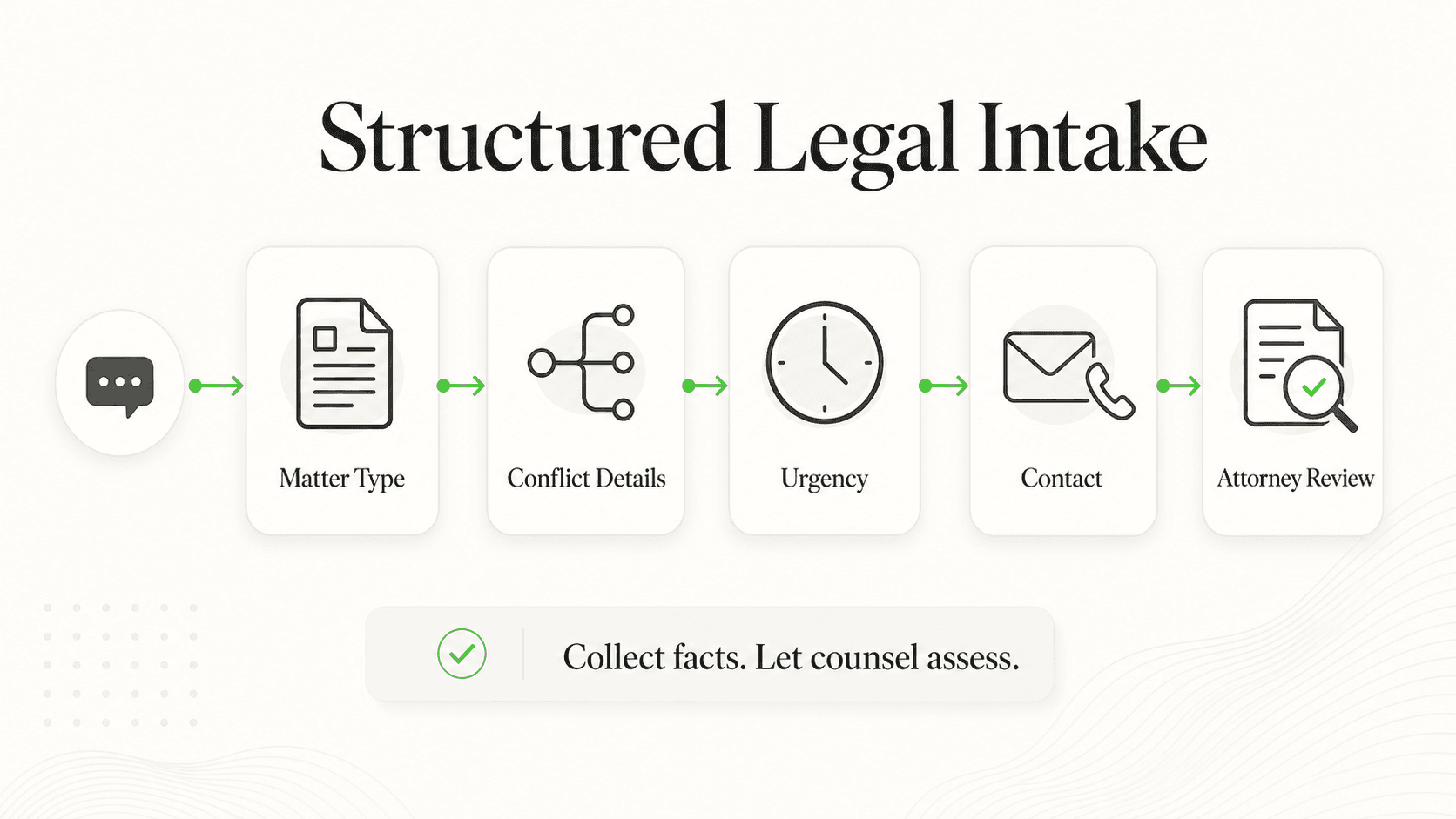
Before we discuss best practices, let us examine the most common mistakes advocates make with WhatsApp client communication — mistakes that cost them clients, create compliance risks, and damage their professional reputation.
Using a Personal Number for Client Communication
This is the single most common mistake. When you use the same WhatsApp number for family, friends, and clients, several things go wrong. Your client sees your Diwali party photos on your Status. Your child accidentally sends a message to a client. You cannot set professional business hours or automated responses. Your spouse or family member might read a confidential client message. And when you change phones, you risk losing critical client conversations.
Research shows that over 80% of small businesses in India use personal WhatsApp for customer interactions (Source: Meta Business Messaging Report, 2023). For law firms, this is particularly risky because of the confidentiality obligations under the Advocates Act, 1961 and BCI Rules.
No System for Follow-Ups
A potential client messages you about a cheque bounce case. You are in a hearing at Patiala House Courts. By the time you check your phone at 4 PM, you have 47 unread messages — 12 from clients, 8 from family, 15 from groups, and 12 from other contacts. The cheque bounce inquiry is buried. You never respond. The client has already engaged another advocate.
Missing Messages During Hearings
Advocates spend 3-5 hours daily in court — during which they cannot respond to messages. Without automated responses informing clients that you are currently in court and will respond by a specific time, clients assume you are ignoring them. In a profession built on trust, silence is interpreted as disinterest.
No Documentation Trail
When disputes arise about what was communicated, what advice was given, or what fees were agreed upon, a professional communication trail protects you. Personal WhatsApp conversations scattered across a phone you replaced two years ago offer no such protection.
Mixing Practice Areas and Client Types
If you handle both criminal matters and family law, a client looking for a divorce lawyer does not need to see that you just posted a WhatsApp Status about a bail hearing. Different practice areas require different communication approaches, response templates, and levels of sensitivity.
7 Best Practices for WhatsApp Client Communication
1. Use WhatsApp Business (Not Personal) for All Client Communication
What this looks like in practice: Download the WhatsApp Business app (free on Android and iOS) and register it with a separate phone number dedicated to your law firm. Set up a professional business profile with your firm name, practice areas, office address, email, and website.
Real-world impact: A solo practitioner in Bangalore handling property and family law switched from personal WhatsApp to WhatsApp Business and reported a noticeable improvement in client inquiries within 90 days — primarily because clients perceived the firm as more professional and organized (based on typical industry outcomes; individual results vary).
Why it works: WhatsApp Business gives you a verified business profile that distinguishes you from the thousands of advocates using personal numbers. Clients see a professional profile with your practice areas, location, and business hours — not your cousin's wedding photo as your display picture.
Key features to configure:
- Business name: Use your firm name or "Adv. [Name] | [Practice Area]"
- Category: Select "Legal" or "Professional Services"
- Description: Brief summary of practice areas (factual, not promotional — keep BCI rules in mind)
- Address: Your chamber or office address
- Business hours: Set accurate availability timings
- Email and website: Link to your firm's online presence
2. Set Up Automated Responses for After-Hours and During Court Appearances
What this looks like in practice: Configure three types of automated messages — a greeting message for first-time contacts, an away message for outside business hours, and a custom away message that you toggle on when you enter court.
Real-world impact: Automated responses are widely reported to reduce client drop-off, as potential clients receive immediate acknowledgment rather than silence. This is especially critical during peak inquiry windows (evenings and weekends when clients have free time to research legal options).
Why it works: A client messaging you at 8 PM on a Saturday is not expecting you to be available. They are expecting acknowledgment that their message has been received. An automated response saying "Thank you for contacting [Firm Name]. We have received your message and will respond by Monday 10 AM IST" costs you nothing but prevents the client from messaging three other advocates.
Key templates to set up:
Greeting message (first contact):
Namaste! Thank you for contacting [Firm Name]. We practise in [areas]. Please share a brief description of your legal matter, and we will connect you with the right advocate within 24 hours. For urgent matters, please call [number].
Away message (after hours):
Thank you for your message. Our office hours are Mon-Sat, 10 AM to 7 PM IST. We will respond to your inquiry on the next business day. For genuine emergencies, please call [number].
Court appearance message:
We are currently at [Court Name] for hearings. We will review and respond to all messages by [time] today. Thank you for your patience.
3. Create Quick Replies for Common Legal Questions
What this looks like in practice: WhatsApp Business allows you to save and reuse frequently sent messages as "quick replies." Create templates for the questions you get asked most often — fees, documentation requirements, court dates, and initial consultation processes.
Real-world impact: Advocates who use quick reply templates typically handle more inquiries per day compared to typing individual responses each time. This time saving adds up to hours every week.
Why it works: Every advocate gets the same 10-15 questions repeatedly. "What are your fees for a property dispute?" "What documents do I need for a mutual consent divorce?" "How long does a cheque bounce case take?" Having pre-written, accurate responses means you can reply in seconds rather than minutes.
Essential quick reply templates for Indian advocates:
- Fee inquiry: "Our consultation fee for [practice area] matters is ₹[amount]. This covers an initial review of your case and preliminary advice. Detailed fee structure will be shared after understanding the specifics of your matter."
- Document checklist: "For [case type], please keep the following documents ready: [list]. Please share scanned copies or clear photographs via WhatsApp for initial review."
- Court date update: "Your matter [case number] is listed on [date] at [court/bench]. Please ensure all documents mentioned in our last communication are filed. We will update you after the hearing."
- Consultation booking: "We offer consultations Mon-Sat, 10 AM to 6 PM. Please share 2-3 preferred time slots, and we will confirm your appointment within 4 hours."
4. Share Documents Securely (Case Briefs, Legal Notices, Court Orders)
What this looks like in practice: Use WhatsApp's document sharing feature to send case briefs, legal notices, court orders, and other legal documents as PDFs — not as photos of printed pages. Always password-protect sensitive documents and share the password through a separate channel (SMS or phone call).
Real-world impact: Clients consistently rate WhatsApp-based document sharing highly for convenience compared to email-only communication, primarily because they can access documents instantly on their phone without needing to open a separate email application.
Why it works: Indian clients, particularly those in tier-2 and tier-3 cities, often do not check email regularly. WhatsApp is their primary digital interaction point. Sending a court order via WhatsApp means they see it within minutes, not days.
Security best practices for legal documents:
- Convert to PDF before sharing — never share editable Word documents with clients
- Password-protect sensitive files — share the password via a phone call, not in the same WhatsApp thread
- Use WhatsApp's "View Once" feature for highly sensitive documents that should not be saved or forwarded
- Disable auto-download of media in your WhatsApp Business settings to prevent sensitive documents from appearing in your phone's gallery
- Maintain a log of which documents were shared with which client, and when
Digital Personal Data Protection Act Compliance
India's Digital Personal Data Protection Act, 2023 (DPDP Act), with its rules notified in November 2025, requires businesses to handle personal data with explicit consent, purpose limitation, and data minimisation. When sharing client documents via WhatsApp, ensure you have consent to communicate through this channel, do not share documents containing third-party personal data without authorisation, and maintain records of document-sharing activity. Penalties under the DPDP Act can reach up to ₹250 crore per breach.
5. Schedule Consultations and Follow-Ups via WhatsApp
What this looks like in practice: Instead of relying on phone calls and mental notes to schedule consultations, use WhatsApp as your primary scheduling channel. Send confirmation messages with date, time, and location details. Set up follow-up reminders that automatically go out before scheduled appointments.
Real-world impact: Missed consultations are a significant pain point for Indian law firms. Industry data suggests that appointment reminders via WhatsApp can reduce no-shows substantially, since clients have the details readily accessible on their phone and receive timely reminders.
Why it works: When a client books a consultation over the phone, there is no written record — they may forget the date, time, or location. A WhatsApp confirmation message serves as both a record and a reminder. Clients can refer back to it, share it with family members (common in India, where legal decisions often involve family), and confirm or reschedule easily.
Scheduling workflow for law firms:
- Initial inquiry: Client messages with legal issue
- Availability sharing: Send 2-3 available time slots
- Confirmation message: "Your consultation with Adv. [Name] is confirmed for [Date] at [Time], [Location]. Please bring: [document list]. Consultation fee: ₹[amount]. Reply YES to confirm."
- 24-hour reminder: "Reminder: Your consultation with Adv. [Name] is tomorrow at [Time], [Location]. Please carry [documents]. If you need to reschedule, please reply to this message."
- Post-consultation follow-up: "Thank you for visiting [Firm Name]. As discussed, next steps are: [summary]. We will share the engagement letter by [date]."
6. Manage Multiple Practice Areas with Labels and Categories
What this looks like in practice: WhatsApp Business lets you assign colour-coded labels to chats. Create labels for each practice area, case status, and client priority — then filter conversations instantly instead of scrolling through hundreds of chats.
Real-world impact: A firm handling property law, matrimonial disputes, and criminal defence can instantly filter to see only their property clients or only their pending consultation requests. This organisation eliminates the chaos of managing 100+ client conversations in a single inbox.
Why it works: As your practice grows from 10 clients to 50 to 200, managing all conversations in a single chat list becomes unsustainable. Labels turn your WhatsApp into a lightweight CRM, helping you prioritise responses, track case status, and ensure nothing falls through the cracks.
Recommended label system for Indian law firms:
- By practice area: "Property Law," "Family/Matrimonial," "Criminal," "Commercial/Corporate," "Consumer Disputes," "Cheque Bounce (NI Act)"
- By case status: "New Inquiry," "Consultation Scheduled," "Active Matter," "Awaiting Documents," "Court Date Pending," "Matter Closed"
- By priority: "Urgent - Bail/Injunction," "Hearing This Week," "Follow-Up Required"
- By payment status: "Fee Pending," "Retainer Active," "Payment Received"
7. Build a Client Communication Trail for Professional Protection
What this looks like in practice: Treat every WhatsApp conversation as a potential legal record. Confirm verbal discussions in writing via WhatsApp, summarise fee agreements in messages, and document every instruction received and update provided.
Real-world impact: Indian courts have increasingly recognised WhatsApp messages as admissible electronic evidence under Section 65B of the Bharatiya Sakshya Adhiniyam (formerly the Indian Evidence Act). In several rulings, courts have accepted WhatsApp conversations as evidence, provided they meet the technical conditions specified in Section 65B(2) and are accompanied by a proper certificate (Source: Bhatt & Joshi Associates legal analysis).
Why it works: Disputes between advocates and clients — about fees agreed, advice given, or deadlines communicated — are not uncommon. A clear WhatsApp trail protects both parties. When a client says "You never told me the hearing was on Thursday," you can scroll back to the message you sent on Tuesday confirming the date.
Critical messages to always send in writing:
- Fee agreement: "As discussed, our professional fees for [matter] will be ₹[amount], payable as follows: [schedule]. Court fees, stamp duty, and out-of-pocket expenses will be charged at actuals. Please reply AGREED to confirm."
- Advice summary: "Summary of our discussion on [date]: We discussed [issue]. My advice is [summary]. Next steps: [action items]. Please note this is preliminary advice based on the information shared. A detailed opinion will follow after reviewing all documents."
- Deadline communication: "Important: The limitation period for filing [case type] expires on [date]. We recommend filing before [date] to ensure adequate preparation time. Please confirm if you wish to proceed."
- Hearing updates: "Update: Your matter [case number] was heard today at [court]. The court [summary of order/adjournment]. Next date: [date]. Certified copy of the order will be shared within [timeframe]."
Real Results: How Indian Law Firms Benefit from Professional WhatsApp
When advocates move from unstructured personal WhatsApp use to a professional WhatsApp Business setup, the improvements are significant — and measurable.
Faster Client Acquisition
Firms that implement professional WhatsApp Business setups typically see improved inquiry-to-consultation conversion. The combination of a professional profile, instant automated responses, and quick reply templates means potential clients feel confident from the first interaction. In a market where clients often message 3-5 advocates simultaneously, the first professional response wins the brief.
Time Saved on Repetitive Communication
The average solo practitioner or small law firm in India spends considerable time daily on client communication — much of it repetitive (fee inquiries, document requests, court date updates). Quick reply templates and automated responses can reduce this time significantly, freeing up hours each week for billable work, case preparation, and court appearances.
Improved Client Satisfaction
Clients who receive structured, timely communication via WhatsApp are more likely to refer other clients. In India, where word-of-mouth remains the primary source of new legal business (especially in tier-2 and tier-3 cities), each satisfied client can generate multiple referrals. Professional WhatsApp communication — with appointment confirmations, hearing updates, and document sharing — builds the kind of trust that drives organic growth.
Competitive Advantage in a Crowded Market
With over 20 lakh advocates registered across India, differentiation is critical. Most advocates still use personal WhatsApp, have no automated responses, and respond inconsistently. Simply having a professional WhatsApp Business profile with structured communication puts you ahead of the majority of your competition — without spending a single rupee on advertising (which, as we discussed, Rule 36 of the Bar Council of India Rules prohibits anyway).
Getting Started: WhatsApp Business for Your Law Firm
Here is a step-by-step guide to setting up professional WhatsApp client communication for your law firm. Most advocates can complete this setup in under 2 hours.
Step 1: Get a Dedicated Business Number
Purchase a separate SIM card for your law firm. This does not need to be an expensive postpaid connection — a prepaid SIM with minimal data works fine. The key is separation between personal and professional communication. If your firm has a landline, you can also register WhatsApp Business with that number (it will receive verification via a phone call).
Step 2: Install and Configure WhatsApp Business
Download the WhatsApp Business app from the Play Store or App Store. Register with your dedicated business number and complete your profile:
- Business name: "[Firm Name]" or "Adv. [Your Name]"
- Category: Legal Services
- Description: "[Practice areas]. Serving [City/Region]. [Enrolment number]."
- Address: Your chamber or registered office address
- Business hours: Accurate timings (e.g., Mon-Sat, 10 AM - 7 PM)
- Email: Professional email address
- Website: If you have one
Step 3: Set Up Automated Messages
Navigate to Business Tools > Away Message and Greeting Message:
- Enable the greeting message for all first-time contacts
- Set your away message schedule to match your non-business hours
- Customise messages using the templates shared in Section 4 of this guide
Step 4: Create Quick Reply Templates
Go to Business Tools > Quick Replies and create templates for your most common interactions:
- Fee inquiries (per practice area)
- Document checklists (per case type)
- Consultation booking confirmations
- Hearing date updates
- Post-consultation summaries
Each quick reply can be triggered by typing "/" followed by your shortcut keyword (e.g., "/fees" or "/documents").
Step 5: Set Up Labels
Create labels for practice areas, case statuses, and priorities as outlined in the best practices above. Start simple — you can always add more labels as your volume grows.
Step 6: Consider Upgrading to WhatsApp Business API
If your firm handles more than 50 active client conversations, has multiple advocates who need access to the same WhatsApp number, or wants to integrate WhatsApp with case management software, consider upgrading to the WhatsApp Business API. The API enables multi-user access, advanced automation, CRM integration, and AI-powered responses that can handle initial inquiries, schedule consultations, and route matters to the right advocate automatically.
For a detailed walkthrough of WhatsApp Business API setup with Indian documentation requirements, read our step-by-step WhatsApp chatbot setup guide.
Further Reading
Authoritative external sources used and recommended for further research on this topic:
- WhatsApp Business Platform documentation
- WhatsApp Business conversation-based pricing
- Meta for Developers WhatsApp API
Ready to Automate Your Law Firm's WhatsApp Communication?
Hyperleap AI helps law firms deploy AI-powered WhatsApp chatbots that handle initial inquiries, schedule consultations, and share case updates — all while maintaining the professionalism your clients expect.
Get StartedFrequently Asked Questions
Is it ethical for advocates to communicate with clients via WhatsApp?
Yes, communicating with existing and potential clients via WhatsApp is legitimate professional practice. The Bar Council of India's restrictions under Rule 36 target advertising and solicitation — not client communication. Responding to inquiries, sharing case updates, sending documents, and scheduling appointments via WhatsApp is no different from doing so via phone or email. However, avoid using WhatsApp Status or broadcast lists for promotional content, as that could be construed as solicitation.
What does the Bar Council of India say about digital communication?
The BCI's March 2025 directives focused specifically on unethical legal advertising, promotional banners, celebrity endorsements, and influencer-style content by advocates. The directives did not restrict legitimate client communication channels. State bar councils like the Bar Council of Delhi have separately warned against social media self-promotion through reels and shorts. The key principle is straightforward: use digital channels for professional communication, not for marketing or self-promotion.
How do I protect client confidentiality on WhatsApp?
WhatsApp provides end-to-end encryption, which means messages can only be read by you and the client. To further protect confidentiality, use a dedicated business number (not personal), enable two-factor authentication on your WhatsApp Business account, password-protect sensitive documents before sharing, avoid sharing client information in WhatsApp groups, regularly back up conversations securely, and enable screen lock on your device. Additionally, under the Digital Personal Data Protection Act, 2023, you must handle client data with explicit consent and maintain records of data processing. Compliance with attorney-client privilege under the Advocates Act, 1961 and BCI Rules extends to all communication channels, including WhatsApp.
Can WhatsApp messages be used as evidence in Indian courts?
Yes. Indian courts have increasingly accepted WhatsApp messages as electronic evidence. Under Section 65B of the Bharatiya Sakshya Adhiniyam (previously the Indian Evidence Act, 1872), WhatsApp messages are admissible when accompanied by a certificate meeting the technical conditions specified in Section 65B(2). The Supreme Court, in Ambalal Sarabhai v. KS Infraspace LLP (2020), established that WhatsApp messages can be filed as evidence but should be supported by corroborating evidence. For advocates, this means every WhatsApp message you send to a client is a potential record — making professional, clear communication all the more important.
Should I use WhatsApp Business App or WhatsApp Business API?
The WhatsApp Business App (free) is sufficient for solo practitioners and small firms handling fewer than 50 active conversations. It provides business profiles, automated messages, quick replies, and labels. The WhatsApp Business API is recommended for firms with multiple advocates, high conversation volumes, or integration needs (CRM, case management, AI chatbots). The API enables multi-user access, advanced automation, and unlimited broadcasting with opt-in. For a detailed comparison and setup guide, read our step-by-step WhatsApp chatbot setup guide. For cost breakdowns, see our WhatsApp chatbot pricing analysis.
How do I handle multiple practice areas on a single WhatsApp Business number?
Use WhatsApp Business labels to categorise conversations by practice area (Property, Criminal, Family, Commercial, etc.). Create separate quick reply templates for each practice area's common questions and document requirements. If your firm has dedicated advocates for each practice area, consider the WhatsApp Business API with multi-agent routing — where initial inquiries are automatically routed to the right advocate based on the client's legal issue. This is especially valuable for mid-sized firms in cities like Delhi, Mumbai, and Bangalore where practice area specialisation is common.
Professional Communication Starts Now
WhatsApp is already how 535+ million Indians communicate — and that includes your current clients, your potential clients, and your competitors' clients. The question is not whether to use WhatsApp for your law firm. The question is whether you will use it professionally or keep losing briefs to the advocate down the road who replies at 9 PM with a well-structured response from a verified business profile.
The best practices in this guide require no additional investment beyond a dedicated SIM card and 2 hours of setup time. For firms ready to go further — with AI-powered responses, multi-advocate access, and integration with practice management tools — WhatsApp Business API with AI chatbots can handle initial inquiries, qualification, and scheduling while you focus on what matters: winning cases.
Your clients are already on WhatsApp. It is time your law firm was too — professionally.
Explore Hyperleap AI's pricing plans to find the right fit for your law firm's WhatsApp automation needs, or get started with a 7-day free trial today.
How much does WhatsApp Business API actually cost?

Meta charges per conversation, not per message, with different rates for marketing, utility, authentication, and service conversations. Pricing varies by country — see the WhatsApp Business Platform pricing docs. Hyperleap surfaces these costs transparently and does not mark them up.
Is a WhatsApp Business Account required to use Hyperleap on WhatsApp?
Yes — Meta requires a verified WhatsApp Business Account with a dedicated phone number for the WhatsApp Business API. Hyperleap walks you through provisioning during onboarding.
Can the same chatbot handle WhatsApp and website chat?
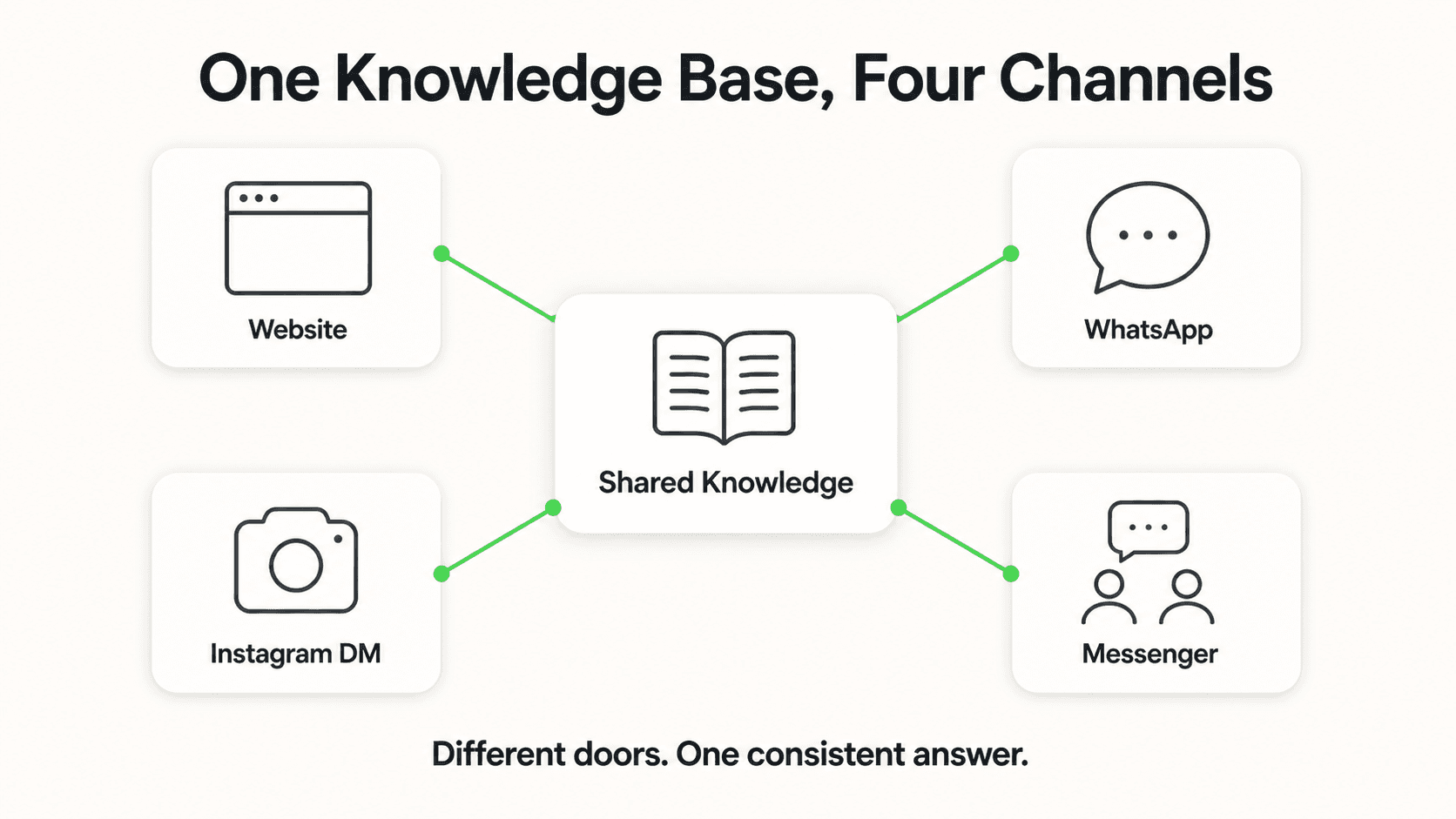
Yes. Hyperleap runs one AI agent across Website chat, WhatsApp, Instagram DM, and Facebook Messenger — same knowledge base, same answers, same conversation history in one unified inbox.
Industry Solutions
See how AI chatbots work for these industries:
Related Articles

WhatsApp for Auto Dealerships and Workshops in India
How Indian dealerships and workshops use WhatsApp to capture leads, book services, and drive repeat business from buyers.

WhatsApp for Home Services in India: Lead Guide
How Indian home service businesses use WhatsApp to capture leads, book jobs instantly, and convert 3x more inquiries into completed work orders.

WhatsApp for Clinics in India: Fewer No-Shows, 24/7 Replies
How Indian clinics and hospitals use WhatsApp to reduce no-shows, automate appointment reminders, and improve patient comms.

WhatsApp for Real Estate Developers in India
How Indian real estate developers use WhatsApp to capture project inquiries, schedule site visits, and convert leads 3x faster than traditional methods.