ChatGPT Enterprise vs Custom AI Agent: 2026 Cost Breakdown
ChatGPT Enterprise starts around $60/user/month. A custom AI agent for the same business often costs less and does more. Here's the honest math.
TL;DR: ChatGPT Enterprise is priced around $60/user/month with annual minimums and is sold as an internal productivity tool for your employees. A custom AI agent like Hyperleap is priced from $40/month total and is sold as a customer-facing system that captures leads and answers customers across WhatsApp, web, and social. They look similar on the surface and solve completely different problems. Comparing them on price alone misses the point — but the math still favors custom agents for almost every SMB.
ChatGPT Enterprise vs Custom AI Agent: The Real Cost Comparison
ChatGPT Enterprise is the answer to "how do we let our team use ChatGPT without leaking data?" It is not the answer to "how do we put an AI agent in front of our customers?" That distinction quietly determines whether you're spending hundreds per month or thousands per year — and whether the spend turns into pipeline.
This guide breaks down the actual pricing of ChatGPT Enterprise as of 2026, the actual cost of running a custom AI agent for the same business, and the per-outcome math that matters more than the sticker price.
Who This Guide Is For
Founders and ops leaders comparing internal AI productivity tools (ChatGPT Enterprise, Microsoft Copilot, Claude for Work) against customer-facing AI agent platforms.
What Is ChatGPT Enterprise?
ChatGPT Enterprise is OpenAI's business tier of the ChatGPT product. It gives employees access to GPT-4-class models with enterprise-grade data privacy (your conversations are not used to train models), higher message limits, longer context windows, admin controls, SSO, and a shared workspace.
It is sold per-seat. Each employee who uses it needs a license.
Public Pricing (2026)
OpenAI does not list ChatGPT Enterprise pricing publicly. Reports from buyers consistently indicate roughly $60 per user per month, with 150-seat annual minimums in many quoted contracts. ChatGPT Team — a smaller-business tier — is publicly listed at $25/user/month annual or $30 monthly, with a 2-user minimum.
What You're Buying
- A safer version of ChatGPT for employees
- Admin controls and SSO
- Data privacy guarantees
- Higher rate limits and longer context
- Internal knowledge connectors (with enterprise plans)
What You're Not Buying
- A customer-facing chatbot
- A WhatsApp or Instagram channel
- Lead capture or CRM integration
- A widget you can embed on your marketing site
- Branded conversations from your business to your customers
What Is a Custom AI Agent (in This Context)?
A custom AI agent is a customer-facing AI deployment — typically a chatbot — that sits between your business and your customers. It answers questions, captures leads, books meetings, and routes complex conversations to humans. For a deeper read on the distinction, see AI agents vs chatbots in 2026. The major commercial platforms in this space include Hyperleap, Chatbase, Intercom Fin, Tidio, and SiteGPT.
Pricing for these platforms is typically per-business, not per-user, and ranges from $30 to $500 per month depending on conversation volume, channels, and features.
Hyperleap Pricing as a Reference Point
- Plus: $40/month — 3,000 AI responses, 1 chatbot, 4 channels, 40MB knowledge, 10 team members
- Pro: $100/month — 12,000 AI responses, 2 chatbots, 8 channels, white-label, 50 team members
- Max: $200/month — 30,000 AI responses, 5 chatbots, 20 channels, 100 team members
All plans include a 7-day free trial. There is no free plan. Add-ons (Suite, OTP verification, hierarchical RAG, credit packs, managed setup) are priced separately.
ChatGPT Enterprise vs Custom AI Agent: Side-by-Side Cost
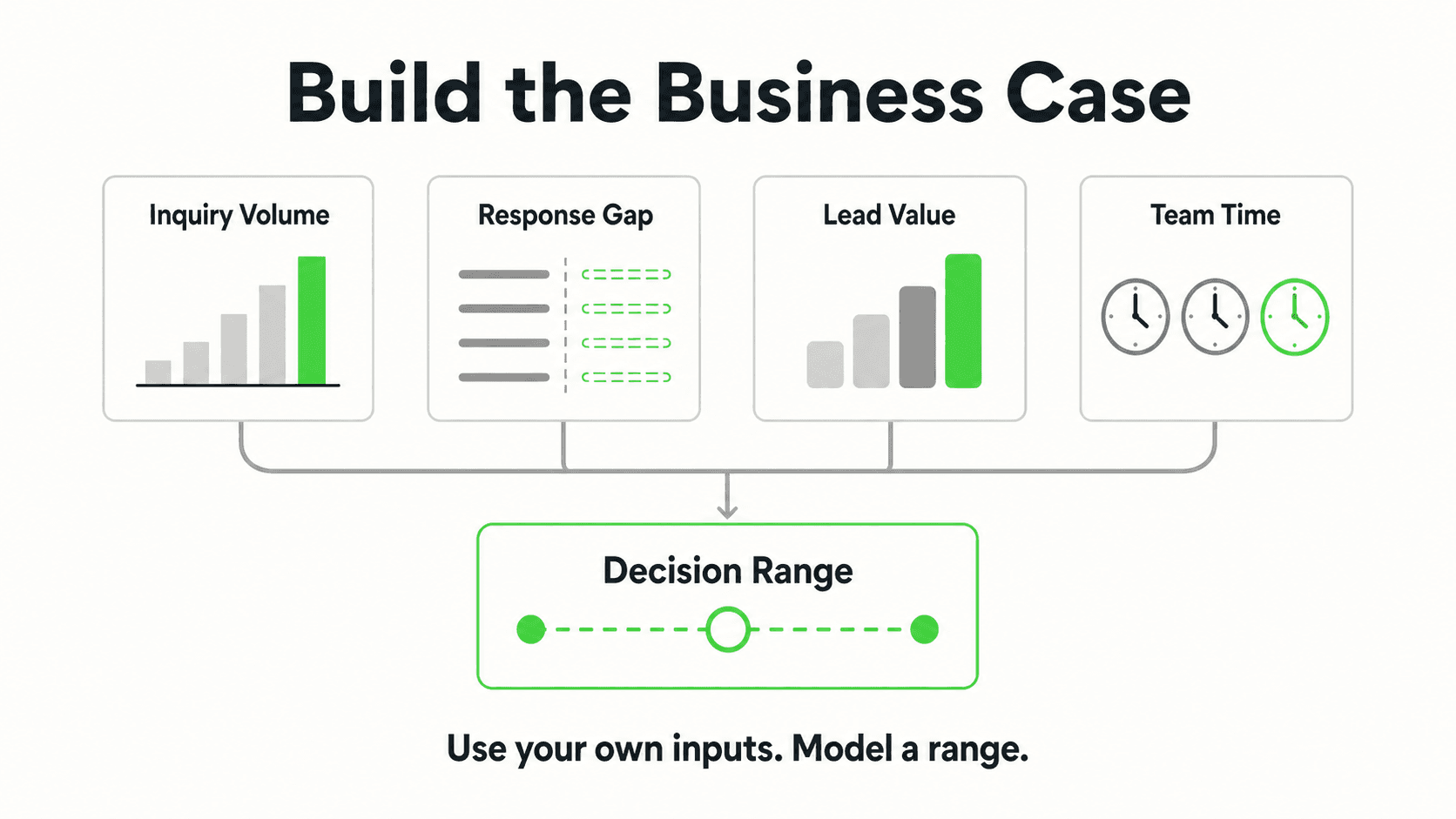
For a 25-person company that wants both internal AI productivity and a customer-facing chatbot:
| Item | ChatGPT Enterprise | Hyperleap (Pro) |
|---|---|---|
| Monthly cost | ~$1,500 (25 seats × ~$60) | $100 |
| Annual cost | ~$18,000 | $1,200 |
| Customer conversations covered | 0 | Up to 4,000/mo |
| WhatsApp / Instagram / Messenger | No | Yes |
| Lead capture to CRM | No | Yes (REST API + webhooks) |
| Internal employee productivity | Yes | No |
| Annual contract required | Often yes | No |
These tools are not interchangeable. A serious operation often runs both — ChatGPT (or Claude) for the team, Hyperleap (or similar) for customers. The mistake is thinking ChatGPT Enterprise alone covers customer-facing use cases. It doesn't.
Beyond Cost: Which One Actually Converts?
Price is only half the decision. The other half is what each tool can actually do in front of a customer — and here the gap is even wider than the cost gap. ChatGPT (and ChatGPT Enterprise) optimizes for the person typing into it. A custom AI agent optimizes for the business deploying it. Both use large language models; that is where the similarity ends.
| Capability | ChatGPT / ChatGPT Enterprise | Custom AI Agent |
|---|---|---|
| Knows your prices, hours, policies | No | Yes (via document grounding) |
| Captures leads to your CRM | No | Yes (via REST API / webhooks) |
| Deploys on WhatsApp / Instagram / Messenger | No | Yes |
| Answers in your brand voice | Only with prompting each session | Yes (system-defined) |
| Routes to your team when needed | No | Yes |
| Refuses out-of-scope questions | No (will guess) | Yes (configurable) |
| Runs on your website widget | No | Yes |
| Logs conversations for review | Private to the user | Yes — owned by the business |
The reasons a custom agent converts where ChatGPT cannot come down to four things: it knows your business (document-grounded answers instead of guesses from training data), it captures leads where the customer already is (ChatGPT has no concept of "this is a lead"), it deploys to the channels your customers actually use (ChatGPT lives at chat.openai.com — your customers don't), and it connects to your workflow (lead captured → team notified → webhook to CRM → optional booking link shared in-conversation). ChatGPT outputs text; a business agent outputs outcomes.
The decision rule is simple: if the conversation is between you and an AI, ChatGPT works. If the conversation is between your customer and your business, you need a custom agent. A custom GPT does not close this gap — it requires the customer to have ChatGPT Plus and to find your GPT in OpenAI's directory, and it still doesn't deploy to your website or messaging channels.
7 Cost Drivers Most Buyers Miss
1. Per-Seat vs Per-Business Pricing
What this looks like in practice: ChatGPT Enterprise scales with employee count. Custom AI agents scale with conversation volume.
Real-world impact: A 50-person company pays roughly 50× more for ChatGPT Enterprise than a 1-person company. The same two companies often pay the same for a Hyperleap Pro plan.
2. The Annual Minimum Trap
What this looks like in practice: Many ChatGPT Enterprise contracts include 150-seat annual minimums. A 30-person company that signs ends up paying for capacity it can't use.
Real-world impact: Effective per-user cost goes up sharply for SMBs that don't hit the seat threshold.
3. Channels Are Not Optional
What this looks like in practice: Your customers don't visit chat.openai.com. They WhatsApp, DM your Instagram, and message your Facebook page.
Real-world impact: Any "AI chatbot" cost analysis that doesn't include channel deployment is missing the point. ChatGPT Enterprise has no path to those channels.
4. Lead Capture Has a Revenue Side, Not Just a Cost Side
What this looks like in practice: A custom AI agent captures lead name, contact, and intent — and pushes them into your team's workflow within seconds.
Real-world impact: Hyperleap's Jungle Lodges deployment captured 3,300+ leads in 90 days. The right cost framing is "cost per qualified lead," not "monthly subscription." Walk through the numbers in the AI chatbot ROI framework.
5. Knowledge Base Maintenance
What this looks like in practice: Every chatbot needs its source content kept current. Some platforms make this easy (URL re-crawling, document upload, edit-in-place). Some don't.
Real-world impact: A hidden cost line on every long-term deployment. Choose a platform with one-click re-indexing, or you'll be paying someone to babysit content updates.
6. White-Label and Branding
What this looks like in practice: Removing the platform's branding from the chatbot widget, often a paid feature.
Real-world impact: On Hyperleap this is included from Pro upward. On many competitors it's a $20–$50/month add-on.
7. Add-Ons That Aren't Included
What this looks like in practice: OTP verification (paid add-on, Pro/Max only), hierarchical RAG ($40/mo + 2× credits, Pro/Max only), credit packs ($12 per 1,000 credits), managed setup ($299 Free).
Real-world impact: Always price the full configuration you'll actually use. Hyperleap is upfront about which features are add-ons; some competitors blur the line.
Real Results: What the Money Actually Buys
Internal Productivity Spend
ChatGPT Enterprise (or Claude for Work, or Microsoft Copilot) is genuinely worth it for teams that draft a lot of content, summarize documents, or write code. The ROI is "hours saved per employee per week" — typically 2–5 hours for knowledge workers, which justifies the seat cost easily for most knowledge-economy roles.
Customer-Facing AI Spend
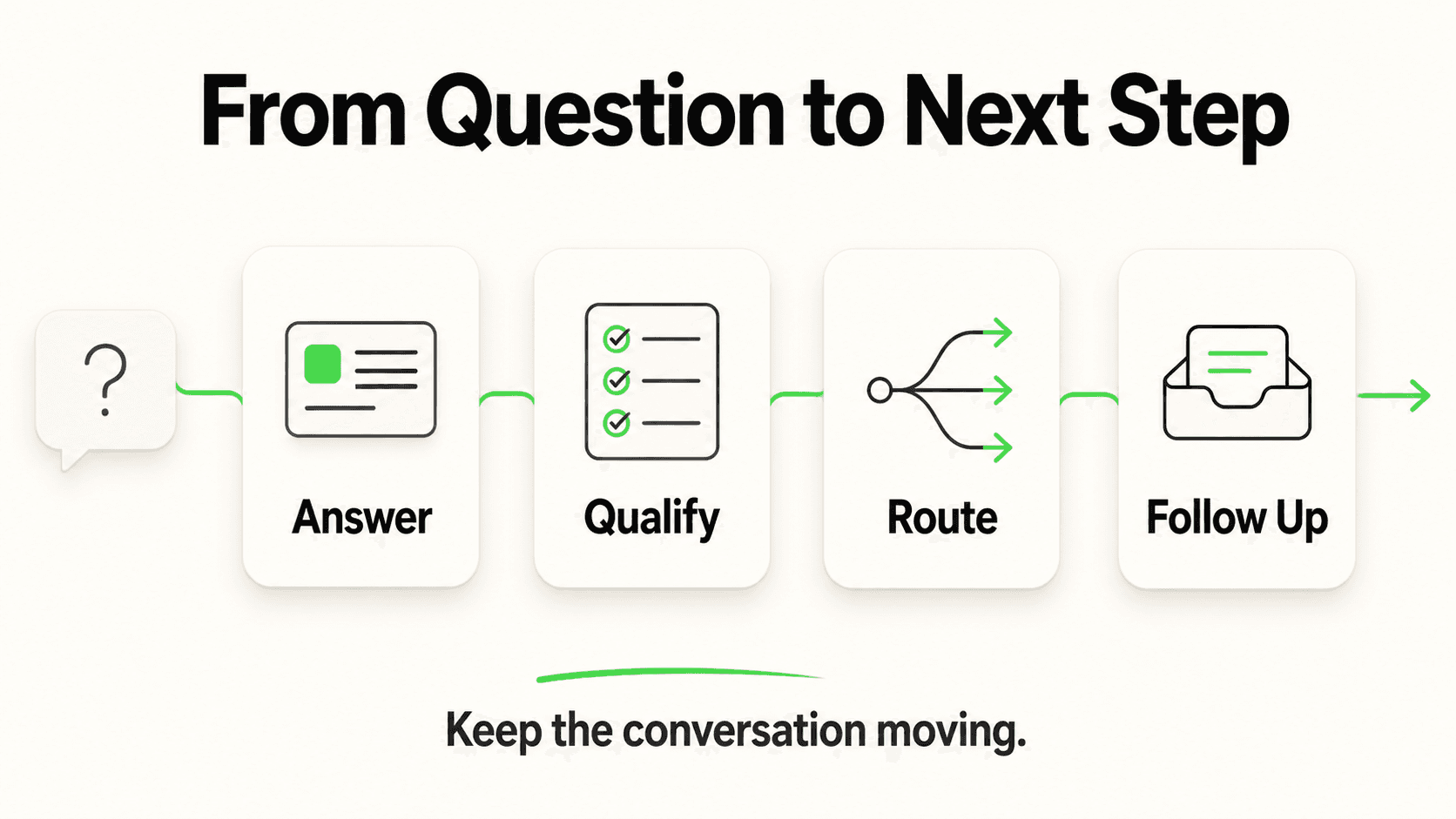
Custom AI agent ROI is different. The metric is "revenue captured from conversations that would otherwise have been missed." In Hyperleap's reference deployment, 35% of all inquiries arrived after business hours — those are conversations the customer would have abandoned without the bot. The right comparison isn't "$100/month vs $60/month per seat," it's "$100/month vs the lifetime value of the leads you're not capturing."
Why Most SMBs End Up With Both
The pattern that's stable in 2026: a few seats of Claude or ChatGPT Plus for the team ($20–$30/user), and a single custom AI agent subscription for customers ($40–$200/month). Total spend often lands under $500/month for a 10-person company and covers both jobs cleanly.
See the customer-facing math on your own content
Hyperleap starts at $40/month with a 7-day free trial. Deploy across WhatsApp, web, Instagram, and Messenger in one session.
Start a Free TrialHow to Decide: A Practical Cost Framework
- Internal productivity for employees? ChatGPT Enterprise, ChatGPT Team, Claude for Work, or Microsoft Copilot. Pick based on which model your team prefers and which integrations you need.
- Customer-facing AI for inbound leads, FAQ, or support? A custom AI agent platform — see how to choose an AI chatbot platform. Compare on channel coverage, lead capture, knowledge base management, and total cost (subscription + add-ons).
- Both? Run both. They serve different jobs and the combined cost is typically still well under what most buyers expect.
The one thing not to do is buy ChatGPT Enterprise expecting it to handle customer conversations. It won't, and unwinding that decision after rollout is painful.
Frequently Asked Questions
How much does ChatGPT Enterprise actually cost?
OpenAI doesn't publish pricing. Reports from buyers consistently land around $60 per user per month, with annual contracts and seat minimums in many deals. Smaller teams may be offered ChatGPT Team at $25/user/month annual or $30 monthly with a 2-user minimum.
Is a custom AI agent cheaper than ChatGPT Enterprise?
For customer-facing use cases, almost always — because you pay per business, not per seat, and you get channels and lead capture that ChatGPT Enterprise doesn't include. For internal productivity, ChatGPT Enterprise is the right product and pricing it against a customer-facing chatbot is the wrong comparison.
Can ChatGPT Enterprise be embedded on a website?
Not natively. ChatGPT Enterprise is designed for employees logging into chat.openai.com. There is no first-party widget for embedding it as a customer-facing chatbot on a marketing site.
What's the cheapest way to get started with customer-facing AI?
Hyperleap's Plus plan at $40/month covers most early-stage SMB use cases — 3,000 AI responses, 1 chatbot, 4 channels, lead capture, and a 7-day free trial. Add-ons are clearly separated and only billed when you opt in.
Do I need both ChatGPT Enterprise and a custom AI agent?
If you want both internal productivity and customer-facing automation, yes — and that's what most teams settle on. They're different products. ChatGPT Enterprise for the team, a custom AI agent for the customers.
Are there hidden costs with custom AI agents?
There can be. Watch for paid add-ons (white-label, OTP verification, advanced RAG), credit overage charges, and managed setup fees. Hyperleap discloses all add-ons explicitly; not every competitor does.
Pick the Tool That Matches the Job
ChatGPT Enterprise is excellent for what it is — a safer ChatGPT for your team. It is not, and is not priced as, a customer-facing AI agent. Custom platforms are. The honest comparison isn't price-to-price; it's job-to-job. Once you separate "internal productivity" from "customer conversations," the buying decision becomes obvious and the spend usually drops.
Hyperleap sits firmly in the customer-facing column. Plans start at $40/month, deployment is one session, and the platform is built around the job most SMBs actually need help with: capturing leads from inbound conversations across every channel a customer might use.
How do I calculate the ROI of an AI chatbot?
The clean formula: (additional captured leads × average lead value × close rate) + (deflected support tickets × average handle cost) − (chatbot subscription + setup). Most SMBs see payback inside 90 days when after-hours capture and ticket deflection are tracked honestly.
How much money does an AI chatbot actually save?
It depends on your support volume and lead value. Industry benchmarks suggest 30–50% of routine inquiries can be handled without human involvement, though specific savings vary by configuration and business. Use a per-business calculation rather than headline averages.
What is the realistic deflection rate?
For SMBs with a well-configured knowledge base, 40–70% deflection of routine FAQs is achievable. Anyone promising 90%+ across the board is overselling — that number requires both unusually narrow scope and aggressive escalation suppression.
Further Reading
Authoritative external sources used and recommended for further research on this topic:
- Gartner customer service research
- Forrester customer experience research
- Harvard Business Review on customer response speed
Compare on outcomes, not seat licenses
See what a customer-facing AI agent looks like with your content, your channels, and your team.
Try Hyperleap FreeRelated Articles

AI Receptionist Cost in 2026: What You Actually Pay
AI receptionist cost ranges from $20/month for automated voice AI to $300+/month for live-agent phone answering. Full breakdown by category.

Meta Business Agent Launches in India: What It Means
WhatsApp's AI business agent is now rolling out in India. What Meta's move means for SMBs already using — or considering — AI customer agents.

AI-Native Sales Team: Query Your Chatbot via MCP
Dashboards are a pre-LLM artifact. AI-native sales teams query live chatbot data in plain English from Claude, Cursor, and Raycast. How to get there in 90 days.

AI Chatbot Pricing Models Compared: Per-Message vs Flat-Rate
Per-message, per-resolution, and flat-rate pricing all have different cost profiles. Here's exactly how each model works and what to watch for before signing.