10 Best Co Pilot Alternative Tools for 2026
Searching for a Co Pilot alternative? Discover 10 top AI tools for 2026 with pros, cons, and pricing to boost your team's productivity and find the right fit.

A lot of teams are in the same spot right now. Microsoft Co Pilot looks promising on paper, especially if you're already paying for Microsoft 365, but once you get past the demo, the questions get practical fast. Will your team use it every day? Will it work outside your Microsoft stack? Will it help with internal productivity, or do you really need something customer-facing that captures leads and books appointments?
That gap is why the co pilot alternative market has expanded so quickly. Microsoft Copilot is strong inside Microsoft-integrated workflows, with reported accuracy of 95% in those environments and 88% for productivity tasks according to AlphaSense's Copilot alternatives analysis. But many businesses run mixed stacks, need better external research, or want AI that does more than summarize meetings and draft emails.
This guide focuses on that real decision. Some tools are better if your team lives in Docs, Slack, Zoom, or Salesforce. Others make more sense if you need a customer-facing assistant instead of another internal productivity layer. The point isn't to replace Microsoft Co Pilot for the sake of it. The point is to pick software that fits how your company already works, and where you want AI to create value.
Table of Contents
1. Google Workspace with Gemini
If your company already runs on Gmail, Docs, Sheets, and Meet, Google Workspace with Gemini is one of the cleanest co pilot alternative options. The biggest benefit isn't raw model novelty. It's that people don't need to change tools to use it.
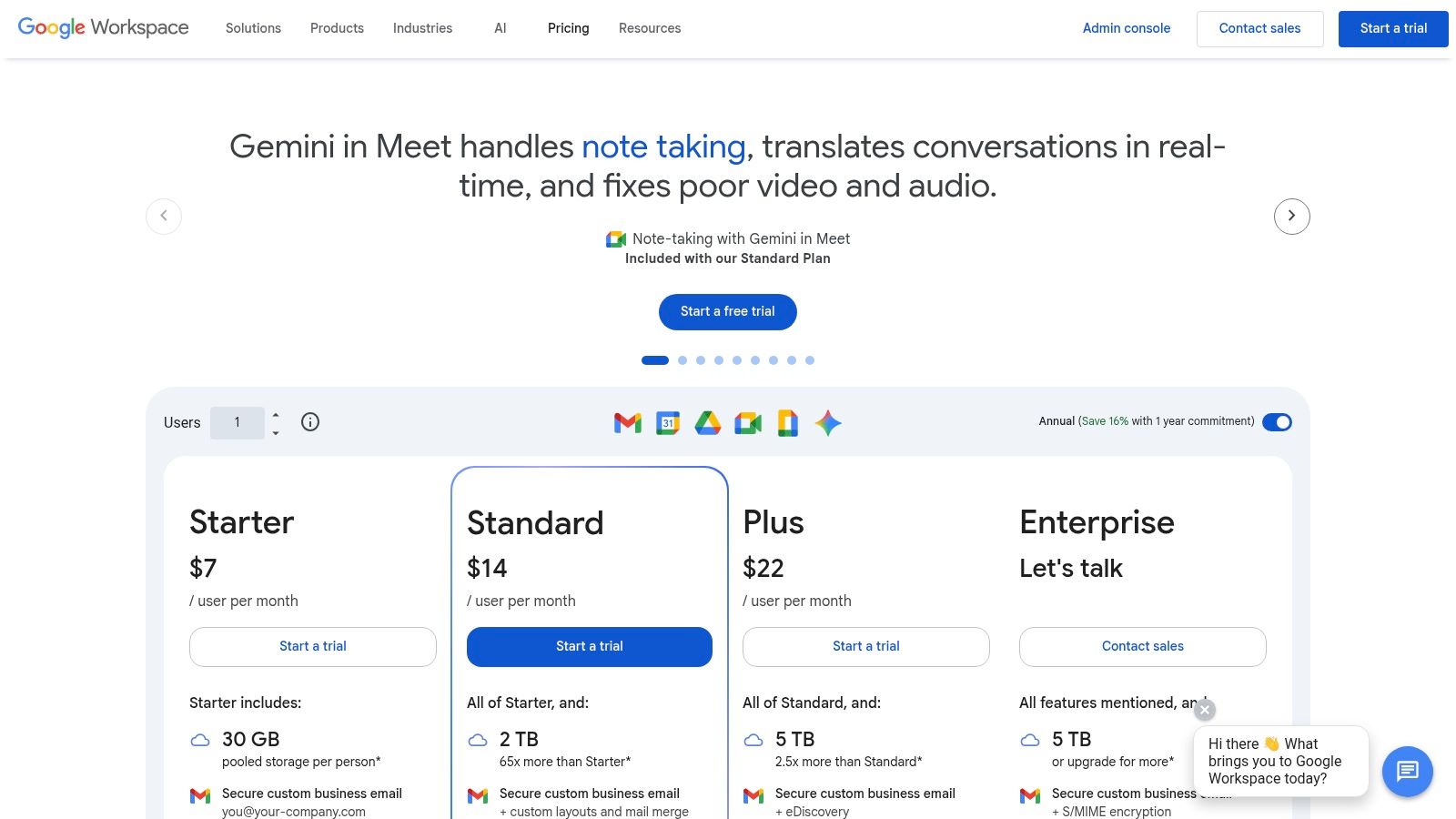
The side-panel workflow matters more than most buyers expect. Drafting email replies in Gmail, cleaning up a proposal in Docs, generating formulas in Sheets, and reviewing meeting notes in Meet all happen in the same environment. That cuts adoption friction, especially for non-technical teams.
When Gemini is the obvious fit
Google is the practical choice when your collaboration stack is already standardized. Admins can keep governance in the same Workspace environment, and employees aren't forced into a separate app for every AI task.
What works well:
Email and document drafting: Sales, operations, and admin teams get quick help where they already write.
Spreadsheet assistance: Sheets users benefit from formula and table support without hunting through menus.
Meeting follow-up: Teams that live in Meet save time turning calls into notes and next steps.
What doesn't work as well:
Edition complexity: Feature access can vary by plan, which can make rollout confusing.
Fast-moving changes: Admins need to watch packaging and feature changes closely.
Customer-facing use cases: Gemini is strong internally, but it isn't purpose-built for lead capture across messaging channels.
Practical rule: Pick Gemini when your problem is employee productivity inside Workspace. Don't pick it if your main bottleneck is missed inbound leads or fragmented customer messaging.
For support leaders comparing models for service use cases, this Claude vs GPT-4 vs Gemini customer support breakdown is useful because it frames the question around response quality, not just office-suite integration.
Use the product page for current packaging and availability at Google Workspace pricing.
2. OpenAI ChatGPT Teams Business Enterprise
ChatGPT is often the first tool executives test when Microsoft Co Pilot feels too narrow. That's because it handles a wider mix of tasks well: drafting, brainstorming, document analysis, spreadsheet help, research, and code snippets. It feels less tied to one software ecosystem.
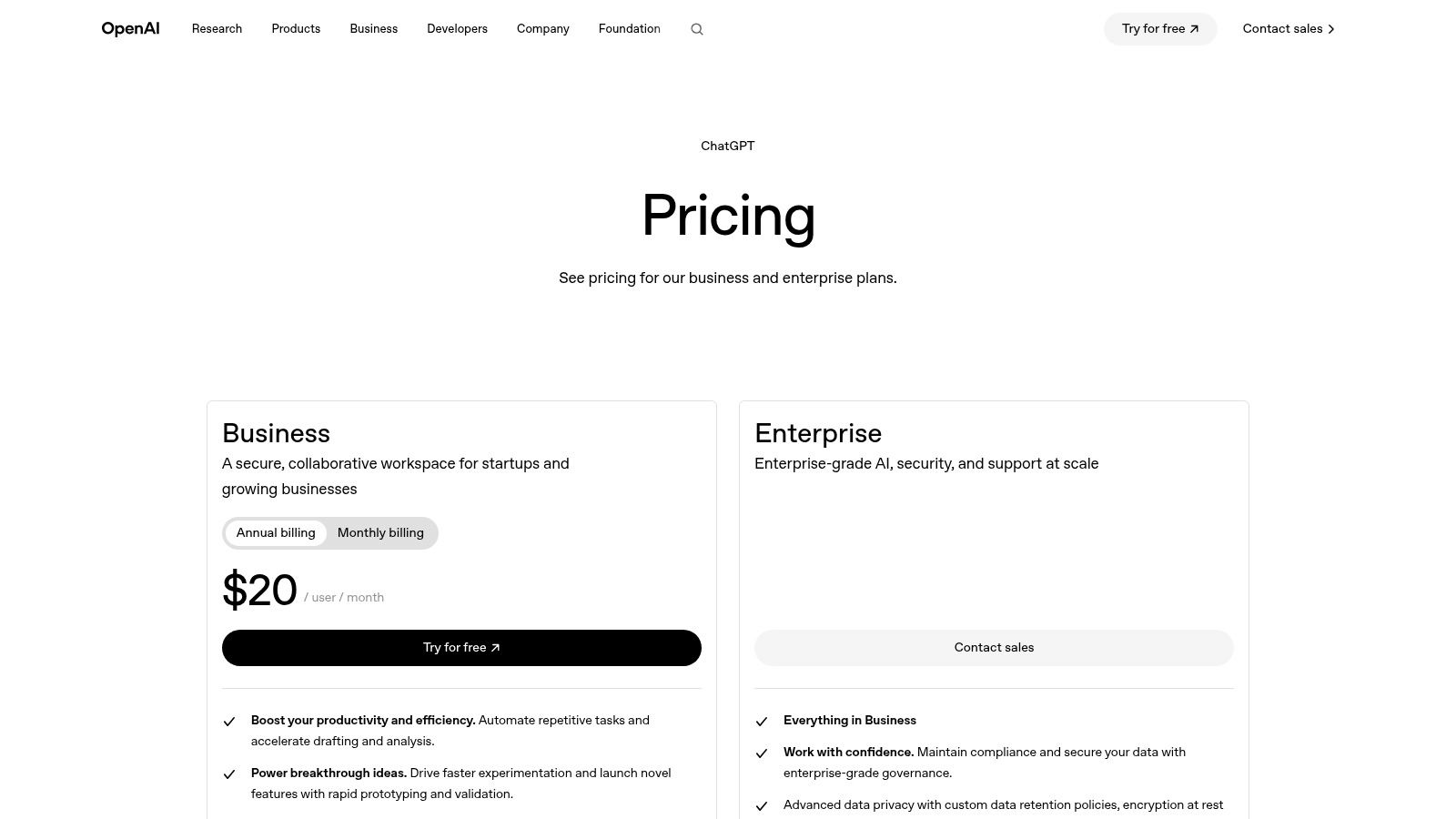
In practice, ChatGPT works best when teams want a general-purpose AI layer with admin controls, shared workspaces, and governance features. It's also a strong fit for companies that want to experiment across departments before they commit to one embedded workflow.
Where ChatGPT wins and where it drifts
The upside is breadth. Teams use one assistant for policy drafting, sales messaging, data cleanup, and internal Q&A. That flexibility is hard to match.
The trade-off is consistency. A broad assistant can be excellent one moment and vague the next if prompts, source material, and usage rules aren't disciplined.
Use ChatGPT when you need one tool that can stretch across many functions. Avoid using it as a replacement for a fully grounded customer support system unless you've set up proper controls around knowledge and escalation.
A few practical observations matter here:
Strong for pilot programs: Different teams can test it quickly without changing their core systems.
Good governance path: SSO, admin controls, and data options make it viable beyond individual use.
Less opinionated workflow: That's a strength for flexibility, but a weakness if you need rigid process control.
If your real need is external growth rather than internal drafting, a purpose-built AI chatbot for business is usually a better investment than another employee-facing assistant.
You can review current business plans at ChatGPT pricing for business.
3. Anthropic Claude Teams Enterprise
Claude tends to win over teams that care about writing quality, careful reasoning, and long document handling. It feels calmer than some alternatives. For leadership teams, legal-heavy workflows, policy work, and dense document review, that matters.
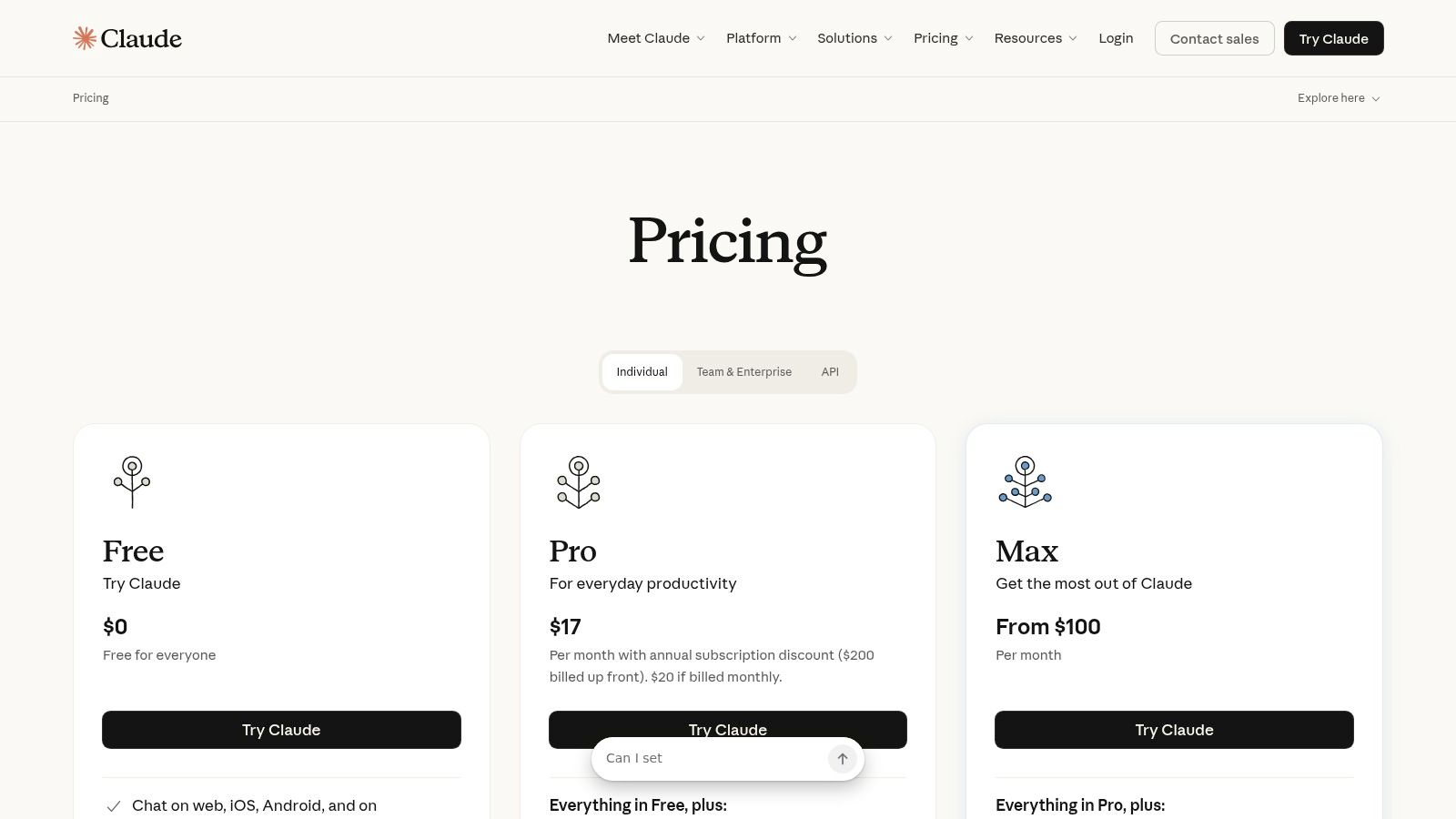
Claude is also relevant for Microsoft shops that don't want to rely only on Microsoft's assistant. Anthropic offers integrations including a Microsoft Word add-in, which gives some users a familiar in-app experience without forcing them into the full Microsoft Copilot path.
Best for long reading and careful writing
One useful market signal stands out here. Coverage of co pilot alternative tools often focuses on coding assistants or enterprise software, while multi-location and service businesses still struggle to find no-code options built for central knowledge plus local variation, a gap highlighted in this roundup of Copilot alternatives. Claude helps with the reading and reasoning side of that problem, but it doesn't solve operational rollout by itself.
Claude works well for:
Long policy or contract review
Executive memos and board-level drafting
Internal knowledge Q&A over substantial documents
Claude is less ideal when:
You need broad native app coverage across your daily stack
You want a built-in workflow engine
You need customer-facing messaging automation out of the box
Some buyers choose Claude because they want better judgment in writing. That's a valid reason. Just don't assume strong writing automatically means strong business process automation.
Check current plans and enterprise options at Anthropic pricing.
4. Zoom AI Companion
Some AI rollouts fail because teams don't want another destination app. Zoom AI Companion avoids that problem if your company already spends a big part of the week inside Zoom Meetings, Team Chat, or Phone.
The core value is straightforward. It reduces the manual labor that piles up around meetings: summaries, action items, catch-up notes, and suggested follow-up. For managers and client-facing teams, that's often more useful than a flashy chatbot no one opens after the first week.
A practical choice for meeting-heavy teams
Zoom is a good co pilot alternative when the meeting itself is the workflow hub. Consulting firms, agencies, distributed operations teams, and service businesses often fall into that category.
What usually works:
Meeting summaries and actions: Less time spent rewriting notes after calls.
Catch-up support: Useful when people join late or miss internal discussion threads.
Simple setup: Admin overhead is usually lighter than a platform-wide AI deployment.
What usually doesn't:
Broader research or writing tasks: Zoom isn't trying to be your central thinking tool.
Deep customization: Advanced capabilities and custom agents may require add-ons.
Non-Zoom environments: If your communication happens mostly elsewhere, the value drops quickly.
A practical way to think about it is simple. If most of your missed work comes from poor meeting follow-through, Zoom AI Companion can pay off faster than a more ambitious AI suite.
For plan details and feature availability, visit Zoom AI Companion.
5. Slack AI
Slack AI is one of the better choices for companies where decisions happen in threads rather than documents. In those environments, search quality and recap speed matter more than polished document generation.
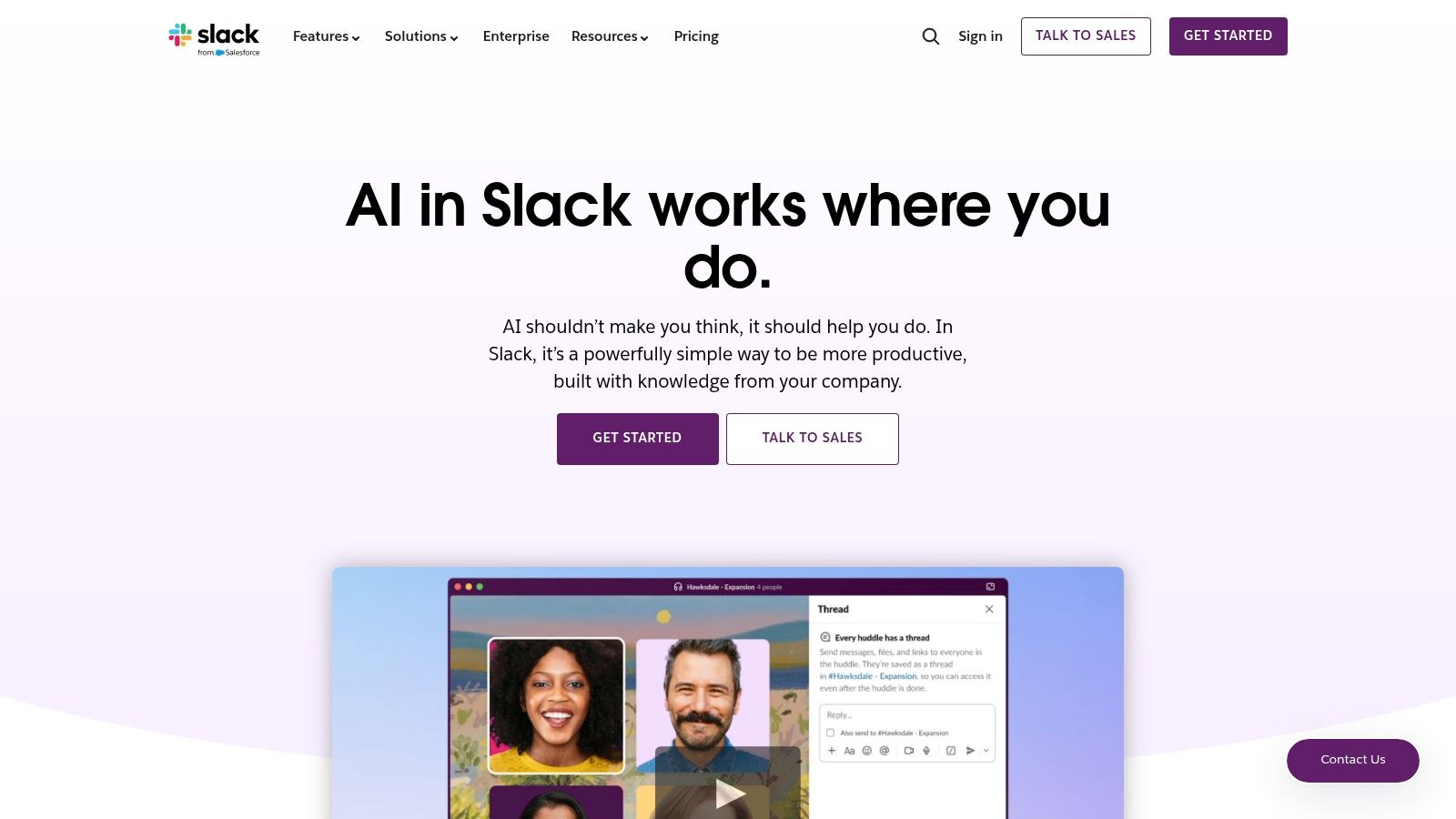
Its strongest use case is reducing the cost of conversational sprawl. A new manager can catch up on a long channel. A project lead can summarize a thread before a handoff. A sales engineer can search for prior answers without pinging five colleagues.
Strong in conversation-heavy organizations
Slack AI makes the most sense when Slack is already the operational nerve center. If your company runs approvals, product discussions, launch work, and customer escalations there, AI inside Slack saves context-switching.
A few trade-offs stand out:
Great for recap and retrieval: That's the core job, and it matters a lot in busy organizations.
Familiar control model: Admins can manage access in a known environment.
Less useful for end-to-end business workflows: Slack can surface answers, but it won't replace purpose-built systems for support, CRM, or scheduling.
The best Slack AI deployments focus on reducing internal noise. They don't try to turn Slack into a full business operating system.
Packaging can vary by plan, so it's worth checking the latest details at Slack AI.
6. Notion AI
Notion AI works best in companies that already treat Notion as their internal operating system. If docs, wikis, project notes, process pages, and lightweight planning already live there, adding AI feels natural instead of disruptive.
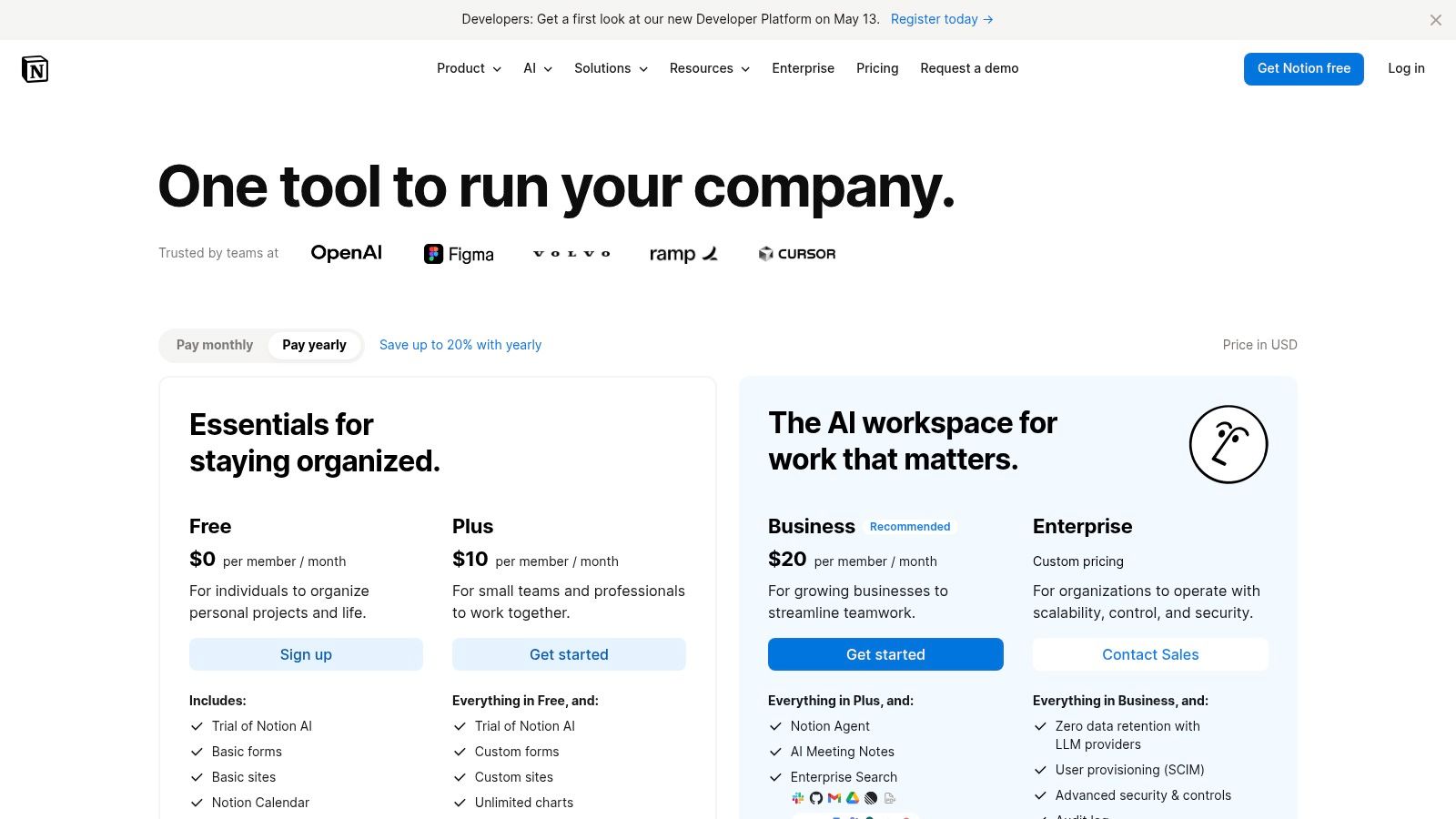
The appeal is low friction. People can summarize pages, draft meeting notes, rework text, and ask questions across workspace content without moving data between tools. That makes it a sensible co pilot alternative for knowledge-centric teams.
Good when docs are the operating system
Notion AI is particularly useful for startups, agencies, and smaller teams that prefer one flexible workspace over a heavier enterprise stack.
It tends to work well for:
Knowledge management: Q&A over internal pages is the obvious win.
Fast drafting: Teams can turn rough notes into cleaner documentation quickly.
Project organization: AI helps shape outlines, recaps, and task-oriented notes.
Its limits show up when:
Your company doesn't already run on Notion
You need stronger transactional workflows
You expect it to cover external support or lead capture
One subtle point matters. Notion AI is only as good as the state of your workspace. If your documentation is chaotic, AI won't fix the underlying mess. It will just help people move through that mess faster.
You can review plan details at Notion pricing.
7. ClickUp Brain
ClickUp Brain is the kind of tool SMB operators often like because it bundles project management, docs, meeting support, and AI assistance in one place. That combination can be more valuable than buying a separate assistant if your actual problem is execution drift.
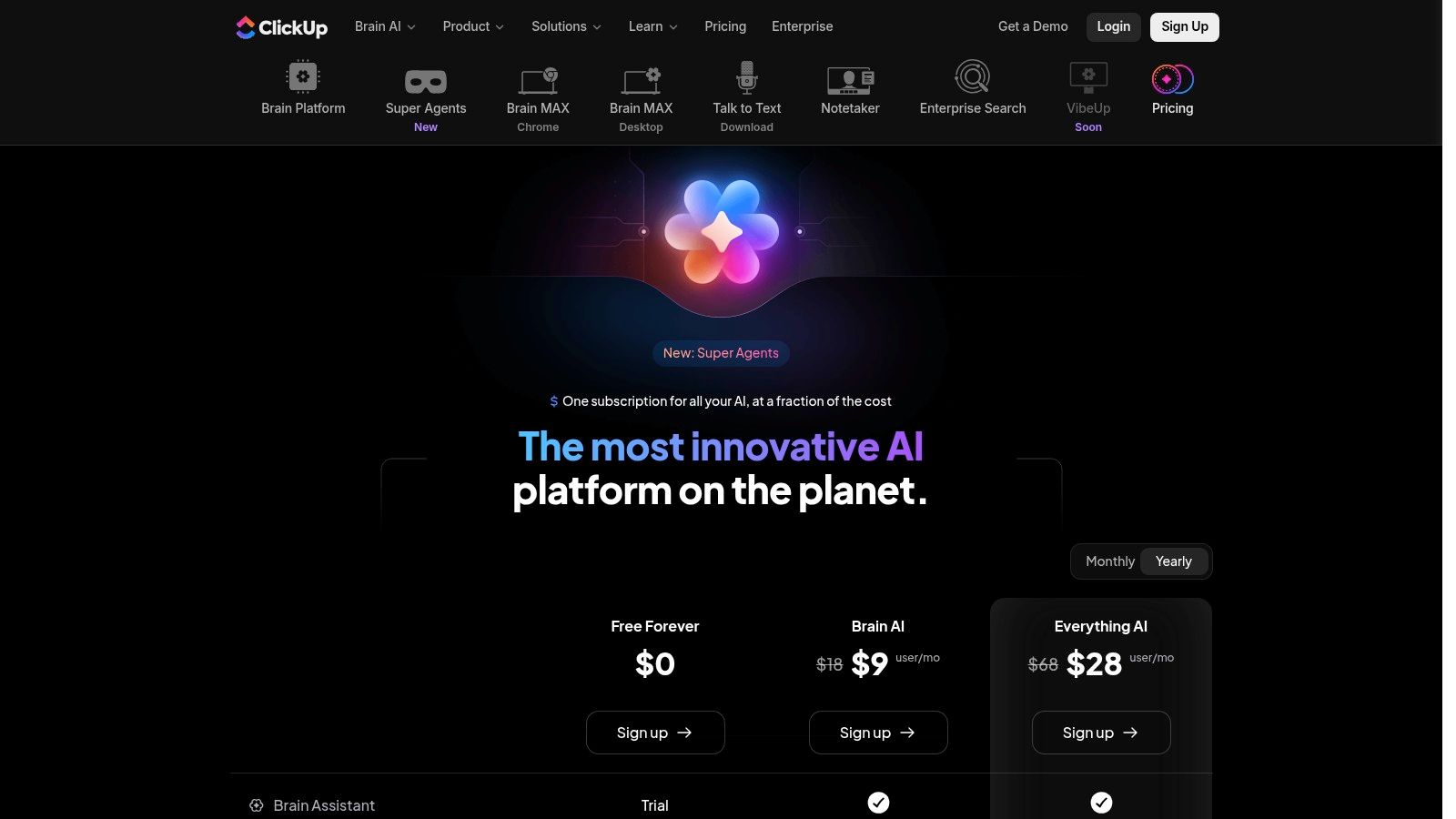
For lean teams, the attraction is simple. The AI isn't floating above the workflow. It's attached to tasks, docs, meetings, and automations that people already use to get work done.
Best for SMB execution inside one workspace
ClickUp Brain is a strong co pilot alternative if you're trying to tighten operations without building a more complex stack.
What it does well:
Task and doc drafting: Useful for project managers and ops leads.
Meeting capture: Summaries and extracted actions reduce follow-up gaps.
Workflow support: AI sits close to execution, not just ideation.
What gets messy:
Naming and packaging: ClickUp changes fast, and not every admin enjoys that pace.
Best value depends on adoption: If people don't live in ClickUp, the AI layer won't matter much.
Too much in one tool for some teams: Depth can become clutter.
The practical test is whether your company is consolidating into one workspace or staying best-of-breed. ClickUp wins in the first scenario and loses in the second.
For current details, visit ClickUp Brain pricing.
8. Grammarly Business Enterprise
Grammarly is often overlooked in co pilot alternative lists because people assume AI should do everything. That's the wrong frame. Many organizations don't need a universal assistant in every workflow. They need consistently better writing across email, proposals, customer support replies, and internal communication.
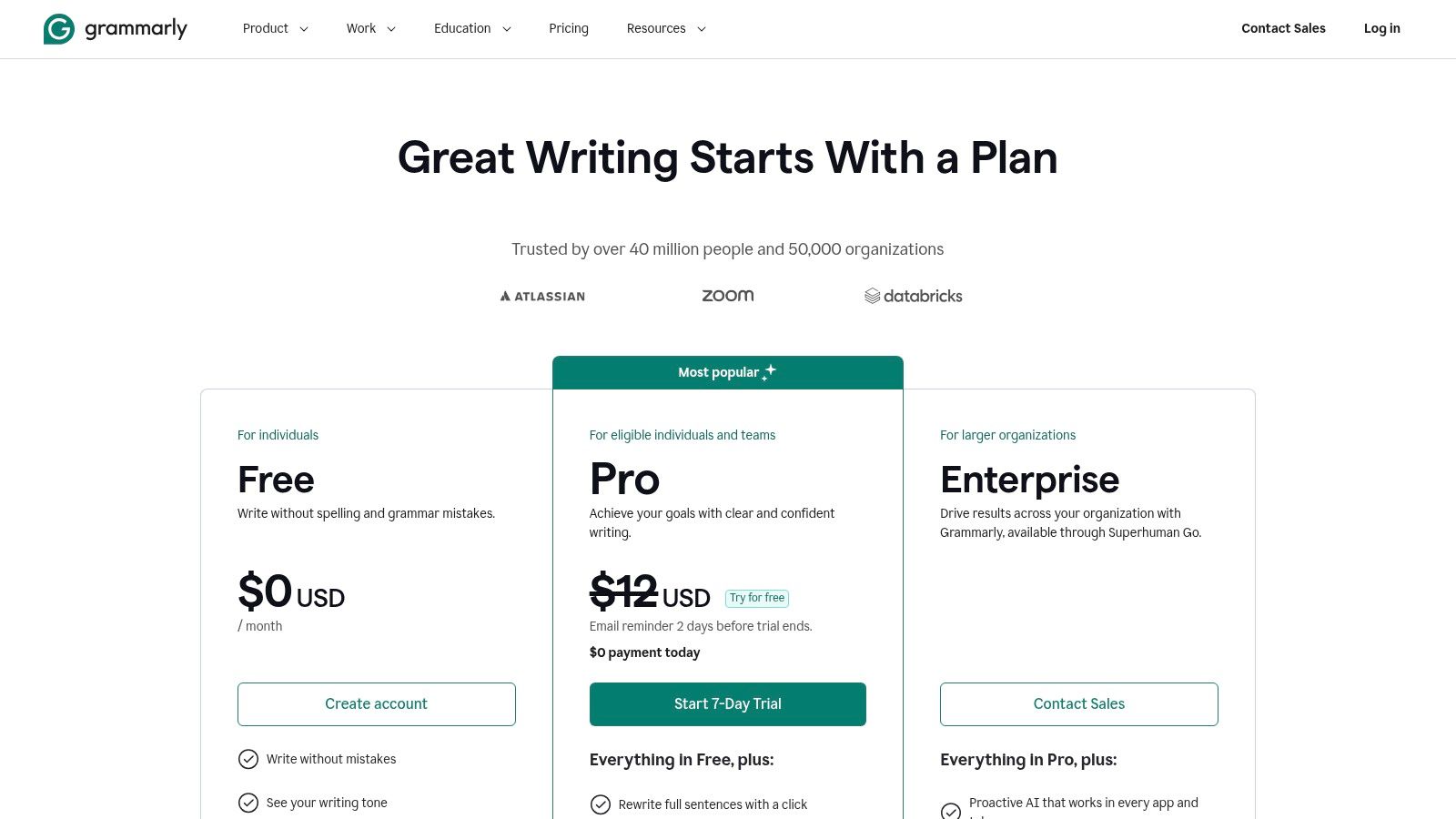
That narrower focus is the product's strength. Grammarly improves clarity, tone, brand consistency, and day-to-day writing quality across apps people already use. For support, HR, recruiting, sales, and account management, that can be more practical than a broad chat tool.
The right choice when tone matters more than depth
Grammarly is especially useful when leaders care about communication risk. A sloppy customer email, a weak renewal note, or inconsistent brand voice can cost more than people admit.
It tends to fit well when:
You want governed writing help across many applications
Brand voice matters
You need admin controls and SSO without retraining staff on a new workspace
It fits less well when:
You need deep analysis or document reasoning
You want a single assistant to research, plan, and automate
You expect it to handle grounded Q&A over internal systems
Good writing tools don't replace broad AI platforms. They reduce avoidable mistakes in the messages your team already sends all day.
You can explore current business options at Grammarly Business pricing.
9. Salesforce Einstein Copilot Agentforce
For teams already running sales and service operations in Salesforce, moving to another assistant can create more integration pain than value. That's where Einstein Copilot and Agentforce have a clear advantage. They operate close to CRM data, permissions, and existing workflows.
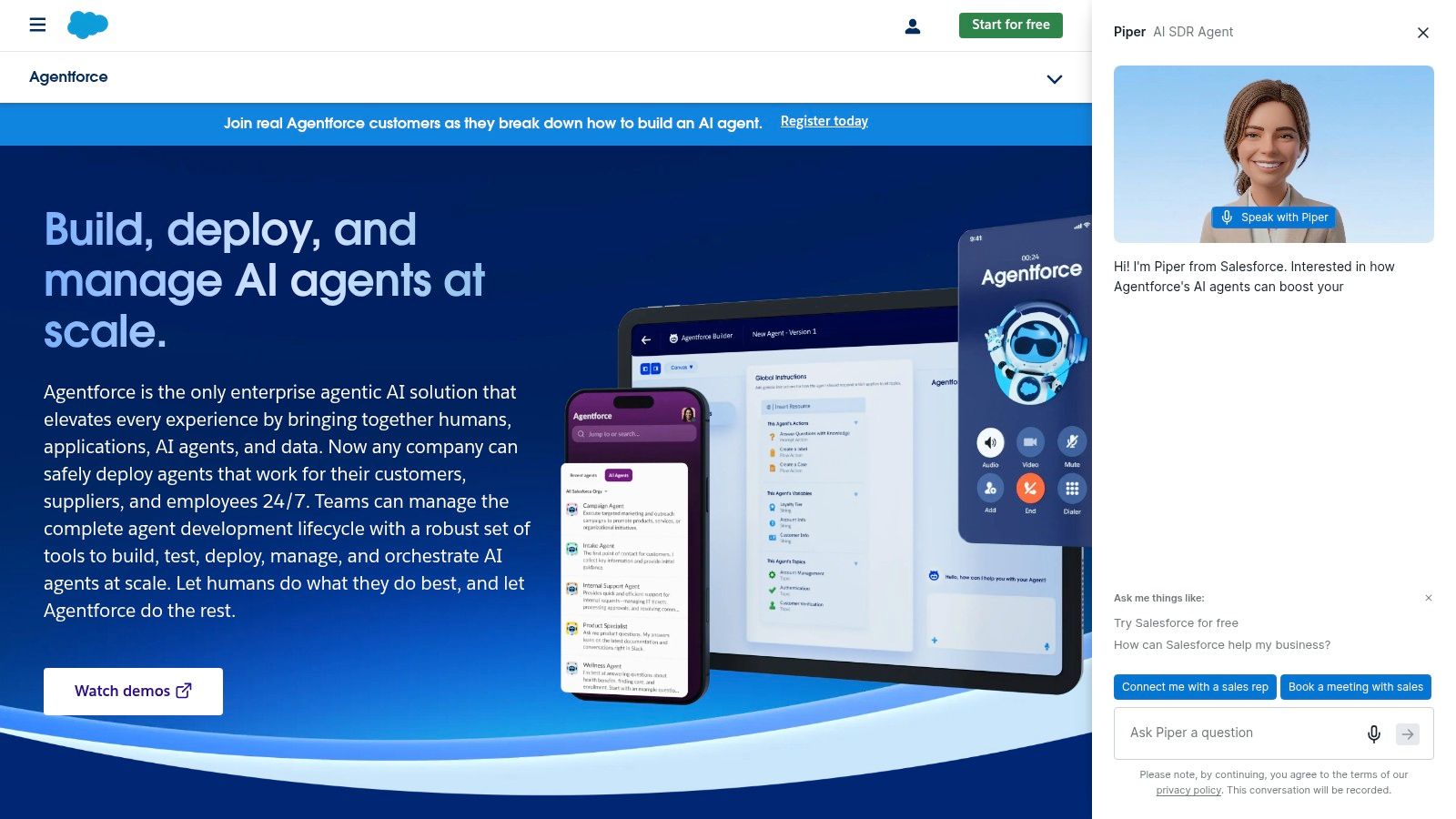
This isn't the right tool for everyone. But if your sellers, service reps, and revenue ops teams already work inside Salesforce all day, grounded actions inside the CRM are usually more valuable than a detached general assistant.
Best if revenue teams already run on Salesforce
Einstein Copilot is strongest when you need natural-language help tied directly to records, workflows, and permissions. Summaries, drafting, and action-taking all become more useful when the AI understands CRM context.
A few real trade-offs:
Excellent fit for Salesforce-first companies: The more of your process lives there, the stronger the case.
Trust and governance matter: Regulated and process-heavy teams usually care about this a lot.
Cost and entitlement complexity can increase fast: Especially across multiple clouds and add-ons.
For companies comparing conversational assistants with more action-oriented systems, this AI agents vs chatbots guide for 2026 is a helpful lens. It gets to the main issue: do you want an assistant that answers, or one that moves work forward?
See Salesforce's own product overview at Salesforce Einstein Copilot.
10. Perplexity for Teams Enterprise
A common scenario. The executive team wants faster answers on competitors, market shifts, or a claim in a draft deck. The main bottleneck is not writing. It is finding credible sources quickly enough that people trust the output.
Perplexity is strongest in that gap. It serves teams that need fast, source-linked research more than teams that need an AI layer across email, docs, meetings, and workflow automation. That makes it a practical co pilot alternative for strategy, marketing, editorial, analyst, and business development teams that spend real time gathering outside information before they act.
Best for teams that need fast research with citations
Perplexity tends to work well for:
Competitive research
Content briefs and topic validation
Quick market scans
Fact-checking before publishing or presenting
The ROI case is simple. Teams spend less time hunting for baseline facts, checking whether a source exists, and stitching together first-pass research. That does not replace analyst-grade diligence, but it can shorten the path from question to usable brief.
The trade-offs matter just as much. Perplexity is not the best fit if your main goal is document creation inside a productivity suite, internal knowledge management across company files, or customer-facing automation. In those cases, one of the stack-native tools earlier in this guide will usually create more value because it sits closer to where work already happens.
That is the main decision filter. Choose Perplexity if your problem is external research speed and citation quality. Choose a broader workspace assistant if your problem is internal productivity, or an action-oriented platform if you need the system to update records, trigger workflows, or support customers directly.
Buyer expectations have also shifted. GitHub Copilot's rapid adoption, as noted in Quantumrun's GitHub Copilot statistics roundup, shows how quickly AI assistance has become standard across business software. As adoption grows, companies are splitting their buying decisions more carefully. One tool for internal productivity. Another for research. Sometimes a third for customer operations.
You can explore the platform at Perplexity.
Top 10 Co‑Pilot Alternatives, Feature Comparison
| Product | Key features ✨ | Top strengths 🏆 | Quality ★ | Price / Value 💰 | Target audience 👥 |
|---|---|---|---|---|---|
| Google Workspace with Gemini | ✨ Side-panel AI (Gmail/Docs/Sheets), meeting recaps, Sheets formula gen | 🏆 Deep native integration & admin/security consistency | ★★★★ | 💰 Varies by Workspace edition; enterprise add‑ons | 👥 Teams already in Google Workspace |
| OpenAI ChatGPT (Teams/Business/Enterprise) | ✨ High-tier LLMs, shared workspaces, integrations & analytics | 🏆 Model quality, governance, ecosystem | ★★★★★ | 💰 Per-seat tiers; enterprise quotes & usage fees | 👥 Teams needing versatile LLMs & integrations |
| Anthropic Claude (Teams/Enterprise) | ✨ Long-context doc understanding, strong reasoning, Word add-in | 🏆 Safety-first writing & analysis | ★★★★ | 💰 Quote-based team/enterprise plans | 👥 Teams prioritizing safe, high-quality writing |
| Zoom AI Companion | ✨ Meeting summaries, suggested replies, catch-up features | 🏆 Reduces note-taking overhead; bundled with Zoom plans | ★★★ | 💰 Included in many paid Zoom plans; add-ons for agents | 👥 Organizations centered on Zoom meetings |
| Slack AI | ✨ Channel/thread recaps, AI search, governance controls | 🏆 Works inside conversation flows; enterprise admin | ★★★★ | 💰 Varies by Slack plan; advanced features may add cost | 👥 Teams centralizing communication in Slack |
| Notion AI | ✨ Write/summarize pages, workspace Q&A, templates | 🏆 Lowers friction for docs & knowledge work | ★★★★ | 💰 Plan-dependent; some AI features may incur usage costs | 👥 Teams managing docs & knowledge in Notion |
| ClickUp Brain | ✨ Task/docs AI, meeting recording & summaries, Autopilot | 🏆 Combines PM + AI; aggressive bundled pricing | ★★★★ | 💰 Bundled with ClickUp tiers; best value if you run ClickUp | 👥 SMBs using ClickUp for project management |
| Grammarly Business/Enterprise | ✨ Generative rewrites, org style guides, analytics | 🏆 Polishes tone/clarity across apps; strong governance | ★★★★ | 💰 Quote-based enterprise pricing | 👥 Customer-facing & comms teams |
| Salesforce Einstein Copilot / Agentforce | ✨ Natural‑language actions, Copilot Actions, trust layer | 🏆 Deep CRM grounding & extensibility | ★★★★★ | 💰 Pricing varies by cloud/edition; add-ons common | 👥 Organizations running Salesforce CRM |
| Perplexity for Teams/Enterprise | ✨ Web-grounded answers with citations, team workspaces | 🏆 Fast, source‑linked research; reduces fact-checking | ★★★★ | 💰 Per-seat billing & scaled discounts; enterprise quotes | 👥 Research, content & competitive intel teams |
Finding Your Perfect AI Co-Worker
The right co pilot alternative depends less on headline features and more on where work already happens in your business. That sounds obvious, but a lot of disappointing AI purchases happen because buyers choose the most talked-about model instead of the best operational fit.
If your team lives in Google Workspace, start with Gemini. If they work across many functions and need a broad general assistant, ChatGPT is the more flexible choice. If writing quality, long documents, and careful analysis matter most, Claude deserves a serious look. If your people spend most of their time in meetings or chat, Zoom AI Companion and Slack AI are often better answers than a heavyweight enterprise assistant.
The same logic applies to systems of record. Notion AI makes sense when knowledge already lives in Notion. ClickUp Brain works when project execution is centralized in ClickUp. Salesforce Einstein Copilot is strongest when CRM context drives revenue work. Grammarly is the better buy when the main problem is communication quality, not general reasoning. Perplexity is best treated as a research layer, not a universal AI workspace.
There is also a more important split that many buyers miss. Internal productivity and external growth are different jobs. Microsoft Co Pilot and many alternatives on this list are primarily internal tools. They help employees write faster, summarize faster, and find information faster. That's useful, but it doesn't automatically help your business answer website questions at midnight, qualify a lead on WhatsApp, route a prospect to booking, or maintain one knowledge base across multiple locations.
That gap matters even more for SMBs. Coverage of Copilot alternatives still leans heavily toward developer tools and enterprise stacks, while SMB needs such as no-code deployment across WhatsApp, Instagram, and Facebook, OTP-verified lead capture, and multilingual customer support remain underserved, with one gap analysis noting that coding assistants dominate 78% of top results in this space and calling out the missing SMB focus in customer-facing AI workflows at this Dev.to analysis of Copilot alternatives. If your main goal is revenue capture or customer service coverage, choose accordingly.
Run a pilot before you standardize anything. Pick one real workflow, not a vague productivity goal. Examples include meeting follow-up, proposal drafting, sales research, internal policy Q&A, or after-hours lead capture. Then measure whether the tool reduces manual work, improves response quality, or shortens time to action in that one workflow.
The best AI rollout is usually narrow first, then broader later. Start where the pain is clear. Choose the tool that fits that pain. Ignore the noise around which assistant is supposedly winning the market this month.
If your business needs more than an internal assistant, Hyperleap AI is worth a close look. It’s built for SMBs that need round-the-clock customer support, lead capture, and appointment booking across website, WhatsApp, Instagram, and Facebook without developers. That makes it a practical choice for service businesses, multi-location brands, clinics, agencies, and local businesses that want AI tied directly to growth instead of just internal productivity.