Follow these steps to create and configure a Prompt in Hyperleap AI:
Prerequisites
Before creating Prompts, ensure you have:
- Access to Studio
- Credits in your account
Get Started
There are two ways to create a Prompt
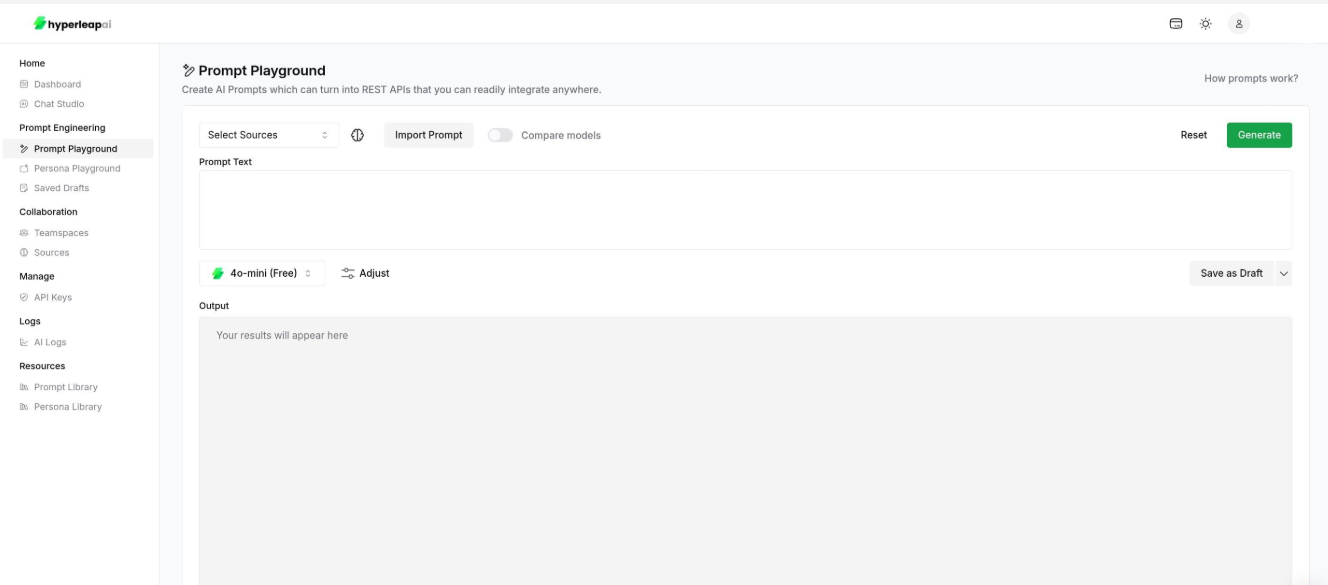
Start creating your Prompt from Prompt Playground
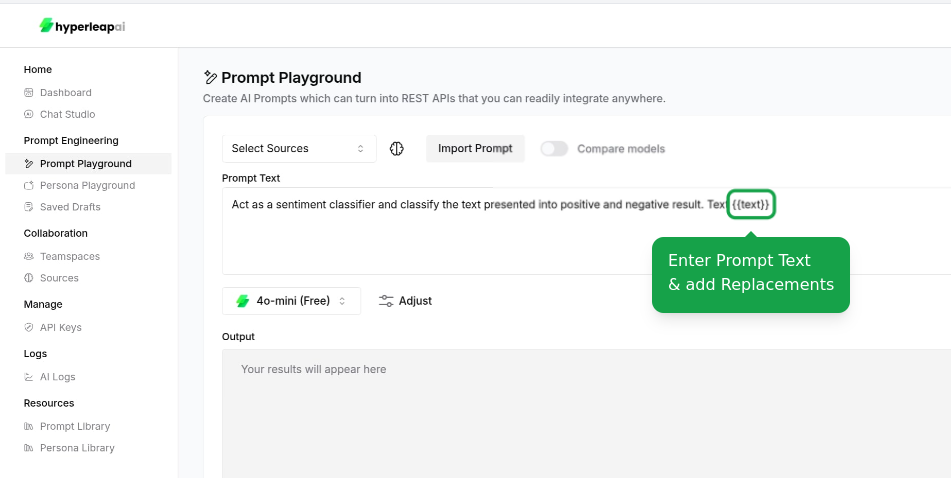
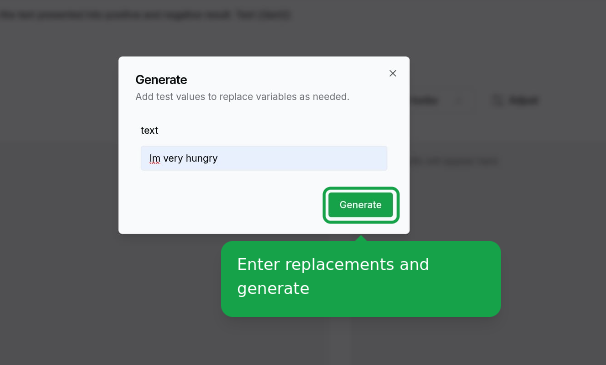
Configure Replacements
Define or update your Prompt input. You can include dynamic variables (e.g. {{variable_name}}) that will be replaced with actual values when the Prompt is used.
- Use
{{variable_name}}syntax for replacements
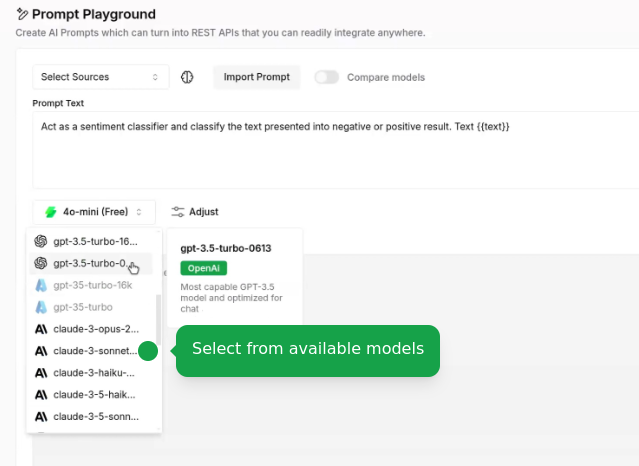
Configure Settings
Set AI Model
Choose the AI model that best fits your use case:
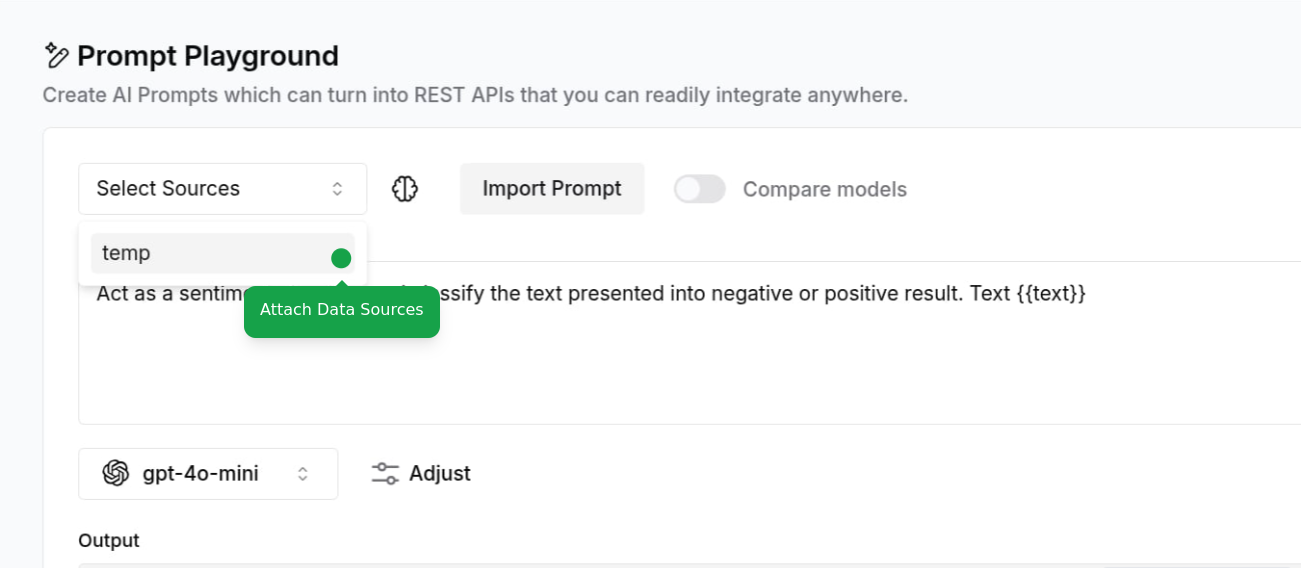
Attach Sources
Connect your data sources to ground AI responses:
- Add documents, website URLs, or text content
To learn more about sources, check out the Sources guide.
Adjust Configurations
Fine-tune your Prompt parameters:
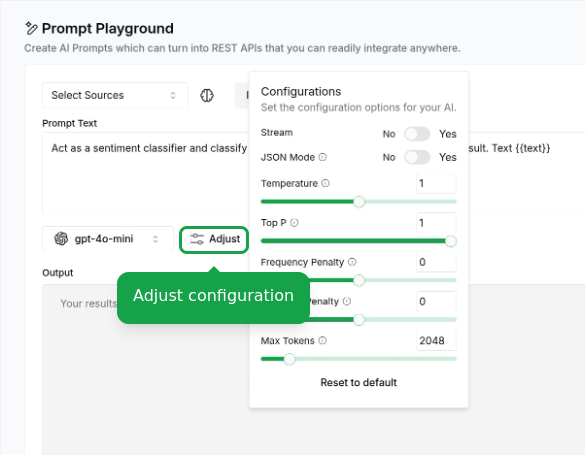
Access Template Library
Access our template library at any point during configuration:
- View available templates by category
- Preview template behaviors
- Apply template settings to your current prompt
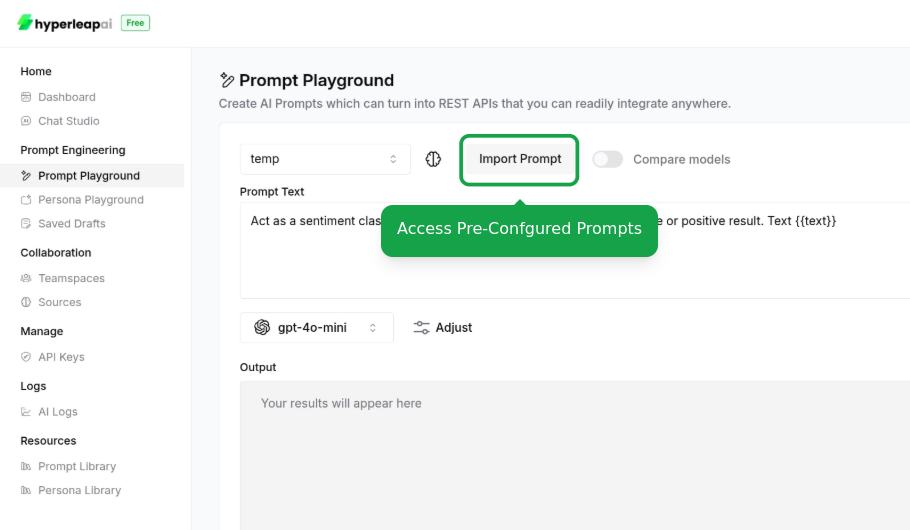
This is an alternative way to access templates if you didn't start with one. Your existing configurations will be overridden.
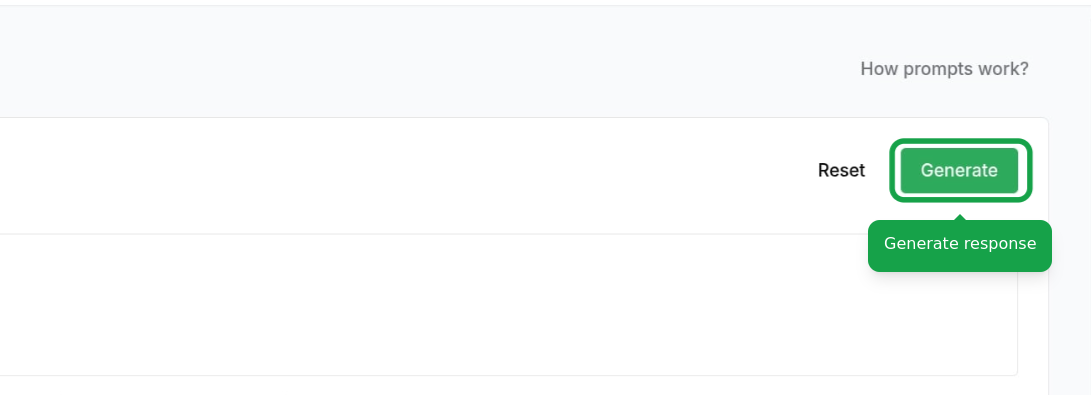
Test Prompt
Test your Prompt configuration in the playground: - Enter dynamic values - View generated responses
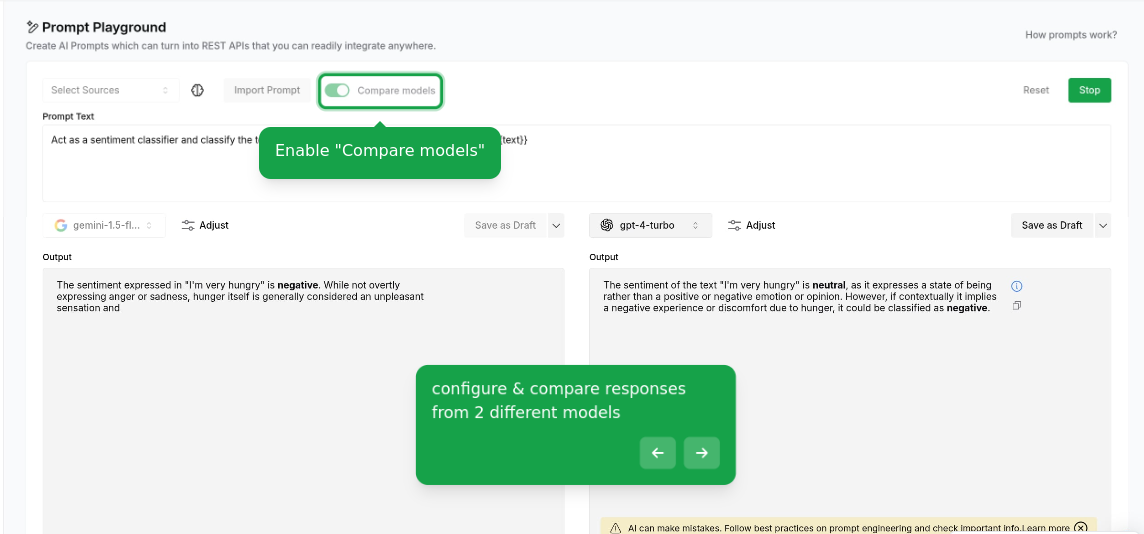
Compare Models
Compare the performance of different AI models: - View response quality - Adjust configurations - Analyze response time
Save and Activate
Finalize your Prompt configuration:
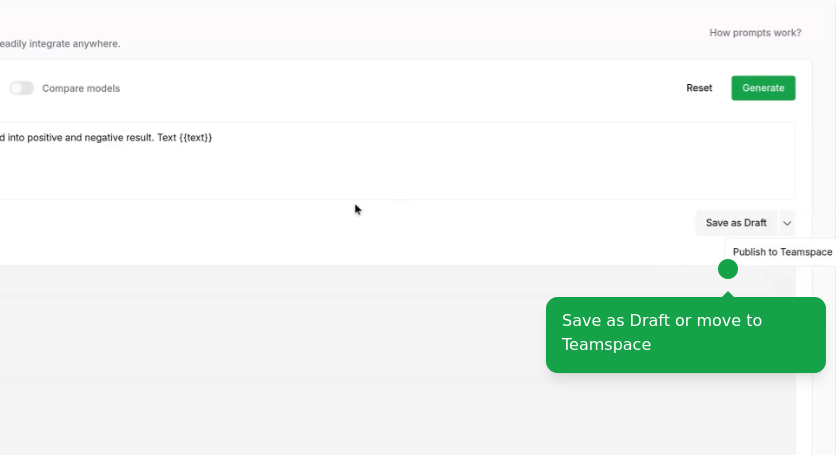
- Save as draft to continue editing and share with your team later
- Publish to make it available to your team
Prompts are part of Studio & API, a $99 one-time add-on on Plus, Pro, or Max. They are not a free-tier feature. Customer-facing agents do not require Prompts. For current Studio limits, see pricing.