How to Build an AI Chatbot for Your Business
How to build an AI chatbot for your business: decide the jobs it should do, gather knowledge, choose channels, test, and go live in under 5 minutes.
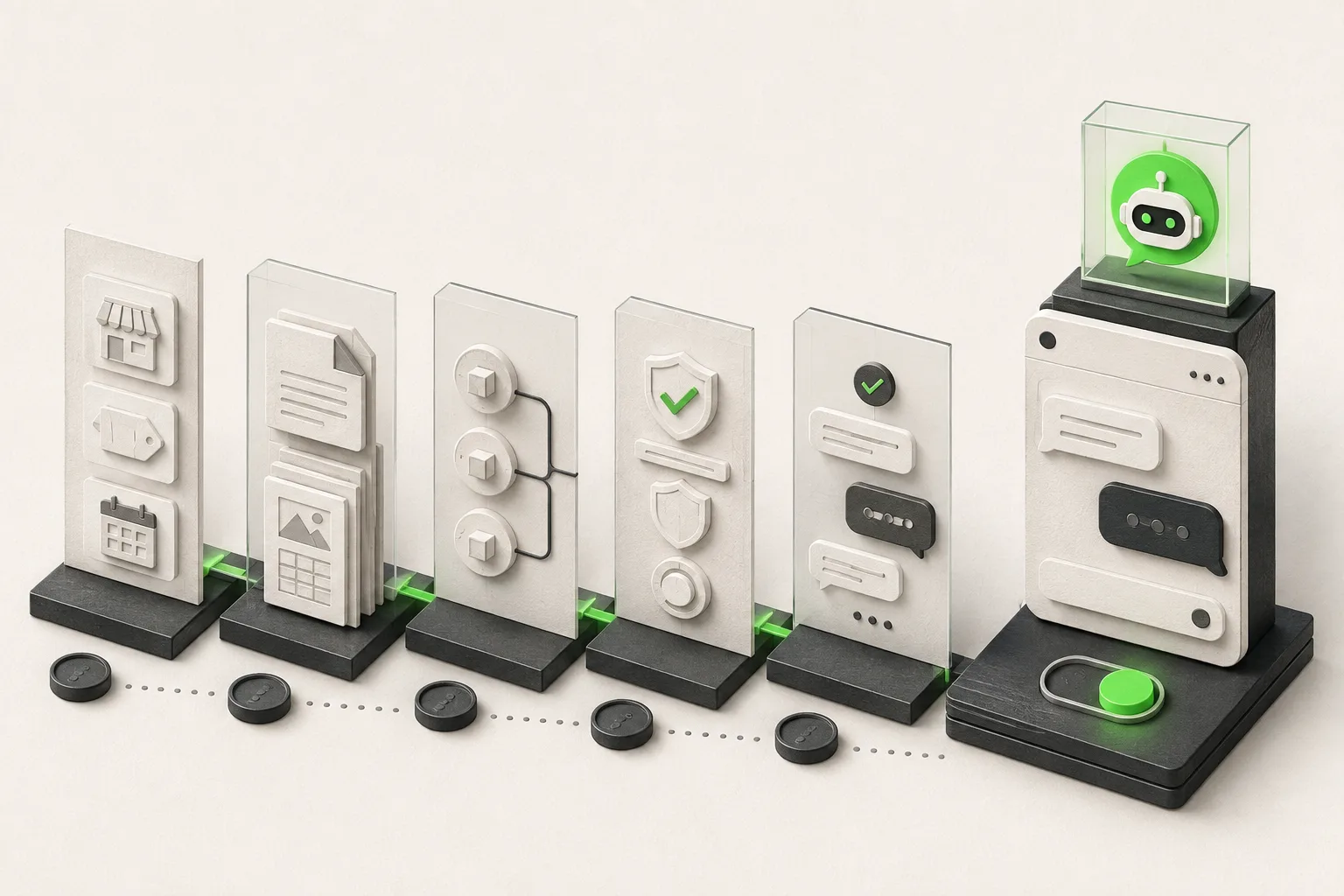
TL;DR:
- Building an AI chatbot for your business starts with deciding what job it does — answer questions, qualify leads, share a booking link, route to your team, or some mix of those — before you touch any software.
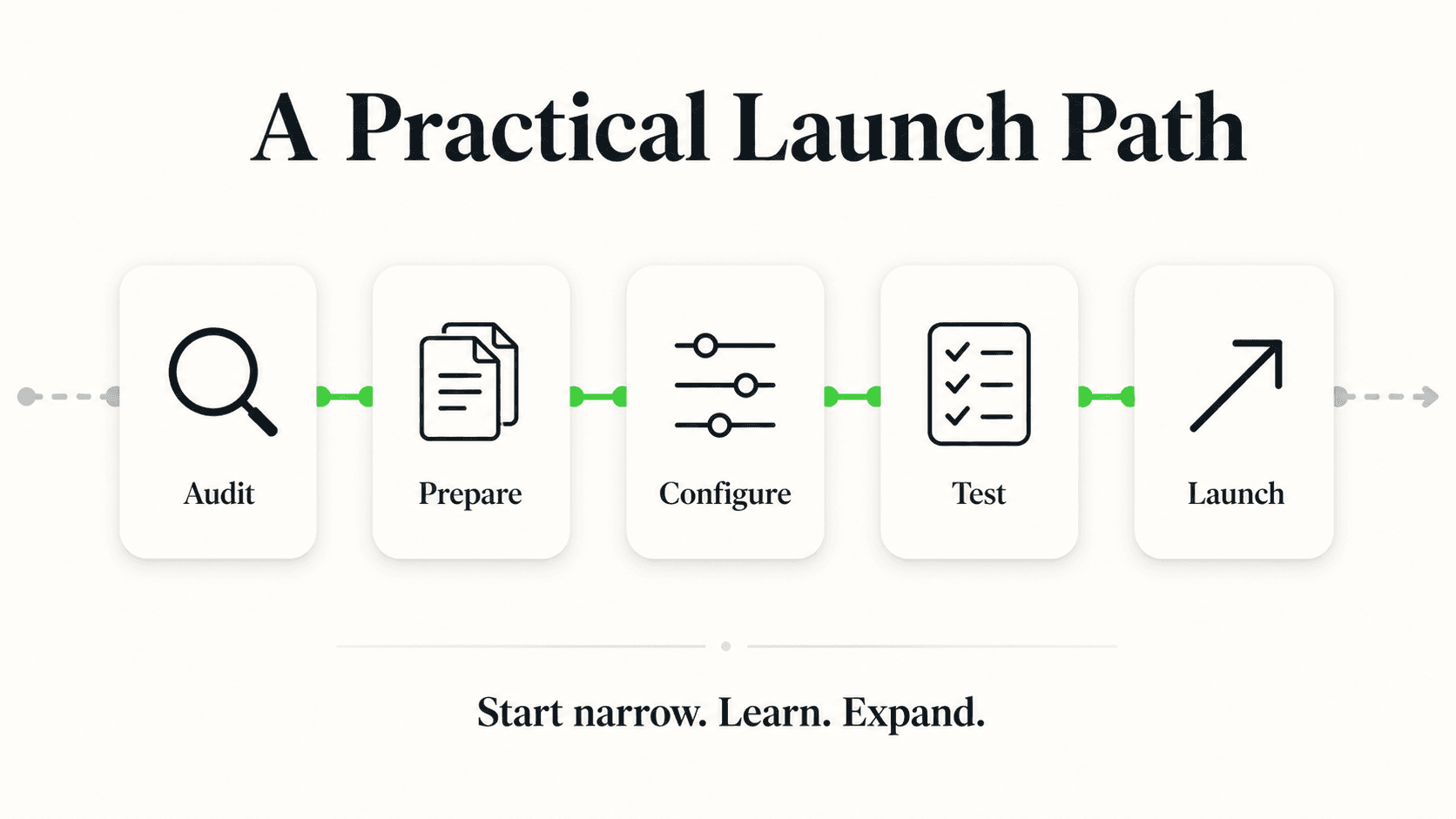
- The next steps are mechanical: gather what the chatbot should know (your site content, PDFs, FAQs), pick which channels it needs to cover, write guardrails for what it should decline to answer, test it against real questions, then deploy.
- With a no-code platform, the fastest path is a URL import: paste your website, the platform reads your content and generates a starting configuration, and you're live in under 5 minutes. Attaching more documents, writing guardrails, and testing is tuning you do afterward, not a blocker to going live.
- You have three real build paths — a no-code platform, a developer build, or an agency — and they trade off cost, control, and time to launch very differently. This guide compares all three honestly.
- Once live, measure it against a small set of KPIs (response rate, containment, lead-to-conversation ratio) rather than judging it on gut feel after a few conversations.
Search "how to build a chatbot" and you'll mostly find two kinds of results: developer tutorials that assume you can wire up an LLM API and a vector database yourself, or vendor landing pages that skip straight to "sign up now" without explaining what you're actually deciding along the way. Neither is written for the business owner who needs a chatbot that answers real customer questions, not a coding project.
This guide is written for that owner. It walks through the decisions that matter before you pick any tool — what job the chatbot should do, what it needs to know, which channels it needs to cover, and how you'll know it's working — and then compares the three realistic ways to actually build one: a no-code platform, a custom developer build, or an agency. If you've already decided you want the no-code path and just need the hands-on steps, our walkthrough for building a chatbot without code picks up exactly where this guide's planning section ends. And if you're trying to decide between hiring a developer, an agency, or a platform for a more complex project, AI chatbot development services: build vs. buy goes deeper on that specific comparison.
What Building an AI Chatbot Actually Means in 2026
A modern AI chatbot for a business is a conversational agent, grounded in your own content, that answers customer questions across the channels they already use — your website, WhatsApp, Instagram DM, or Facebook Messenger — and hands off to a human when a question goes beyond what it knows.
That's a meaningfully different thing from the rule-based chatbots most people remember from 2015–2020, which followed rigid decision trees ("Press 1 for pricing") and broke the moment a visitor phrased a question differently than expected. A modern AI chatbot, built on a large language model and grounded in documents you provide (a technique generally called retrieval-augmented generation, or RAG), understands natural language and answers from your actual content instead of a scripted flow.
"Building" one in 2026 rarely means writing code. It means:
- Deciding what jobs you want it to do (covered next)
- Gathering the content it should answer from
- Choosing where it needs to run
- Configuring guardrails and a fallback for what it doesn't know
- Testing it against real questions
- Deploying it — typically one script tag or a few clicks inside a platform
The mechanical steps are fast. The thinking that precedes them is what determines whether the result is actually useful.
Step 1: Decide the Jobs, Not the Features
Before comparing chatbot platforms, decide what work you actually want the chatbot to do for your business. This single decision shapes every choice that follows — what content you gather, which channels matter, and what "working well" even means.
Most business chatbots do some combination of six jobs:
- Answer — respond to common questions instantly, any hour, grounded in your actual content instead of guessing
- Qualify — ask a few follow-up questions (service needed, timeline, budget range) so a lead arrives with useful context instead of a bare "I'm interested"
- Verify — confirm a lead is real, typically through a lead form collecting name, phone, and email before the conversation starts (and, as a paid add-on, OTP phone verification for businesses where fake numbers are a real cost)
- Book — book the appointment inside the conversation (Hyperleap AI does this natively with Calendly and Cal.com on Pro and Max) or share your existing booking link, so a chat can end in a scheduled appointment
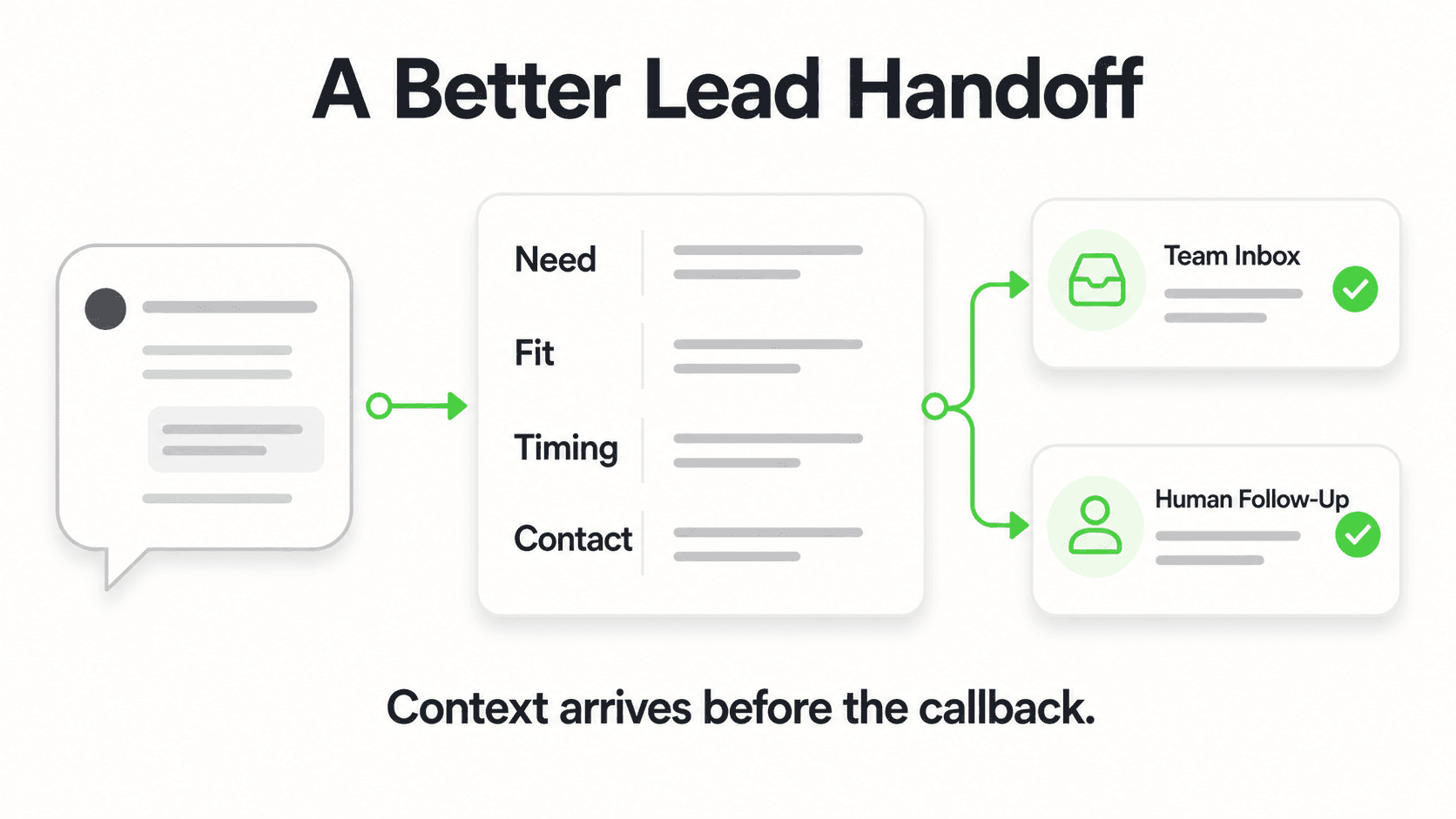
- Route — hand off anything complex, sensitive, or outside what the chatbot knows to the right person on your team, with the full conversation attached
- Report — send you a clean summary of every conversation and lead, so nothing sits buried in a chat log nobody reads
Not every business needs all six. A simple content site might only need answer and route. A home-services business fielding emergency calls needs answer, qualify, and route working together tightly. Write down which of these six matter most for your business before you evaluate any platform — it turns "which chatbot should I use" into a much more concrete question.
Start with your busiest question
If you're not sure where to start, pull your last 20–30 customer inquiries — emails, DMs, contact form submissions — and count how many ask the same 3–5 questions. That's almost always where a chatbot pays off fastest, regardless of which of the six jobs above ends up mattering most for your business.
Step 2: Gather What the Chatbot Should Know
A chatbot can only answer from what you give it — this is the step people underestimate, because it determines answer quality far more than which platform you pick.
Content to gather before you configure anything
- Your website's actual pages — services, pricing, FAQ, about, policies. Most no-code platforms can crawl a URL directly rather than requiring you to copy-paste content manually.
- PDFs and documents — a pricing sheet, a service menu, a policy document, a spec sheet — anything your team currently emails to customers who ask.
- Your actual pricing or price ranges, worded exactly as your team says them out loud, so the chatbot's answers match what a customer hears on the phone.
- A "what we don't do" list — services or products you explicitly don't offer, so the chatbot says so plainly instead of guessing at an answer it wasn't given.
- Your booking process, if you take appointments — note which scheduler you use. Some platforms book directly in the chat through supported tools (Hyperleap AI: Calendly and Cal.com, on Pro and Max); otherwise the chatbot shares your booking link.
Why grounding matters more than model choice
A chatbot's usefulness depends far more on what content it's grounded in than on which underlying AI model it runs. A well-configured chatbot answering from your actual pricing and policies will outperform a more "advanced" model with no real content behind it, because the model has nothing accurate to draw from. Document-grounded responses — designed to minimize hallucinations rather than eliminate them entirely — mean the chatbot won't invent a return policy you never gave it, but it also won't know anything you haven't uploaded. Our guide on AI chatbot knowledge base best practices covers how to structure this content well.
Step 3: Choose Your Channels
Decide where your customers already try to reach you, and build the chatbot to cover those channels — not the other way around.
The channels a modern AI chatbot platform can realistically cover today are:
- Website chat widget — the baseline, embedded via a script tag on your site
- WhatsApp Business — significant for businesses with international customers or younger demographics who default to messaging apps over email
- Instagram DM — relevant if a meaningful share of your inquiries already arrive through social media, especially for visually driven businesses (photography, events, hospitality, retail)
- Facebook Messenger — similar logic to Instagram, for businesses with an active Facebook presence
Voice/phone answering and SMS remain on the roadmap for most modern AI chatbot platforms, including Hyperleap — they are not shipped features as of this writing, and any vendor claiming otherwise should be asked exactly what's live today versus planned. If a large share of your inquiries still arrive by phone, a chat-based AI agent complements your existing phone setup rather than replacing it; see our guide on multi-channel AI chatbot strategy for how to think about channel prioritization without overbuilding for channels your customers don't actually use.
Step 4: Write Guardrails and a Fallback
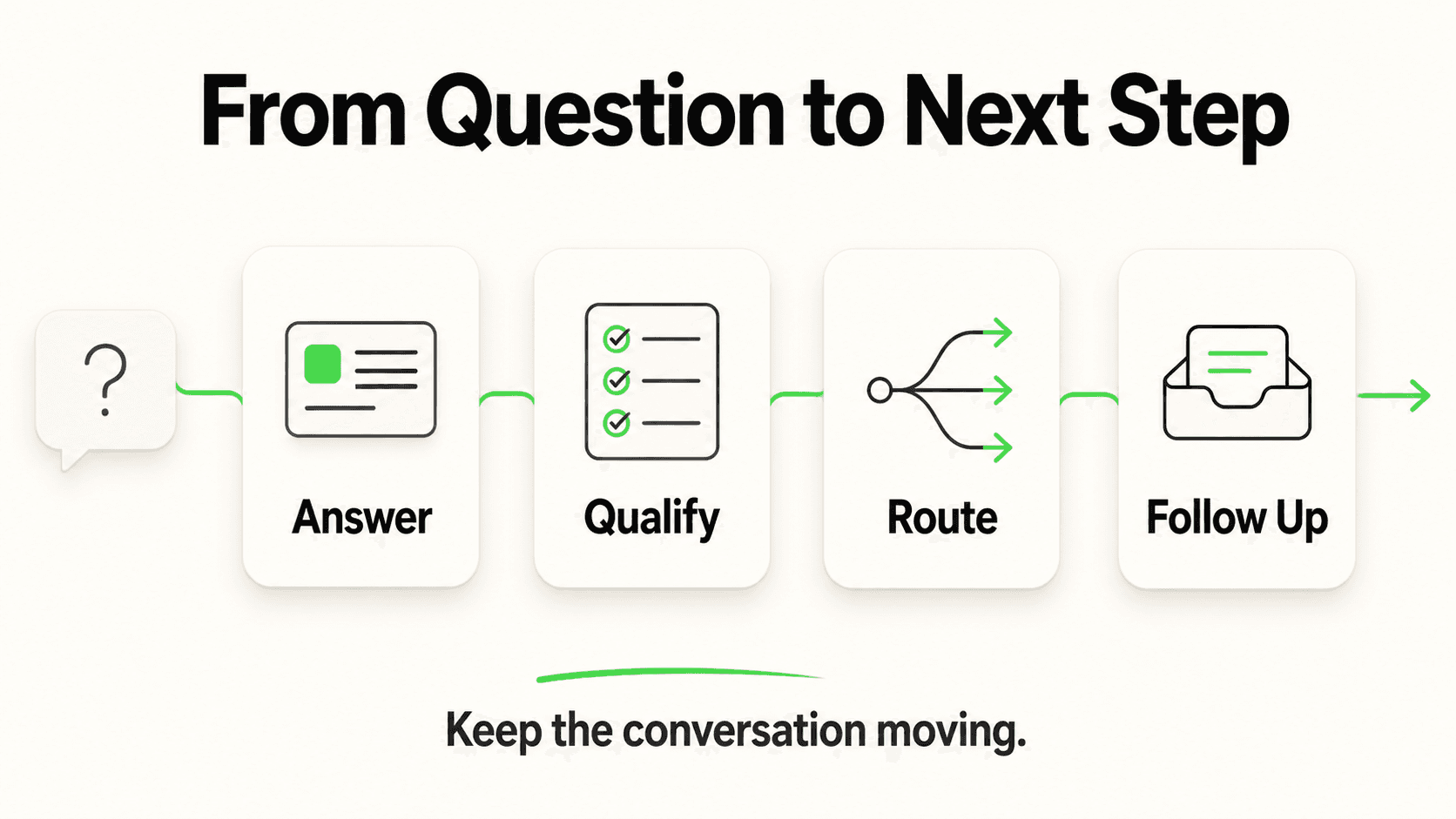
Decide upfront what the chatbot should decline to answer, and where it should send those conversations instead — this is the step that keeps an AI chatbot trustworthy rather than a liability.
Guardrails are simply topics or question types you configure the chatbot to avoid answering directly, routing them to a human instead. Common examples:
- Medical or legal questions — a chatbot should route, not diagnose or advise. "Routes to your team" language, not "assesses" or "triages," is the accurate framing for what a well-configured chatbot does with a sensitive question.
- Firm pricing commitments — a chatbot can share configured price ranges, but shouldn't be left to negotiate or guarantee a final number without human review.
- Anything the knowledge base doesn't cover — the single most important guardrail is a good fallback message: "I don't have that information, but I'll connect you with our team," rather than an invented answer.
- Complaints or anything emotionally charged — these generally deserve a human response faster than an AI-generated one, regardless of how accurate the AI's answer might be.
A chatbot without guardrails will eventually try to answer something it shouldn't. A chatbot with clear guardrails and a good fallback message turns those same situations into a clean handoff instead of an embarrassing wrong answer.
See guardrails and routing in action
Watch how Hyperleap answers what it knows and routes what it doesn't — before you commit to a platform.
Start Your Free TrialStep 5: Test Before You Launch
Test your chatbot against real questions — not just the easy ones — before pointing customers at it. This is the step most likely to get skipped, and the one most likely to embarrass you if you skip it.
A useful pre-launch test set includes:
- Your top 10 most common questions, phrased the way a real customer would ask them (not the way you'd phrase them internally)
- A question it should decline — something covered by a guardrail — to confirm the fallback and handoff work as configured
- A question phrased two different ways — customers rarely ask things the same way twice, and a well-grounded chatbot should handle rewording gracefully
- The lead form flow, start to finish, confirming a test lead actually lands in your dashboard with the right contact details
- Mobile and desktop, on the website widget specifically, since layout issues show up differently on each
Step 6: Deploy — Live in Under 5 Minutes
The fastest realistic path to a working chatbot is a URL-import setup on a no-code platform: paste your website's address, let the platform crawl your content and generate a starting configuration and prompt automatically, then add one script tag to your site. That's the entire "live in under 5 minutes" claim — it describes this exact path, not a stripped-down demo version of the product.
Everything past that point — attaching more PDFs, writing additional guardrails, refining the tone, adjusting the widget's color and position — is tuning you do after launch, not a blocker standing between you and a working chatbot. Treat the first version as a working baseline you improve by reading real conversations, not a project you have to perfect before anyone sees it.
Step 7: Measure With the Right KPIs
Judge your chatbot against a small set of defined metrics, not gut feel after skimming a handful of conversations. The most useful ones to start with:
- Response rate — the share of conversations the chatbot answers without needing a human, versus how many it routes
- Containment — of the conversations it handles, how many end without escalation
- Lead-to-conversation ratio — how many conversations actually produce a qualified, contactable lead
- Time to first response — should be seconds, every hour of the day, which is the core case for having a chatbot in the first place
- Questions it couldn't answer — reviewed weekly, these tell you exactly what to add to the knowledge base next
Our dedicated guide, chatbot KPIs and how to measure success, goes deeper on each of these with a scorecard you can use to benchmark your own numbers, and AI chatbot ROI framework walks through turning these metrics into a dollar-and-cents business case if you need to justify the spend internally.
Comparing Build Paths: No-Code Platform vs. Developer vs. Agency
There are three realistic ways to get an AI chatbot built for your business, and they trade off cost, control, and speed very differently. None of them is universally "correct" — the right choice depends on how custom your requirements are and how much time you have.
| No-Code Platform | Developer Build | Agency | |
|---|---|---|---|
| Typical cost | $40–$200/month, flat | Developer time (hours to weeks) plus ongoing maintenance, highly variable | Project fee plus a monthly retainer, typically the highest total cost of the three |
| Time to launch | Minutes to a few hours | Days to several weeks, depending on scope | Weeks, including discovery and design |
| Ongoing maintenance | Handled by the platform — updates, hosting, model improvements included | Your responsibility, or your developer's, indefinitely | Usually included in the retainer, but ends if the retainer ends |
| Customization ceiling | High for typical business use cases; limited if you need deeply custom logic or integrations no platform offers | Effectively unlimited — you can build exactly what you specify | High, bounded by what the agency's stack supports |
| Technical skill required | None — configuration through a web dashboard | Software development expertise, in-house or contracted | None from you directly, but requires clear specification and ongoing collaboration |
| Best fit | Most SMBs: standard support, lead capture, and qualification workflows across common channels | Businesses with unusual integration requirements or in-house engineering capacity | Businesses that want a fully managed relationship and don't want to touch configuration themselves |
For the overwhelming majority of small and mid-sized businesses, a no-code platform covers what's actually needed — answering common questions, qualifying leads, sharing a booking link, and routing to a human — without the cost or timeline of a custom build. A developer build makes sense when your requirements genuinely can't be met by any existing platform's configuration options; that's a narrower case than it might sound, since modern no-code platforms cover document grounding, multi-channel deployment, lead capture, and REST API/webhook connectivity out of the box. An agency makes sense if you'd rather pay for a fully managed relationship than learn any dashboard yourself. Our build vs. buy comparison breaks down realistic cost ranges and timelines for each path in more depth, including red flags to watch for when evaluating a custom-development vendor.
A common mistake: starting with the platform, not the job
Business owners often start by comparing chatbot platforms feature-by-feature before deciding what job the chatbot needs to do. This produces decision paralysis, because every platform looks reasonable in isolation. Decide your six-job priority list from Step 1 first — it turns the platform comparison into a much shorter, more concrete exercise.
Where This Fits: No-Code Chatbot Builders and the Broader Category
If you've decided a no-code platform is the right build path — which it is for most SMBs — our no-code chatbot builder page covers the category in more depth: what a no-code builder actually configures for you, how it differs from a rule-based bot builder, and what to look for when comparing platforms. For the broader picture of what an AI chatbot does for a business beyond the build process itself — the category, the use cases, the ROI case — AI chatbot for business is the pillar page this guide sits under.
Once you've decided to build with a no-code platform specifically, the hands-on, step-by-step walkthrough picks up from here with the actual configuration process inside a platform dashboard.
Frequently Asked Questions
How much does it cost to build an AI chatbot for a small business?
With a no-code platform, cost starts at $40/month (Hyperleap's Plus plan: 3,000 AI responses, 1 chatbot, 4 channels), with a 7-day free trial on every plan (credit card required, no free plan). A developer build ranges from a few hundred dollars for a simple project to tens of thousands for something custom and ongoing, and an agency relationship typically costs more than either due to the added project management and retainer structure.
Do I need to know how to code to build an AI chatbot?
No, not with a modern no-code platform. You configure the chatbot through a web dashboard — pointing it at your website, uploading documents, setting guardrails, and choosing channels — without writing any code. Coding knowledge only becomes relevant if you choose the developer-build path for requirements a no-code platform can't meet.
How long does it actually take to build and launch a chatbot?
With a no-code platform's URL-import setup, you can be live in under 5 minutes for the baseline configuration — paste your website, let it crawl your content, add one script tag. Meaningful tuning (additional documents, guardrails, testing against real questions) typically takes another hour or two spread over the following days, and a developer build or agency engagement can take days to several weeks depending on scope.
Will an AI chatbot replace my customer service team?
No — a well-built AI chatbot handles routine, repetitive questions and routes anything complex or sensitive to your team, rather than replacing the people who handle real relationships and edge cases. The practical framing is that AI handles volume, humans handle nuance: the chatbot clones your team's availability for common questions, freeing your team to spend time on the conversations that actually need a human.
What's the difference between a chatbot and an AI agent?
"Chatbot" often implies a simpler, sometimes rule-based tool, while "AI agent" typically describes a more capable system that can hold a natural conversation, qualify a lead through follow-up questions, share a booking link, and route to the right person — the six jobs covered in Step 1 of this guide. In practice, many products marketed as "chatbots" today are AI agents in this fuller sense; the label alone doesn't tell you which capabilities you're getting, so evaluate against the specific jobs you need done.
Can a chatbot book appointments directly into my calendar?
It depends on the platform and your scheduler. Hyperleap AI connects natively to Calendly and Cal.com on Pro and Max: it reads live availability and books the slot in the conversation, and the customer gets a calendar invite by email (in-chat booking needs Calendly Standard or higher). On Plus, or with other scheduling tools, it shares your booking link so the customer completes the booking themselves. Ask any vendor which schedulers it actually books into rather than assuming "books appointments" covers yours.
How do I know if my chatbot is actually working well?
Track a small set of KPIs rather than judging from a handful of conversations: response rate, containment (conversations resolved without escalation), lead-to-conversation ratio, and a running list of questions it couldn't answer. Review that unanswered-questions list weekly in the first month — it's the fastest way to know exactly what to add to the knowledge base next. See chatbot KPIs and how to measure success for a full scorecard.
Building the Right Chatbot Starts With the Job, Not the Software
The mechanical part of building an AI chatbot — pasting a script, uploading a few documents — takes minutes with a modern no-code platform. The part that actually determines whether it's useful is everything covered before that: deciding what job it should do, gathering the content it needs, choosing the channels that match where your customers already are, and setting guardrails so it knows what to hand off.
Get those decisions right, and the software choice becomes straightforward. Hyperleap AI covers the full loop — answer, qualify, verify, book, route, report — across your website, WhatsApp, Instagram DM, and Facebook Messenger from one dashboard, with a lead form that captures contact details before the conversation starts. Pricing starts at $40/month on the Plus plan with a 7-day free trial on every plan; see the pricing page for the full breakdown.
Build your first AI chatbot today
Point Hyperleap at your website, choose your channels, and be answering real customer questions in minutes — no code required.
Start Your Free TrialIndustry Solutions
See how AI chatbots work for these industries:
Related Articles
How to Add an AI Chatbot to an HTML Website
Add an AI chatbot to a plain HTML site with one script tag before </body>. Step-by-step setup, testing, styling, and knowledge base tips.

How to Add an AI Chatbot to Shopify (Step by Step)
How to add an AI chatbot to Shopify with a theme.liquid embed — setup steps, Online Store 2.0 notes, and what a Shopify chatbot can and can't access.

How to Add an AI Chatbot to Webflow (Step-by-Step)
Add an AI chatbot to Webflow with one script tag — Custom Code placement, plan requirements, the publish gotcha, and troubleshooting, explained step by step.

Add an AI Chatbot to WordPress (No Plugin Bloat)
How to add an AI chatbot to WordPress with a lightweight script embed — where to paste it, page-builder specifics, and how to avoid plugin bloat.