How to Choose an AI Receptionist: A Buyer's Checklist
How to choose an AI receptionist: an 18-point buyer checklist covering channels, lead capture, pricing traps, data handling, and a 7-day trial plan.

TL;DR
- Choosing an AI receptionist starts with naming the job you need done — answer, qualify, verify, book, route, and report — before comparing any vendor's feature list.
- Check channel fit first: an AI receptionist that only covers phone calls is useless if your inquiries mostly arrive by website chat, WhatsApp, or Instagram DM, and vice versa.
- The biggest pricing trap is per-minute or credit-multiplier billing that looks cheap on the landing page and gets expensive the busier you get; flat per-response pricing (Hyperleap AI: $40-$200/month) avoids that math entirely.
- Verify how leads are actually captured — a lead form that gates the chat, collecting name and phone before the conversation starts, produces cleaner lead records than a bot that tries to extract contact details mid-conversation.
- Run a real 7-day trial with a written test script before committing to a full year; most weaknesses (knowledge gaps, bad escalation rules, clunky handoff) only surface once real customers start typing.
Most small business owners shopping for an AI receptionist start with a Google search and end up comparing five vendor homepages that all claim to be "the best AI receptionist for your business." Every one of them uses the words "24/7," "never miss a lead," and "instant answers." None of them tell you which questions actually separate a tool that will save your team hours from one that will quietly frustrate your customers for the next twelve months.
This is a buyer's checklist, not a sales pitch. It walks through the decisions that actually determine fit — the job you need the AI to do, which channel carries your real demand, how lead capture works mechanically, what the pricing model will cost you at real volume, and how to run a trial that tells you the truth before you sign an annual contract. If you want the fuller picture of what an AI receptionist is and how one works end to end, see our complete AI receptionist guide and our step-by-step breakdown of the mechanics. If you're specifically weighing chat against phone coverage, read chat-based vs. voice AI receptionists alongside this one.
What Is an AI Receptionist, and What Should It Actually Do?
An AI receptionist is software that answers incoming customer inquiries automatically, captures their contact details, and routes anything it can't resolve to your team — without a person handling the first exchange. The job it does breaks into six discrete steps: answer, qualify, verify, book, route, and report. A good buyer's checklist tests a vendor against every one of those six steps, not just "does it answer questions."
Before comparing any two products, write down which of these six jobs matters most for your business:
- Answer — respond instantly to routine questions (hours, pricing, services, policies) from your own content
- Qualify — ask the follow-up questions that turn "I have a question" into "here's what they need and how urgent it is"
- Verify — confirm a lead's contact details are real, not a typo or a bot submission (optional, usually a paid add-on)
- Book — book the slot in the conversation through a supported scheduler (Hyperleap AI: Calendly and Cal.com, on Pro and Max) or share your booking link, so a conversation can end in a scheduled appointment
- Route — hand off anything complex, urgent, or sensitive to a human on your team, using routing language, never clinical or legal judgment
- Report — send your team a clean summary of what happened, so follow-up doesn't depend on someone re-reading the whole transcript
A vendor that's strong on "answer" but weak on "route" will leave your team blindsided by conversations that needed a human. A vendor that's strong on "qualify" but weak on "report" will bury useful lead data in a dashboard nobody checks. Rank these six jobs for your own business before you look at a single pricing page.
Who this checklist is for
This is written for owners and operators evaluating AI receptionist software for the first time — home services, dental and healthcare practices, salons, real estate, legal and professional services — who want a structured way to compare vendors instead of relying on demo-call impressions alone.
Channel Fit: Which Channels Do Your Customers Actually Use?
The single most common AI receptionist buying mistake is picking a tool before checking where your inquiries actually originate. Channel fit should be decided from your own data, not a vendor's marketing.
Pull the last 60-90 days of inbound inquiries and sort them by channel: phone calls, website contact form or chat, WhatsApp, Instagram DM, Facebook Messenger, and email. Most owners are surprised by the actual split once they count it — see our data on how SMB customer messaging expectations have shifted for why chat volume has grown faster than most owners assume.
Then match the tool to the channel mix you actually found:
- Phone-dominant (60%+ of inquiries): a voice AI receptionist or a live-agent answering service fits better today. Hyperleap AI does not answer phone calls — voice is on our roadmap, not a current capability.
- Chat-dominant, or a large and growing minority: a chat-first AI receptionist covering your website widget, WhatsApp, Instagram DM, and Facebook Messenger from one setup is the better starting point.
- Genuinely mixed: many small businesses run both — a phone option for calls, and a chat-first AI receptionist for everything else. See our full breakdown in chat-based vs. voice AI receptionists and AI receptionist vs. answering service.
Also check whether the vendor's channels are native official integrations or third-party relays. Hyperleap AI is a Meta Technology Provider and Business Partner, meaning WhatsApp, Instagram, and Messenger run on Meta's official Business APIs rather than an unofficial workaround — a meaningful reliability signal that's worth asking any vendor about directly.
Knowledge Grounding: How Is the AI Actually Trained on Your Content?
The AI should answer only from your own business content, not from generic internet knowledge it might get wrong. This is the difference between a document-grounded system and a generic chatbot wearing your logo.
Ask every vendor these specific questions:
- What can it learn from? Website pages, uploaded PDFs, FAQ documents, pricing sheets? The wider the range of source formats, the less manual re-typing you'll do.
- How does it answer questions outside that knowledge base? A well-built system says "I don't have that information" and escalates, rather than guessing with false confidence.
- How fast do updates propagate? If you change a price or a policy, does updating the source document immediately update every future answer, or does it require a retraining cycle?
- What's the retrieval method? Systems using retrieval-augmented generation (RAG) search your actual documents for the relevant passage before answering, rather than relying purely on a model's memorized training data. Hyperleap AI answers from your uploaded content on every plan, and offers the Multi-variant (locations, courses, etc) add-on (paid, on Pro/Max) for businesses with several similar locations or courses — though no AI system can guarantee zero errors, which is why escalation rules matter as much as the retrieval mechanism itself.
No AI system can guarantee perfect accuracy
Be skeptical of any vendor claiming "100% accurate" or "zero hallucinations" answers. Document-grounded responses are designed to minimize errors, not eliminate every possible one — the real question is how gracefully a system escalates uncertainty rather than guessing.
Qualification and Lead-Record Quality
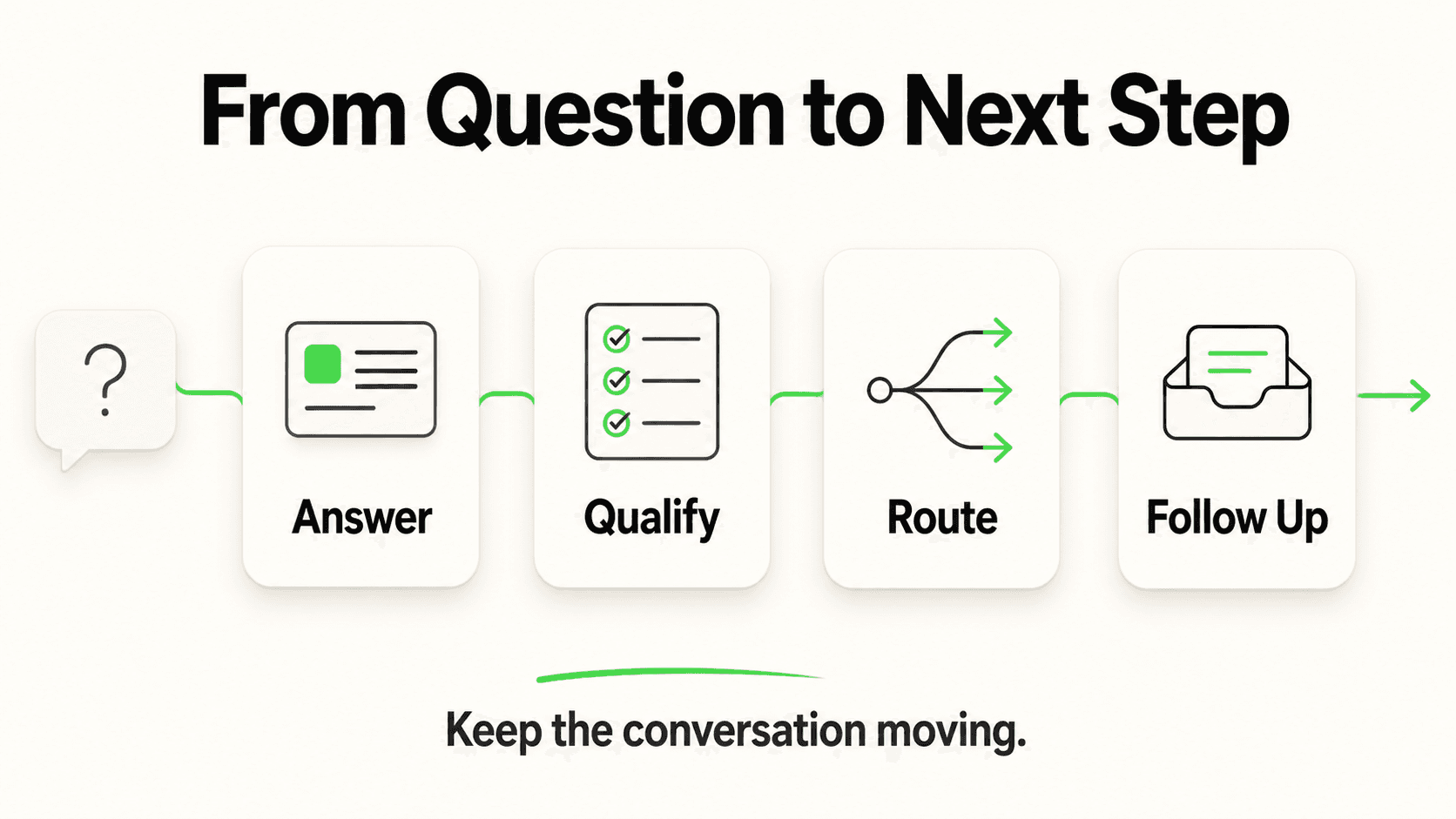
A vendor that "answers messages" is doing half the job. The other half is turning a conversation into a usable, contactable lead record your team can act on without re-reading a transcript.
Check specifically how contact details get captured. There are two structurally different approaches:
- Lead form gates the chat — the customer fills in name, phone, and a qualifying detail through a short form before the AI conversation begins. This guarantees structured, consistent data on essentially every started conversation, because it doesn't depend on a customer remembering to volunteer their number mid-chat. This is how Hyperleap AI's lead capture works.
- Conversational extraction — the bot tries to pull a name and number out of free-form back-and-forth text. This is more fragile: a distracted or anxious customer can complete an entire conversation without ever giving contact details, and extraction accuracy varies with how the conversation flows.
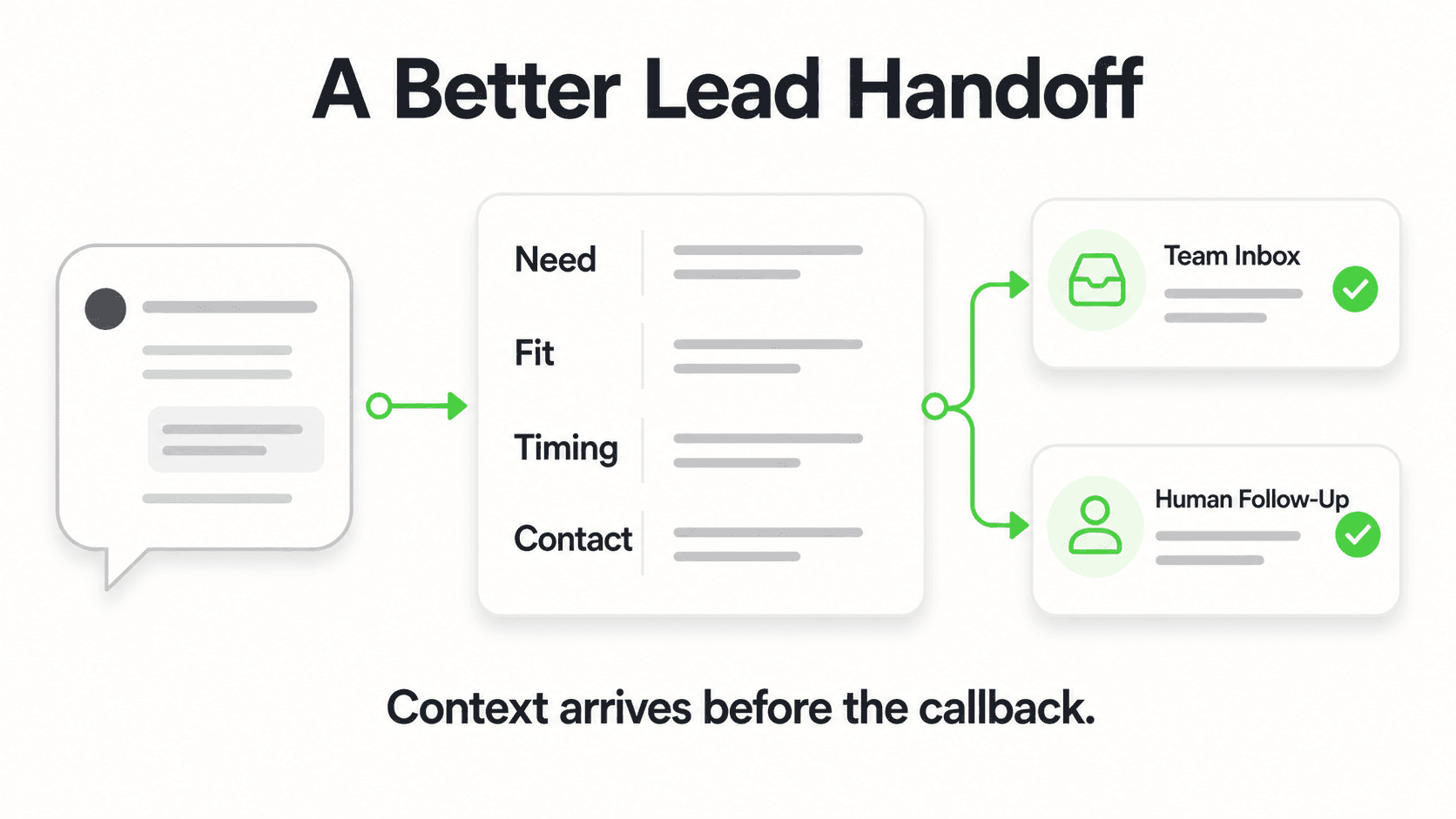
Ask every vendor which model they use, and ask to see an example lead record. A good record should include: name, phone number, the qualifying question(s) asked and answered, a timestamp, and the channel it arrived on — all without your team needing to re-read the raw chat log.
If lead-quality assurance matters for your volume (filtering out fake numbers, bot traffic, or prank submissions), ask whether phone verification is available and what it costs — on Hyperleap AI this is OTP-verified lead capture, a usage-based paid add-on on Pro and Max plans for website chat, starting from $100, not a bundled feature on every plan.
See a real lead record, not a mockup
Chat with Hyperleap's demo AI receptionist and see exactly what a captured lead looks like before you compare it to another vendor's dashboard.
Try the demoHandoff and Notification Design
What happens the moment the AI can't (or shouldn't) handle a conversation alone determines whether your team trusts the tool. Test this specifically, not generally.
- How fast is the notification? Real-time, or a daily digest? A "your team gets notified" claim means little without a specific latency — you want real-time alerts for anything urgent.
- What triggers escalation? Keyword rules, a general low-confidence threshold, specific topics you flag (medical, legal, complaints), or all of the above? You should be able to configure this, not just accept a vendor's defaults.
- What does your team receive? A full conversation transcript, a summary, or just "someone messaged you"? A useful handoff includes enough context that a human doesn't have to start the conversation over from scratch.
- Where does the notification land? Email is the baseline across the category; some vendors add a unified inbox where every channel's conversations show up in one place. Ask whether that inbox exists before assuming it does.
For sensitive categories — medical symptoms, legal questions, safety issues — the AI should be routing, never assessing or diagnosing. A vendor whose demo shows the AI confidently answering a symptom question is a red flag, not a feature; the correct behavior is routing that inquiry to a qualified human on your team.
Guardrails and Fallback You Control
A trustworthy AI receptionist is one where you can see and adjust the boundaries, not one that operates as a black box. Ask each vendor to show you, specifically:
- Can you set topics or keywords that always escalate, regardless of what the AI thinks it knows?
- Can you review a log of what sources an answer drew on, so you can spot-check accuracy?
- Can you turn off or edit a bad answer path once you notice it, without waiting on vendor support?
- Is there a documented limit on what the AI will attempt to answer (medical, legal, financial advice) versus always routing?
Publishing these limits is itself a trust signal — a vendor who's upfront about what the AI won't do is more credible than one who implies it handles everything.
Pricing Model Traps to Watch For
Pricing structure matters more than the headline number on a landing page. Four models dominate the category, and each rewards or punishes different usage patterns — see our deeper breakdown in AI chatbot pricing models compared.
- Per-minute billing (common in voice AI): the entry price looks low, but a single 8-10 minute call can cost several dollars once you're past the included allotment. Costs scale directly with your busiest periods — exactly when you can least afford a surprise bill. See AI receptionist cost in 2026 for sourced per-minute figures across the category.
- Credit or token multipliers: some platforms charge in "credits" where a single AI reply can consume multiple credits depending on model choice or feature use, making the effective cost per conversation hard to predict from the pricing page alone.
- Per-resolution billing: charges per completed conversation rather than per message, which can undercount multi-turn conversations that never technically "resolve."
- Flat per-response pricing: a fixed monthly fee for a set volume of AI responses, regardless of how long any individual conversation runs. Hyperleap AI's plans work this way — Plus at $40/month (3,000 AI responses), Pro at $100/month (12,000), and Max at $200/month (30,000) — with the principle "one AI reply = one response, no model-credit math." Extra volume beyond a plan's limit is available as Credit Packs at $12 per 1,000 responses, rather than forcing a full plan upgrade for one busy month.
Ask every vendor the exact question: what happens when I exceed my plan's included volume? Hard cutoff, automatic overage billing at what rate, or forced upgrade? The answer to that single question often reveals more about real cost than the entry-tier price. Current Hyperleap AI plan details are on the pricing page.
All plans require a trial signup, not a free tier
Hyperleap AI offers a 7-day free trial on all three plans; a credit card is required to start, and there is no permanent free plan. If a competitor's free tier skips the card step at signup, check what's actually included in it before assuming it's comparable.
Setup Time and Who Maintains It
Ask how long deployment actually takes, and — just as important — who's responsible for keeping it accurate after launch.
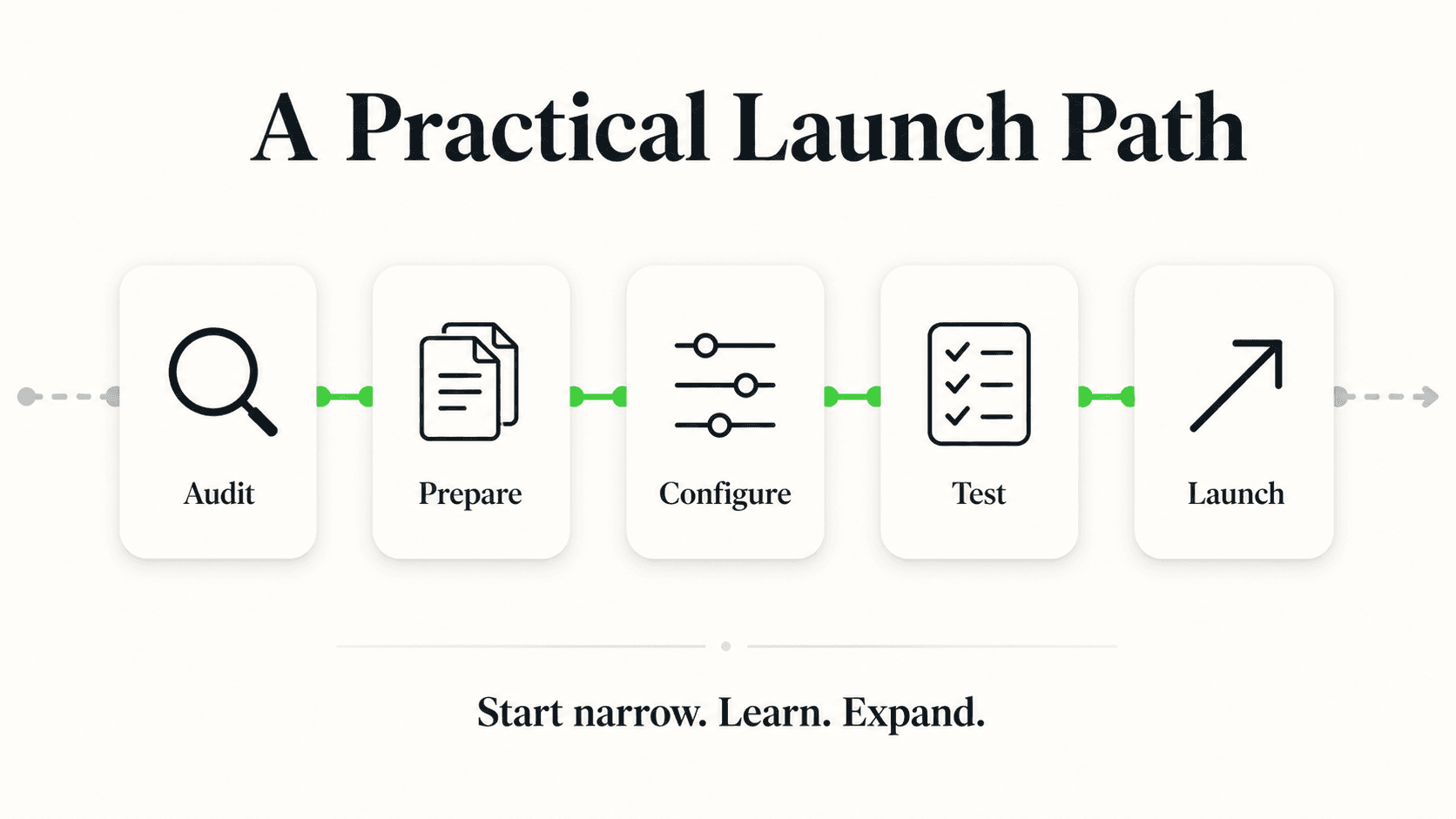
- Initial setup: Hyperleap AI can go live in under 5 minutes for a basic configuration — point it at your website URL and it reads your site, imports your branding, detects your industry, and generates a starting prompt automatically; the remaining step is adding one script tag. Attaching additional documents, writing custom guardrails, and testing edge cases is tuning you do afterward, not a blocker standing between you and going live.
- Ongoing maintenance: who updates the knowledge base when your prices or hours change — you, self-serve, or does it require a vendor support ticket? Self-serve editing (editing your own documents and having the AI reflect them immediately) is faster than any workflow that routes through a vendor's team.
- Managed setup option: if your team doesn't have time for even a 5-minute self-setup, ask whether the vendor offers hands-on onboarding, and at what price. Hyperleap AI's Managed Setup add-on carries a list price of $299 but is currently offered free on all plans — confirm current terms directly rather than assuming a marketing page's price is what you'll actually pay.
Data Handling: Where Do Transcripts Actually Live?
Every AI receptionist stores customer conversations somewhere, and buyers rarely ask where until something goes wrong. Before signing, confirm:
- Where transcripts are stored and for how long
- Whether you can export your data (leads, transcripts) on demand — a one-click CSV export, for example — rather than being locked into a vendor's dashboard
- Whether the vendor connects to your other systems via a documented REST API and webhooks, or claims native integrations that don't actually exist yet. Hyperleap AI connects to CRMs and other tools via REST API and webhooks (webhooks on Pro and Max: lead created, new message, reply, conversation started); native pre-built CRM integrations for platforms like HubSpot and Salesforce are in active development, not shipped today — treat any vendor's "native integration" claim with the same scrutiny.
- What happens to your data if you cancel — can you export everything before losing access?
The 7-Day Trial Evaluation Plan
A demo call tells you what a vendor wants to show you. A real trial with your own content tells you what actually happens. Run this test script during any AI receptionist's trial period before committing to an annual plan.
Day 1-2: Setup and knowledge upload
- Upload your real FAQs, pricing, and policy documents — not a stripped-down test version
- Configure your lead form fields and escalation rules
- Note how long setup actually took versus what the vendor claimed
Day 3-4: Adversarial testing
- Ask 10 questions the AI should know the answer to (from your uploaded content) and 10 it shouldn't (outside your business entirely)
- Confirm it escalates gracefully on the ones it doesn't know, rather than guessing
- Try to trigger an escalation with a deliberately urgent or sensitive question and time how fast your team gets notified
Day 5: Real traffic
- Point real website traffic (or a soft-launch to existing customers) at the live chatbot
- Watch the first 10-20 real conversations closely
Day 6: Review the lead records
- Pull the actual lead data captured so far — is it clean, structured, and immediately usable, or messy and incomplete?
- Check whether your team actually saw and acted on the notifications sent
Day 7: Decide against your six-job checklist
- Score the trial against the answer / qualify / verify / book / route / report framework from the top of this guide
- Identify any gap that would require a workaround in production, and ask the vendor directly whether it's on their roadmap or simply not planned
The Printable Buyer's Checklist
Use this table to score any AI receptionist vendor side by side. Answer yes/no for each row before comparing totals.
| # | Question | Yes | No |
|---|---|---|---|
| 1 | Does it cover the channel(s) where most of my inquiries actually arrive? | ||
| 2 | Does it answer from my own documents (RAG), not generic internet knowledge? | ||
| 3 | Does it clearly say "I don't know" and escalate, rather than guess? | ||
| 4 | Does a lead form gate the conversation and collect contact details up front? | ||
| 5 | Can I see a sample lead record before signing up? | ||
| 6 | Is phone/lead verification available, and is its cost disclosed upfront? | ||
| 7 | Are escalation rules configurable by me, not fixed by the vendor? | ||
| 8 | Does my team get real-time notifications, not a daily digest? | ||
| 9 | Does it route (not assess or diagnose) medical, legal, or sensitive topics? | ||
| 10 | Is pricing flat and predictable, or does it use per-minute/credit billing? | ||
| 11 | Is the overage policy disclosed clearly (what happens past my plan limit)? | ||
| 12 | Can I set up the basics myself without a developer? | ||
| 13 | Can I export my leads and transcripts on demand? | ||
| 14 | Does it connect to my CRM via a documented API/webhooks, or a real native integration — not a vague promise? | ||
| 15 | Does it book directly with my scheduling tool, and is it clear which tools it only shares a link for? | ||
| 16 | Is the trial length and card requirement clearly stated before signup? | ||
| 17 | Are add-on costs (verification, advanced knowledge retrieval, managed setup) disclosed separately from the base plan? | ||
| 18 | Does the vendor publish what the AI won't do, not just what it does? |
A vendor scoring "yes" on fewer than 14 of these deserves a harder look before you commit a year of budget to it.
Red Flags to Walk Away From
- "Zero hallucinations" or "100% accurate" claims. No document-grounded AI system can honestly guarantee either — this phrasing signals marketing over substance.
- Vague or missing overage terms. If a sales rep can't tell you exactly what happens when you exceed your plan, assume it's unfavorable to you.
- No visible lead form or unclear lead-capture mechanism. If you can't get a straight answer on how contact details are collected, assume the lead data will be messy.
- Claimed native integrations you can't verify. Ask for documentation or a live demo of the specific integration, not just a logo on a features page.
- No mention of escalation or human handoff at all. A tool that implies full automation with no human-in-the-loop path is either overselling or poorly designed for anything beyond the simplest FAQ.
- Pressure to skip the trial and sign an annual contract immediately. A vendor confident in their product lets you test it with your own content first.
Frequently Asked Questions
What's the single most important factor in choosing an AI receptionist?
Channel fit. An AI receptionist that doesn't cover the channel where most of your customers actually reach out — phone, website chat, WhatsApp, Instagram, or Facebook — provides limited value regardless of how sophisticated its other features are. Audit your last 60-90 days of inbound inquiries by channel before evaluating any vendor.
How much should I expect to pay for an AI receptionist?
It depends heavily on category. Chat-first platforms like Hyperleap AI run $40-$200/month flat, regardless of conversation length, within plan limits. Voice AI and live-agent phone services typically run higher, often $250-$450/month or more, because per-minute and staffing costs scale with call volume. See AI receptionist cost in 2026 for a full sourced breakdown by category.
Should I choose a vendor that claims to integrate with my CRM natively?
Verify the claim before trusting it. Many vendors advertise "CRM integration" that turns out to be a documented REST API and webhooks rather than a pre-built native connector. That's still workable for most CRMs with basic setup, but it's a different implementation effort than a true one-click native integration — ask which one you're actually getting.
How long should a proper AI receptionist trial run?
At least 7 days with real content and, ideally, real traffic — not just a sandboxed demo. A short trial with test data only reveals the interface; a week of real conversations reveals knowledge gaps, escalation quality, and lead-record accuracy that a demo call won't show you.
Do I need phone/lead verification for every business?
No — it's most valuable for businesses fielding high volumes of low-intent or spam submissions where confirming a real phone number before following up saves sales time. It's typically a paid, usage-based add-on (on Hyperleap AI, available on Pro/Max plans from $100) rather than something every business needs from day one.
Can an AI receptionist replace my front-desk staff entirely?
For most businesses, no — and that's not really the goal. The stronger framing is AI handling the volume of routine, repetitive inquiries (hours, pricing, basic scheduling questions) while your team focuses on the complex, high-value conversations that need judgment or a personal touch. Look for a vendor that's explicit about this human-in-the-loop design rather than one implying full replacement.
What should I do if a vendor won't let me see the actual lead-capture form or a sample record?
Treat that as a warning sign and ask again more directly, or move to a vendor that will show you. Lead-record quality is one of the most consequential and least visible differences between AI receptionist platforms, and a vendor confident in their design should have no reason to hide it from a prospective buyer.
Choosing the Right Fit Starts With Your Own Data, Not a Vendor's Pitch
The AI receptionist category is full of confident claims and thin on side-by-side substance, which is exactly why a structured checklist beats a gut reaction after one demo call. Start with the six jobs — answer, qualify, verify, book, route, report — rank which matter most for your business, then work through channel fit, lead-capture mechanics, pricing structure, and a real 7-day trial before signing anything longer than a month.
Hyperleap AI is built chat-first across your website, WhatsApp, Instagram DM, and Facebook Messenger, with a lead form that gates every conversation, flat pricing from $40/month with no per-minute math, and a 7-day free trial to run the exact evaluation plan above with your own content.
Run the checklist against your own business
Start a 7-day free trial and put Hyperleap's AI receptionist through the same evaluation plan outlined in this guide.
Start Your 7-Day Free TrialIndustry Solutions
See how AI chatbots work for these industries:
Related Articles
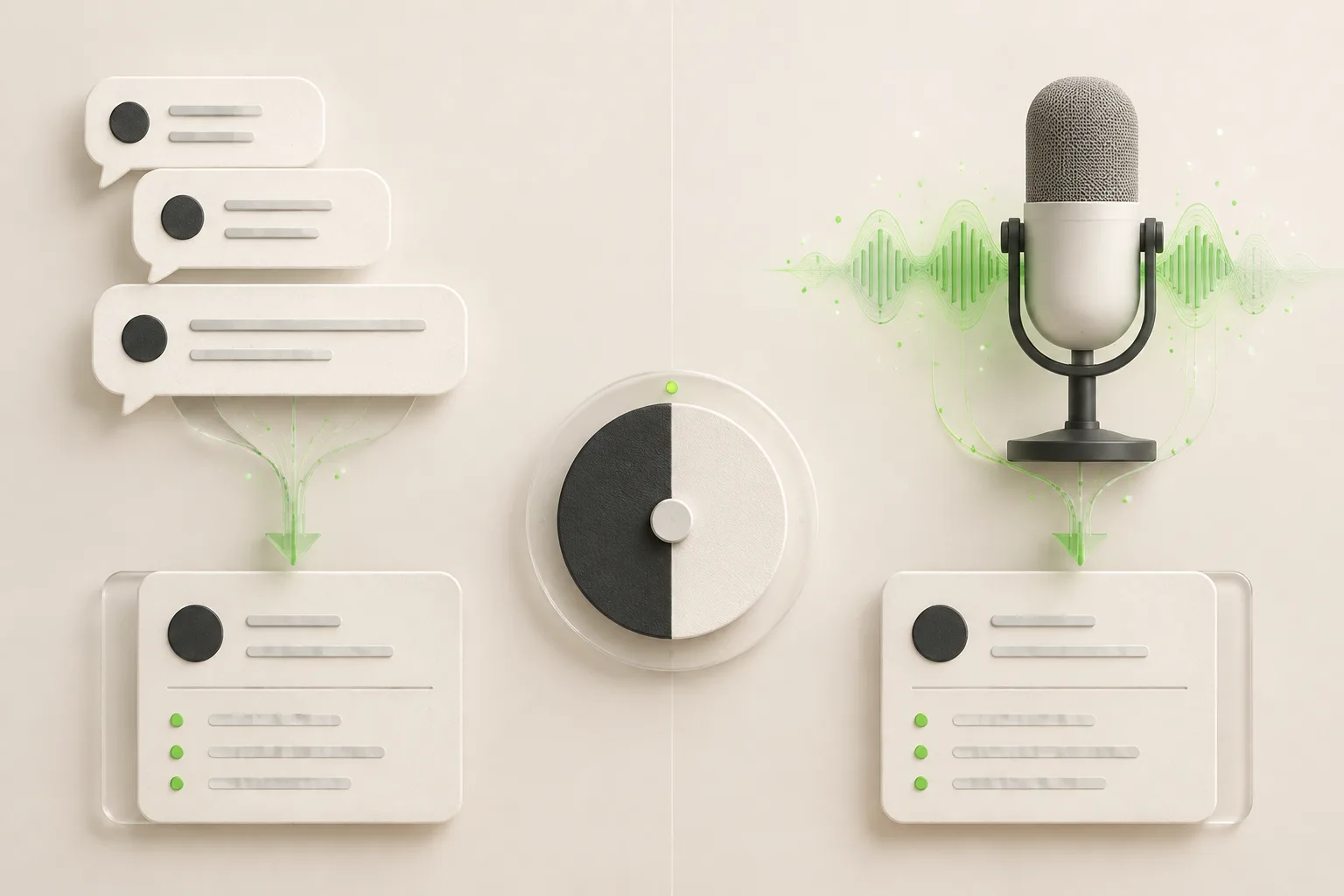
Chat vs Voice AI Receptionists: An Honest Comparison
Chat vs voice AI receptionists compared honestly: cost, setup, lead quality, and which fits phone-first vs message-first small businesses.
Small Business Answering Service Alternatives (2026)
8 small business answering service alternatives for 2026 compared on coverage, cost, and setup — from voice AI to chat-first AI receptionists.

AI Receptionist vs. Virtual Receptionist: Which to Hire?
Compare AI receptionists (chat-first, from $40/month) to human virtual receptionist services like Ruby and Smith.ai — cost, hours, and fit by business type.

AI Receptionist vs Answering Service: Which Fits?
Compare AI receptionist chatbots and traditional answering services on cost, channels, and speed to find the right fit for your small business.