AI Receptionist vs Answering Service: Which Fits?
Compare AI receptionist chatbots and traditional answering services on cost, channels, and speed to find the right fit for your small business.

TL;DR
- An AI receptionist (Hyperleap AI) is a chat-based system that answers customer questions and captures leads on your website, WhatsApp, Instagram DM, and Facebook Messenger — 24/7, starting at $40/month. It does not answer phone calls today.
- A traditional answering service uses live human operators (or basic IVR) to answer inbound phone calls. Pricing runs roughly $50–$450/month for small-business plans, or $0.75–$2.00+ per minute on usage-based plans, according to 2026 industry pricing guides (Nextiva, HouseCallPro).
- If most of your inbound demand arrives as phone calls, a live answering service (or a dedicated voice AI product) still fits better today — Hyperleap's AI receptionist does not take calls.
- If most of your inbound demand arrives through your website, WhatsApp, Instagram, or Facebook — which is increasingly true for service businesses whose customers research online before calling — an AI receptionist chatbot answers instantly, gates every conversation behind a lead form that collects contact details up front, and costs a fraction of per-minute call pricing.
- Many small businesses run both: a phone answering option for callers, and an AI receptionist chatbot for the growing share of customers who now message instead of call.
Picture two versions of the same Tuesday night. In the first, a homeowner with a leaking water heater calls three plumbers at 9 p.m. One answering service picks up, takes a message, and promises a callback "first thing in the morning." In the second version, that same homeowner is on your website, typing "do you do emergency water heater repair" into a chat window. An AI receptionist answers immediately, asks a few qualifying questions, collects their name and phone number through a short form, and lets them know someone will follow up. By the time your team opens their laptop the next morning, one of those two businesses already has a name, a phone number, and a job description sitting in their inbox. The other has a voicemail.
That is the practical difference between an AI receptionist and a traditional answering service, and it is also where the two get confused. They sound like competitors solving the same problem — "someone needs to answer when I can't" — but they solve it for two different channels. Answering services exist for phone calls. AI receptionists, part of the broader shift toward conversational AI for customer service, exist for chat: your website widget, WhatsApp, Instagram DM, and Facebook Messenger. Understanding which channel carries your actual demand is the first step to picking the right tool, and for many SMBs today, the honest answer is "both, for different jobs."
This guide breaks down what each option actually does, what they cost, where each one wins, and how to decide — without overselling either one. If you want the deeper product walkthrough first, see our complete AI receptionist guide.
What Is an AI Receptionist vs an Answering Service?
An AI receptionist is software that answers customer messages automatically across chat channels, using your business's own documents and FAQs to generate accurate responses; a traditional answering service is a company that employs (or automates) phone operators to answer and route inbound calls on your behalf. The two differ in channel, technology, and pricing model — not just in "human vs AI."
AI receptionist (chat-based)
- Answers inbound messages on your website chat widget, WhatsApp Business, Instagram DM, and Facebook Messenger
- Uses a large language model grounded in your uploaded documents (retrieval-augmented generation) to answer specific questions about your services, hours, and pricing — designed to minimize hallucinated answers, not eliminate every possible error
- Gates the conversation with a lead form: name, phone, and a qualifying question or two are collected before the AI starts the back-and-forth conversation, not extracted conversationally mid-chat
- Escalates anything it can't confidently answer to a human on your team, and routes anything urgent (e.g., "my basement is flooding") using routing logic — never clinical or legal judgment
- Runs 24/7 without staffing, at a flat monthly software price
Traditional answering service (phone-based)
- Answers inbound phone calls using live human agents, often with a basic script, and forwards or takes messages
- Some modern providers layer AI-assisted call routing or IVR on top of live agents; a smaller number offer AI voice agents that can hold a spoken conversation
- Priced per minute, per call, or in monthly call-volume tiers
- Best suited to businesses whose customers overwhelmingly prefer to call — real estate emergency lines, medical practices with elderly patients, HVAC dispatch during storms
Where they overlap: both aim to make sure no customer inquiry goes unanswered outside business hours. Where they diverge: an answering service cannot pick up a WhatsApp message, and an AI receptionist chatbot cannot pick up a ringing phone. Voice support is on Hyperleap's roadmap, not a current capability — so if phone calls are your dominant channel today, factor that in before switching entirely to chat.
Who this guide is for
This is written for owners and operators of service businesses (home services, dental, salons, real estate, professional services) trying to decide between adding a phone answering service, deploying a chat-based AI receptionist, or running both. If your leads come in almost entirely by phone, read the "when an answering service still wins" section closely before switching.
Why This Decision Trips Up Small Businesses
Most SMB owners reach for "get an answering service" as the default fix for missed calls, without first checking where their actual inquiries originate. That mismatch — solving a chat problem with a phone tool, or vice versa — wastes budget and still leaves customers waiting.
Customer behavior has shifted toward messaging, but the shift is uneven
More consumers now start a purchase inquiry by browsing a website or opening WhatsApp before ever dialing a number, particularly for research-heavy purchases like home services quotes, dental consultations, or real estate listings. But this is not universal — some verticals (urgent medical, legal intake, older customer bases) still route overwhelmingly through the phone. Choosing a channel strategy without checking your own inbound mix means you might be building a beautiful chat experience nobody uses, or paying premium per-minute phone rates for calls that were never going to convert anyway. See how SMB customer messaging expectations have shifted for more on this trend, and how response time affects conversion rates by industry.
Per-minute pricing punishes growth
An answering service billed per minute gets more expensive exactly when your business is busiest — the weeks you most need reliable coverage. A homeowner calling about a burst pipe, getting transferred, explaining the issue twice, and being put on hold for a technician callback can easily run 8-10 minutes. At $0.90-$1.25/minute (2026 mid-range rates per Nextiva), that single call costs $7-$12 before a technician is even dispatched. A chat-based AI receptionist has no per-conversation metering line item at all — pricing is a flat monthly plan based on total AI responses across all channels.
"Answering the phone" and "answering a customer" aren't the same job anymore
A live operator can take a message. They usually cannot pull up your actual service menu, your current promotion, or your documented cancellation policy unless you've trained them extensively — and even then, staff turnover at outsourced call centers means that training decays. A document-grounded AI receptionist answers from your actual, current business content every time, with no retraining needed when you update a policy — you just update the source document. Missed or slow responses have a measurable cost; see our breakdown of how slow response times cost businesses.
The false choice between "cheap and impersonal" or "expensive and human"
Owners often assume the only alternative to a live answering service is a robotic phone tree that frustrates callers. That framing skips the chat option entirely. An AI receptionist isn't a worse phone tree — it's a different channel that happens to handle the growing share of customers who'd rather type a question than wait on hold. For phone-heavy businesses, a live answering service (or a dedicated voice AI vendor, if you need one — voice is not a Hyperleap capability today) may remain the better fit for now.
See what an AI receptionist actually answers
Chat with Hyperleap's demo AI receptionist across web and WhatsApp before deciding whether chat or phone coverage fits your business.
Try the demo7 Ways AI Receptionists and Answering Services Actually Compare
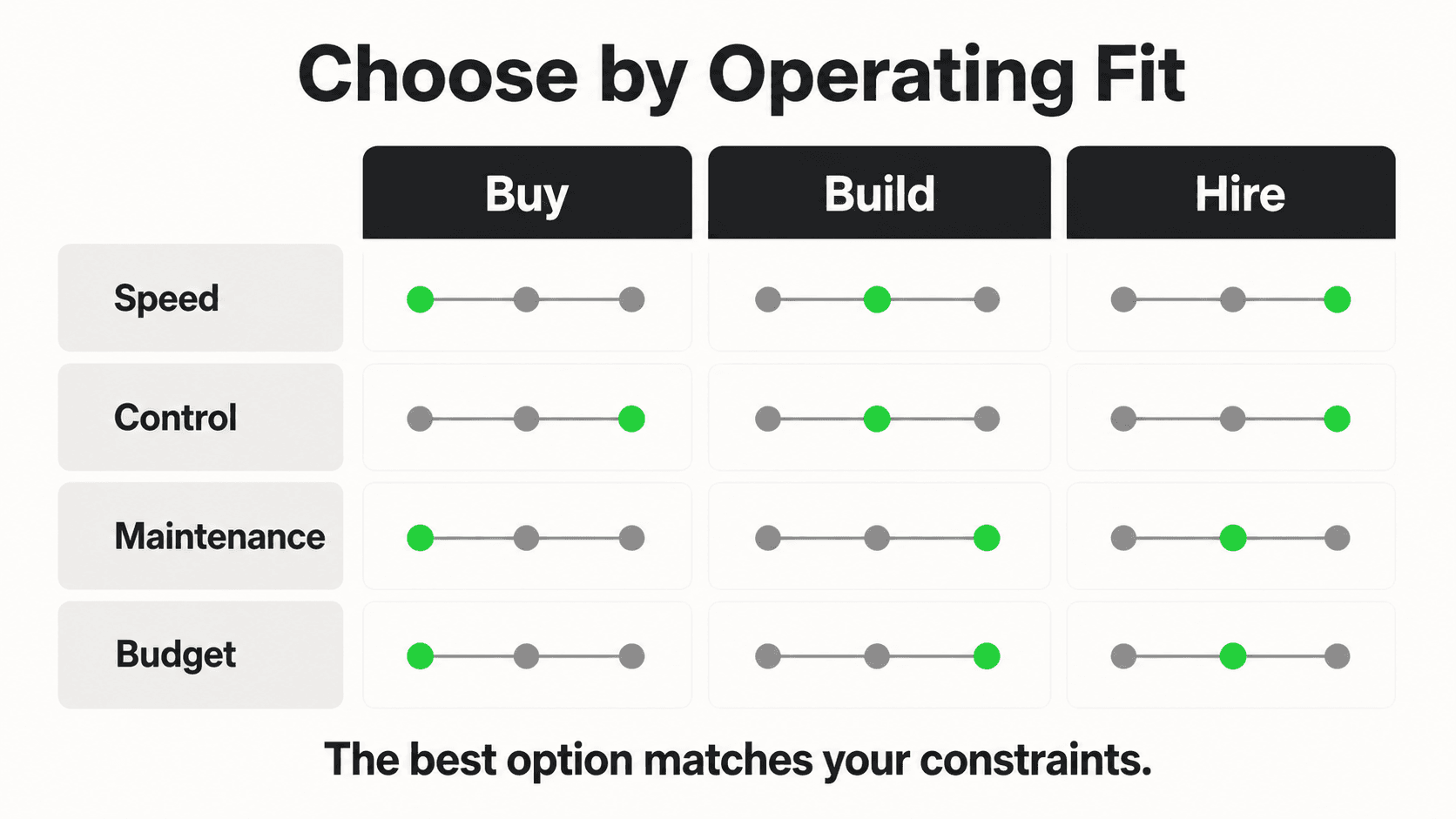
1. Channel coverage
What this looks like in practice: An answering service covers exactly one channel — the phone line you route to them. An AI receptionist covers four channels from a single setup: your website chat widget, WhatsApp Business, Instagram DM, and Facebook Messenger, with the same underlying knowledge base answering consistently across all of them.
Real-world impact: A dental practice using only a phone answering service has no coverage for the patient who messages the practice's Instagram asking about whitening prices at 10 p.m. — that inquiry sits unread until someone checks the account.
Why it works: Customers increasingly pick whichever channel is fastest for them in the moment; covering four channels instead of one closes that gap without adding staff. For a deeper look at running one consistent strategy across channels, see our guide to multi-channel AI chatbot strategy.
Key features:
- Website widget, WhatsApp Business API, Instagram DM, Facebook Messenger — all from one AI receptionist setup
- Rich cards from the photos, documents, and videos you attach, on all four channels, with carousels on Instagram DM and Messenger (Pro and Max)
- Website embeds work on Shopify, WordPress, Webflow, Squarespace, Wix, or custom HTML
2. Pricing model
What this looks like in practice: Answering services typically charge $50-$450/month for small-business plans, or bill per-minute ($0.75-$2.00+) once you exceed an included allotment, per 2026 industry pricing surveys (HouseCallPro, Alliance Virtual Offices). Hyperleap's AI receptionist starts at $40/month (Plus plan) for 3,000 AI responses across one chatbot and up to 4 channels, with a 7-day free trial (credit card required).
Real-world impact: A business fielding 200 calls a month averaging 4 minutes each could see $600-$1,000/month in per-minute answering service charges during a busy season — while an AI receptionist plan stays flat regardless of message volume within plan limits.
Why it works: Flat SaaS pricing means growth in chat volume doesn't automatically inflate your bill the way call-minute billing does.
Key features:
- Plus: $40/mo — 3,000 AI responses, 1 chatbot, 4 channels
- Pro: $100/mo — 12,000 AI responses, 2 chatbots, 8 channels, white-label
- Max: $200/mo — 30,000 AI responses, 5 chatbots, 20 channels, white-label
- Optional add-ons (Suite, OTP Verification, Multi-variant (locations, courses, etc), Credit Packs, Managed Setup) are priced and sold separately — never bundled free
- For a broader look at how AI chatbot pricing models are structured across the market, see our pricing models comparison
3. Availability and response speed
What this looks like in practice: Both models can offer 24/7 coverage, but the underlying mechanics differ. A 24/7 live answering service means paying for round-the-clock staffing (or a night/weekend surcharge tier). An AI receptionist chatbot is 24/7 by default at no additional cost — it's software, not a shift schedule.
Real-world impact: Businesses trying to add "after hours" or "weekend" coverage to a live answering service typically pay a premium tier for it; after-hours AI receptionist coverage is included in the base plan.
Why it works: Removing the "is a human available right now" constraint is what makes true 24/7 chat coverage economically viable for a small business budget.
Key features:
- No shift differentials, no holiday surcharges for AI coverage
- Instant first response — no hold queue, no "please wait for the next available operator"
- Escalation routing sends urgent conversations to your team's notification channel in real time
4. Lead capture mechanics
What this looks like in practice: A live answering service operator jots down a message by hand or into a script-driven form, which then needs to be manually relayed to your team. Hyperleap's AI receptionist uses a lead form that gates the chat — the customer's name, phone number, and a qualifying detail are collected through a structured form before the AI conversation begins, so every lead arrives with verified, structured contact information rather than a scribbled phone message.
Real-world impact: Structured, form-gated lead data reduces the back-and-forth of "what number did they leave again?" that comes with handwritten call logs, and every captured lead is exportable to CSV in one click for follow-up.
Why it works: Consistent, structured intake beats varying operator handwriting and shorthand, and it plugs directly into your existing workflow via REST API and webhooks (Pro and Max; lead created, new message, reply, conversation started) — connecting to your CRM via API and webhooks, not a native pre-built integration.
Key features:
- Lead form collects contact details before the conversation, not mid-chat
- Optional OTP verification (Pro/Max, usage-based add-on from $100, website chat only) to confirm phone numbers are real
- Instant team notifications when a new lead form is submitted
- One-click CSV export of captured leads
5. Consistency and knowledge depth
What this looks like in practice: A live operator's answer quality depends on how thoroughly they were trained and how recently your policies changed. An AI receptionist answers from documents you upload — service menus, pricing sheets, FAQs, policies — via retrieval-augmented generation, so it references your actual current content rather than a memorized script.
Real-world impact: When you change a price or add a new service, updating the source document updates every future AI answer immediately; retraining a call center's live agents on the same change can take days or weeks, especially with outsourced or high-turnover teams.
Why it works: Document-grounded responses are designed to minimize hallucinated or outdated answers, though — like any AI system — occasional errors are possible, which is why complex or ambiguous questions are escalated to your team rather than answered with false confidence.
Key features:
- Multi-variant (locations, courses, etc) add-on ($40/mo + 2x credits per request, Pro/Max) for businesses with several similar locations, courses or plans
- Knowledge base storage up to 40MB across all plans
- Multi-language support (100+ languages) so the same knowledge base serves non-English-speaking customers
6. Setup speed and flexibility
What this looks like in practice: Setting up an answering service typically involves choosing call scripts, training the vendor's staff on your business, and porting or forwarding your phone number — a process that can take one to two weeks depending on the provider. An AI receptionist chatbot is configured by uploading documents and connecting channels, with most businesses live within days.
Real-world impact: Faster setup means less time in the gap where inquiries still go unanswered while you wait for either vendor to go live.
Why it works: No-code configuration and managed setup options ($299 Free, available on all plans) mean businesses without technical staff aren't blocked on a developer.
Key features:
- Managed Setup add-on for hands-off onboarding
- Embed on any website platform without custom development
- Self-serve chatbot editing for ongoing script and FAQ updates
7. Human-in-the-loop handoff
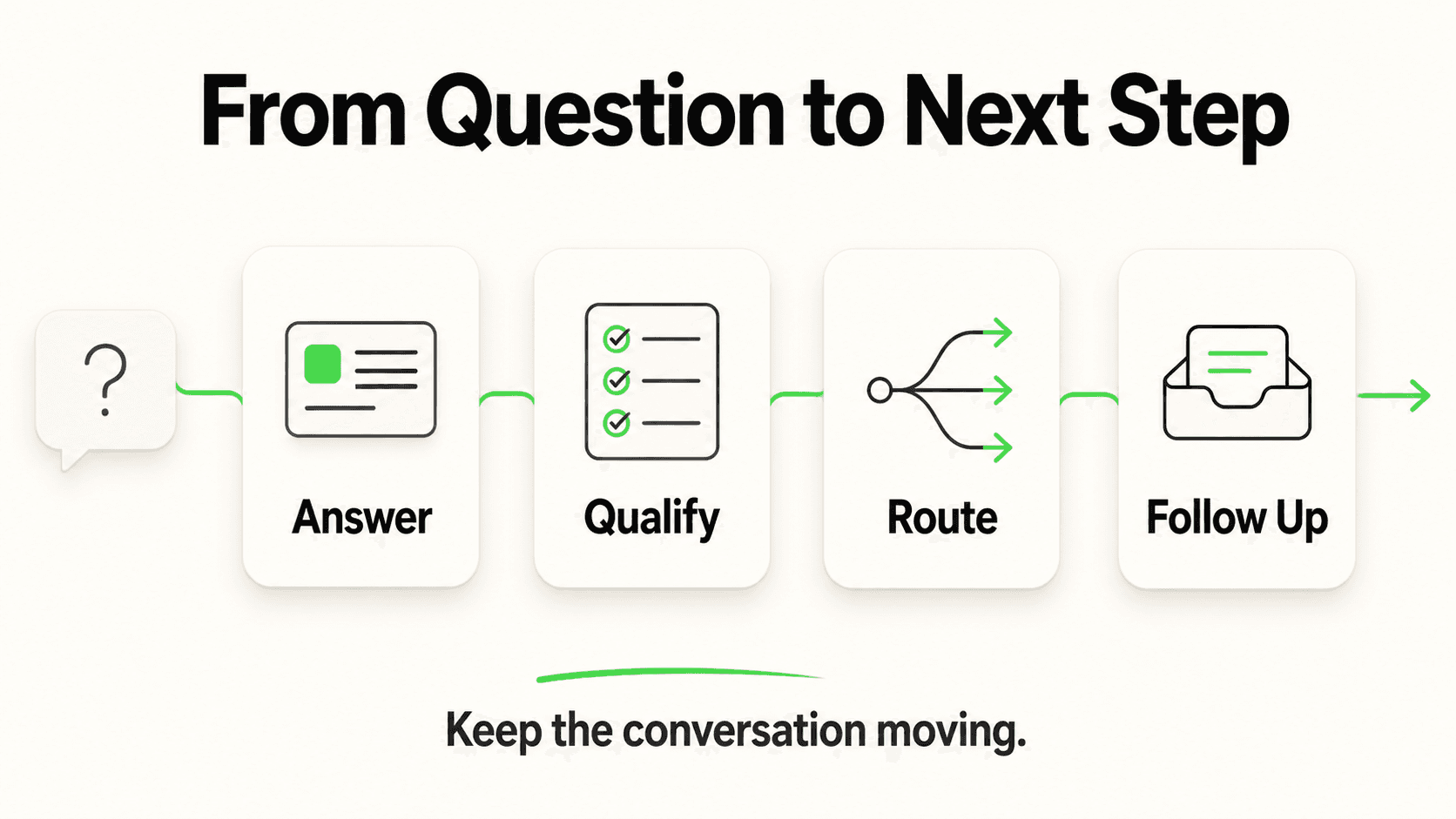
What this looks like in practice: Neither model should mean "no humans ever." A well-run answering service still escalates complex calls to your team; a well-configured AI receptionist does the same for chat conversations it can't confidently resolve, using routing language — never clinical assessment or legal advice — to flag anything sensitive.
Real-world impact: The businesses that get the most value from either model treat it as a volume filter, not a full replacement: routine questions get answered automatically, complex or high-stakes conversations get routed to a person.
Why it works: AI handles the repetitive 80% (hours, pricing, availability, basic troubleshooting); your team focuses on the 20% that needs judgment, empathy, or a sale to close.
Key features:
- Configurable escalation triggers and keywords
- Real-time notifications when a conversation needs human attention (Pro and Max)
- In-chat booking with Calendly or Cal.com (Pro and Max) — the AI offers live open times and books the slot in the conversation (Calendly needs Standard or higher); on Plus or with other scheduling tools, the AI shares your booking link
Real Costs: Running the Numbers Side by Side
Answering service figures per 2026 industry pricing guides (Nextiva, HouseCallPro); actual quotes vary by provider, call volume, and coverage hours. Hyperleap pricing is Hyperleap's own published plan pricing.
Where the AI receptionist wins on cost
- Flat pricing regardless of message volume (within plan limits) means no surprise bill after a busy month, unlike per-minute call billing.
- No staffing overhead — no shift coverage, no holiday pay, no training costs for new hires or outsourced agents.
- One setup, four channels — you are not paying separately for website chat, a WhatsApp tool, and social media monitoring.
Where an answering service still earns its cost
- Phone-first customer bases. If your customers overwhelmingly prefer calling — common in emergency home services, some medical specialties, and older demographics — a live operator answering the actual ringing phone captures value an AI receptionist cannot, since Hyperleap does not currently answer calls.
- Complex verbal triage. A live human on the phone can pick up on tone and urgency cues in real time in a way that's harder to replicate in short text exchanges, particularly for distressed callers.
- Regulatory or contractual requirements in some industries (certain medical and legal intake flows) that specifically require live phone answering.
For many SMBs, the realistic answer isn't "replace the phone line" — it's "stop losing the other half of your inquiries," the ones arriving through your website and social channels that a phone-only answering service was never built to catch. See our related cost comparison of AI chatbots vs. hiring a receptionist for the human-employee version of this same math, and our ROI calculator case studies for how businesses have measured returns from switching.
Implementation: Choosing and Deploying the Right Mix
Getting this decision right starts with measuring where your inquiries actually come from today, not assuming.
Step 1: Audit your inbound channels for 30 days. Track how many inquiries arrive by phone, website contact form, WhatsApp, Instagram, and Facebook. Most business owners are surprised by the split once they actually count it.
Step 2: Match the tool to the dominant channel(s).
- If phone dominates (60%+) and stays that way after accounting for after-hours voicemail you never call back: prioritize a live answering service or a dedicated voice AI vendor for that channel; layer an AI receptionist chatbot on top for the website and social inquiries you're currently missing entirely.
- If chat and web inquiries dominate, or are a large and growing minority: start with an AI receptionist chatbot on your highest-traffic channel (usually website, or WhatsApp in markets where it's the primary consumer messaging app) and expand from there.
Step 3: Start with one high-volume use case. Don't try to automate every possible conversation type on day one. Common strong starting points: FAQs (hours, pricing, services), appointment inquiry capture, and after-hours lead capture.
Step 4: Upload your actual business documents. Service menus, FAQs, pricing sheets, and policies become the AI's knowledge base — the more current and specific, the better the answers.
Step 5: Configure the lead form and escalation rules. Decide what information you need before a conversation starts (name, phone, service needed) and what conditions should route straight to a human.
Step 6: Measure for 30-60 days, then expand channels. Add WhatsApp, Instagram, or Facebook Messenger once the first channel is proven, rather than launching all four simultaneously.
Running both in parallel
If you keep a phone answering service for calls, forward its overflow or after-hours voicemail transcript into a note for your team, and let the AI receptionist handle the website and social channels the phone service was never covering in the first place. The two aren't mutually exclusive — they're covering different doors into your business.
Not sure what missed inquiries are actually costing you before you pick a fix? Run the numbers in what missed calls really cost your small business. If you want the full alternatives landscape rather than a single head-to-head, see small business answering service alternatives; for live-agent virtual receptionist companies specifically, see AI receptionist vs. virtual receptionist.
Frequently Asked Questions
Does Hyperleap's AI receptionist answer phone calls?
No. Hyperleap AI's receptionist is a chat-based system that operates across your website chat widget, WhatsApp Business, Instagram DM, and Facebook Messenger. Voice/phone call answering is on Hyperleap's roadmap but is not a current capability, so if phone calls are your primary inbound channel, you'll need a dedicated answering service or voice AI vendor for that channel today.
Is an AI receptionist cheaper than an answering service?
Usually, yes, on a per-month basis — Hyperleap's AI receptionist starts at $40/month flat, while small-business answering service plans typically run $50-$450/month or $0.75-$2.00+ per minute on usage-based plans, per 2026 industry pricing guides. But they aren't interchangeable: an answering service covers a channel (phone calls) that an AI receptionist doesn't, so the cost comparison only makes sense once you know how much of your inquiry volume is actually phone-based versus chat-based.
Can I use both an answering service and an AI receptionist at the same time?
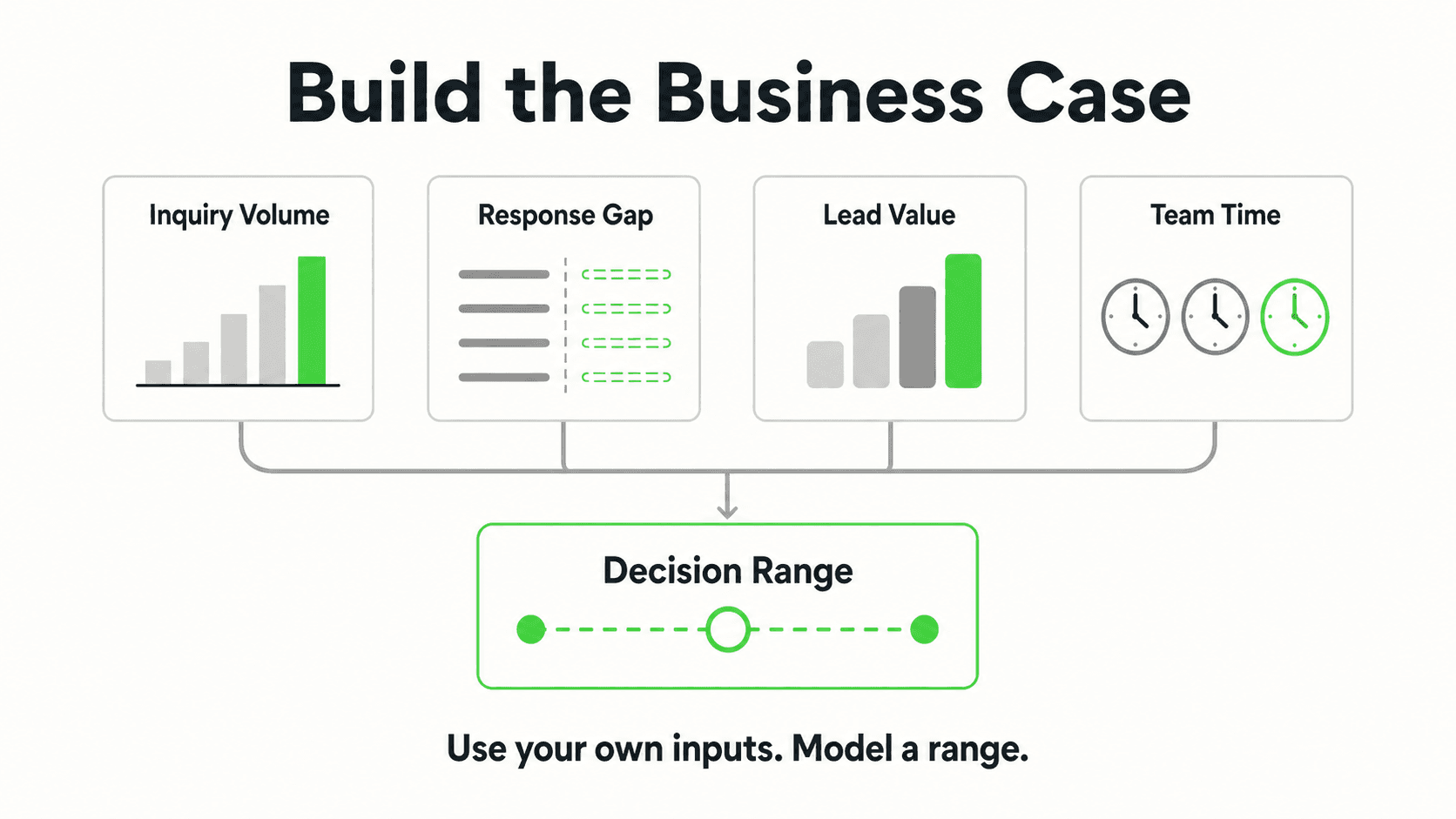
Yes, and many small businesses do exactly this — a live or automated service handles inbound phone calls, while the AI receptionist covers website chat, WhatsApp, Instagram, and Facebook Messenger. They complement rather than compete when your business genuinely receives inquiries through both types of channels.
How does the AI receptionist collect leads if it doesn't talk on the phone?
A lead form gates the chat: before the AI conversation begins, the customer fills in their name, phone number, and typically a qualifying detail (like the service they need). This structured intake happens up front, not extracted conversationally partway through the chat, so every captured lead arrives with consistent, usable contact information.
Will an AI receptionist give my customers wrong information?
Modern AI receptionists like Hyperleap's are document-grounded — they answer from your uploaded business content (FAQs, pricing, policies) rather than freely generating answers, which is designed to minimize inaccurate responses. No AI system can guarantee zero errors, which is why the AI escalates questions it isn't confident about to your team rather than guessing.
What happens to a conversation the AI receptionist can't handle?
It routes to your team. You configure escalation rules — certain keywords, question types, or a general "low confidence" trigger — and when a conversation hits one, your team gets a real-time notification. For anything sensitive, like a medical or legal question, the AI is designed to route the inquiry to your staff rather than attempt to answer with clinical or legal authority.
Does an AI receptionist integrate with my existing phone system or CRM?
Not with phone systems directly, since voice isn't a current channel. For CRM connectivity, the AI receptionist connects via REST API and webhooks (Pro and Max; new lead, new message, reply, conversation started), which most CRMs can consume; native pre-built CRM integrations for platforms like HubSpot and Salesforce are in active development, not shipped today.
Which industries benefit most from switching to an AI receptionist?
Businesses whose customers research and message before calling see the strongest fit — home services like HVAC and plumbing, dental practices, salons, real estate, and professional services. Industries with a heavily phone-first, often older customer base, or where live verbal triage is contractually required, will still lean more on traditional phone answering for now.
The Right Answer Is Usually "Match the Channel"
The AI receptionist vs. answering service question isn't really about which technology is better — it's about which channel your customers are actually using to reach you, and whether your current setup is covering it. A phone answering service that's never seen your WhatsApp inbox and an AI receptionist that can't pick up a ringing phone are both incomplete on their own if your business genuinely gets meaningful volume through both channels.
What's changed in the last few years is that chat volume — website, WhatsApp, Instagram, Facebook — has grown into a channel most SMBs can no longer afford to leave unanswered, while per-minute phone answering costs keep climbing. An AI receptionist closes that specific gap: instant, document-grounded answers, a lead form that captures verified contact details before the conversation even starts, and flat $40/month pricing with no per-conversation metering. It won't replace a phone line your customers depend on. It will make sure the inquiries arriving everywhere else stop disappearing into an unread inbox.
Start by counting where your inquiries actually come from this month. Then decide accordingly — and if a meaningful share is chat, see what an AI receptionist looks like on your own site before adding another line item to a phone bill.
Stop losing chat and social inquiries to no response
Deploy an AI receptionist across your website, WhatsApp, Instagram, and Facebook Messenger — flat $40/month pricing, no per-minute billing.
Start your 7-day free trialIndustry Solutions
See how AI chatbots work for these industries:
Related Articles
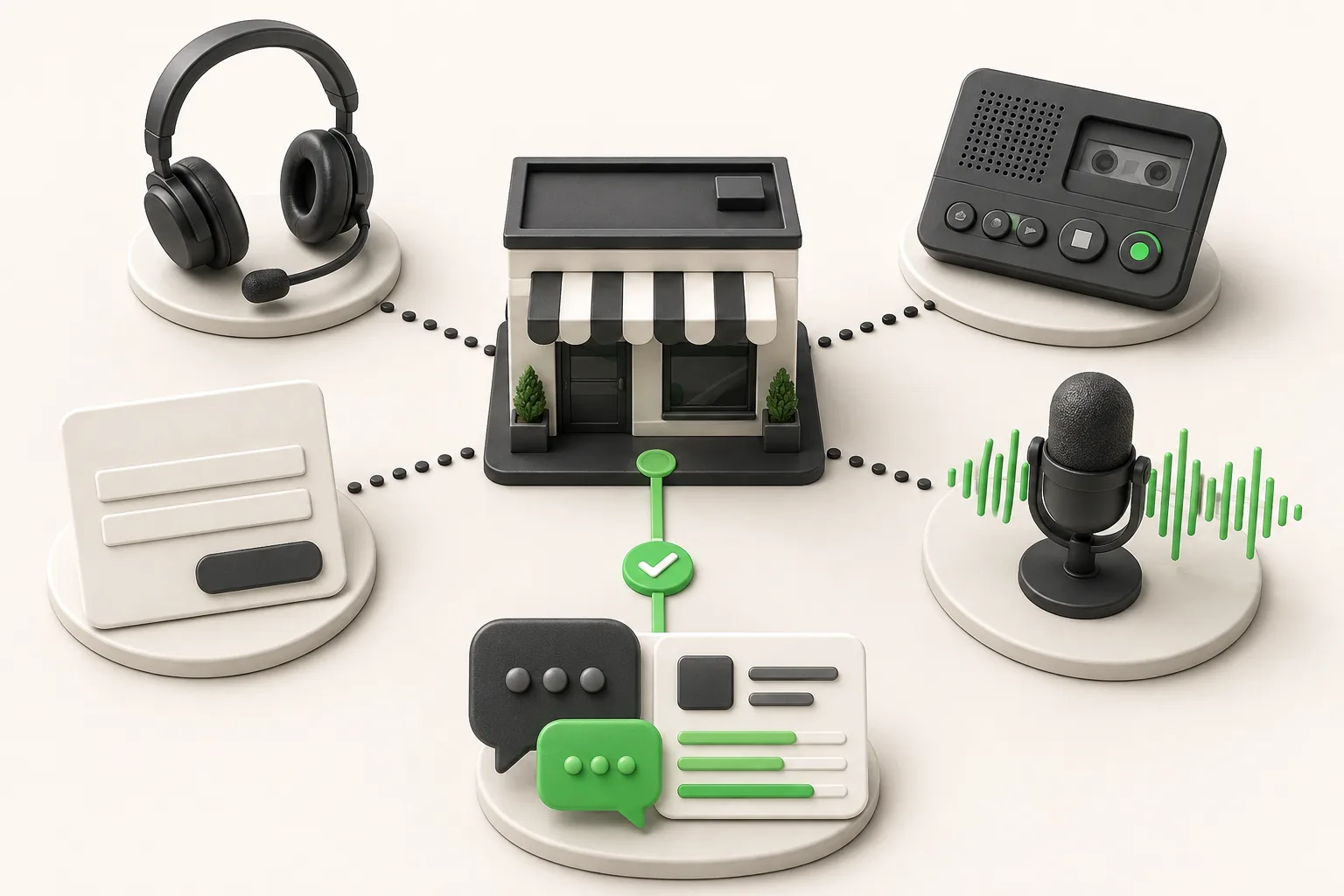
Small Business Answering Service Alternatives (2026)
8 small business answering service alternatives for 2026 compared on coverage, cost, and setup — from voice AI to chat-first AI receptionists.
Chat vs Voice AI Receptionists: An Honest Comparison
Chat vs voice AI receptionists compared honestly: cost, setup, lead quality, and which fits phone-first vs message-first small businesses.
How to Choose an AI Receptionist: A Buyer's Checklist
How to choose an AI receptionist: an 18-point buyer checklist covering channels, lead capture, pricing traps, data handling, and a 7-day trial plan.
AI Receptionist vs. Virtual Receptionist: Which to Hire?
Compare AI receptionists (chat-first, from $40/month) to human virtual receptionist services like Ruby and Smith.ai — cost, hours, and fit by business type.