Small Business Answering Service Alternatives (2026)
8 small business answering service alternatives for 2026 compared on coverage, cost, and setup — from voice AI to chat-first AI receptionists.
TL;DR
- A traditional phone answering service isn't the only way to cover inbound customer inquiries anymore — small businesses now have at least eight workable alternatives, ranging from human virtual receptionists to chat-first AI, each with different coverage, cost, and setup tradeoffs.
- The right alternative depends on which channel carries your actual demand: phone-first businesses need phone coverage (voice AI or a live answering service); businesses whose inquiries increasingly arrive by website, WhatsApp, or Instagram need chat coverage instead.
- Hyperleap AI is a chat-first AI receptionist — website, WhatsApp Business, Instagram DM, Facebook Messenger — with flat pricing from $40/month; it does not answer phone calls, and voice is on the roadmap, not shipped.
- Cost structures vary enormously across alternatives: human answering services typically run $50-$450/month or per-minute; voice AI runs a lower base plus per-minute overage; chat-first AI runs flat per month regardless of conversation volume within plan limits.
- This is distinct from a head-to-head comparison of one AI receptionist against one answering service — see our AI receptionist vs. answering service breakdown for that direct matchup. This guide surveys the full alternatives landscape.
"Get an answering service" is the default advice small business owners hear the moment they mention missed calls — and it's not wrong, exactly, but it's incomplete. A phone answering service solves exactly one problem: unanswered calls. It does nothing for the customer who messages your Instagram at 9 p.m., the one who fills out a website contact form and never hears back, or the one who'd rather text than talk. In 2026, a genuinely modern approach to "never miss a customer" usually means picking from a wider menu of options — some phone-based, some chat-based, some human, some AI — and matching the tool to where your inquiries actually come from.
This guide surveys eight real, distinct alternatives to a traditional phone answering service, what each one covers and doesn't, what it costs, how much setup it takes, and who it fits best. For the full product walkthrough, see our complete AI receptionist guide; for the deeper mechanics of how a chat-first AI receptionist specifically works, see how does an AI receptionist work; and for the full sourced cost breakdown across every category in this space, see AI receptionist cost in 2026. Current Hyperleap AI plan pricing is on the pricing page.
What Counts as an "Answering Service Alternative"?
An answering service alternative is any tool or workflow that covers the same underlying job — making sure a customer inquiry doesn't go unanswered — without relying on a traditional human-staffed phone answering company. The alternatives split into two broad groups: phone-channel alternatives (still answering calls, just differently — voice AI instead of a human operator, for example) and channel-shifting alternatives (moving the coverage problem away from the phone entirely, toward chat, messaging, or scheduling links).
Neither group is inherently better. The right choice depends on an honest audit of where your inquiries actually originate — phone, website, WhatsApp, Instagram, Facebook, or a mix — which is worth doing before reading vendor pricing pages. See our data on how SMB customer messaging expectations have shifted for context on why that mix has changed for many small businesses.
Who this guide is for
This is written for owners of home services, dental and healthcare practices, salons, real estate teams, legal and professional services firms, and other SMBs currently using — or considering — a traditional phone answering service, who want to see the full range of alternatives before committing budget to any one option.
8 Small Business Answering Service Alternatives
1. Virtual Receptionist Services (Human, Phone-Based)
What it covers: A live human operator, typically remote and shared across multiple client businesses, answers your calls following a script you provide — greeting, basic Q&A, message-taking, and call transferring. Providers like Smith.ai and Ruby fall into this category, often layering AI tools underneath for call summaries and lead screening while keeping a human voice on every call.
What it doesn't cover: Website chat, WhatsApp, Instagram, or Facebook messages — this is a phone-only solution. It also doesn't scale down cheaply; you're paying for staffed hours regardless of your actual call volume in a given month.
Cost structure: Typically $250-$450/month for entry tiers with a limited number of included calls, then per-call overage — check current vendor pricing pages directly, since these change frequently.
Setup effort: Low to moderate — mostly involves providing a call script and forwarding or porting your number, with the vendor's team handling agent training on their end.
Best for: Businesses that need a live human voice answering every call and have the phone-call volume and budget to justify staffed-hour pricing — law firms, medical practices, and other services where callers expect (or require) a real person.
2. Voice AI Receptionists (Automated, Phone-Based)
What it covers: A synthetic voice answers your phone line and holds a real-time spoken conversation without a human operator, using speech-to-text and text-to-speech technology. Dialzara and My AI Front Desk are examples in this category.
What it doesn't cover: Chat channels, and — depending on the specific vendor and call complexity — sometimes struggles with heavy background noise, strong accents, or callers who interrupt mid-sentence. See our full comparison in chat vs. voice AI receptionists for where voice AI genuinely excels and where it doesn't.
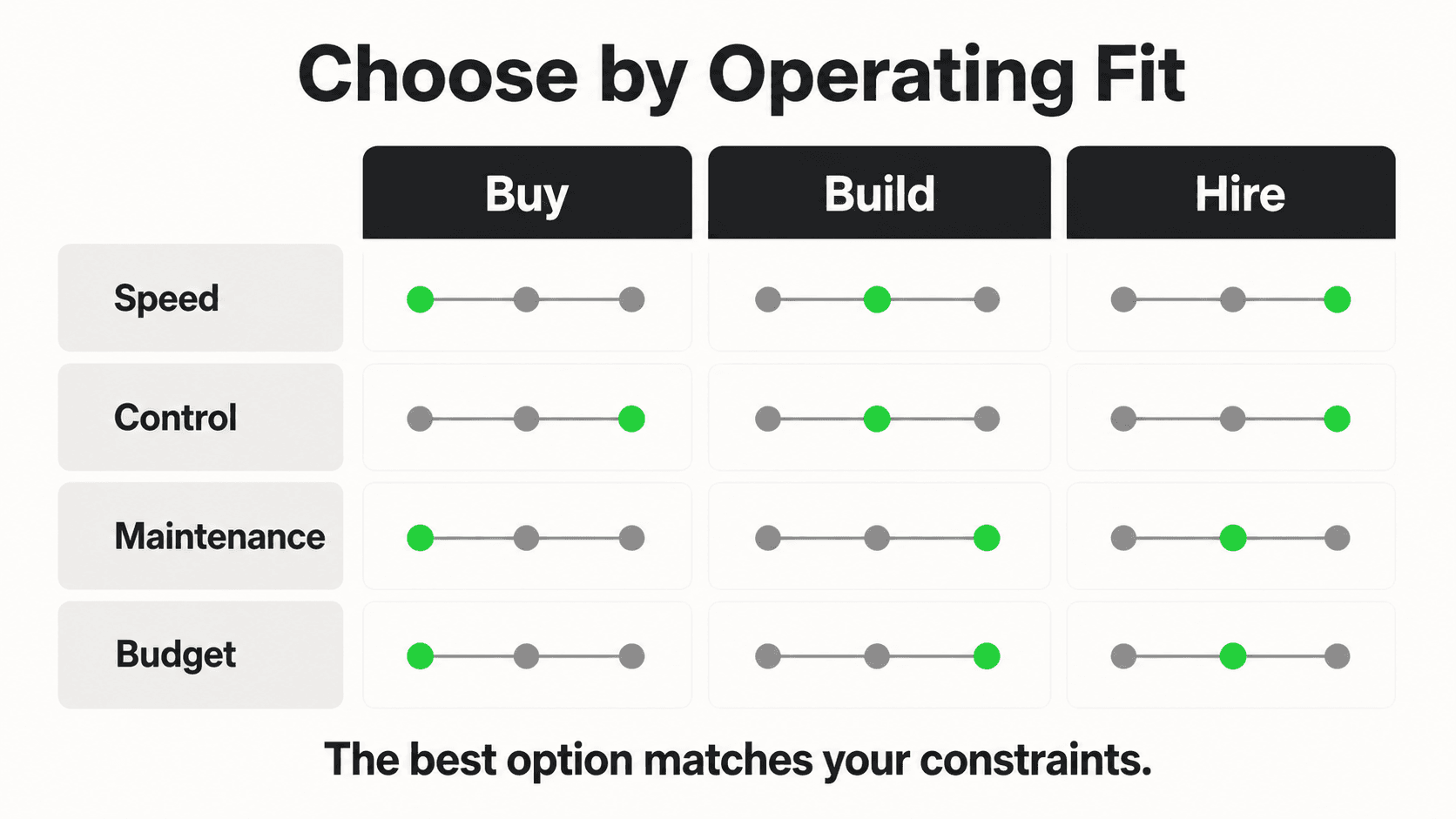
Cost structure: Lower entry pricing than human-staffed services, typically $20-$29/month, but with per-minute overage once you exceed an included allotment — costs can climb quickly during high-call-volume periods.
Setup effort: Moderate — requires forwarding your number and configuring or scripting the call flows the AI should follow, which can take longer than a chat-based setup since spoken conversation flows need more careful configuration.
Best for: Phone-first businesses on a tighter budget than a live-agent service, or those wanting automated after-hours phone coverage without full-time staffing costs.
3. Chat-First AI Front Desk (Website, WhatsApp, Instagram, Facebook)
What it covers: An AI answers typed messages across your website chat widget, WhatsApp Business API, Instagram DM, and Facebook Messenger — all from one setup, grounded in your own uploaded documents. This is where Hyperleap AI fits: a lead form gates each conversation, collecting name and phone details before the AI starts answering, and the AI books appointments in the chat through Calendly or Cal.com on Pro and Max (or shares your booking link on Plus and for any other scheduler) and routes anything complex to your team.
What it doesn't cover: Phone calls — this is chat-only. If phone is your dominant channel, this alternative addresses the messages you're currently missing, not the calls.
Cost structure: Flat monthly pricing regardless of conversation volume within plan limits — Hyperleap AI runs $40/month (Plus, 3,000 AI responses), $100/month (Pro, 12,000), or $200/month (Max, 30,000), with a 7-day free trial (credit card required, no free plan).
Setup effort: Fast — Hyperleap AI can go live in under 5 minutes for a basic setup by pointing it at your website URL, with document uploads and guardrail tuning done afterward.
Best for: Businesses whose inquiries increasingly arrive through website chat, WhatsApp, Instagram, or Facebook rather than the phone, and who want predictable flat pricing instead of per-minute billing.
See what a chat-first AI front desk actually answers
Try Hyperleap's demo AI receptionist across web and WhatsApp before comparing it against a traditional answering service.
Try the demo4. Call Forwarding + Shared Team Inbox
What it covers: Rather than adding a dedicated answering product, some small teams simply forward overflow or after-hours calls to a shared team phone or voicemail box, paired with a shared inbox (email or a lightweight helpdesk tool) where whoever's available checks and responds to messages left across channels.
What it doesn't cover: True 24/7 responsiveness — this approach depends entirely on someone actually checking the shared inbox promptly, which tends to break down during busy periods or after hours when nobody's specifically assigned to watch it.
Cost structure: Often near-zero in direct software cost (most phone systems support basic forwarding natively), but carries a real hidden cost in staff time and the inconsistency of "whoever notices first" response times.
Setup effort: Minimal — usually a phone system setting and agreeing on team norms for checking the shared inbox.
Best for: Very small teams (1-3 people) in an early stage, testing whether they need a dedicated tool at all before spending on one — a reasonable bridge, not a durable long-term solution once volume grows.
5. Scheduling Links + Automated Replies
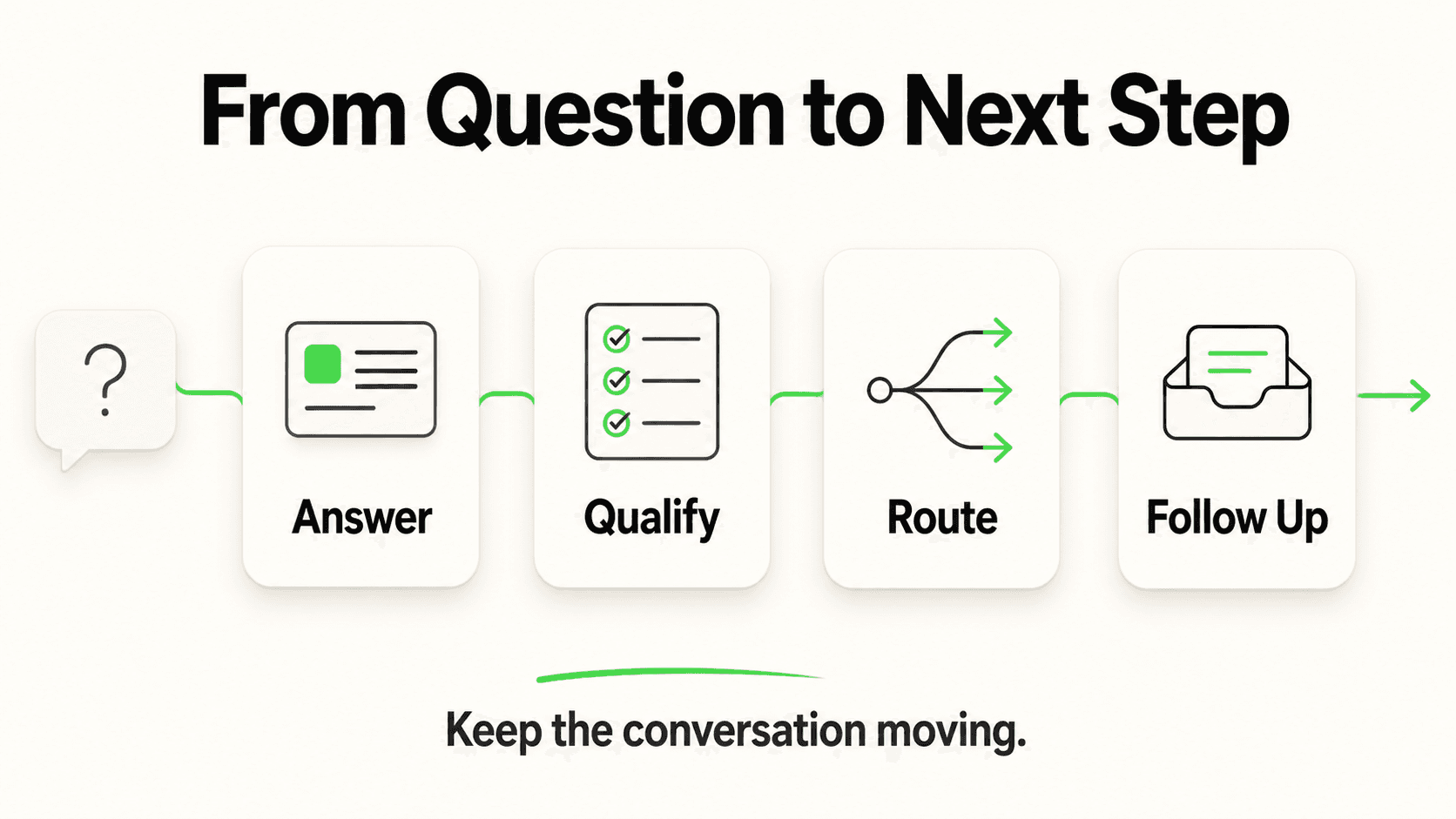
What it covers: Some businesses skip live conversational coverage entirely and instead post a booking link (Calendly, Cal.com) prominently on their website and social profiles, paired with an autoresponder ("thanks for reaching out, book a time here") on email, missed calls, or social DMs.
What it doesn't cover: Any actual question-answering — a customer who wants to know your pricing, service area, or a specific policy detail gets no answer, just a scheduling link, which can feel impersonal or insufficient for anything beyond a straightforward booking request.
Cost structure: Low — most scheduling tools have a free or low-cost tier, and autoresponders are typically built into existing email or social platforms at no extra charge.
Setup effort: Very low — a booking link and a canned auto-reply message can be set up in under an hour. Our free out-of-office message generator writes the auto-reply.
Best for: Simple, appointment-driven businesses where the primary customer need is "book a time," with few pre-booking questions that require a real answer.
6. Live Chat With a Small In-House Team
What it covers: A human team member (or a rotating few) staffs a live chat widget on the website during business hours, answering questions in real time. This is the traditional live-chat model — see our broader comparison of live chat alternatives for how this category has evolved.
What it doesn't cover: After-hours and overnight coverage, unless staff are specifically scheduled for it, which is expensive and often impractical for a small team. It also doesn't extend automatically to WhatsApp, Instagram, or Facebook unless the team is separately monitoring each of those platforms.
Cost structure: Primarily a staff-time cost rather than a software fee — the live chat software itself is often inexpensive, but paying someone to actively monitor and respond during business hours is the real cost.
Setup effort: Low technically, but requires an operational commitment — someone needs to actually be watching the chat window consistently.
Best for: Businesses with enough staff capacity during business hours to dedicate real-time attention to chat, but no realistic path to 24/7 coverage without automation.
7. Hybrid: Answering Service for Phone + AI for Messages
What it covers: Rather than picking one tool to do everything, this pattern deliberately splits coverage by channel — a traditional answering service (human or voice AI) handles inbound phone calls, while a chat-first AI receptionist like Hyperleap AI handles website, WhatsApp, Instagram, and Facebook messages. Each tool does the job it was actually built for.
What it doesn't cover: This isn't a gap so much as a coordination cost — running two systems means two places your team might need to check, unless you build a light process (like forwarding voicemail summaries into the same notification flow the chat AI uses) to unify visibility.
Cost structure: Combines the cost of both categories — for example, a voice AI plan at $20-$29/month plus overage, alongside a chat-first AI receptionist at $40-$100/month — typically still well under the cost of hiring an additional full-time employee.
Setup effort: Moderate — essentially the sum of setting up each piece individually, plus a small amount of coordination to make sure your team knows to check both.
Best for: Businesses with genuinely meaningful inquiry volume across both phone and chat channels, where neither channel alone would justify skipping the other.
8. Doing Nothing But a Good Voicemail Script
What it covers: For businesses with very low inbound volume, or a strong existing referral-based customer base that tolerates a callback the next business day, a well-written voicemail greeting ("we'll call you back within one business day") paired with actual, disciplined follow-through can be a reasonable baseline.
What it doesn't cover: Any inquiry from a customer with lower urgency tolerance — which, based on how response-time-sensitive most service categories have become, is an increasing share of prospective customers. See our data on how slow response times cost businesses and response time and conversion rates by industry for how much this approach typically costs in lost conversions.
Cost structure: Zero additional cost — this is the default state most phone systems already have.
Setup effort: Minimal — writing a clear voicemail script and following through consistently on callbacks.
Best for: Very low-volume businesses, or those in a niche where customers are known to be patient and non-comparison-shopping (though this describes a shrinking share of service categories as competitors adopt faster response tools).
Comparison Table: 8 Alternatives at a Glance
| Alternative | Covers | Cost structure | Setup effort | Best for |
|---|---|---|---|---|
| Virtual receptionist service (human) | Phone only | $250-$450/mo + per-call overage | Low-moderate | Phone-heavy, needs live human voice |
| Voice AI receptionist | Phone only | $20-$29/mo + per-minute overage | Moderate | Phone-first, budget-conscious |
| Chat-first AI front desk | Website, WhatsApp, Instagram, Facebook | $40-$200/mo flat | Fast (minutes) | Chat/social-first inquiry volume |
| Call forwarding + shared inbox | Phone (informal) | Near-zero direct cost | Minimal | Very small teams, early stage |
| Scheduling links + auto-replies | Booking only | Low | Very low | Simple, appointment-driven businesses |
| Live chat, small in-house team | Website (business hours) | Staff time | Low | Business-hours chat, limited after-hours need |
| Hybrid (answering service + AI chat) | Phone + chat channels | Sum of both categories | Moderate | Meaningful volume on both channels |
| Voicemail script only | Phone (delayed) | Zero | Minimal | Very low volume, patient customer base |
Pricing figures per current published vendor tiers as referenced in our best AI receptionist software comparison and AI receptionist cost in 2026; always verify directly with each vendor, since tiers change.
How to Decide in 20 Minutes
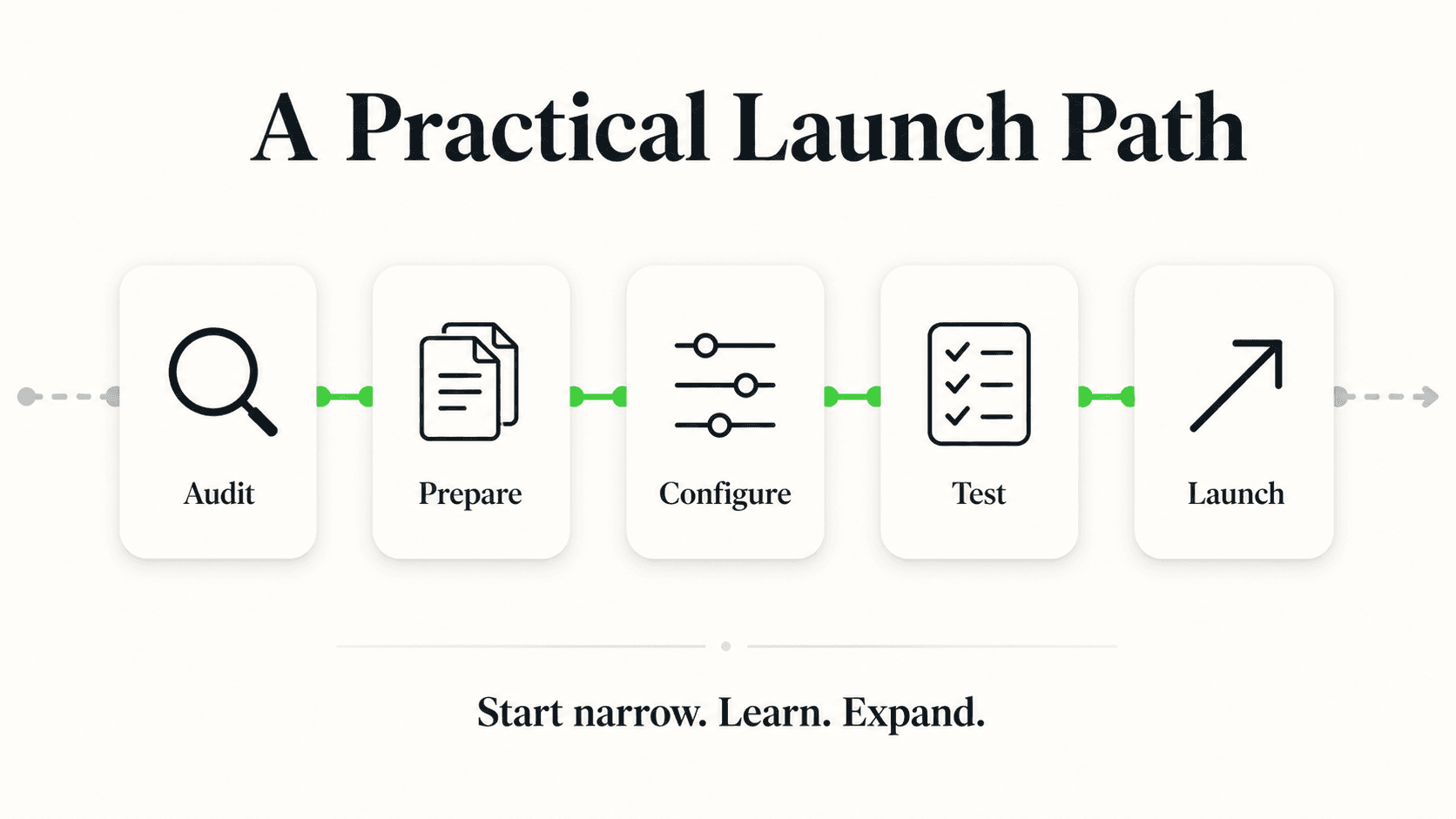
You don't need weeks of research to pick a reasonable starting alternative — a focused 20-minute exercise gets most small businesses to a workable first decision.
Minutes 1-5: Pull your last 30 days of inquiries by channel. Check your phone log, website contact form submissions, WhatsApp, Instagram DMs, and Facebook Messenger. Write down a rough count for each. Most owners are surprised by the actual split once they count it.
Minutes 6-10: Identify your dominant channel(s). If one channel represents 60%+ of volume, that's your priority. If it's more evenly split, you're likely looking at a hybrid approach (alternative #7).
Minutes 11-15: Match your dominant channel to the right category from the list above. Phone-dominant and budget-conscious points toward voice AI (#2); phone-dominant with a preference for a live human voice points toward a virtual receptionist service (#1); chat/social-dominant points toward a chat-first AI front desk (#3); very low volume across the board points toward the lower-effort options (#4, #5, #8).
Minutes 16-20: Check the cost against your actual volume, not the entry-tier price. For any per-minute or per-call option, estimate your busiest month's volume and price that scenario specifically — the advertised starting price rarely reflects what you'll pay once you're past the included allotment.
Don't skip the channel audit
The most common mistake in this decision isn't picking a bad vendor — it's picking a channel before checking your own data. A beautifully built chat AI front desk provides limited value to a business whose customers only ever call, and an expensive live-agent phone service provides limited value to a business whose inquiries mostly arrive via Instagram DM.
Frequently Asked Questions
What's the cheapest alternative to a traditional answering service?
For phone coverage specifically, automated voice AI (Dialzara, My AI Front Desk) has the lowest entry pricing, typically $20-$29/month, though per-minute overage can add up at real volume. For non-phone channels, a chat-first AI front desk like Hyperleap AI starts at $40/month flat with no per-conversation metering. The truly free options (call forwarding, scheduling links, a voicemail script) cost nothing in software but rely heavily on staff discipline or accept lower customer coverage.
Is a chat-first AI front desk a real replacement for a phone answering service?
Not a direct replacement — it's a different channel. A chat-first AI receptionist like Hyperleap AI answers website, WhatsApp, Instagram, and Facebook messages; it does not answer phone calls, and voice is on Hyperleap's roadmap, not a current capability. For businesses whose inquiries are genuinely phone-dominant, a voice AI product or a live answering service remains the right tool for that specific channel — see our direct AI receptionist vs. answering service comparison for more detail.
Can I combine two of these alternatives?
Yes — the hybrid pattern (alternative #7) is common and often the most complete solution for businesses with meaningful demand across both phone and chat channels. A voice AI product or live answering service handles calls while a chat-first AI receptionist handles website and social messages, giving you coverage across both without stretching one tool to do a job it wasn't built for.
How do I know if my business is chat-first or phone-first?
Track your actual inbound inquiries by channel for 30 days — phone log, website contact form, WhatsApp, Instagram, Facebook. Don't rely on assumption; most owners' actual channel split surprises them once they count it. If 60%+ arrives by phone, prioritize phone coverage; if a large and growing share arrives by chat or social, prioritize a chat-first option.
Does Hyperleap AI offer phone answering as part of any plan?
No. Hyperleap AI is chat-first across website, WhatsApp Business API, Instagram DM, and Facebook Messenger. Phone/voice answering is on Hyperleap's roadmap but not a shipped feature on any current plan (Plus, Pro, or Max).
What should I budget for setup time across these alternatives?
It ranges widely: scheduling links and voicemail scripts can be set up in under an hour; call forwarding and shared inboxes take minutes to configure but require ongoing team discipline; a chat-first AI front desk like Hyperleap AI can go live in under 5 minutes for a basic setup, with document uploads and tuning afterward; voice AI and live-agent phone services typically take longer, from several days to two weeks, due to number porting and call-script configuration.
Are there hidden costs I should watch for with any of these alternatives?
Yes, across most paid categories: per-minute or per-call overage once you exceed an included allotment, setup or onboarding fees, and add-on features priced separately from a base plan (like lead verification or advanced knowledge retrieval on chat-first platforms). Always ask each vendor directly what happens once you exceed your plan's included volume — that answer often matters more than the advertised starting price.
Match the Alternative to Where Your Customers Actually Reach Out
There isn't a single best answering service alternative — there's a best alternative for your specific inquiry mix, and the only way to find it is to actually look at where your customers are reaching out today rather than assuming. A phone-first emergency service business and a chat-and-social-first salon need genuinely different tools, and forcing either into the wrong one wastes budget while still leaving real customer inquiries unanswered.
If your 30-day channel audit shows a meaningful and growing share of inquiries arriving through your website, WhatsApp, Instagram, or Facebook, a chat-first AI front desk like Hyperleap AI closes that specific gap — flat pricing from $40/month, a lead form that captures contact details before the conversation starts, and no per-minute billing. It won't answer your phone. For the channels it does cover, it's built to make sure those inquiries stop disappearing into an inbox nobody checks until morning.
Cover the messages your phone line never sees
Deploy Hyperleap's chat-first AI front desk across your website, WhatsApp, Instagram, and Facebook Messenger — flat pricing from $40/month, 7-day free trial.
Start Your 7-Day Free TrialIndustry Solutions
See how AI chatbots work for these industries:
Related Articles

AI Receptionist vs Answering Service: Which Fits?
Compare AI receptionist chatbots and traditional answering services on cost, channels, and speed to find the right fit for your small business.
Chat vs Voice AI Receptionists: An Honest Comparison
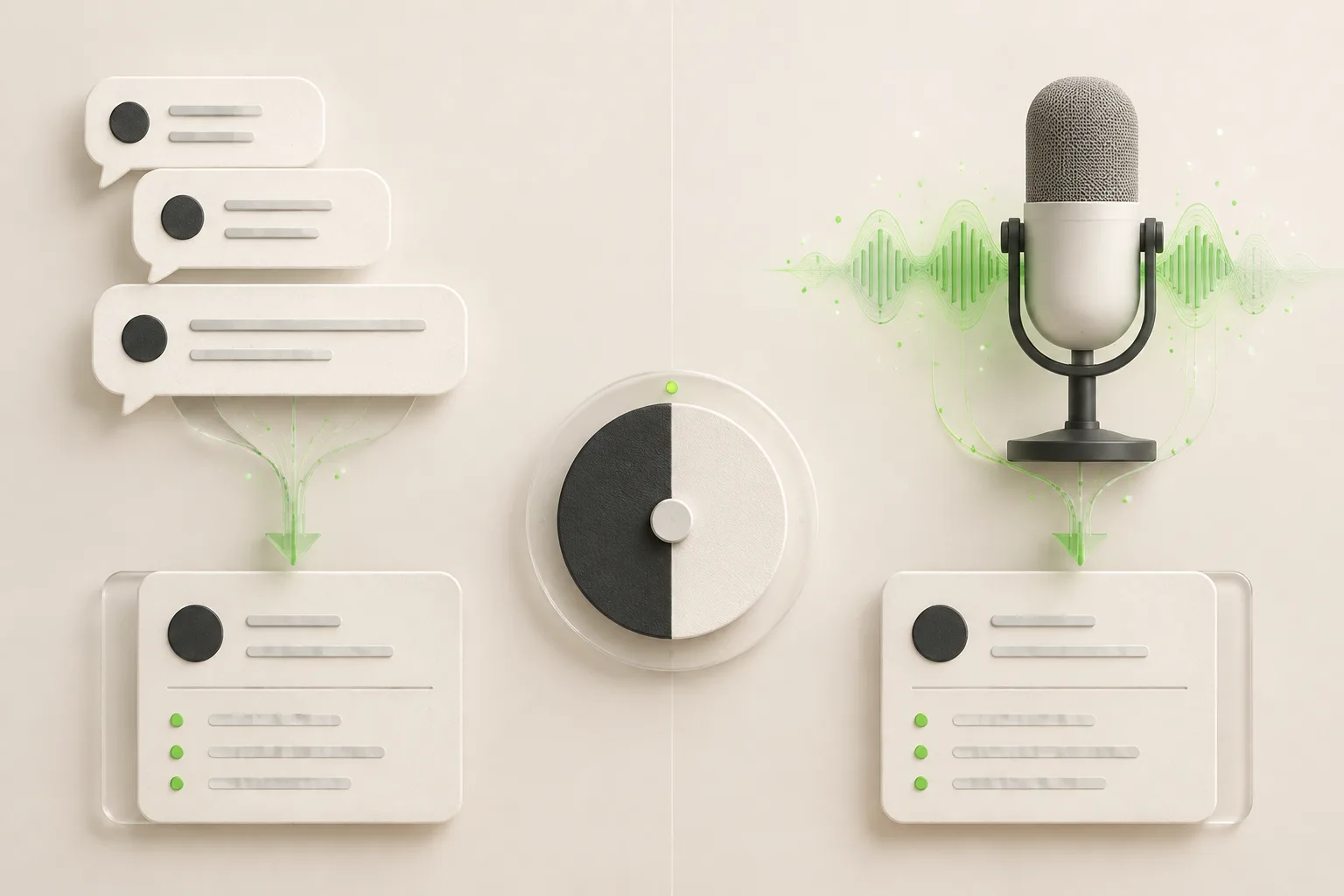
Chat vs voice AI receptionists compared honestly: cost, setup, lead quality, and which fits phone-first vs message-first small businesses.

How to Choose an AI Receptionist: A Buyer's Checklist
How to choose an AI receptionist: an 18-point buyer checklist covering channels, lead capture, pricing traps, data handling, and a 7-day trial plan.
AI Receptionist vs. Virtual Receptionist: Which to Hire?
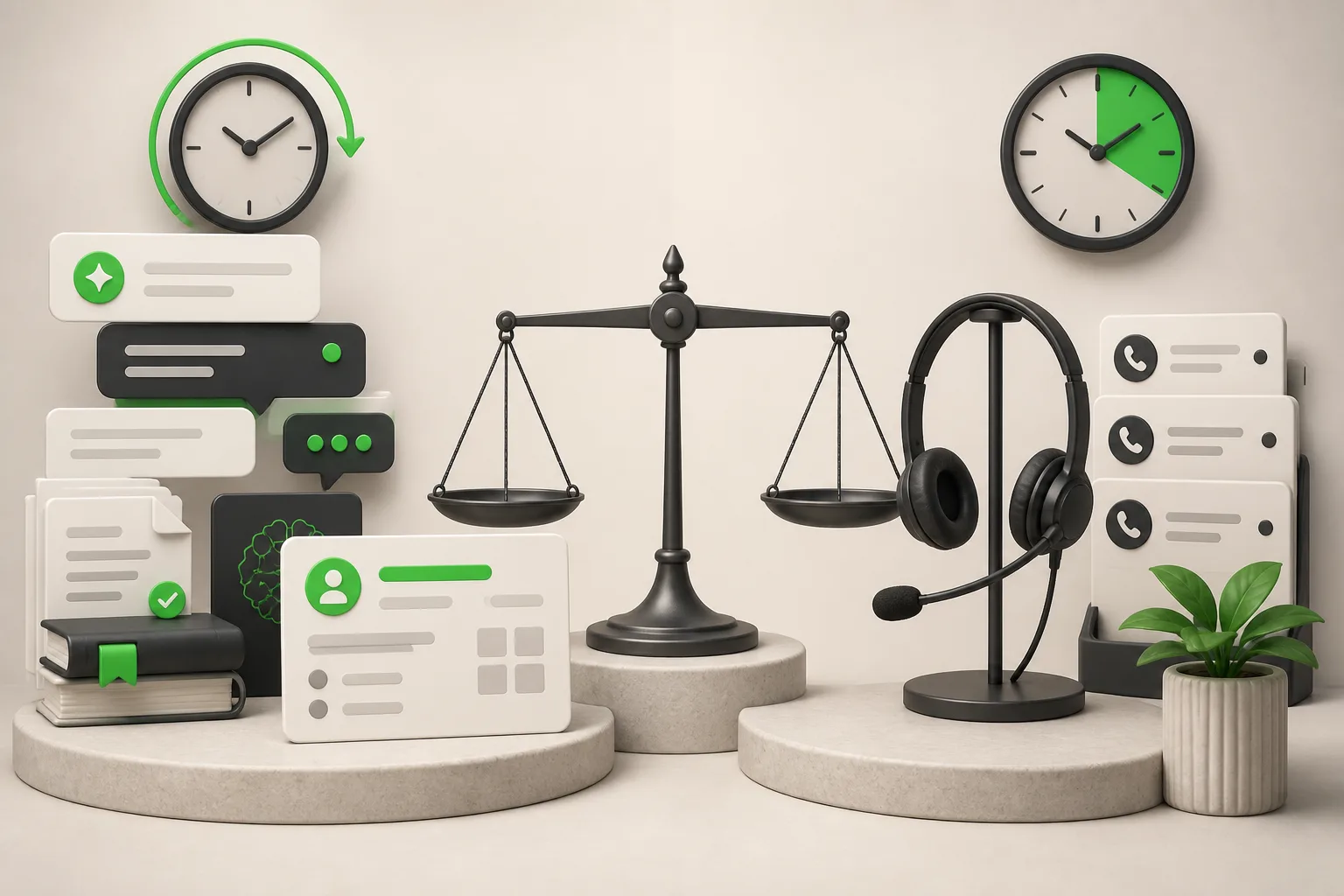
Compare AI receptionists (chat-first, from $40/month) to human virtual receptionist services like Ruby and Smith.ai — cost, hours, and fit by business type.