Hotel Accessibility Questions: A Source Sheet
Prepare factual hotel accessibility answers with a source sheet for entrances, room features, measurements, review dates and named staff follow-up.
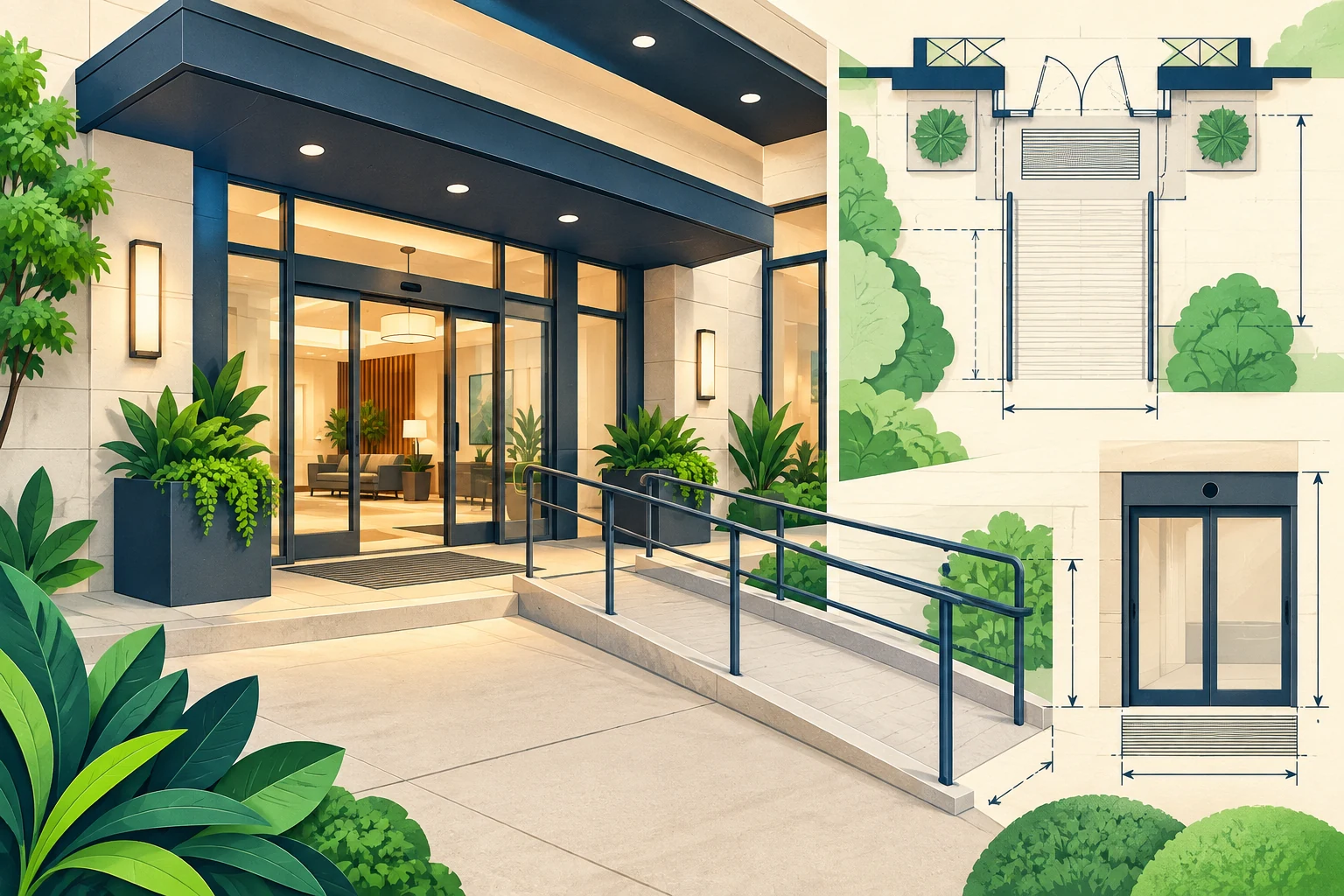
A guest asks whether there are steps between the entrance and reception. The hotel's brochure says “accessible facilities,” but that phrase does not answer the question. The guest needs a specific fact about a specific route, not a broad reassurance that the property will work for them.
A hotel accessibility information source sheet helps your team prepare factual answers about entrances, routes, room features and facilities. It records what has been checked, where the evidence lives, which details remain unknown and who can confirm them. An AI front desk can then explain approved information without deciding whether a hotel is suitable for an individual guest.
This is an operational writing guide, not legal compliance guidance, an accessibility certification or medical advice. The examples are illustrative and do not describe a real property. Have the hotel's responsible staff verify the actual facilities and wording. The aim is to make useful information easier to find while giving guests a clear route to discuss details that require individual confirmation.
What Belongs in an Accessibility Information Source Sheet?
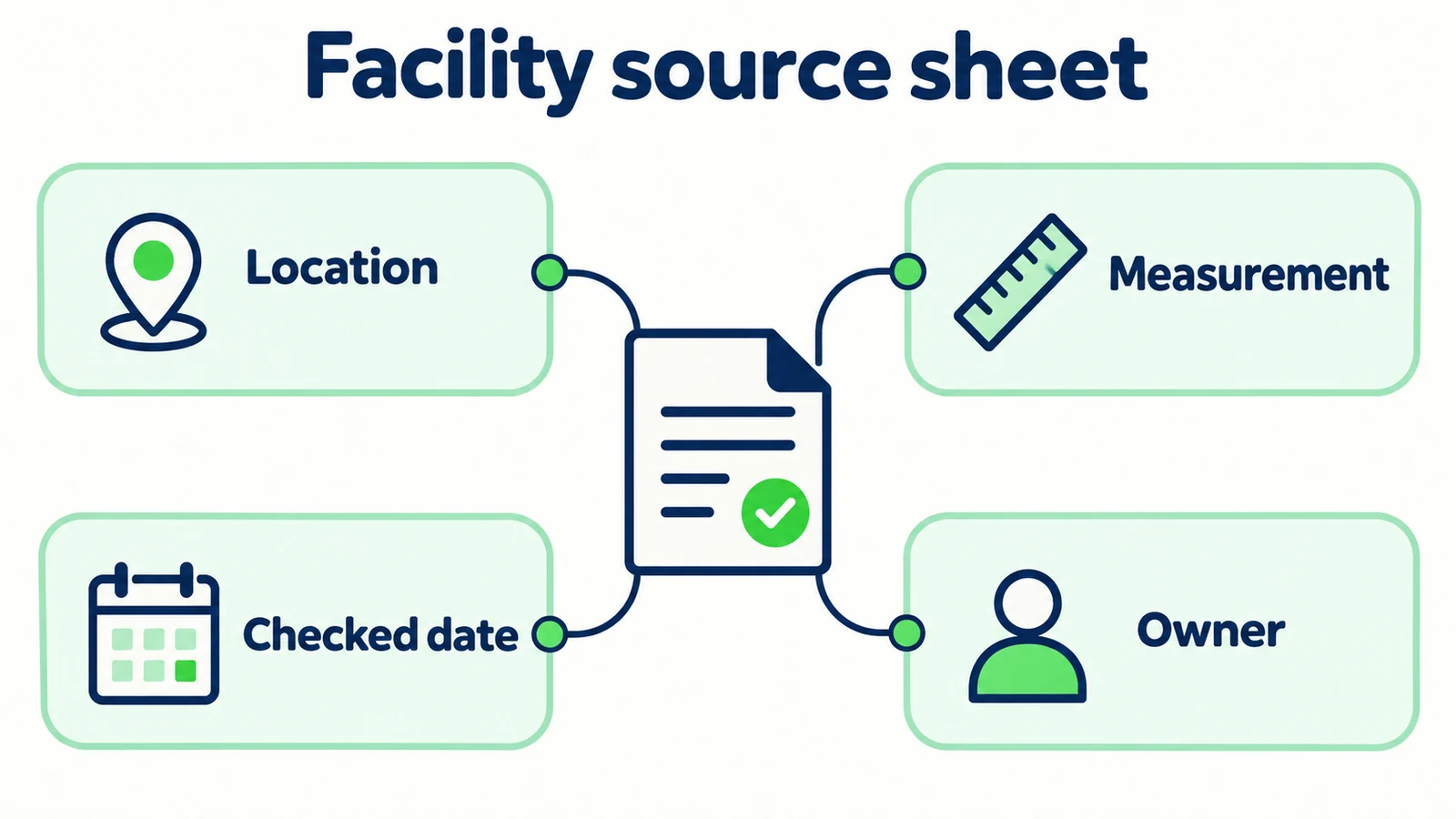
The sheet should contain observable, property-specific facts and the evidence supporting them. Examples include the location of an entrance, whether a described route includes steps, the room feature shown in an approved photograph or a measurement recorded by the responsible team. Each fact needs a scope: which building, route, room category or facility it describes.
Avoid replacing this detail with a general label such as “fully accessible.” That label can mean different things to different guests and may imply more than the hotel has checked. A source sheet should help the guest ask and answer practical questions, not make a suitability decision on their behalf.
The sheet also needs explicit unknowns. If a doorway measurement has not been verified, say it needs confirmation. If a room feature varies between rooms, record that variation and the staff contact who can discuss the specific request. Unknown information should not be filled from a generic hotel description.
For a hotel AI front desk, this becomes a carefully bounded knowledge source. It can support answers to factual questions and direct guests to the right team. The boutique hotel guide discusses the broader service role; this article focuses on the factual source work behind accessibility-related questions.
Describe the feature; let the guest decide what matters
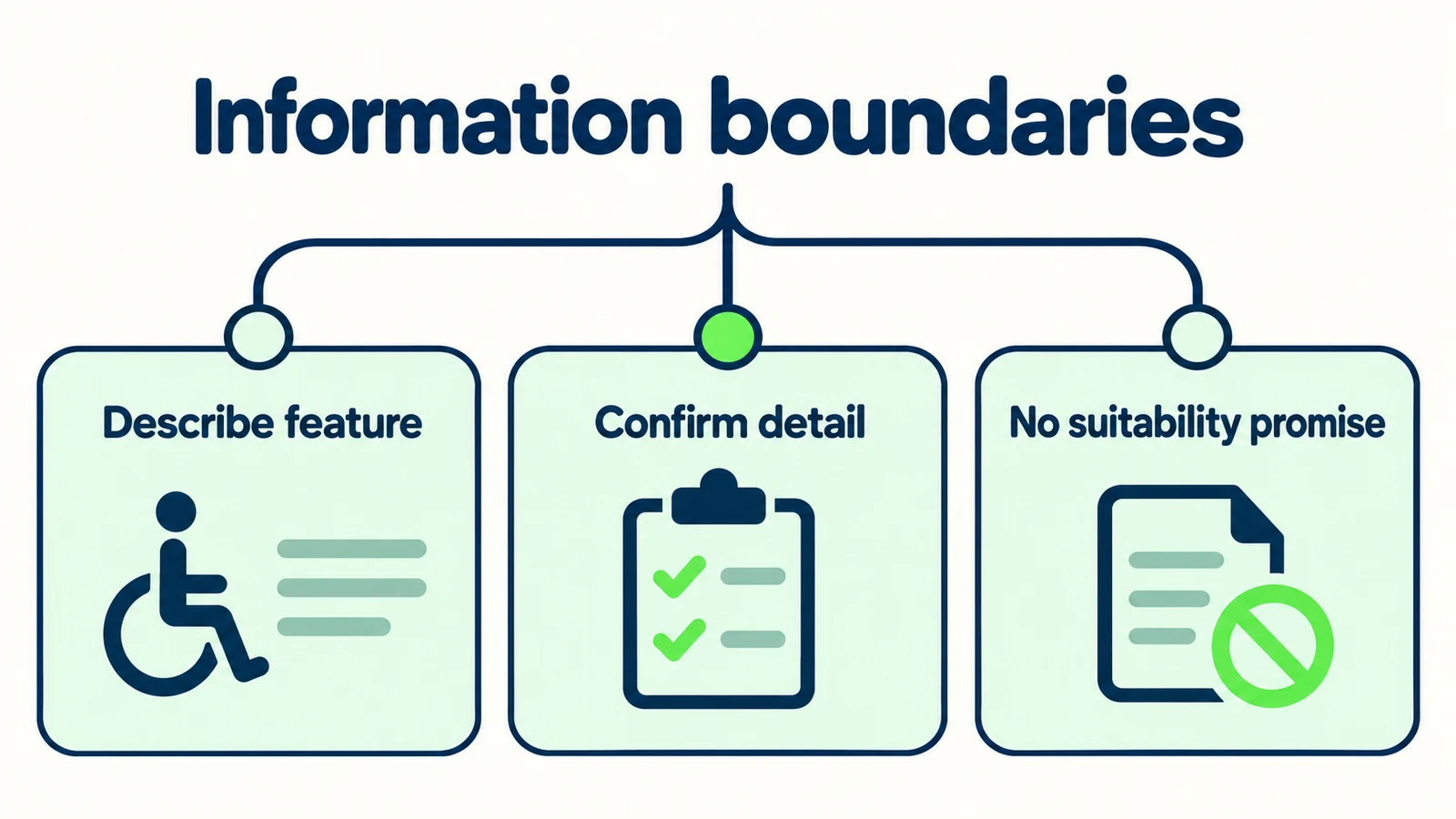
Share verified property facts and offer a route to confirm details. Do not ask for a diagnosis, infer a disability or promise that a room or facility will meet every need. The guest can identify the information relevant to their own decision.
Why General Reassurance Fails a Specific Question
A label replaces the detail the guest requested
“Accessible room available” does not explain a doorway, bathroom layout or route from reception. A guest may have asked one narrow question because that detail matters to them. Answer that question if the source supports it; do not respond with a marketing paragraph about inclusive hospitality.
Features vary within the same property
Different buildings, entrances and room categories can have different layouts. A statement true for one room should not be applied to every room. The source sheet needs identifiers that staff understand and customer-facing descriptions that do not reveal internal confusion.
Old information survives a physical change
Renovation, a changed entrance or a temporarily unavailable facility can affect practical information. A date on the source sheet shows when the fact was checked, but the team also needs a trigger for review when the property changes. The AI should not assume a photograph proves the current state indefinitely.
The conversation becomes unnecessarily personal
Staff may try to be helpful by asking why the guest needs a feature. Often the operational question can be answered without that information. Ask which facility detail the guest wants confirmed, not for medical history or a personal explanation. If an individual discussion is needed, let the guest choose the approved contact route.
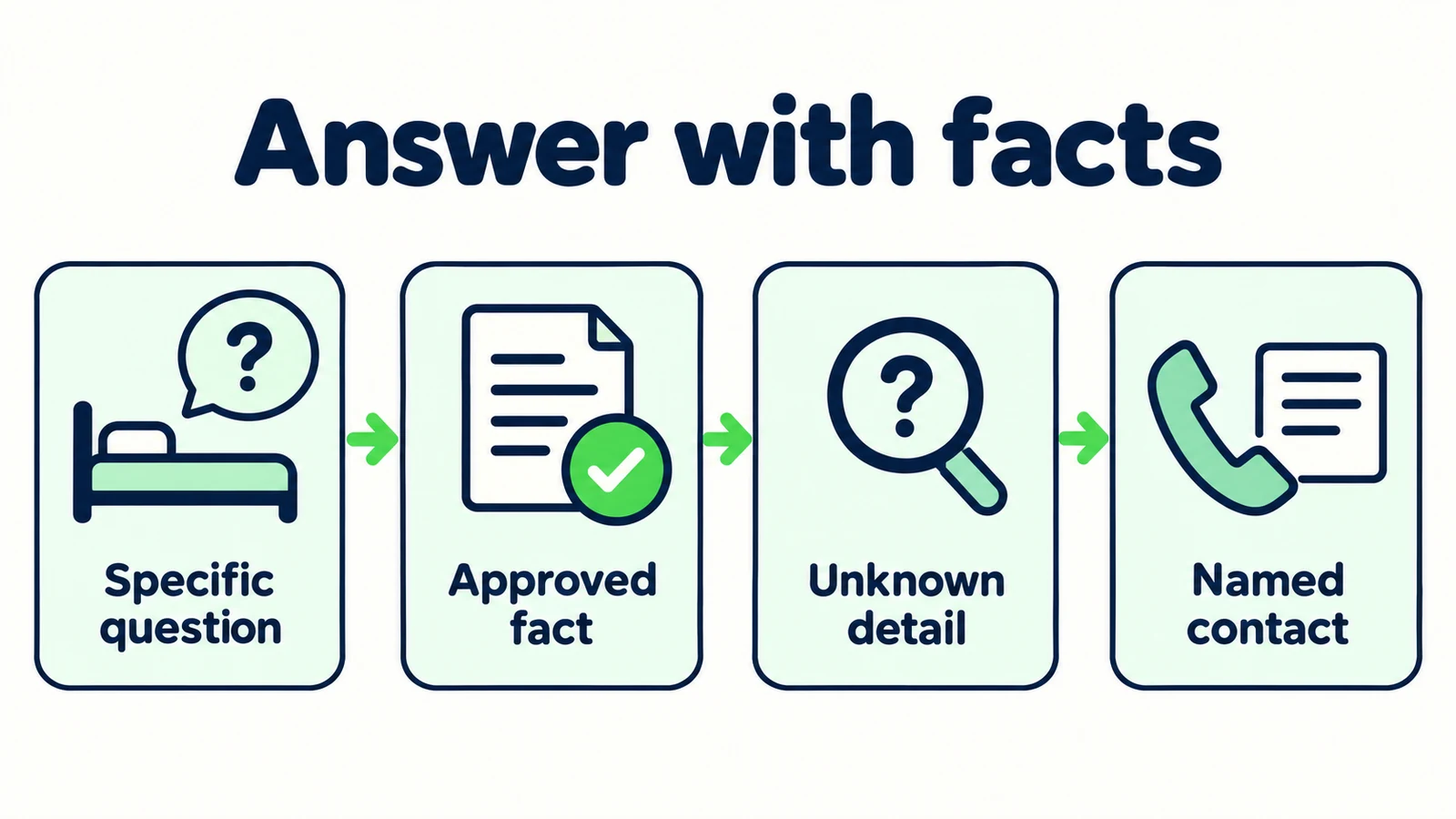
7 Parts of a Useful Hotel Accessibility Source Sheet
1. Name the exact place the information describes
Start each entry with the property, building and relevant location. “Main entrance on the garden side” is more useful than “entrance,” especially when guests arrive from different directions. Use the same names in the source sheet, website and staff instructions where possible.
Illustrative source entry:
Location: main guest entrance described on the approved arrival page. Topic: route from entrance to reception. Evidence: current staff-reviewed route description. Open detail: any measurement not yet checked.
Do not infer a route from a map icon or assume all entrances provide the same access. If the hotel has multiple buildings, separate the entries. The guest should not have to discover on arrival that a statement applied only to another part of the property.
For a room feature, specify the room category or exact scope approved by the hotel. If features vary within a category, say that staff need to confirm the particular room. Do not turn a category description into a promise of allocation.
The hotel enquiry journey guide explains how information supports a booking conversation. Here, the priority is a narrower kind of precision: every fact must point to the place it actually describes.
2. Record the guest-facing fact without a suitability claim
Write a factual sentence that answers one practical question. It might describe whether a route includes steps, identify an available facility or explain where the guest can find an approved layout description. Avoid broad conclusions about comfort, safety or suitability.
Illustrative wording pattern:
“The hotel's approved information describes the route from this entrance to reception as [verified description]. If you would like a particular detail checked, the team can confirm it through the contact route below.”
The bracketed text is a drafting placeholder, not wording to publish. Replace it with a verified fact or do not publish the statement. A source sheet is useful precisely because it reveals where the hotel lacks a fact it wants to share.
Keep conditions next to the statement. If a feature is available only in certain rooms or a route is affected by a known temporary change, preserve that scope. Do not shorten the answer until the qualification disappears.
Avoid statements such as “this will be fine for you.” The front desk may not know the guest's requirements, and it should not try to infer them. Offer factual information and a direct route to discuss the remaining detail instead.
3. Attach measurements and descriptions to real evidence
If the hotel publishes a measurement, the responsible team should verify what was measured, how it is described and which location it applies to. Do not estimate dimensions from a photograph or reuse a number from a similar property.
Record the unit clearly and preserve the original approved figure. A conversion or rounded value can change how a guest interprets a tight constraint. Where the team cannot confidently support a measurement, state that it needs confirmation rather than presenting a plausible number.
Photographs can complement a description, but they should not be treated as complete proof of every feature. A picture may omit a threshold, a turn in a route or a temporary obstruction. Use approved, current images and descriptive text together where they genuinely help.
The knowledge-base guide covers source organization. For this sheet, add a specific rule: each precise physical detail should be traceable to the hotel's own verification. The AI front desk should not supply missing dimensions from general knowledge about hotels.
When a guest asks for a detail outside the sheet, capture the exact question for staff. “Please confirm the doorway detail requested” is more useful than “guest has accessibility needs,” which is vague and unnecessarily personal.
4. Separate room features from room availability
A hotel can describe a room feature without knowing whether a suitable room is available for the requested dates. Keep the factual description and the reservation question separate. This is especially important when a guest assumes that discussing a feature reserves it.
Illustrative script:
“I can share the hotel's approved information about that room feature. The reservations team still needs to confirm the specific room and availability for your dates.”
Do not promise an allocation, hold a room in language or imply that a request has been accepted. An approved booking link may provide the next step, but sharing the link is not a room confirmation. If the guest wants staff to review a requirement before booking, explain the actual contact process.
Record the requested feature using the guest's own words. Do not translate it into a medical category or assume that another feature is an equivalent substitute. Staff may need to clarify the practical detail directly with the guest.
The enquiry summary should show two open items when appropriate: confirmation of the physical detail and confirmation of reservation availability. Resolving one does not resolve the other. This distinction helps prevent a well-intended information answer from becoming an unsupported booking promise.
5. Provide a named role for unresolved questions
Every unknown needs an owner who can obtain or approve the fact. A named role such as reservations manager or guest-services coordinator is more durable than “someone at the hotel.” Use the actual role and contact route your property has approved.
Illustrative script:
“That detail is not in the information I can confirm. The guest-services team can review your specific question. Would you like the approved contact details, or to leave an enquiry through the available process?”
Do not invent a direct transfer, callback or response deadline. If the team is not immediately available, describe the real next step without pretending someone is currently reading the conversation. The guest should be able to distinguish asking a question from obtaining a staff confirmation.
The human-handoff guide provides the general pattern. For accessibility information, the handoff should preserve the practical question and avoid unnecessary personal details. Staff need to know what to check, not a speculative description of the guest.
If the hotel cannot confirm a requested detail, say so plainly. An honest limit allows the guest to make their own decision. A reassuring but unsupported statement may create a much more difficult experience later.
6. Record review dates and change triggers
Each source entry should identify when the fact was checked and who approved the wording. This is not a freshness decoration. It helps staff investigate whether a physical change might have affected the answer.
Add a change trigger suited to the fact. An entrance route should be reviewed after access arrangements change. A room-feature description should be reviewed after relevant refurbishment. A contact route should be checked when responsibilities or contact details change. These are manual operating rules, not claims of automatic property monitoring.
When a source becomes uncertain, do not leave it active merely because the last review date looks recent. Mark the detail as needing confirmation and use the approved fallback. A recent document can still be wrong after an unexpected change.
Keep the previous wording in a controlled editorial record if needed, while ensuring obsolete versions do not compete in the active knowledge set. The goal is a source library that explains the current approved facts, not an archive of every historical brochure.
For hotel groups, assign ownership at the property level where facts differ. A central marketing editor can coordinate the sheet, but the person able to verify the entrance or room feature should approve the actual detail.
7. Test direct questions, uncertain questions and corrections
Use fictional questions to test whether the front desk stays specific. Ask about a known entrance detail, a measurement not in the source and a feature that varies by room. The answer should change appropriately: explain, clarify or route for confirmation.
Test a question such as “Will this room definitely work for me?” A useful response offers the approved feature information and staff contact without deciding individual suitability. Test a correction too: “I meant the other building.” The front desk should not continue using the first property's details.
Review the conversation summary. Does it preserve the practical question? Does it avoid medical assumptions? Does it state that availability or a room allocation remains unconfirmed? These checks matter as much as the wording of the first answer.
The lead-summary guide explains how to prepare a concise handoff. Use it to separate facts already shared from details staff still need to check. Keep the original question available to the reviewer so the guest is not asked to repeat an unnecessarily personal explanation.
Retest after source changes and after a real conversation reveals an ambiguity. A source sheet becomes useful through this ongoing connection between guest questions and verified property information.
Make hotel information easier to trust
Ground routine answers in your approved property details and give uncertain questions a clear route to staff.
Start for freeA Factual Information Worksheet for Your Property
Use this blank-style worksheet to organize the facts. It deliberately contains no invented measurements or universal facility claims.
| Topic | Fact to verify | Scope to record | Evidence and owner | If unknown |
|---|---|---|---|---|
| Arrival entrance | Approved description of the entrance and route | Named entrance and building | Current property source; responsible staff role | Offer staff confirmation route |
| Reception route | Steps, route description or other requested detail | Exact start and destination | Verified description or measurement | Preserve the guest's specific question |
| Room feature | The feature the hotel can accurately describe | Specific room or category and any variation | Approved room information | Do not promise suitability or allocation |
| Bathroom detail | The exact facility information requested | Relevant room scope | Staff-verified description | Ask team to confirm the factual detail |
| Shared facility | Location and current access information | Named facility | Property source and review date | Avoid a blanket property-wide statement |
| Follow-up | Who can confirm additional details | Contact route and actual availability | Approved team process | State the real next step |
Add a row when a recurring question reveals a gap. Do not add personal guest histories to the sheet. The knowledge source should describe the property; the customer record should contain only the information needed for that person's enquiry under your normal handling rules.
A useful review asks whether a different staff member can answer the question from the evidence. If the sheet merely says “ask Alex,” it has identified an owner but has not captured a reusable fact. If it says “all rooms suitable,” it has replaced detail with an unsupported conclusion. Aim for a precise statement and a clear limit.
The result you can inspect is better information: fewer vague answers, visible unknowns and a named confirmation route. Do not present the worksheet as proof of regulatory compliance or as a guarantee of a guest's experience.
Prepare the Sheet With the People Who Know the Property
Begin with questions guests already ask and the hotel's existing approved information. Have the responsible staff verify the specific facts rather than asking a content writer to infer them from promotional photographs. Where expertise or formal review is needed, use the hotel's appropriate professional process.
Write one plain answer per topic, with the scope and uncertainty attached. Keep the guest's question at the center. “Does this route have steps?” should lead to a route fact or a confirmation request, not an unrelated explanation of the hotel's values.
Add the approved sources to your AI front desk and set the behavior boundary: describe verified features, ask which location is meant and route unknown details. Hyperleap AI supports document-grounded responses and conversation review. It does not inspect physical facilities or certify accessibility. Source citations in logs can help reviewers inspect which attached information supported an answer, but the source itself still needs human verification.
Test the workflow using synthetic enquiries, including a request that requires staff confirmation. Check that the contact destination works and that the receiving team sees the exact practical question. Only describe delivery or a staff response when that event has actually happened.
For the wider product role, see the AI front desk overview. When selecting a plan, use the current pricing information. Keep product selection separate from the hotel's responsibility to maintain accurate facility information and an appropriate human review process.
Frequently Asked Questions
Can an AI front desk tell a guest whether a hotel is suitable?
It should not make that decision. It can share approved factual information about the property and provide a route to confirm specific details. The guest decides which information matters to their needs, with staff available for appropriate clarification.
Should the source sheet use a general accessibility label?
Specific descriptions are more useful than an unsupported blanket label. Record the exact entrance, route, room or facility being described and any relevant variation. Do not present the sheet as legal compliance evidence or a certification.
Can measurements be estimated from photographs?
No. Publish measurements only when the responsible team has verified them and their scope. Photographs can complement a description, but they should not be used to invent dimensions or fill a missing factual detail.
What personal information should the first conversation request?
Ask which property detail the guest wants confirmed, not for a diagnosis or medical history. Collect only the information needed for the approved enquiry process. Let the guest choose whether to contact staff about an individual question.
Does describing a room feature reserve that room?
No. Feature information and reservation availability are separate. The authorized reservations process must confirm the specific room and dates. An AI reply or shared booking link should not imply a room has been allocated.
When should the information be reviewed?
Review it after relevant physical changes, revised room descriptions, altered arrival arrangements or a question that exposes uncertainty. Record the owner and verification date, but do not treat a recent date alone as proof that every fact remains correct.
Replace Broad Reassurance With Useful Detail
Guests asking accessibility-related questions need information they can use. A source sheet helps your hotel provide that information with a clear scope, evidence and a route for confirmation. It also makes missing details visible before an AI answer fills them with a guess.
Start with one recurring practical question. Verify the fact, write a plain response and identify who can handle the next question. Keep the property description separate from room availability and personal suitability.
That approach gives an AI front desk an appropriate role: making approved hotel information easier to access while preserving the human conversation where it matters. The strength of the answer comes from the fact behind it, not the confidence of its wording.
Build a more informative hotel front desk
Share approved property facts and give guests a clear next step when a detail needs human confirmation.
Start for freeIndustry Solutions
See how AI chatbots work for these industries:
Related Articles
Hotel Cancellation Answers: A Source-Check Checklist
Build hotel cancellation answers around booking channels, rate terms and stay dates, with a source-check worksheet and clear staff-review boundaries.
Hotel Late-Arrival Questions: An Approved Answer Pack
Prepare accurate hotel late-arrival replies with public policy sources, private-access boundaries and a clear route to your reception team.

Conflicting AI Sources: An Owner Review Workflow
Resolve conflicting chatbot knowledge with a source register, named decision owner, approved replacement and repeatable tests for the disputed answer.
Hotel Group Enquiry Scripts: From Question to Handoff
Use practical hotel group enquiry scripts to gather dates, room needs and event context, then hand a clear brief to your reservations team.