HVAC Repair or Replacement: Enquiry Questions
Use HVAC enquiry questions to capture the customer's concern, property context and contact preference while leaving diagnosis and quotes to technicians.
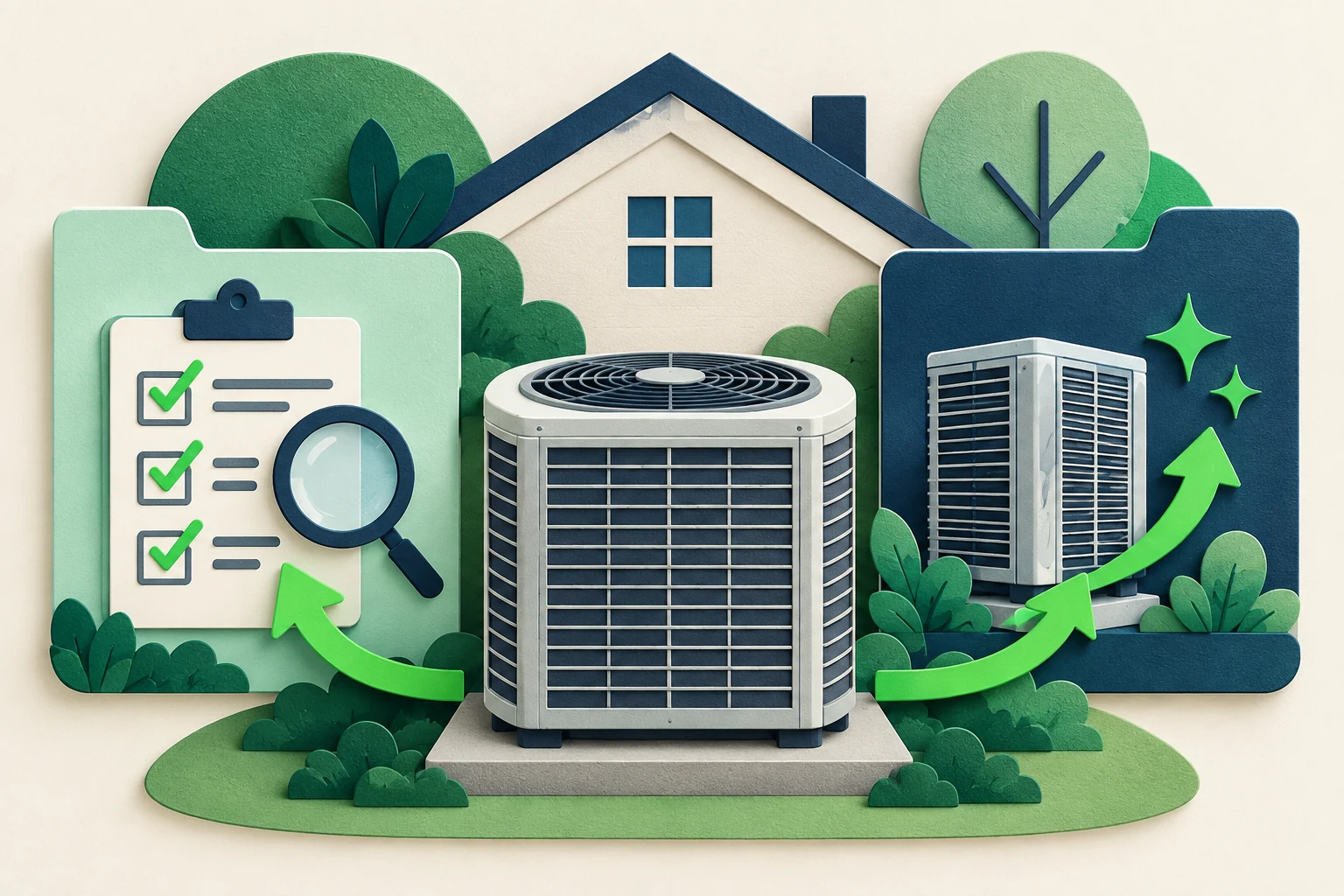
“Do I need a repair or a new system?” is a common shape of enquiry for an HVAC business, but it is not a question a front-desk conversation should diagnose. The customer may describe an uncomfortable room, an unfamiliar noise, an aging unit or a planned renovation. Those details help the team prepare. They do not establish the cause or the right technical solution.
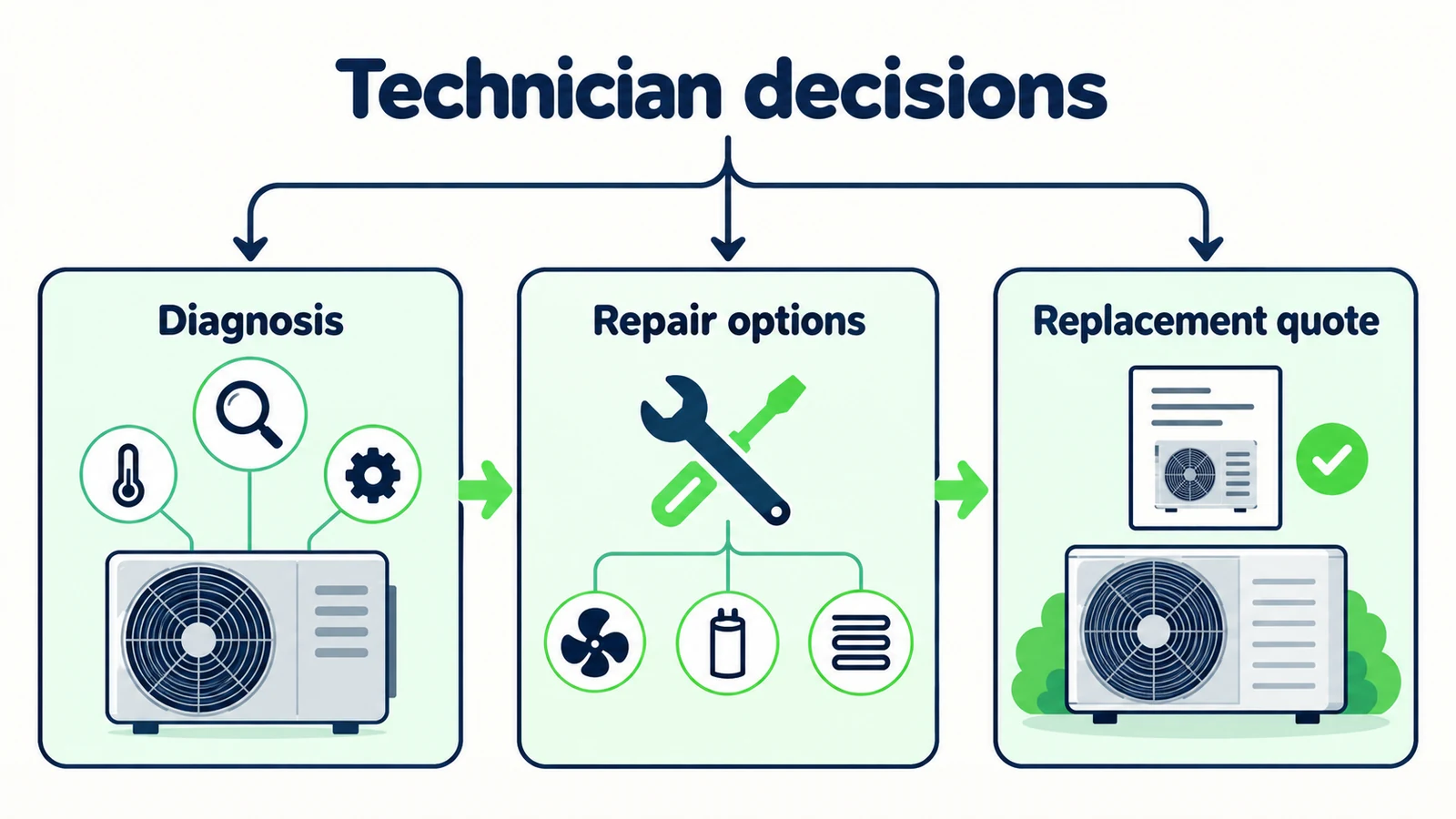
Good HVAC repair and replacement enquiry questions capture what the customer wants reviewed, where the service is needed and how the team should respond. They leave diagnosis, system selection, technical advice and quotations to the responsible professionals.
This guide provides an original intake worksheet and sample scripts for that first conversation. The scenarios are fictional and the workflow is administrative, not a troubleshooting guide. Adapt the wording to your business's approved service scope and safety instructions. The purpose is to reduce repeated opening questions while avoiding the false impression that a brief chat has assessed equipment or scheduled a technician.
What Should an HVAC Enquiry Actually Establish?
An initial enquiry should establish the customer's described need, the location and property context relevant to service, the kind of discussion requested and the preferred contact route. It can also identify which questions remain for the team. The record should distinguish the customer's interpretation from a technician's finding.
For example, “Customer thinks the system may need replacing” is not the same as “System requires replacement.” The first preserves intent; the second claims a diagnosis. Similarly, “Requests an appointment this week” is not “Appointment available this week.” These distinctions make the brief more accurate and the follow-up easier.
An HVAC AI front desk can answer approved business questions, collect an enquiry and share an approved booking link. It should not claim to inspect a system, estimate safe operating conditions, select equipment or guarantee an arrival time. With Calendly or Cal.com connected, Hyperleap AI can offer live open times and book the visit in the chat; with a field-service scheduler such as ServiceTitan or Jobber, it shares your booking link and does not write to that calendar.
The HVAC company guide describes the broader customer-conversation role, while the HVAC front-desk guide covers the operating context. This article is narrower: the exact questions that create a useful repair-or-replacement enquiry without pretending the front desk is a technician.
Collect the concern; do not diagnose it
Do not ask customers to open equipment, inspect wiring or perform technical tests through chat. Use your approved safety and urgent-contact wording when relevant, and keep assessment and service decisions with qualified professionals. A chat enquiry is not an emergency-response channel.
Why Repair and Replacement Requests Get Misclassified
The customer's guess becomes the work-order conclusion
A person may say “the compressor has failed” because that is the term they found online. Record that as their description, not a confirmed fault. If the handoff states it as a diagnosis, the next team member can begin with the wrong assumption before anyone has inspected the equipment.
A replacement discussion is treated as an immediate purchase
Someone may be researching options for a future project or comparing the process of repair and replacement. Asking for a purchase date or pushing a quote before understanding the question can make the conversation feel unhelpful. Preserve exploratory intent and let the customer describe their stage.
Service territory and property context arrive too late
A long conversation can end with the discovery that the job is outside the business's published service area or that the enquiry needs a different team. Ask for the minimum location context early. Do not request a full home address when a town or service-area code is enough for an initial scope check.
The front desk offers a technical shortcut
An answer can sound useful while crossing the wrong boundary: “At that age, replace it,” or “That noise is probably harmless.” Neither conclusion belongs in an administrative intake. The better response acknowledges the concern, explains what the team can review and captures the question accurately.
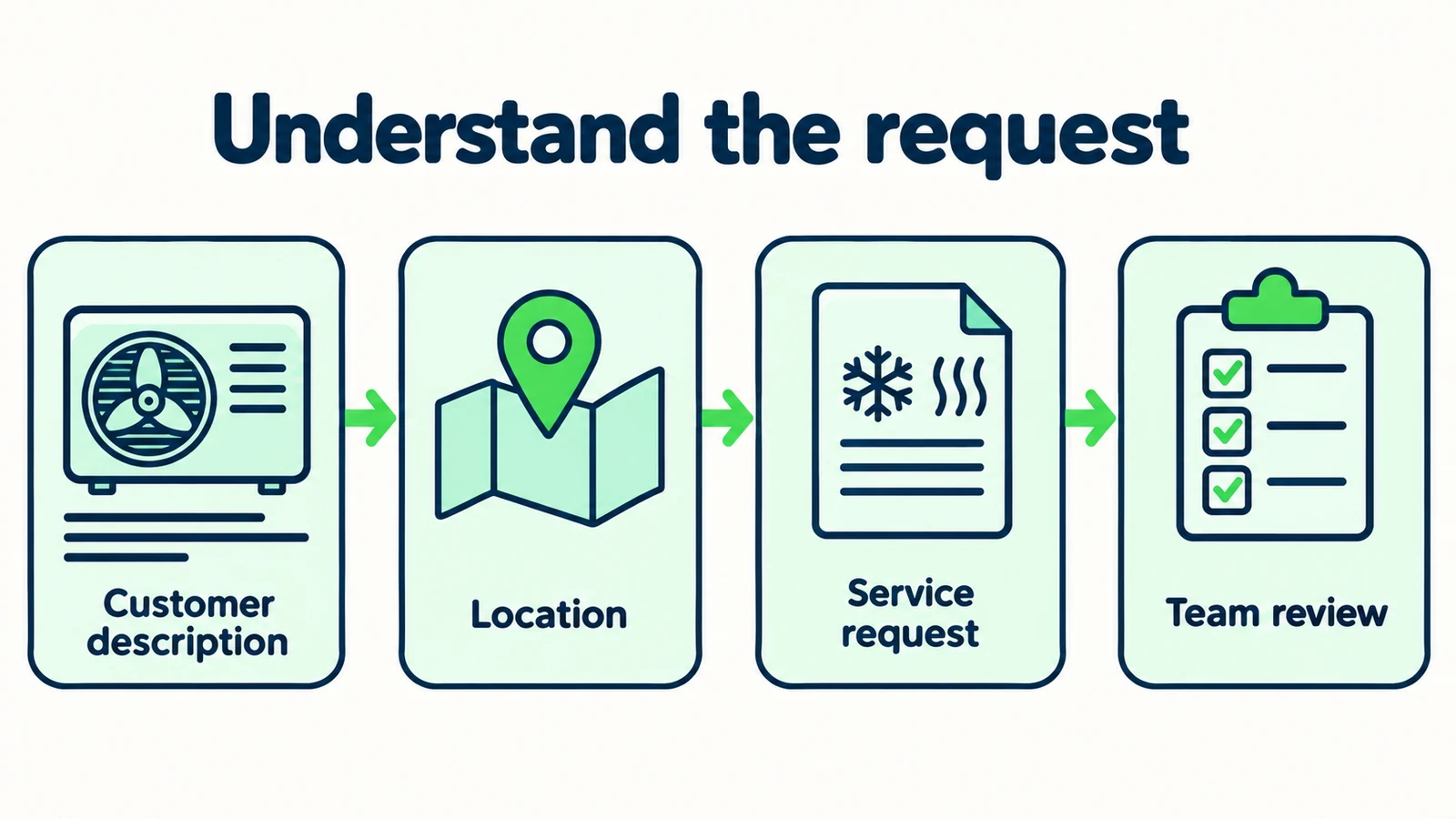
7 Enquiry Questions That Help the HVAC Team
1. Ask what the customer wants help with in their own words
Begin with the request rather than a forced repair-or-replacement choice. A customer may not know which category applies, and that uncertainty is legitimate. The opening should give them room to describe both the concern and the outcome they want.
Illustrative script:
“What would you like the team to help with: a problem with your current system, a discussion about replacement options, planned installation work, or something else?”
If the person has already explained the issue, acknowledge it and move to the next useful detail. Repeating the question makes the front desk appear not to have read the message. A concise response could say, “Understood—you would like someone to review the current system before discussing replacement.”
Use the customer's words in the record. “Not cooling as expected” is a useful reported concern. Do not translate it into a component failure or imply that the front desk has identified the cause. A technician can interpret the description later with the necessary evidence.
When the customer asks for a recommendation between repair and replacement, state the boundary directly: “The team needs to assess the system and your requirements before recommending an option.” That is an answer to the process question, even though it is not a technical verdict.
2. Establish the service location without overcollecting
Ask for the level of location detail needed to check your published service scope. A town, neighborhood or service-area code may be sufficient at the first stage. Request a full address only when the approved workflow needs it and the customer understands why.
Illustrative script:
“Which area is the property in? I can check the published service-area information and include the location in your enquiry.”
Do not imply real-time dispatch coverage. A published service area describes where the business generally operates; it does not confirm that a technician can attend at a specific time. If the location is near a boundary or not clearly listed, say that the team needs to confirm.
Keep the property location separate from the customer's current location. Someone may be arranging work for a different site or contacting you while away. Assuming the two are the same can send the enquiry to the wrong operating area.
For multiple properties, ask which site the current question concerns. Do not combine several buildings into one vague “commercial enquiry.” The team may need different information for each. The goal is a clear starting brief, not a complete site survey conducted in chat.
3. Clarify the customer's relationship to the property
The receiving team needs to know whether the person is making an enquiry for their own property, on behalf of an owner or as a business contact. Ask neutrally. The purpose is to identify the right follow-up process, not to decide legal authority through conversation.
Illustrative script:
“Are you enquiring for your own property, on behalf of the owner, or for a business site?”
If someone rents the property, follow your business's approved process for enquiries from occupants. Do not make legal statements about responsibility or tell the person to authorize work they may not be able to approve. A useful note might say, “Occupant reports the concern; approval process needs staff review.”
For a business site, capture the contact's role only when it helps the team respond. A facilities contact and a purchasing contact may have different questions, but neither label proves authorization for work. Preserve what the person actually states.
Avoid asking for leases, ownership documents or sensitive business records during the first conversation. If later verification is required, staff can explain the appropriate route. Administrative clarity should make the enquiry easier, not turn a basic service question into a document-collection exercise.
4. Capture existing-system context only when the customer knows it
A customer may know the general system type, approximate age or whether the concern affects one area or the whole property. These details can help prepare a conversation, but they should be optional and clearly labeled as customer-reported.
Illustrative script:
“If you already know, what kind of system is it, and is there any basic information you would like the team to have? It is fine if you do not know the model or age.”
Do not ask the customer to access equipment or find labels in an unsafe or difficult location. Do not request technical readings or instruct them to conduct tests. The front desk's role is to capture information they already have, not create a remote inspection process.
An approximate age should stay approximate. “Installed before we moved in” should not become a specific year. If a photo or document is relevant, use only the business's approved submission process and avoid claiming that the AI can diagnose the image.
The record can say, “System type not confirmed; customer describes a wall-mounted unit.” That is enough to prevent the next person from assuming certainty. A missing model number is not a reason to refuse a useful initial enquiry.
5. Distinguish repair review from replacement planning
Once the customer's description is understood, ask which discussion they want the team to prepare for. A repair concern and a replacement planning request can coexist. Avoid forcing the person to choose a technical solution before a professional has reviewed the situation.
Illustrative script:
“Would you like the team to discuss an assessment of the current system, replacement planning, or both?”
For replacement planning, collect the broad reason the person volunteers: renovation, a planned move, comfort concerns or a desire to understand options. Do not translate that reason into a product recommendation. Equipment sizing, suitability, expected savings and installation requirements need the responsible professional's assessment.
For repair enquiries, record the observed concern and the customer's question. Avoid predicting the parts, cost or time needed. Public service information can explain how your business handles enquiries, but it is not a diagnosis or a fixed quotation for an unknown job.
The lead qualification guide helps structure useful questions. In HVAC, qualification should establish the request and service fit; it should not imitate a technical decision tree. The distinction protects the clarity of both the customer conversation and the technician's eventual assessment.
6. Ask about timing while keeping availability unconfirmed
Customers often need to explain when they would like help. Record that preference, but do not convert it into a service promise. A front desk can share published hours and an approved booking link without claiming that a particular slot is open.
Illustrative script:
“Is there a preferred period for the team to contact you or discuss the enquiry? They will need to confirm any service appointment through the approved booking process.”
If the customer describes an urgent safety concern, use your approved urgent-contact guidance and do not continue a routine sales questionnaire. The AI should not assess whether equipment is safe or suggest waiting for a chat response. Keep any safety wording reviewed by the responsible business owner or professional.
For ordinary scheduling preferences, distinguish contact time from visit time. Someone may be available for a call today but for a site visit only later. Preserve both if supplied. If the person says “tomorrow,” clarify the date where necessary rather than leaving an ambiguous note for the next shift.
Never promise an arrival window or response deadline merely to make the handoff feel complete. A precise description of the actual next step is more useful than reassurance your dispatch team has not authorized.
7. Close with a concise, reviewable enquiry summary
Before ending, summarize the request in plain language and invite correction. This is especially useful when the customer described both an existing-system problem and interest in replacement. The summary should keep those threads separate.
Illustrative script:
“I have noted that you would like the team to review your current system and discuss whether replacement planning is appropriate. The property is in the area you provided, and you prefer an email response. Diagnosis, options and any quotation still need the team's review.”
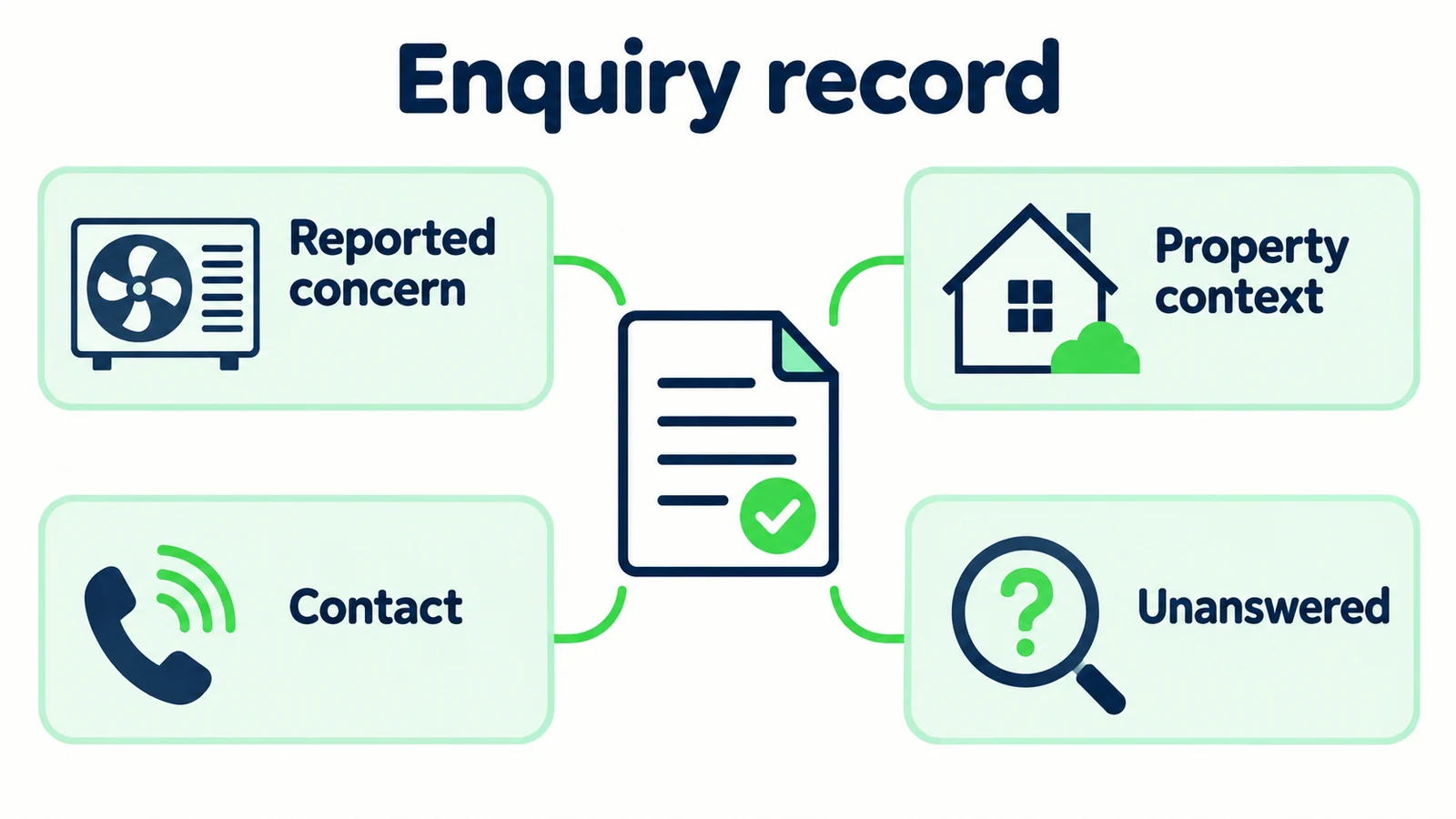
The lead-summary guide explains how to preserve useful context. Include the reported concern, location scope, property relationship, known system information, contact choice and open questions. Leave unknowns visible rather than filling them with likely answers.
Describe the delivery state honestly. A collected enquiry is not necessarily a successfully delivered notification, and a notification is not an accepted appointment. Use the wording that matches the configured process and its actual result.
Give the customer an approved next step if they need to contact the team directly. The human-handoff guide offers broader patterns, but the HVAC-specific requirement is simple: the record must not sound as though a technician has already assessed the system.
Make HVAC enquiries easier to follow up
Answer approved service questions and collect a clear customer-described request for your team.
Start for freeAn HVAC Enquiry Worksheet With Honest Unknowns
Use this worksheet as a team record or as a guide for your summary instructions. It is not a claim of a built-in diagnostic form. The examples are synthetic.
| Field | Useful entry | Avoid |
|---|---|---|
| Main request | Wants current system reviewed and replacement process explained | Needs replacement |
| Reported concern | Customer says one room is not cooling as expected | Confirmed component failure |
| Location | Customer-provided service area; exact site to confirm if needed | Assumed location from phone number |
| Property relationship | Enquiring for own property, as stated | Ownership verified |
| System context | General type reported; model and age unknown | Guessed model or technical condition |
| Timing | Prefers contact this week | Technician booked this week |
| Contact choice | Email requested through approved route | Permission assumed for every channel |
| Open decisions | Assessment, options, appointment and quotation | Fixed diagnosis, price or arrival promise |
Try classifying several fictional messages. “We are renovating next year” is a planning enquiry. “The system is not working as expected” is a reported service concern. “Should I replace it?” is a request for professional advice, not evidence that replacement is appropriate. These labels help staff prepare without pretending to decide the outcome.
Review a completed brief against the original conversation. Can you point to evidence for each entry? Are the customer's own interpretations labeled? Is an unknown visible? Can the team identify the main question without reading an unrelated sales paragraph?
Measure the usefulness of the record separately from the eventual job outcome. A well-prepared enquiry can still be outside scope or remain exploratory. The practical benefit is a clearer starting point for the team, not a promised increase in booked work.
Build the Question Pack Around Your Actual Service Process
Gather the approved service-area information, general service descriptions, published contact hours and booking or enquiry destinations. Ask the responsible team to review the wording for urgent concerns and technical questions. Do not assemble safety instructions from generic internet snippets.
Write a short set of conversational questions using the worksheet. Keep optional details optional. A customer who does not know the model should still be able to ask about service. A person researching replacement should not be forced through a fault questionnaire that assumes the existing system has failed.
Hyperleap AI can use attached documents and website content for document-grounded answers, collect lead details and provide emailed conversation summaries. It covers website chat, WhatsApp, Instagram DM and Facebook Messenger. Those are channels for the front desk, not a claim that the product provides telephone answering or dispatch control.
Test with fictional enquiries before relying on the workflow. Include an out-of-area request, an unknown system type, a replacement research question and a request for an exact price. Verify the resulting summary, not only the chat's tone. The most important failure to catch is a customer description being rewritten as a professional conclusion.
Assign someone to review early enquiries and correct the source material when the same business question remains unanswered. For broader setup context, see the AI front desk overview. For platform costs and current trial terms, use the pricing page. Keep those commercial product details separate from your own service quotations.
Frequently Asked Questions
Can an AI front desk decide between HVAC repair and replacement?
No. This workflow collects the customer's concern and prepares a discussion with the responsible professionals. Diagnosis, equipment suitability, repair recommendations and replacement quotations require the appropriate assessment and authorized decision.
Which technical details should the first conversation collect?
Only basic information the customer already knows and that your team finds useful, such as a reported system type or approximate age. Make uncertainty explicit. Do not ask the customer to access equipment, inspect wiring or perform technical tests through chat.
Should the front desk ask for a full property address?
Only when the approved process needs it. A town or service-area code may be enough to establish initial scope. Explain why more precise information is needed and collect it through the business's approved route.
Can it confirm a technician's visit?
Only when you schedule through Calendly or Cal.com: then Hyperleap AI can book an open slot in the conversation and the customer receives a calendar invite. With any other booking system, it shares an approved booking link, which is not a confirmed appointment; that process or your team must confirm the visit. The conversation should distinguish requested timing from actual availability.
What should happen when the customer describes a safety concern?
Use the business's professionally reviewed safety and urgent-contact wording, and do not continue ordinary sales qualification as though the chat can assess the risk. An AI enquiry channel is not an emergency-response service. Do not provide improvised technical troubleshooting.
How do we tell whether the enquiry questions are useful?
Review whether the receiving team understands the request, can find the supporting conversation and sees the important unknowns. Track repeated clarification needs and correct the question pack. Evaluate job outcomes separately from the completeness of the intake record.
Give the Technician Context, Not a Premature Conclusion
The best HVAC enquiry questions respect the difference between what a customer reports and what a professional determines. They capture the concern, property context, timing preference and next question without diagnosing equipment or promising service.
Use the worksheet to make that distinction visible in every handoff. Let customers say they do not know. Keep replacement research separate from an urgent service request, and keep both separate from an actual appointment or quote.
An AI front desk can handle routine business information and organize the opening conversation. Your team can then focus on the assessment and relationship work that requires its expertise. That is a useful division of responsibility, even before you measure any time saved.
Create an HVAC front desk with clear boundaries
Collect better-prepared enquiries while keeping technical decisions, quotations and appointments with your team.
Start for freeIndustry Solutions
See how AI chatbots work for these industries:
Related Articles

Quote or Estimate? AI Front Desk Reply Templates
Use clear quote-versus-estimate replies, scope questions and approval checks so your AI front desk does not promise a price your team has not agreed.

Service-Area Answers: Scripts for Local Businesses
Give clear service-area answers with location questions, boundary scripts and a practical handoff record for local service enquiries.

Hotel Late-Arrival Questions: An Approved Answer Pack
Prepare accurate hotel late-arrival replies with public policy sources, private-access boundaries and a clear route to your reception team.

When Customers Ask for a Person: Reply Examples
Use respectful replies for customers who ask for a person, with clear availability wording, honest handoff status and a practical copy-review pack.