What are AI Tools?
AI Tools are form-based workflows powered by AI. Instead of chatting back and forth, users fill in form fields and get a generated result. This is perfect for repetitive tasks with structured inputs.
How Tools Work
- User opens the tool
- User fills in the input fields
- AI generates the output based on your prompt template
- User copies or exports the result
Example Use Cases
AI Tools are great for:
Content Generation
Blog posts, social media, email templates
Email Writing
Sales outreach, responses, follow-ups
Document Summarization
Meeting notes, reports, articles
Data Analysis
Extract insights from text data
Code Generation
Boilerplate code, SQL queries, scripts
Translation
Translate while preserving tone
Proofreading
Grammar, style, clarity improvements
Tool Components
Every AI Tool has:
Name & Description
What the tool does
Input Fields
Form fields users fill in
Prompt Template
Instructions using input values
Model Selection
AI model powering the tool
Output Area
Where results appear
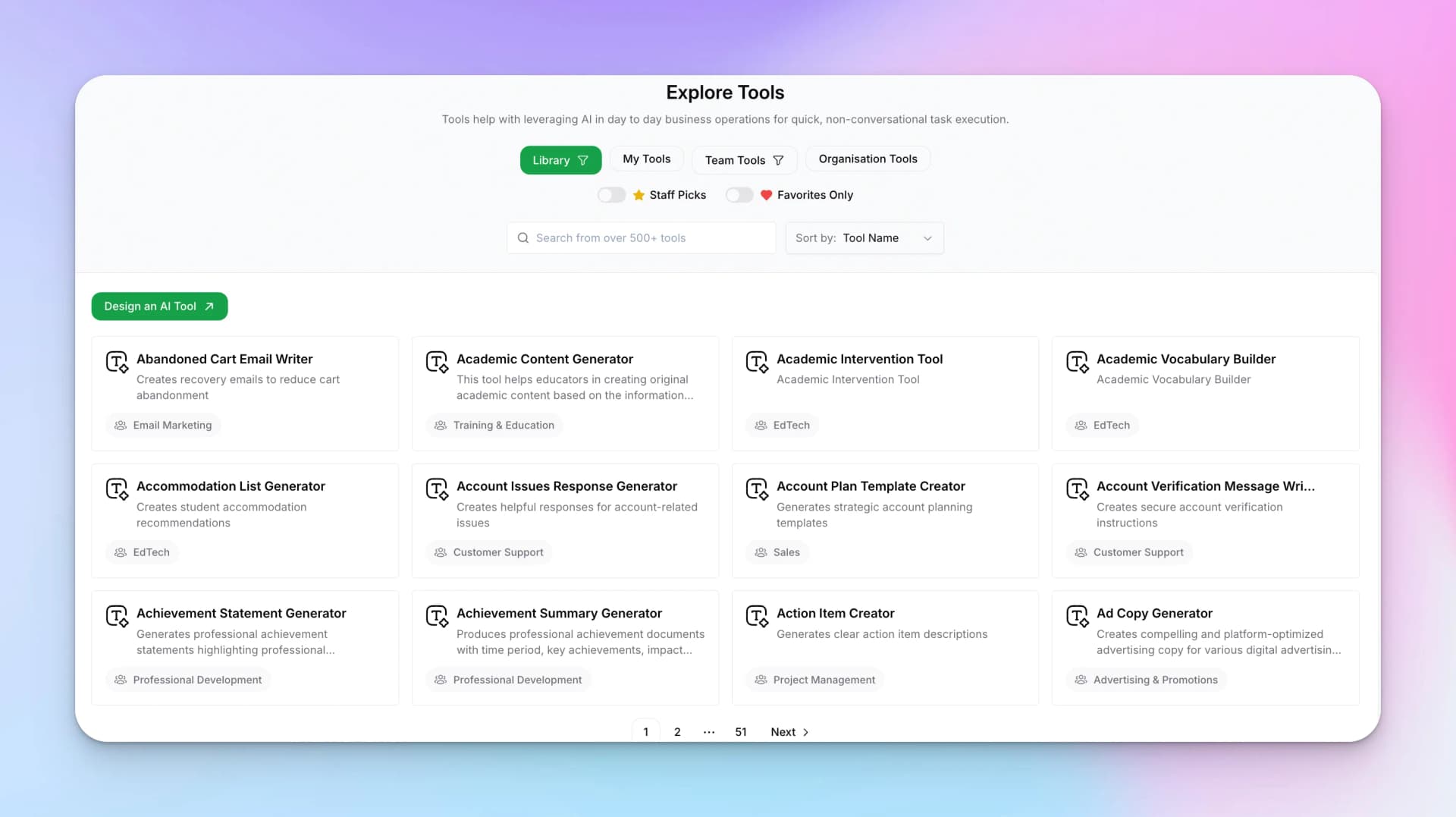
Explore Tools Library
Hyperleap provides a library of pre-built tools you can use immediately or customize:
Using Pre-built Tools
- Go to AI Studio → Tools → Explore
- Browse the library or search for specific tools
- Click on a tool to open it
- Fill in the input fields
- Click "Run Tool" to generate output
Library Categories
My Tools
Tools you've created
Team Tools
Shared by your workspace team
Organization Tools
Company-wide tools
Staff Picks
Featured tools from Hyperleap
Tool Permissions
When you create a tool, you control who can access it:
- Private — Only you can see and use it
- Team — Shared with your workspace team
- Organization — Available to everyone in your org
For role-by-role operation-level access, see the AI Tools Permissions Matrix.
Getting Started
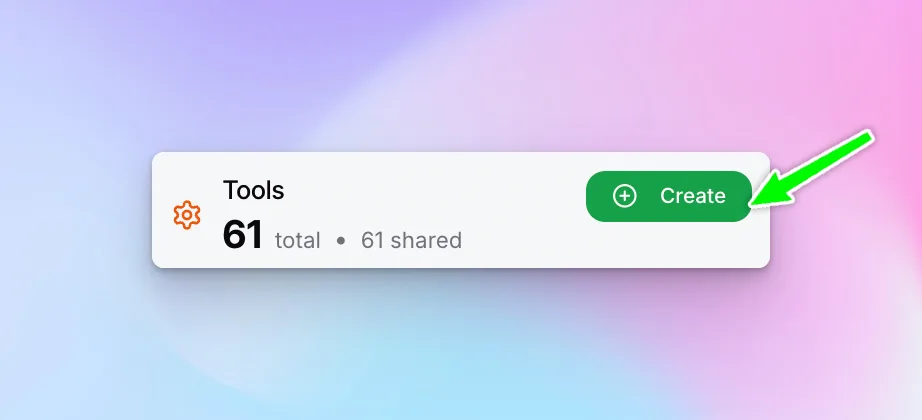
Ready to build your own AI Tool? See the Create a Tool guide for step-by-step instructions.