Testing Your Content Settings
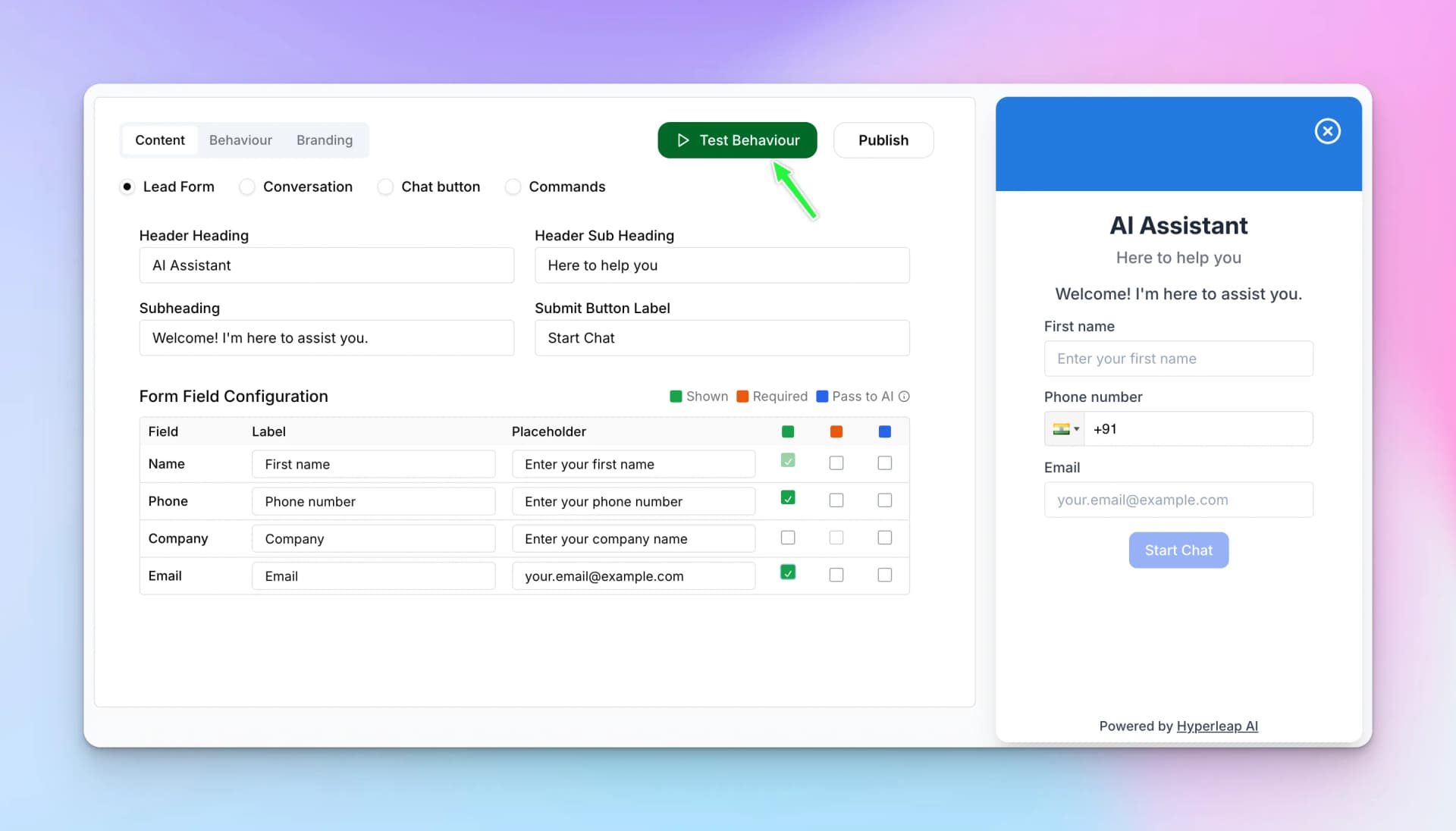
As you configure each setting, the live preview on the right side updates in real-time. Use the "Test Behaviour" button to open a full preview and test the actual conversation flow.
Next Steps
After configuring your content settings, proceed to the Behaviour Tab to set up the AI personality, select models, and import industry presets.