Notifications
Set up email notifications for new leads and conversation transcripts.
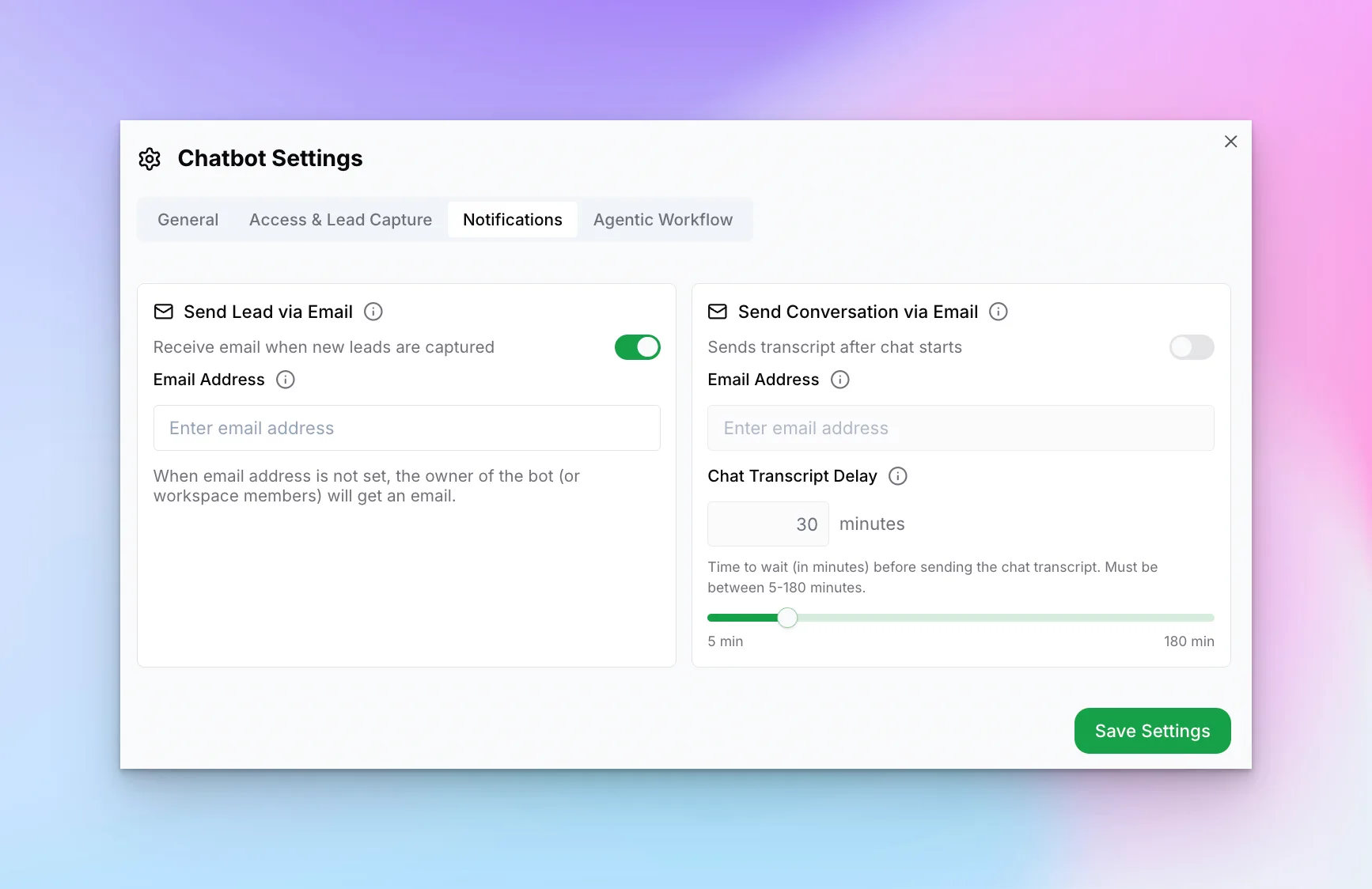
Notification Options
- Send Lead via Email — Receive email when new leads are captured
- Email Address — Where to send lead notifications
- Send Conversation via Email — Receive chat transcripts after conversations
- Chat Transcript Delay — Minutes to wait after chat ends before sending transcript (5-180 minutes)
Tip:
Set the transcript delay to 30+ minutes to ensure the conversation is complete before receiving the email summary.